

When redesigning their websites, many manufacturers transfer internal ERP codes or printed catalog chapters directly to the web. As a result, outside buyers and R&D engineers struggle to find what matters. In a high-converting B2B corporate website design, the product catalog should be organized around the customer's selection task (Job-to-be-Done), creating a continuous path from identifying the application → filtering by key parameters → comparing models → obtaining technical documents → making a sales inquiry.
1. Establish a “four-level catalog classification” for engineers and buyers

Industrial product visitors generally fall into two groups: R&D engineers who already know the technical parameters they need, and buyers who know only the application or replacement requirement. Catalog entry points therefore need two parallel navigation paths:
- By product family and series (for engineers): Use a tree structure of “primary category → product series → specific model (SKU).” On the series listing page, show key performance ranges directly, such as power range, operating temperature, interface protocols, and IP67/IP68 ingress protection ratings. Visitors can then rule out unsuitable series without opening every detail page.
- By industry application (for business teams and buyers): Also provide solution entry points for applications such as automotive electronics, photovoltaic energy storage, medical equipment, and smart manufacturing. Connect the different devices used together in each application to make selection easier for buyers without a technical background.

2. Interaction guidelines for specification tables and product filters
- Identify 4–6 decisive filter dimensions: Do not turn all 30 secondary parameters into sidebar filters. For each primary product category, extract only the 4–6 core specifications engineers check first and offer dynamic multi-select or slider filters. Support sticky table headers and horizontal scrolling for comparison.
- Replace image-only specifications with structured HTML tables: Many older industrial websites display specifications as a JPG. The text becomes blurry and unreadable on phones, and search engines cannot crawl the model and specification terms. Under JVDS development standards, all technical specifications use responsive HTML
<table>markup combined with structured data (Product Schema), allowing customers searching for a specific model or specification to reach the relevant detail page directly. - Centralize technical documents (datasheets, CAD files, and certificates): Offer downloads for PDF datasheets, 3D STEP models, RoHS/CE certification documents, and operating manuals in the product detail page's first screen or a fixed tab bar. Clearly label file format, size, and version.
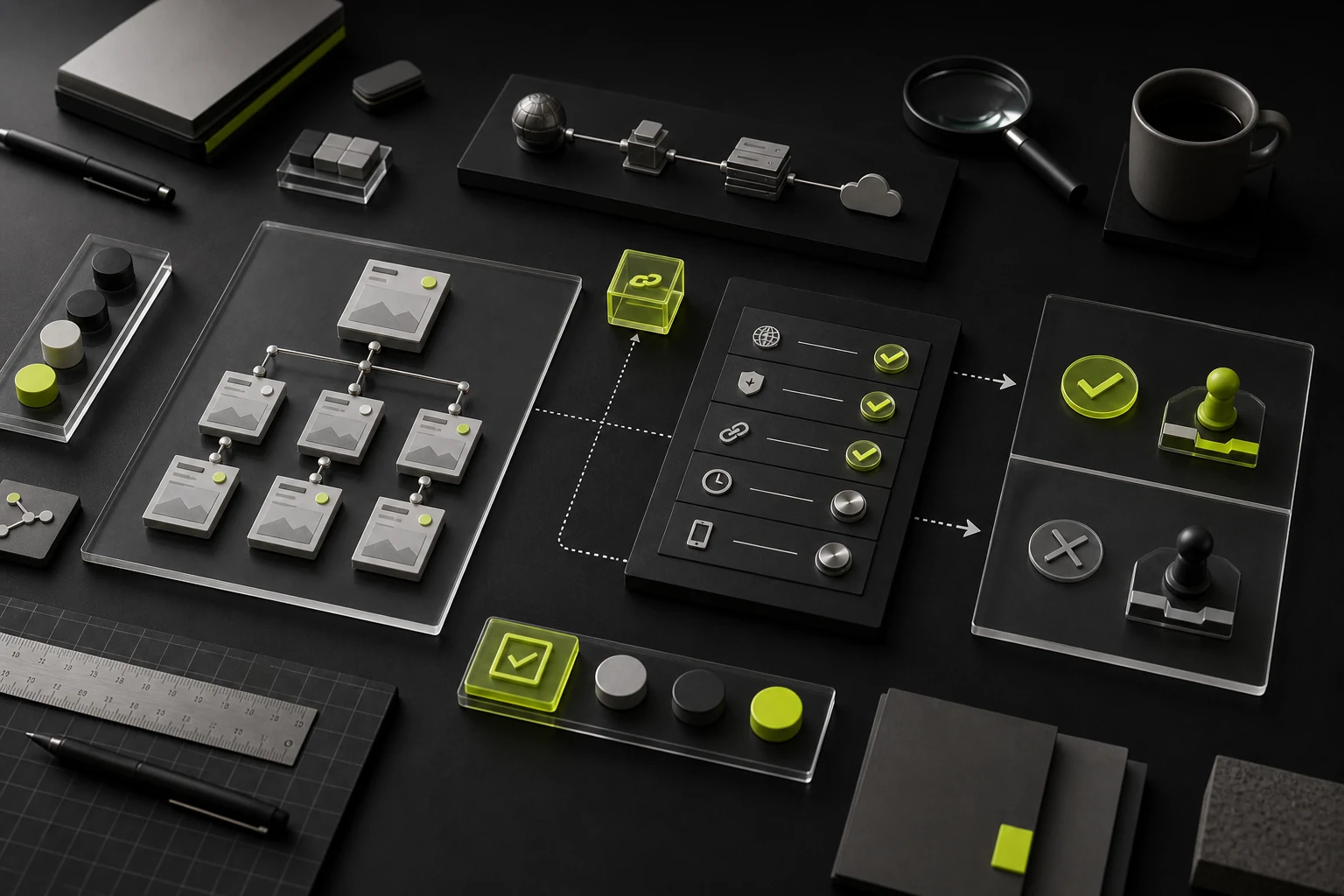
3. Pass the current product model automatically into the inquiry
Manufacturing customers rarely call immediately after viewing a single page. More often, they compare 2–3 models before making an inquiry. When a visitor clicks “Get a Quote,” “Request a Sample,” or “Technical Consultation” on a product page, the form should automatically prefill the current product name, model number, and source page URL. It should also allow users to upload operating requirement sheets or drawings, so sales engineers can give a relevant response as soon as the lead arrives.

















