
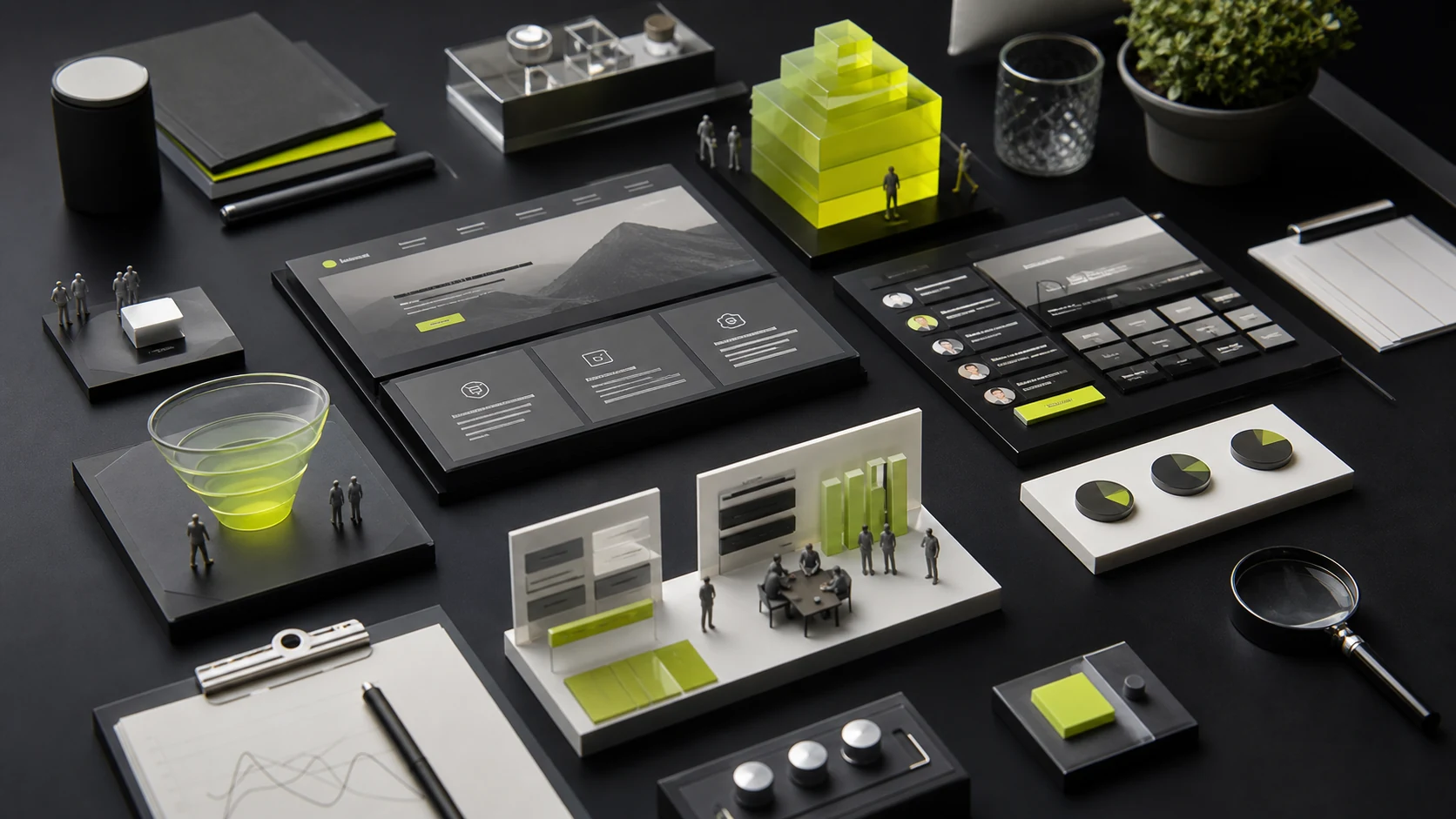
A SaaS homepage is neither a lengthy product manual nor a brand brochure concerned only with vision. In the first 8 seconds after arriving, visitors typically make four quick judgments: Who is this for? What specific problem will it solve for me? What does the product look like, and is it easy to use? How much effort or cost is involved in trying it? If any of these questions goes unanswered, the expensive traffic brought in by advertising and organic search may leave immediately.
1. Four essential elements of the hero section
- A headline (H1) grounded in a specific use case: Avoid generic slogans such as “Empowering a digital future” or “The next-generation intelligent collaboration platform.” A strong headline directly names the key action and outcome, such as “Help international teams complete multi-currency financial reconciliation and approvals in 10 minutes.”
- A subheading that explains who it is for and what implementation requires: Use 1–2 sentences below the headline to specify the team sizes served, supported integrations, or how quickly users can get started. For example: “No server setup required. Sync transactions directly from major e-commerce platforms and banks.”
- Tiered CTAs that lower the perceived barrier to getting started:
- PLG (product-led growth) SaaS: Use “Get Started Free—No Credit Card Required” as the primary button and “Watch a 2-Minute Product Demo” as the secondary button.
- SLG (sales-led growth or higher-value) SaaS: Use “Book a One-to-One Expert Demo” as the primary button and “Explore the Interactive Sandbox” as the secondary button.
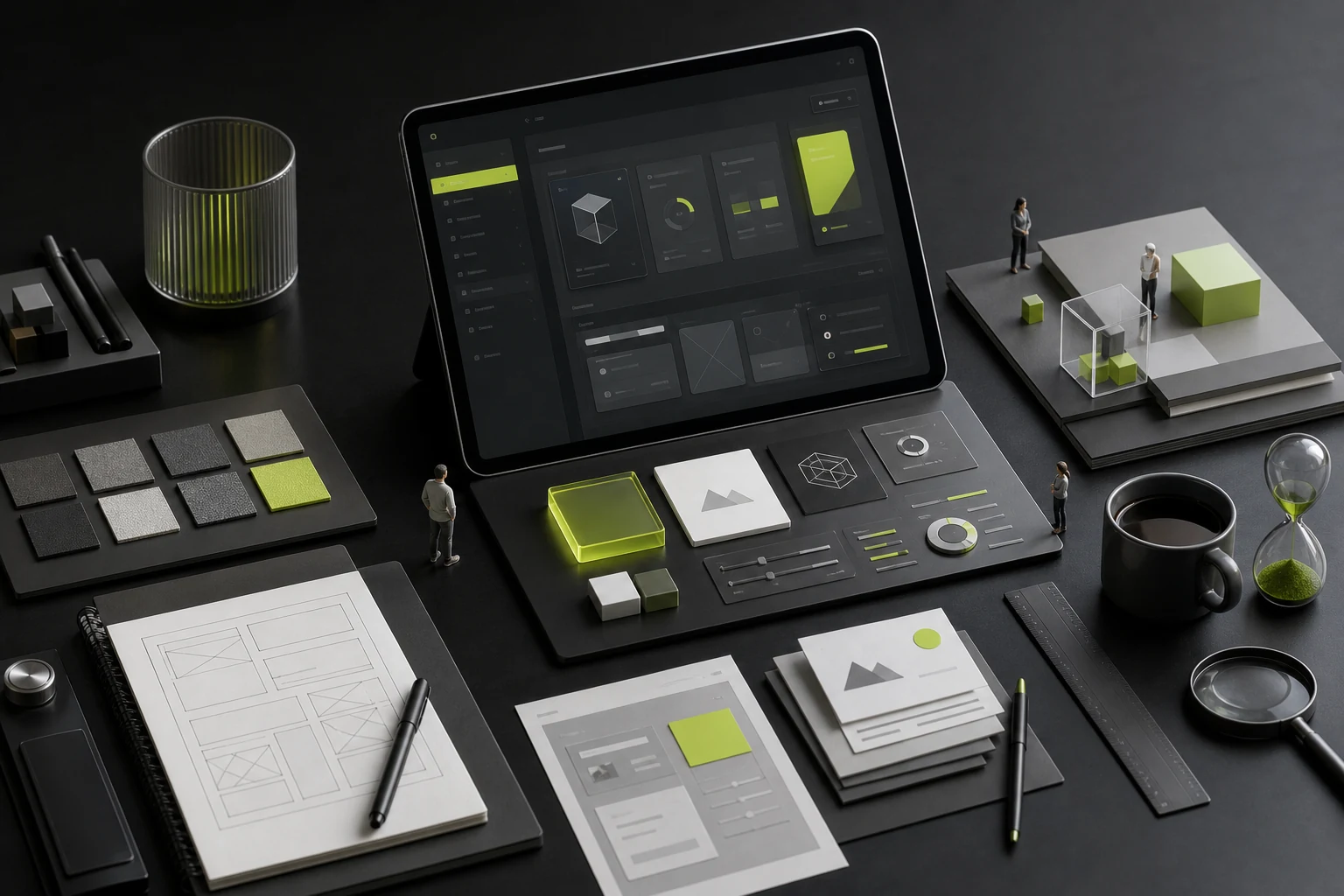
- Product visuals focused on the core workspace: Avoid shrinking a dense, full-screen admin screenshot into the hero until its text becomes unreadable. Instead, use zoomed-in UI with floating status cards to highlight the single moment of interaction that most clearly differentiates the product.
2. Replace long feature lists with task-based tabs
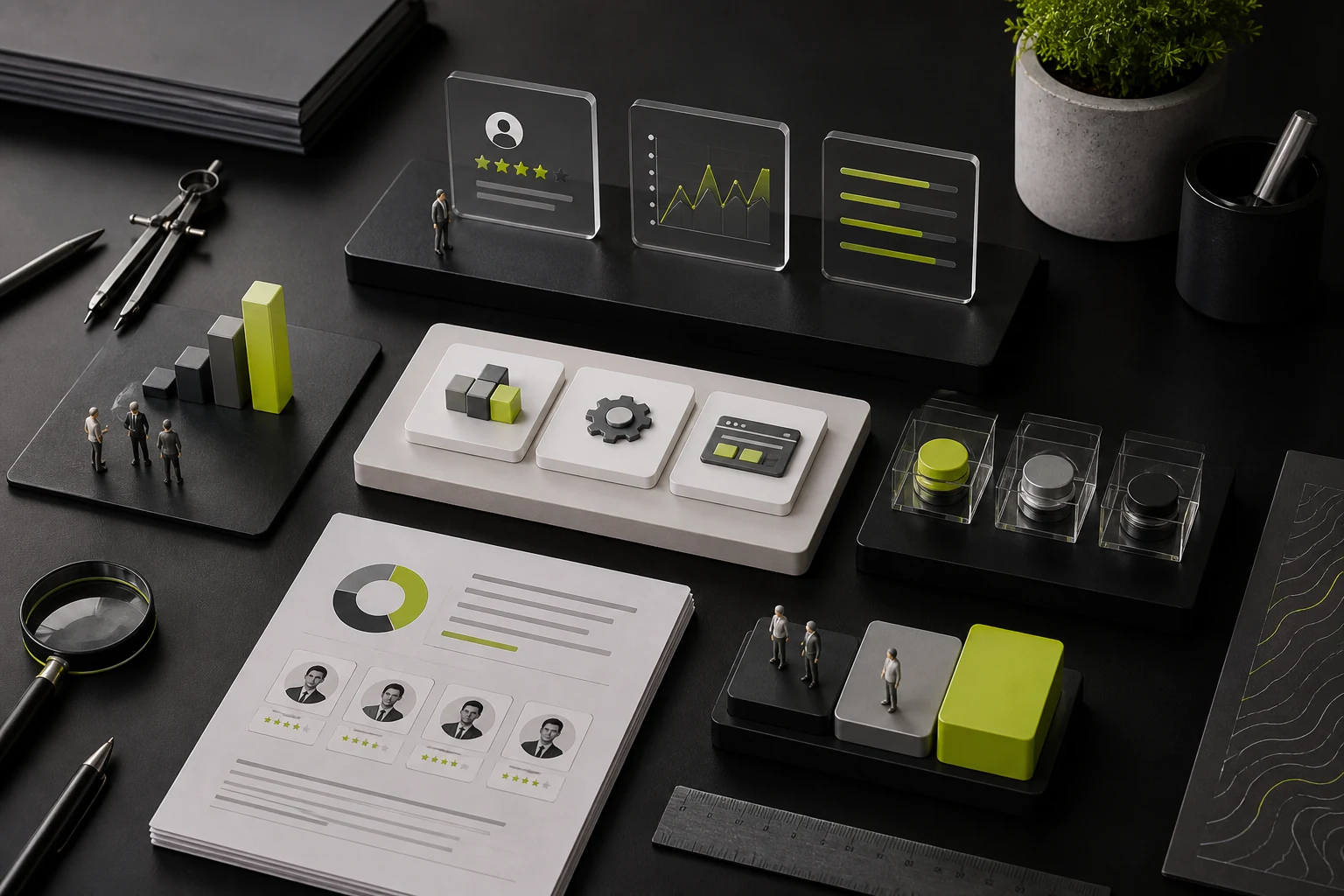
Many SaaS products have twenty or thirty individual features. Listing them all on the homepage overwhelms visitors. Applying the principle of progressive disclosure from UI/UX Product Design, the middle of the homepage can use 3–4 interactive tabs organized around users' everyday tasks, such as “01 Collect Data Automatically → 02 Annotate as a Team → 03 Generate Weekly Reports in One Click.” As users select a tab, the accompanying micro-interaction animation or short video on the right changes to show how smoothly the task can be completed.
3. Place reassuring evidence beside conversion points
Next to the signup box or lead form at the bottom of the homepage, go beyond “Contact Us Now.” Add three pieces of microcopy that address concerns, such as “14-day free trial with all features,” “Export all your data at any time,” and “A dedicated customer success manager helps with setup.” These details can turn a visitor's final hesitation before submitting the form into action.

















