

Key takeaway (TL;DR)
Murphy's law captures a central reality of human factors: “If something can go wrong, someone will get it wrong.” Good fault-tolerant design, also understood as resilient and forgiving design, never relies on training a perfect user who makes no mistakes. It treats distraction, lapses and misjudgment as inseparable inputs to the system. Its core framework rests on three defenses: structural mistake prevention before an action (Poka-Yoke), safety nets during it, and low-cost reversible undo/redo afterward. JVDS advocates soft-delete sandboxes and recovery pipelines supporting different states in enterprise UI/UX design, giving users complete confidence to explore freely.
1. Rethinking the philosophy of fault tolerance: from blaming users to system recovery
In early industrial and software interactions, an unexpected event often triggered a cold, accusatory default dialog: “Error code 400: invalid input. Operation terminated.”
This engineering arrogance, which shifted all blame to the user, produced considerable frustration and lost business.
1.1 A cognitive psychology perspective: distinguishing slips from mistakes
In The Design of Everyday Things, Don Norman drew a clear distinction between two forms of human error:
- Slips: The intention is entirely correct, but physical execution goes astray because of an accidental movement or environmental distraction—for example, intending to click “Save” but accidentally pressing the adjacent “Delete” button.
- Mistakes: An unclear mental model of the system or misleading information leads the user to form an entirely wrong goal—for example, believing that “Close organization account” merely unsubscribes them from a weekly newsletter.
The essential responsibility of fault-tolerant design is to physically separate actions that invite slips and clarify contextual meaning where mistakes are likely.
1.2 System metaphors: Photoshop history and pilot ejection seats
- Photoshop History States: One of the great inventions of digital creative software, this panel lets designers move freely between any operation in a history of up to 100 steps. It transforms the intense anxiety of “every action could ruin the entire image” into the creative freedom of “try any filter and undo it whenever you are unhappy.”
- The Cirrus Airframe Parachute System (CAPS): In extreme, irreversible emergencies such as a fatal mechanical failure in flight or pilot spatial disorientation, pulling the rocket deployment handle allows the entire aircraft to descend under a parachute for a controlled emergency landing. It does not repair the engine, but it preserves a final line of protection for life at the edge of disaster.
2. Four resilient defenses for a fault-tolerant system
A fault-tolerance architecture for modern, highly available digital systems must firmly establish these four defenses:
2.1 Built-in structural mistake prevention (Poka-Yoke)
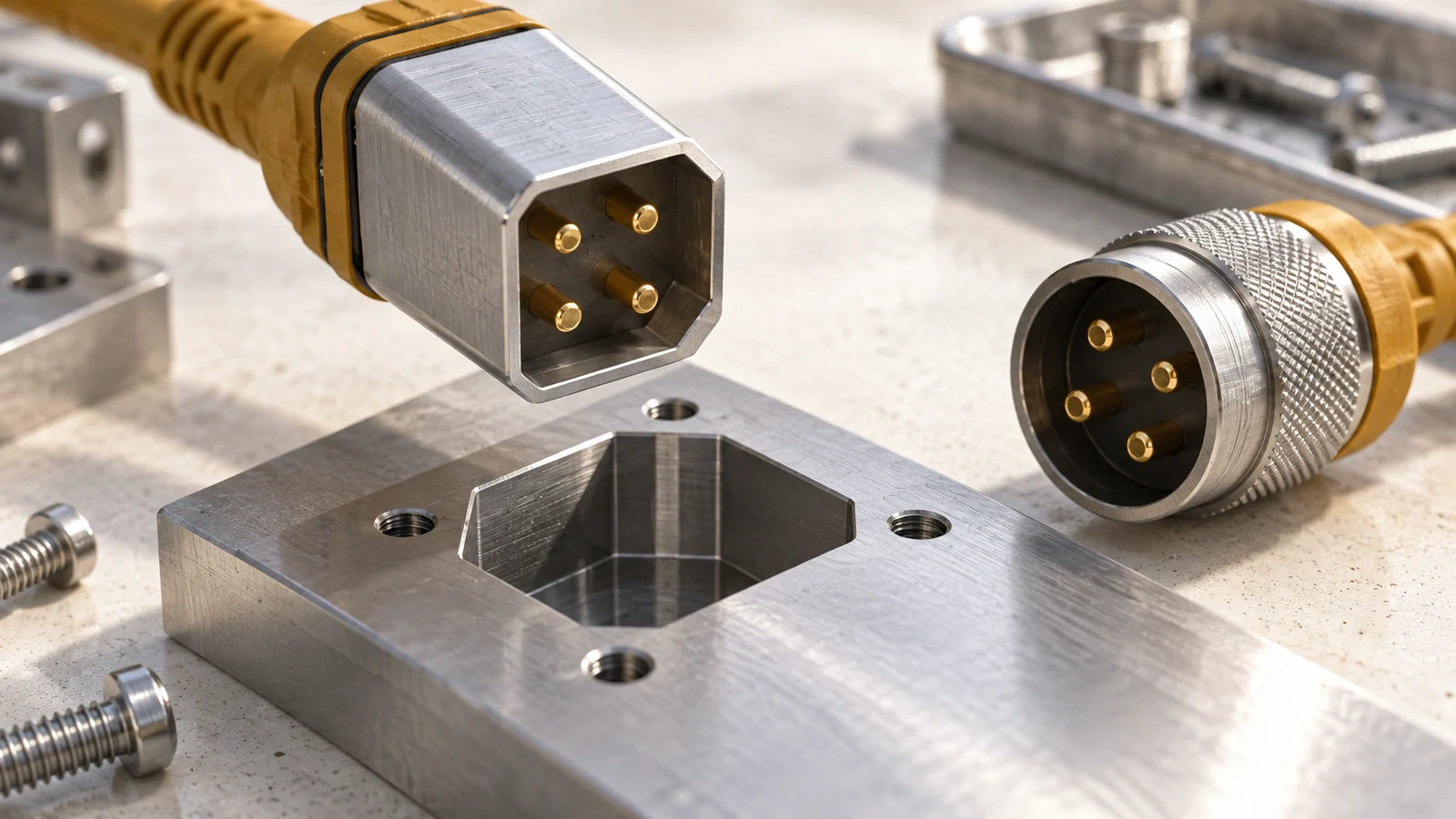
Embed the correct way to use something in its physical or code structure. Examples include the clipped corner that determines a SIM card's orientation and a front-end formatting mask on an input field. Preventing invalid data from being entered in the first place is far better than displaying an insistent error dialog afterward.
2.2 Multiple history snapshots and progressive undo (Multi-level Undo)
In collaborative work and document editing, Ctrl+Z alone is far from sufficient. A timeline of version-history snapshots is necessary, allowing any team member to restore the baseline state from yesterday at 15:30 with one click.
2.3 Soft deletion and a trash sandbox
In the data storage architecture, eliminate physical commands that permanently erase data with one click (hard delete). By default, mark every deletion with a deleted_at soft-delete timestamp and move it into a trash area with a 30-day retention period, giving users enough time to change their minds and recover it.
2.4 Context-aware, constructive recovery guidance
When an error inevitably occurs, the message must answer three questions at once: “What went wrong? What impact did it have? Which button should I click next to fix it?”
3. A comparison matrix of fault-tolerance mechanisms
When designing modern enterprise digital products, teams must distinguish genuine resilient protection from superficial measures that merely deflect responsibility:
| Fault-tolerance tier | Concrete interface mechanisms | System robustness and user trust | Common failures and pitfalls |
|---|---|---|---|
| Frequent core safeguards Invisible safety nets | • Real-time autosave of local drafts, persisted every 3 seconds • A floating undo notification (snackbar) that remains for 15 seconds after deletion • Local offline storage using IndexedDB when form submission encounters a network failure | Extremely high. They eliminate the fear of losing data to disconnection, crashes or accidental clicks, significantly increasing the pace at which users work. | An undo message flashes for only 1 second and disappears permanently before users can read or respond to it. |
| Infrequent but necessary hard safeguards Blocking catastrophic events | • Secondary biometric authentication for core data export and account closure, using fingerprints/SMS • Mandatory manual entry of the entity name to verify highly destructive actions • Automatic full configuration backup snapshots before system settings change | A final physical speed bump before a fatal crisis, completely preventing devastating operational incidents. | Frequent dialogs focus the Enter key on “Confirm” by default, letting an impatient user bypass the safeguard with a single keystroke. |
| Redundant pseudo-protection Bureaucratic obstacles | • Confirmation dialogs even for basic changes to list sorting • Error messages filled with low-level developer stack traces such as NullPointerException • Clearing an entire form after a formatting error and forcing users to start again | Extremely poor. They drive ordinary users to frustration, seriously damage brand reputation, and provoke churn and complaints. | The development team avoids responsibility by turning every data validation rule into a punitive dialog imposed on the user. |
4. How JVDS implements resilient fault tolerance
For UI/UX design in advanced enterprise digital platforms and large collaboration systems, JVDS proposes a philosophy of resilient engineering: “Assume errors will happen, and provide a way back at every step.”
[The JVDS five-stage fault-tolerance funnel]
Upfront mistake-prevention filtering → Silent real-time drafts → Temporary soft-delete sandbox → Structured cause-and-effect errors → One-click recovery
- Silent Persistence Protocol: For long forms and rich-text creation, JVDS specifications call for two storage channels: front-end local Storage and incremental back-end microservice patches. Even if the browser crashes or the laptop loses power, reopening the page silently restores the cursor position and data state from 0.5 seconds before the failure.
- The soft-delete and Time-Machine Sandbox: JVDS follows an “absolute soft deletion” approach in core data modules. Deleted data cards disappear immediately from the front end to keep the interface tidy, while their metadata enters a back-end “time capsule.” A small trash entry remains in the upper-right corner, letting users retrieve accidentally deleted assets intact, as easily as opening a drawer of past records.
- Actionable Error Microcopy: Eliminate meaningless statements such as “Operation failed” and “System error.” The design system mandates this error template: [What happened] + [Specific cause] + [Clear action and link to the fix]. For example: “Image upload failed: the file is 12 MB (the system limit is 5 MB). [Click here to compress it and try again].”

5. Frequently asked questions
Q1: If a 30-day, lossless trash area and history are available, can confirmation dialogs be removed entirely?
Do not take that principle too far: the question is whether the impact extends to external third parties. If an accidental action affects only the current user's draft or an individual record, “silent execution plus a 15-second undo message” can replace an annoying confirmation dialog. But if an action directly broadcasts externally—for example, sending a mass email to 100,000 customers or deducting actual money from customer accounts—it cannot be taken back once executed. A serious secondary review remains essential.
Q2: What is the worst fault-tolerance design in form validation?
Clearing the entire page after submission, and reporting only the first error when multiple fields are invalid. A user painstakingly completes 20 fields and clicks Submit, only for a page refresh to erase everything and display a cold “Invalid field” message at the top. Besides the burden of entering everything again, the user has no idea how many more hidden problems await. Sound fault tolerance preserves all entered content and highlights errors precisely, inline below every affected field.
Q3: How can the quality of a system's fault tolerance be measured?
Monitor mean time to recovery (MTTR) and the rate of support tickets caused by user mistakes. If, after an accidental deletion, a user can recover the data independently within 30 seconds using only interface guidance, without contacting support or experiencing pronounced emotional distress, the system has achieved a leading standard of fault-tolerance engineering. Explore the JVDS team's design portfolio for industrial-grade work combining robust system safety with a smooth experience.

















