

Key takeaway (TL;DR)
Under extreme pressure and immediate threat, human perception and motor systems instinctively activate survival responses: freeze/orient, flight, fight and collapse/fold. The result can be severe tunnel vision, impaired fine motor control and blocked complex reasoning. JVDS emphasizes that highly reliable systems and emergency interfaces must never depend on an operator's rational recall in calm conditions. Large, physically prominent controls, strictly linear instructions, error protection and clear routes to safety or loss containment must provide engineered safeguards against panic.
1. Threats to life and cognitive collapse: the physiological limits of stress responses
When alarms sound suddenly, data faces destruction or a physical danger appears, the sympathetic nervous system can instantly take control:
Four dimensions of high-stress behavior and their engineering defenses
- Response 1: Orienting freeze—pausing to look, listen and assess. A possible anomaly triggers instinctive vigilance, dilated pupils, sharp heart-rate changes and severe tunnel vision. The interface must provide the clearest possible situation summary in exceptionally large, plain-language text.
- Response 2: Flight—moving away from the danger. Once a fatal risk is confirmed, the body instinctively moves away from it and the brain loses patience with complex documentation. The interface must offer one large, physically prominent control for safe exit or loss-limiting rollback.
- Response 3: Fight—repeated clicking and blind confrontation. When escape is blocked, anxiety produces impulsive behavior such as repeatedly pressing Enter or Retry within a second. The underlying system must enforce debouncing and throttling against repeated actions.
- Response 4: Cognitive paralysis—mental shutdown and impaired movement. When stress exceeds the nervous system's capacity, operators become dazed and numb. The interface must not present incomprehensible dead-end error codes; it must offer strictly linear instructions.
- A scientific breakdown of the four behavior patterns:
- Orienting freeze: Instinctive vigilance in response to a possible anomaly, with dilated pupils and abrupt heart-rate changes while the person gathers environmental clues to assess the situation.
- Flight: Once a potentially fatal danger is confirmed, instinct drives the body along the shortest route away from its source. The brain completely loses patience with complex manuals.
- Fight: When escape is blocked or retreat is impossible, a strong impulse to eliminate the threat emerges. In interface interaction, this appears as agitated, high-frequency clicking on Retry or pressing Enter.
- Tonic immobility/fold: When stress exceeds neural capacity, a person becomes intensely numb, experiences a blank mind and may even lose the ability to issue movement commands to the body.
- The institutional myth that trained people will not make mistakes: Managers in many high-risk industries place excessive faith in training, believing that passing safety-procedure assessments prevents on-site accidents. That view is dangerous. Physiology shows that even highly trained experts experience a substantial decline in prefrontal logical analysis under extreme pressure, such as imminent death or the possible instant loss of tens of billions in assets. Making safety depend entirely on flawless human performance is a failure of engineering design.
- Lessons from US Airways Flight 1549's Hudson River landing: On January 15, 2009, Captain Sullenberger landed a passenger aircraft on the Hudson River. During those few life-or-death minutes, the cabin crew did not recite a lengthy safety manual. They issued very brief, loud, directly actionable commands: “Heads down! Grab your ankles! Stay down!” As water entered and congestion developed, they quickly changed routes to suit conditions. Instructions grounded in executable actions on the scene, rather than cumbersome documentation, protected everyone on board.
2. Common failures in ordinary software's exception handling
High-pressure interfaces that work against human nature are common not only in aviation, shipping and industrial control, but also in enterprise administrative systems and financial trading software:
2.1 Perceptual numbness caused by alarm storms and alarm fatigue
Many system designers fail to prioritize exceptions. When a back-end cluster fails, more than 200 red alert dialogs erupt on the central display, buzzers shriek and every alert flashes at the same rate. This uncontrolled “everything is the highest priority” approach instantly overwhelms operations engineers, preventing them from identifying the most critical root failure in the information storm.
2.2 Dead-end errors with no way forward
When a bulk data migration or high-risk configuration task is unexpectedly interrupted, many applications display only a cold dialog: “Error code 0x8892A: an unknown severe system exception has occurred,” with a single “OK” button. Users do not know which data has changed, which has been lost or what will happen after they click OK. In panic, they repeatedly press F5 or unplug the power, making the disaster worse.
3. A four-dimensional comparison of high-pressure and everyday interfaces
To ensure operators can still handle a system reliably in a crisis, we use the following four-dimensional comparison matrix:
| Evaluation dimension | Frequent core features/assets | Infrequent but necessary features/assets | Redundant distractions, false features and formalism |
|---|---|---|---|
| Unexpected alarms and information noise | Strictly apply an alarm funnel: show only the single most urgent primary alarm at any moment, with clear response guidance. | Silently group secondary, cascading alerts into a related-impact log that can be expanded when needed. | Dozens of alerts compete to appear while the entire screen flashes and buzzes, immediately overwhelming the operator. |
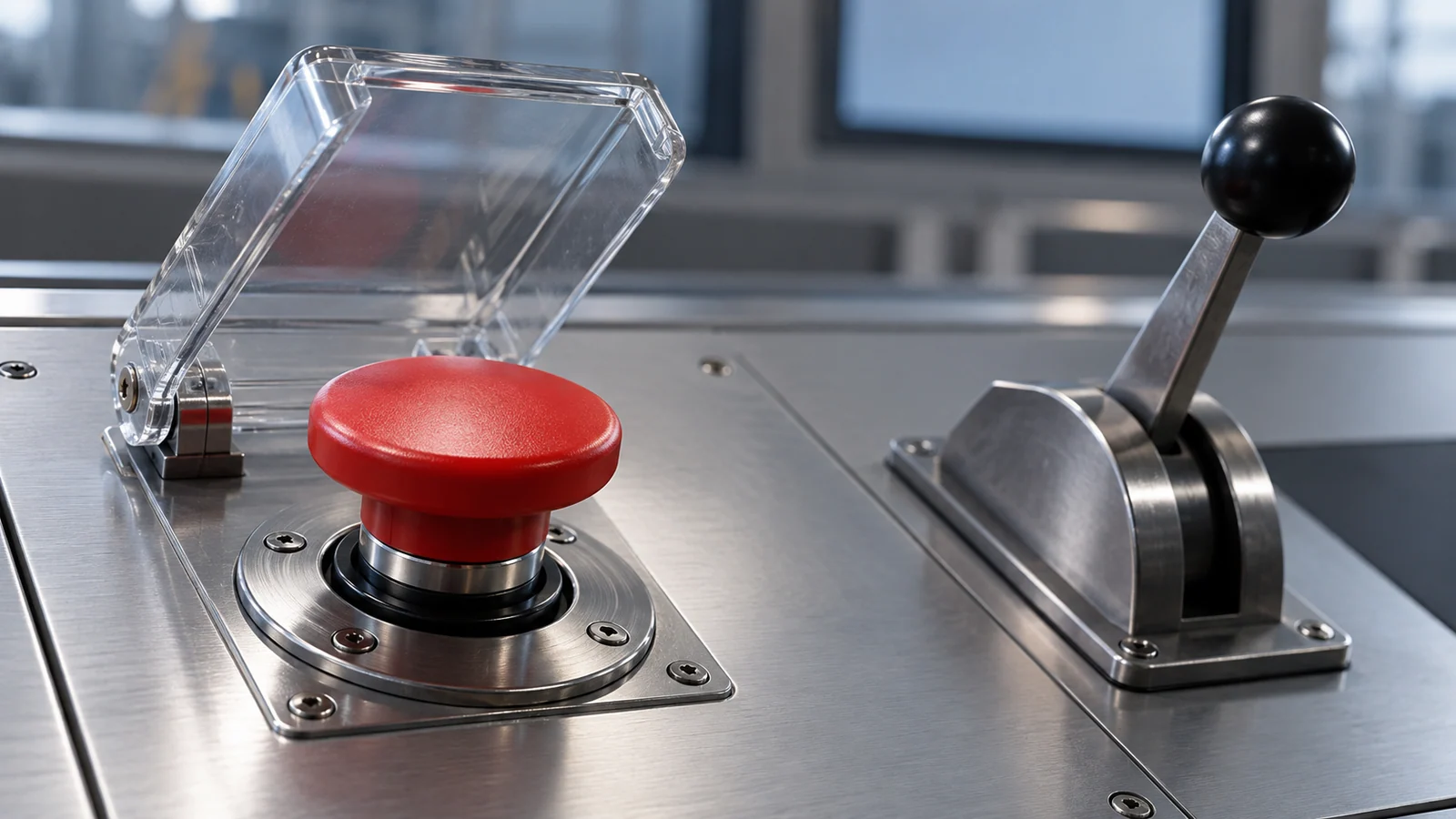
| Emergency controls | Provide large, physically prominent emergency stop-loss or rollback buttons with generous hit areas, eliminating the need for pixel-perfect aiming. | Use a mechanical guard lever or a 3-second hold-to-confirm interaction for high-risk actions to filter out Parkinsonian-like shaking. | Force users to find the stop control in the fourth level of a densely packed, small dropdown menu. |
| Explaining the current situation | State three things at a glance in large, plain-language text: what is happening, the extent of damage, and the current safety state. | Provide detailed system snapshots, timeline tracing and stack context for later review. | Display only obscure low-level hexadecimal error codes without explaining the current situation or its likely direction. |
| Escape and safety routes | Always offer one clear option: safely exit without saving changes, or restore the last stable snapshot with one click. | Automatically apply read-only protection in the background at intervals of seconds, locking core assets against irreversible loss. | Require a lengthy error questionnaire or manual troubleshooting checklist before allowing the user to stop the current task. |
4. JVDS engineering practice: a steady anchor in a crisis
In JVDS interaction design work for high-frequency financial trading terminals, critical industrial IoT control and high-risk enterprise permissions management, we use engineering discipline to reduce user panic:
- Large plain-language text plus a single action direction: When a system enters an irreversible failure or high-risk warning state, the JVDS interface instantly switches to a dark, reduced-noise presentation, hiding unrelated decoration and secondary features. Only three lines of high-contrast, large text appear in the center: “Current event: primary–replica database synchronization interrupted. Safety status: all financial accounts have been frozen automatically; assets are completely safe. Next action: click the large button below to switch to the hot standby.” Absolute clarity counters the user's freeze and flight instincts.
- Anti-Panic Mash throttling: We enforce debouncing and concurrency throttling at the underlying level of all high-risk submission and emergency-reset interfaces. If system delay drives an anxious user to click a button 10 times in one second, the front end gently absorbs the repeated clicks and sends only one safe request to the back end. A calm, breathing microanimation helps prevent blind confrontation. Explore our design portfolio to understand the engineering behind robust professional interfaces.
- End-to-end undo and safety sandboxes: We understand that the greatest fear under pressure is irreversible disaster. In every core high-risk business flow, JVDS therefore promotes dry-run execution and a one-click time machine. Before the operator presses the final execution control, a back-end sandbox has already simulated the full consequences. Even after a mistaken execution, a 60-second window allows fast, lossless reversal, giving teams under pressure a psychological safety net.

5. Frequently asked questions
Q1: Why are emergency kill switches often designed as slide-to-unlock or press-and-hold controls?
To filter out involuntary muscle spasms and accidental contact during extreme panic. An ordinary single-click button can be triggered easily by confusion, shaking or an accidental mouse movement. A 3-second hold with a circular progress indicator, or a large rightward slide, requires sustained attention and physical intent. It can interrupt irrational instinct within 0.5 seconds and prevent a fatal accidental operation.
Q2: How should red be used sparingly in a crisis-response interface?
Red is a precious, scarce resource and should be reserved for the single highest-level alarm: an immediate threat to life or impending system destruction. Poor designs use red for minor formatting errors, slightly slow networks and even ordinary promotions, causing visual desensitization—the cry-wolf effect. Most of the interface should remain in calm dark grays and restrained cool blues. Only when the whole system truly needs to be stopped can a highly saturated alarm red deliver its full impact.
Q3: How should usability testing be conducted for high-pressure enterprise emergency interfaces?
Do not rely on an ordinary walkthrough in a quiet meeting room where everyone is drinking coffee. Testing must occur in a realistic drill environment—a chaos engineering drill. Simulate a server-room outage or data breach without advance warning, and observe whether on-duty staff, with racing hearts and repeated urgent phone calls, can locate and execute the loss-containment action almost with their eyes closed within 30 seconds, without consulting documentation. Any interface that fails a realistic pressure drill should be redesigned.

















