

TL;DR
In human–computer interaction and user experience research, performance—actual task efficiency and accuracy—and preference—subjective liking and psychological satisfaction—often do not coincide and may diverge significantly. JVDS emphasizes that excellent product decisions cannot rely solely on what people say in questionnaires or what they prefer at first glance. They must be grounded in behavioral usability testing in realistic situations, balancing the removal of operational friction with legitimate emotional attachment.
1. The Keyboard Layout Debate: Established Habits Versus Input Efficiency
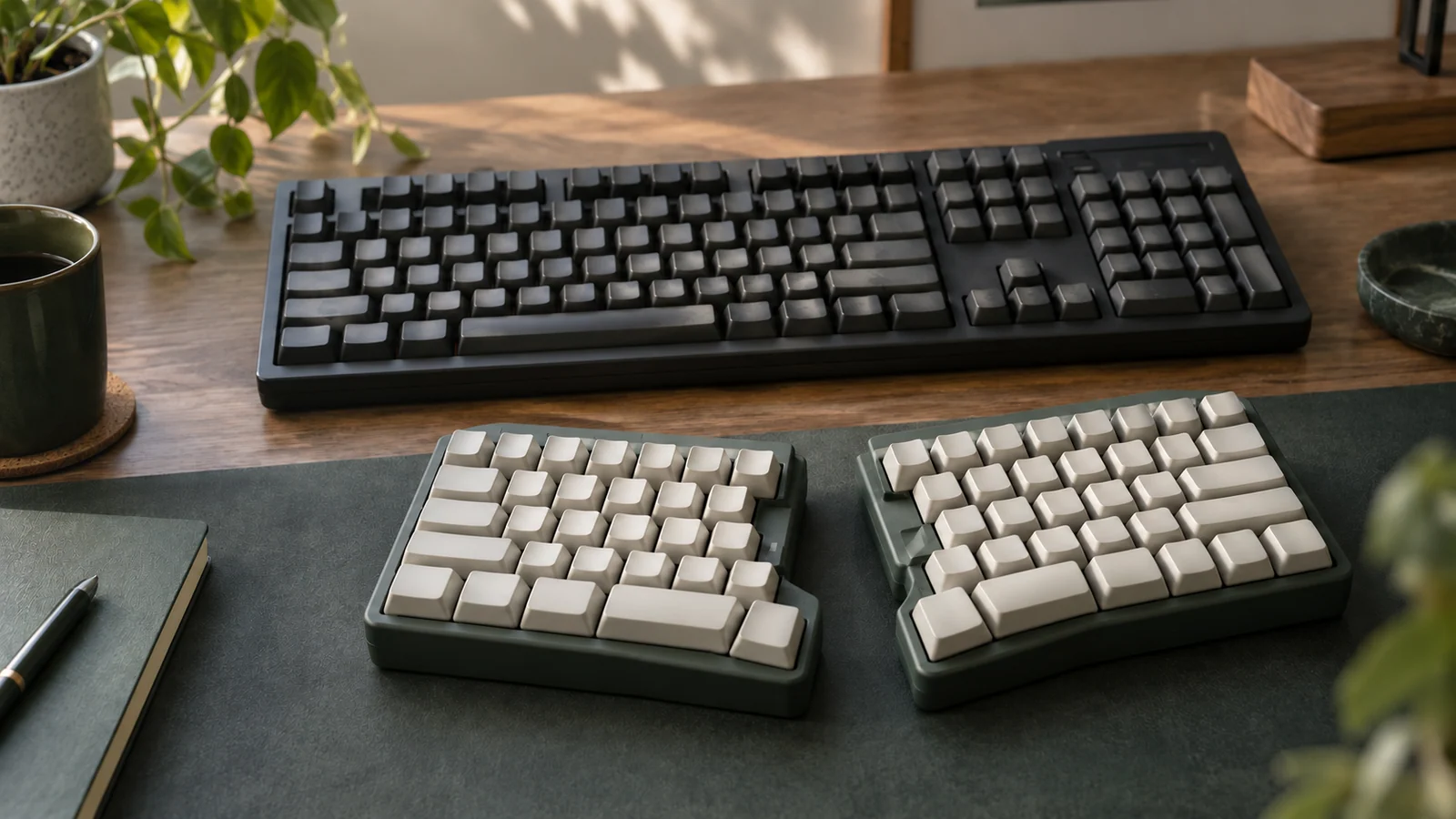
Few examples illustrate the conflict between performance and preference more clearly than the evolution of keyboard layouts:
- QWERTY's path dependence and historical anchoring: QWERTY emerged in the nineteenth-century mechanical typewriter era. Its initial central objective was to prevent mechanical typebars from jamming when adjacent letters were struck too rapidly. As typing instruction became standardized, typists' muscle memory became established, and the equipment-manufacturing ecosystem became dominant, QWERTY acquired network effects that were difficult to dislodge.
- Dvorak's efficiency improvements and adoption difficulties: Introduced in the 1930s, the Dvorak layout concentrated 70% of frequently used vowels and consonants on the home row, substantially reducing movement between rows. In theory and in particular experiments, it demonstrated better typing ergonomics and muscular endurance. Nevertheless, the overwhelming majority of ordinary users continued to choose QWERTY. The substantial relearning cost and cross-device compatibility friction outweighed the marginal benefit of saving a few seconds of keystrokes per minute.
- The gap between stated preference and behavior: Ask users, “Would you like to type faster?” and 100% will say yes. Ask instead, “Would you accept several weeks of dramatically slower typing while learning a new layout?” and most will retreat. A spoken wish is not equivalent to a willingness to pay the cost of migration.
2. Legitimate Needs Behind Preference: Looking Beyond Speed Alone
A user's preference for a slightly less efficient solution is not necessarily irrational conformity. Preference can reflect several positive psychological needs beyond task duration:
- Cognitive control and security through a low learning cost: A familiar workflow lets users understand what the system will do next, even if it takes two extra clicks, avoiding the anxiety of a completely unfamiliar interface.
- Aesthetic and emotional comfort that reduces visual fatigue: Comfortable typographic contrast and appropriate whitespace may slightly increase scanning distance in an extreme eye-tracking test, yet substantially reduce visual pressure during hours of continuous work.
- Identity and professional confidence through a sense of control: Software for specialist traders or engineers may look dense and complicated while meeting expert users' desire for comprehensive control. An excessively simplified, flattened redesign may instead undermine trust.
3. A Four-Dimension Matrix for Evaluating Performance and Preference
To help product and engineering teams make objective decisions in UI/UX design and back-office redesign reviews, we use the following four-dimension comparison:
| Evaluation dimension | Frequent core functions or assets | Infrequent but necessary functions or assets | Redundant distractions, superficial functions, or formalities |
|---|---|---|---|
| Research methods and evidence | In-context usability tests around real workflows, recording task duration, error rates, and requests for assistance | Immediate single-question subjective satisfaction ratings after tasks, such as SUS/CSAT, and follow-up questions about pain points | Choosing a solution solely through aesthetic votes on static mockups or verbal focus-group opinions detached from actual use |
| Workflow and compatibility with habits | Preserve common shortcuts and frequent workflows that support established business habits, introducing new layouts gradually | Provide a visible fallback route, such as a return-to-previous-interface option or a quick-guide drawer | Force a disruptive redesign while abruptly removing the old version, requiring everyone to rebuild muscle memory overnight |
| Information density and reading ergonomics | Use compact row heights and moderate density in enterprise tables to support frequent scanning and comparison | Offer compact, standard, and spacious table views to accommodate individual visual comfort | Use enormous cards and whitespace to please nonspecialist tastes, leaving room for only three data rows per screen |
| Resolving conflicts between solutions | Prioritize zero errors and high completion in core transactions and irreversible operations | When efficiency is equal, favor the visual solution that delivers greater emotional satisfaction | Impose oppressive interactions that users strongly dislike or find anxiety-provoking merely because a test was two seconds faster |
4. JVDS Practice: Usability Testing and a Two-Axis Balance
In product experience redesign projects, JVDS follows a two-axis principle: validate efficiency through behavior and protect experience through emotion.
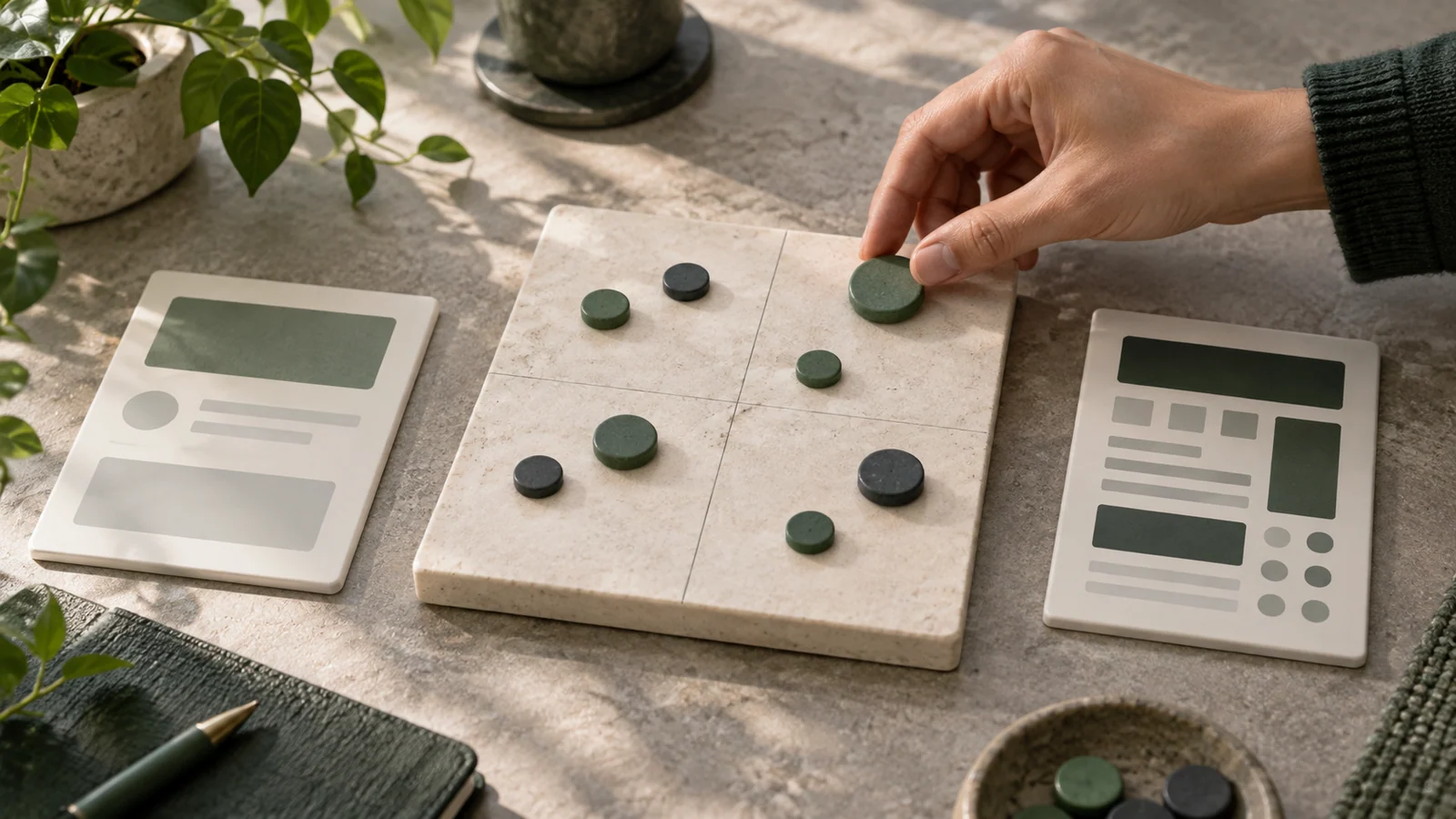
- Map performance on the horizontal axis and preference on the vertical axis: In prototype tests, we plot each core module's task success rate or completion time against its subjective net recommendation score in a four-quadrant chart. For high-performance, low-preference modules, we investigate learning resistance and visual discomfort. For high-preference, low-performance modules, we look for attractive-looking elements that conceal misleading interaction traps.
- Make thinking pauses visible: During tests, distinguish operational hesitation from exploratory thinking. A user who pauses at a new interface and then completes the task correctly in one attempt is building a useful mental model. Frequent switching between pages and repeated reversals indicate a serious break in the workflow.
- Use controlled migration and guidance: In large-system iterations, we reject abrupt, all-at-once replacement. Lightweight guidance bubbles and incremental feature migration help users cross the habit gap smoothly. Explore our design case studies to see how we pursue both efficiency and user approval in enterprise digital transformation.
5. Frequently Asked Questions
Q1: If users love the old interface but it is highly inefficient, should the design team compromise?
Neither unconditional compromise nor forceful replacement is appropriate. First, investigate exactly why users prefer the old version, usually familiarity and control. Second, retain its central cognitive anchors and habitual controls in the new interface. Third, roll out changes incrementally, allowing a transition period with old and new views, and use real efficiency gains to address users' concerns.
Q2: Why can questionnaires alone lead to misleading conclusions during a redesign?
People tend to present an idealized picture of themselves and respond differently outside the real context. Without operational pressure, respondents may choose the interface that looks most futuristic and minimal, appealing to aesthetic aspirations. Under urgent real-world business demands, however, they need the most intuitive and error-tolerant system.
Q3: How can the commercial impact of subjective preference be measured?
Use long-term retention, end-to-end task drop-off rates, and Net Promoter Score (NPS). Even if individual clicks are extremely fast, visual pressure that creates resistance may ultimately appear as declining daily active usage time or employees' passive rejection of the system.

















