
Key Takeaway (TL;DR)
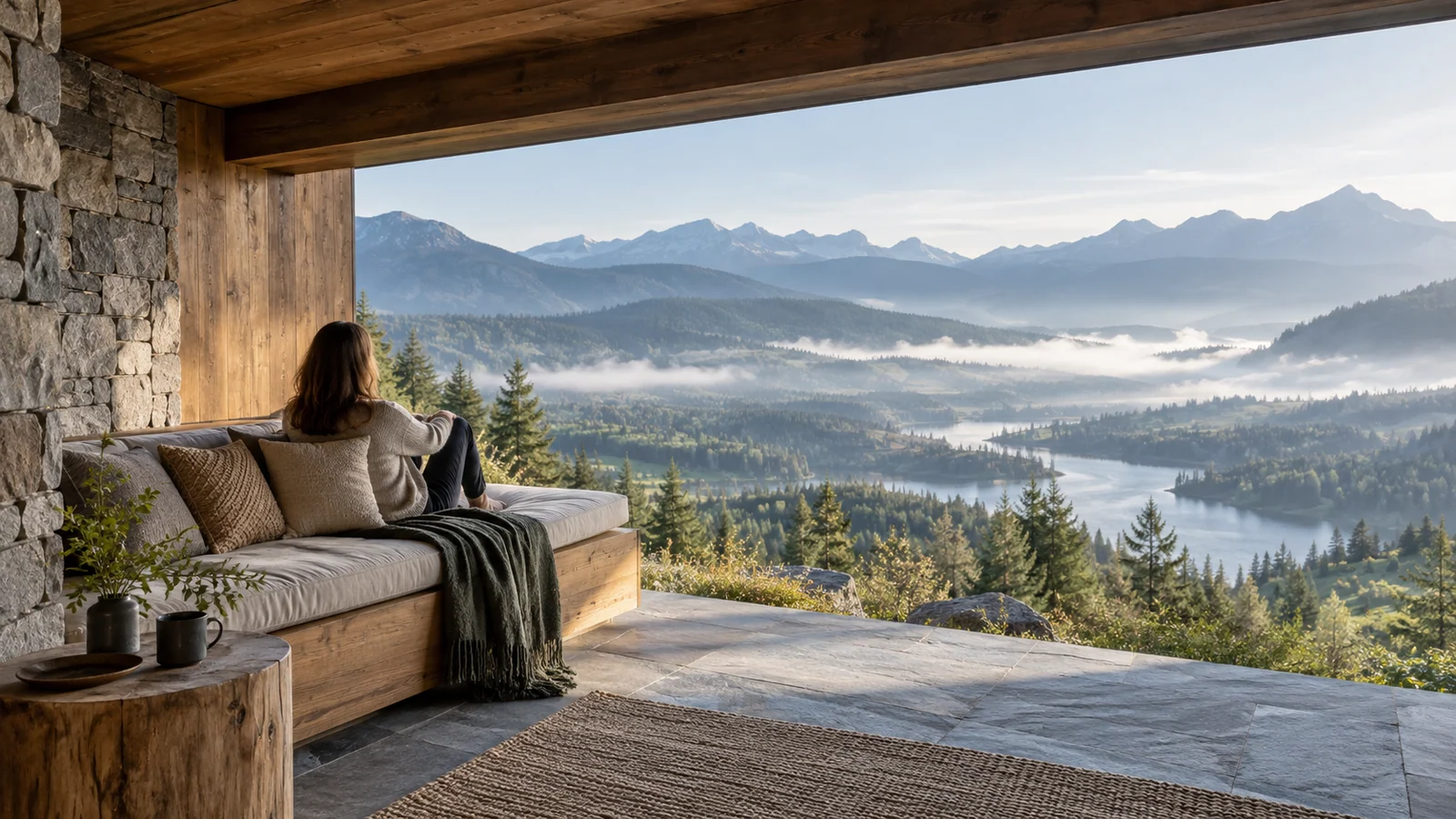
Prospect-Refuge Theory describes a deeply rooted preference for environmental safety in human evolutionary biology. As descendants of hunter-gatherers on the East African savanna, people instinctively seek an edge position where they can clearly survey open ground to detect prey and predators—prospect—while retaining support, cover, and a route of retreat behind and beside them—refuge. JVDS points out that this ancient spatial instinct maps closely to digital information architecture. Excellent business products should provide an overview that helps users understand the whole situation while maintaining safe retreats through saved drafts, read-only sandboxes, and privacy boundaries.
1. Savanna Evolution and Spatial Preference: Environmental Psychology in Everyday Detail
Our sense of safety in buildings, cafés, and even interfaces is deeply rooted in millions of years of evolutionary memory of living alongside predators.
The Twin Psychological Drivers of Prospect and Refuge and Their Spatial Equivalents
- Driver One: Prospect—an open, transparent view and early warning. A clear view of what lies ahead helps reveal opportunities and potential risks. Its digital equivalents include global dashboards and miniature overviews of system status.
- Driver Two: Refuge—protection behind and beside us. A supporting defensive structure removes the fear of unseen intrusion. Its digital equivalents include clearly enclosed cards and safe local drafts that prevent lost work.
- The ideal intersection: Edge Advantage—the control of a sheltered threshold. Just as wall-side café booths fill first, the most comfortable position lies at the edge of an open space, with a solid barrier behind and an unobstructed view ahead.
- The interaction loop: cognitive control through overview and safe retreat. While giving users command of the overall situation, the system always provides a clear way to abandon changes and return to safety, establishing a strong psychological safety boundary.
- Geographer Jay Appleton's pioneering theory. In 1975, Appleton established in The Experience of Landscape the proposition that judgments of environmental beauty and comfort are fundamentally assessments of whether we could survive there. A completely exposed plain causes vulnerability—prospect without refuge. A dark, enclosed cave with no view outside causes confinement—refuge without prospect. The position that feels most comfortable, relaxed, and controllable is the threshold at the edge of open ground, with solid rock or shrubs protecting the back.
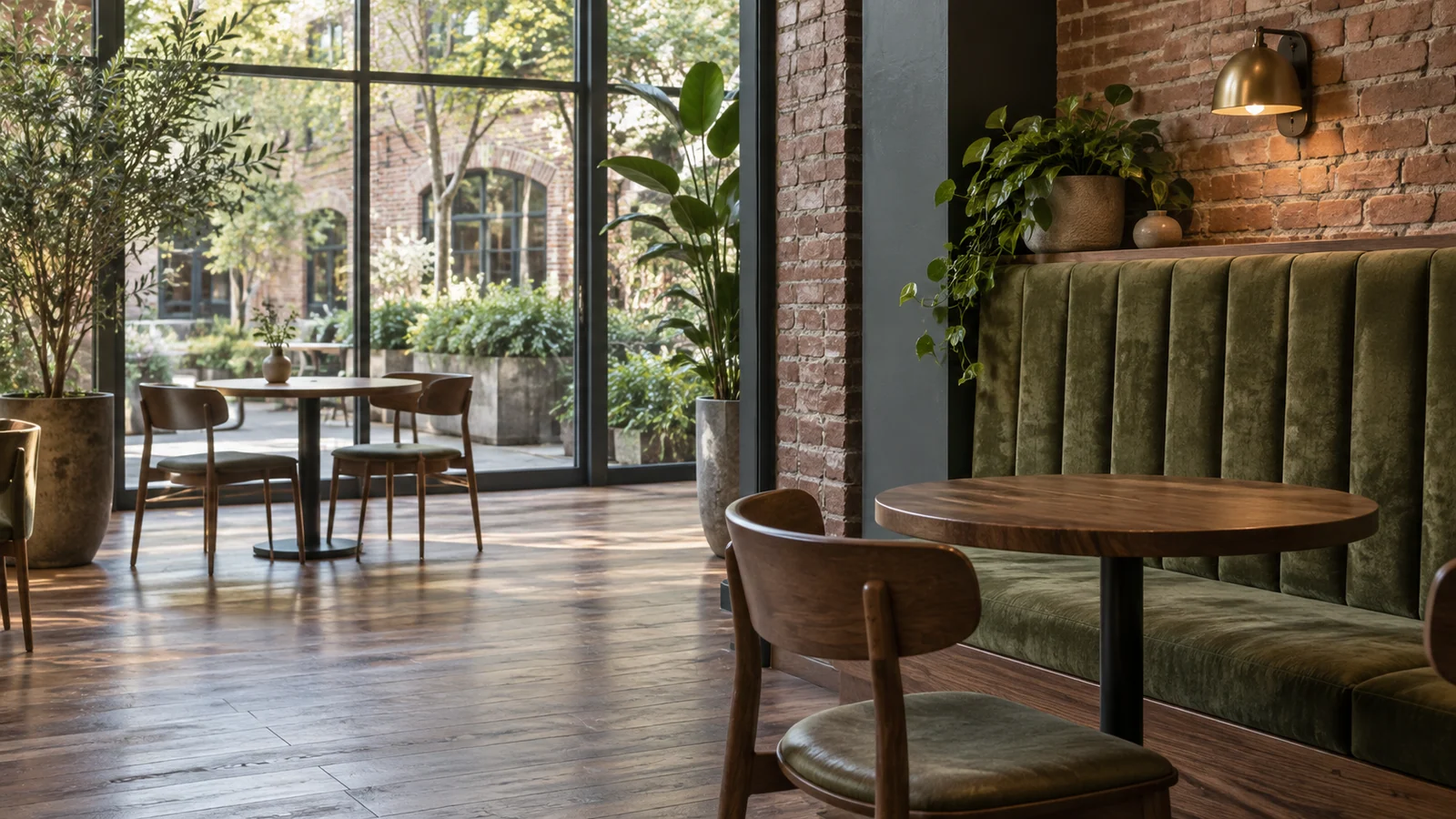
- Unconscious preferences revealed by café seating. In a busy Starbucks or specialty café, seating choices are revealing: high-backed booths against walls, sheltered corners, and edge seats with a clear view of the entrance are always occupied first. Isolated round tables in the middle, exposed on all sides with people passing behind, tend to remain empty until someone reluctantly takes them. Nobody enjoys leaving their vulnerable back unprotected from an unknown flow of people.
- Refined interpretations in modern architecture. Large terraces and deeply overhung floor-to-ceiling windows in luxury villas, the front courtyard and rear hall of traditional Chinese courtyard houses, and premium theater boxes all carefully balance prospect and refuge. A warm, substantial roof and enclosing walls provide shelter, while large clear windows reveal an entire skyline or mountain-and-sea landscape.
2. Spatial Anxiety in Digital Workspaces
When developing enterprise back-office systems, real-time collaboration tools, and digital consoles, teams that overlook prospect and refuge often create spatial anxiety.
2.1 Collaboration Without Any Privacy or Protection
Some online design and document tools showcase real-time interaction by filling the screen with collaborators' moving pointers and cursors and broadcasting every typed character to everyone by default. Exposing every drafting action without reservation makes many frontline employees feel anxious and psychologically pressured. Without a private draft refuge, they worry that a manager will immediately see every typo, severely suppressing creativity.
2.2 A Deep, Isolated Space Without an Overall Route
The opposite extreme locks users into a narrow, isolated data-entry form deep within the system. They cannot see the surrounding approval flow, current upstream business data, or the chain reaction their action may cause elsewhere. This closed design removes the ability to survey the whole situation and leaves operators anxiously working with only fragments of the picture.
3. A Four-Dimensional Comparison Matrix for Prospect and Refuge in Interface Engineering
To help teams create digital spaces that provide both control and safety, we use the following four-dimensional filtering matrix:
| Evaluation dimension | Prospect: global visibility | Refuge: local certainty and safety | Redundant distractions, false functions, and empty formalities |
|---|---|---|---|
| Main workspace layout | Global progress dashboards, system topology, and an overview of anomalies at the top or side | A central work area with clear card boundaries and dependable breadcrumb navigation | No overall status view, with moving decorative layers filling the screen and causing disorientation |
| Collaboration and editing permissions | Clear access to teammates' public deliverables and overall project milestones | Safe private local drafts that remain unpublished until confirmed | Broadcast everyone's screen continuously by default, removing private space for thinking |
| Consequences and system feedback | Sandbox simulations showing the wider impact before a high-risk action | Always available exit-without-saving and version rollback options | Block access to context while allowing a mistaken action to cause irreversible damage |
| Large displays and immersive control rooms | A broad view of company-wide production and operations, with key alerts immediately visible | An individual troubleshooting workspace operators can enter at any time to escape external noise | Fill the display with dazzling 3D fly-through animations that obscure essential data |
4. JVDS's Practice of Combining Panoramic Views with Safe Spaces
In the complex enterprise platforms, real-time financial risk-control systems, and modern UI/UX design led by JVDS, we translate prospect and refuge into a dependable spatial order for interaction:
- The Cockpit & Sandbox dual-mode architecture. In JVDS's back-office interaction system, users always have two spatial advantages. A glance at the upper-right mini-map and status dashboard provides a strong prospect view, making the company's overall network understandable. Returning attention to the central editor reveals carefully defined boundaries and a reliable local autosaved draft area, creating a calm psychological refuge.
- A transparent contract for permissions and visibility. In enterprise collaboration products, JVDS establishes precise visibility boundaries. A restrained but prominent Visibility Badge remains at the top right, explicitly stating whether the current canvas is visible only to the user, to the project team, or publicly to everyone. This certainty relieves the anxiety of exposure. Explore our design portfolio to see how spatial psychology creates a sense of safety in digital environments.
- Escape routes and rollback protection. We understand that people facing complex systems need a way back. In every workflow involving major configuration changes, the interface not only previews what will happen next but also keeps a clear, high-contrast, always-available button at the lower left of the work area: “Discard these changes and return to safety.” Teams making decisions under pressure retain a door they can always open.
5. Frequently Asked Questions
Q1: How should modern open offices balance employees' needs for prospect and refuge?
Broad openness with small areas of enclosure is a strong ergonomic solution. A completely open, unscreened floor can deeply exhaust employees, while enclosed cubicles can suppress communication. A strong office design preserves long sightlines and generous daylight in the main space for prospect. Between desks, 1.2-meter-high acoustic felt partitions—or seating with its back toward solid columns, planted walls, or structural walls—provide refuge. People can raise their heads to see the wider scene and sit down within a personal psychological boundary.
Q2: Why do web dashboards often use a dark navigation sidebar and a light main workspace?
This is a classic way of creating a visual support or refuge through contrast. The eye naturally reads dark areas as substantial, stable walls or foundations that recede into support, and light areas as open, lightweight stages that come forward. A dark sidebar forms a firm psychological support on the left, allowing people to survey and explore the bright main content area without losing their spatial reference.
Q3: How can we explain the need for private drafts to a product director who wants complete transparency?
Use the sociological analogy of the stage and the backstage dressing room. Even a great actor does not want the audience to watch the awkward process of rehearsing lines, changing clothes, or forgetting a passage backstage. People need an undisturbed private area to think, sketch, experiment, and start over. If the system removes drafts, users will stop innovating freely within it and secretly prepare their work in offline notes before pasting it in, undermining the collaboration system's original purpose.

















