
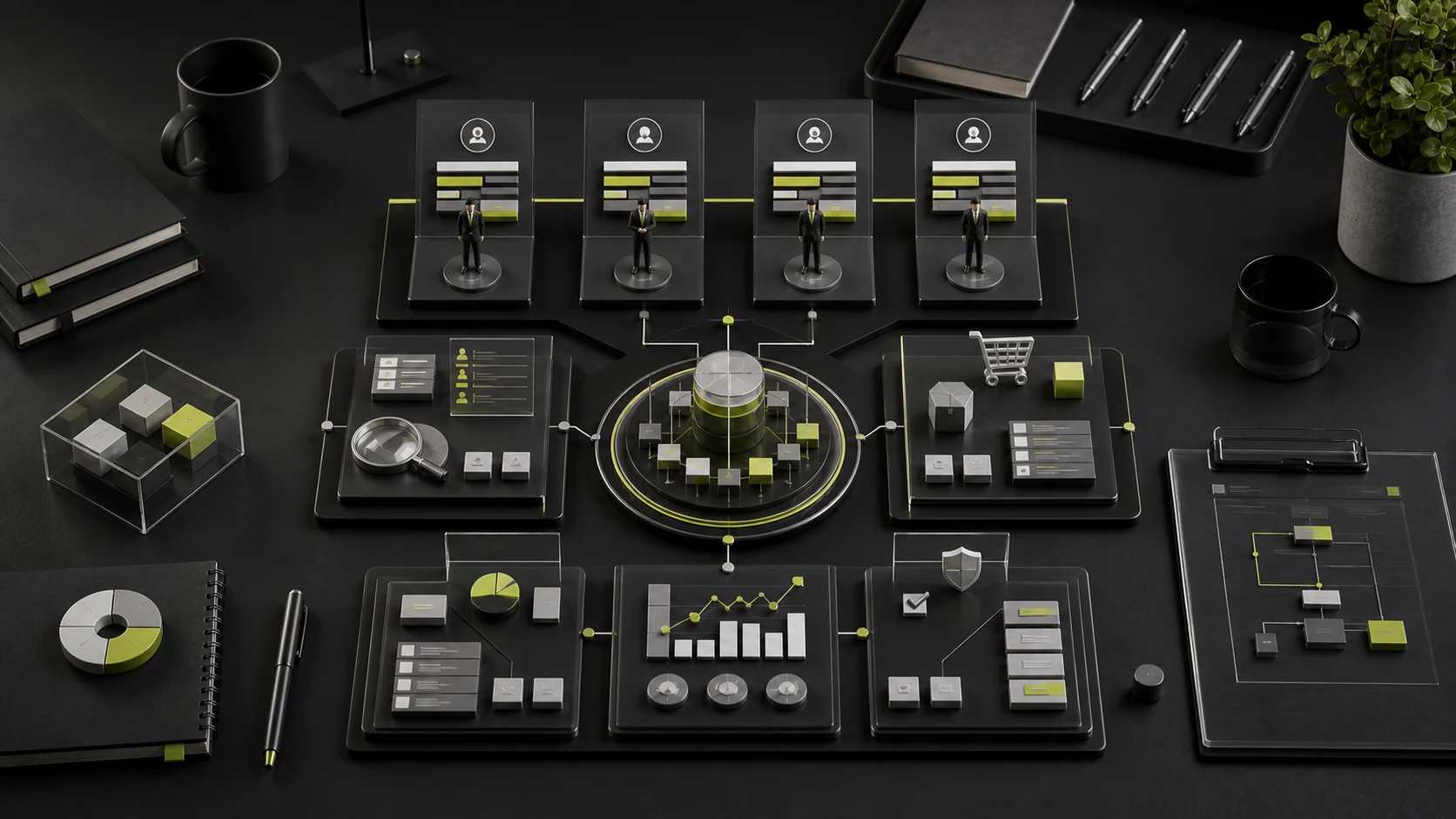
Unlike consumer purchases, procurement of business services—such as B2B software, consulting, digital solutions, and finance, tax, or supply-chain platforms—often involves a decision-making committee of 4 to 6 people and takes anywhere from weeks to months. If a website is filled with obscure technical jargon, business leaders cannot understand its commercial value. If it offers only empty marketing slogans, IT and procurement teams cannot find the technical boundaries and compliance evidence they need.
While planning websites for B2B clients such as the NEXIVA enterprise financial collaboration platform, we developed an approach to website architecture with a consistent central narrative and evidence tailored to different audiences:
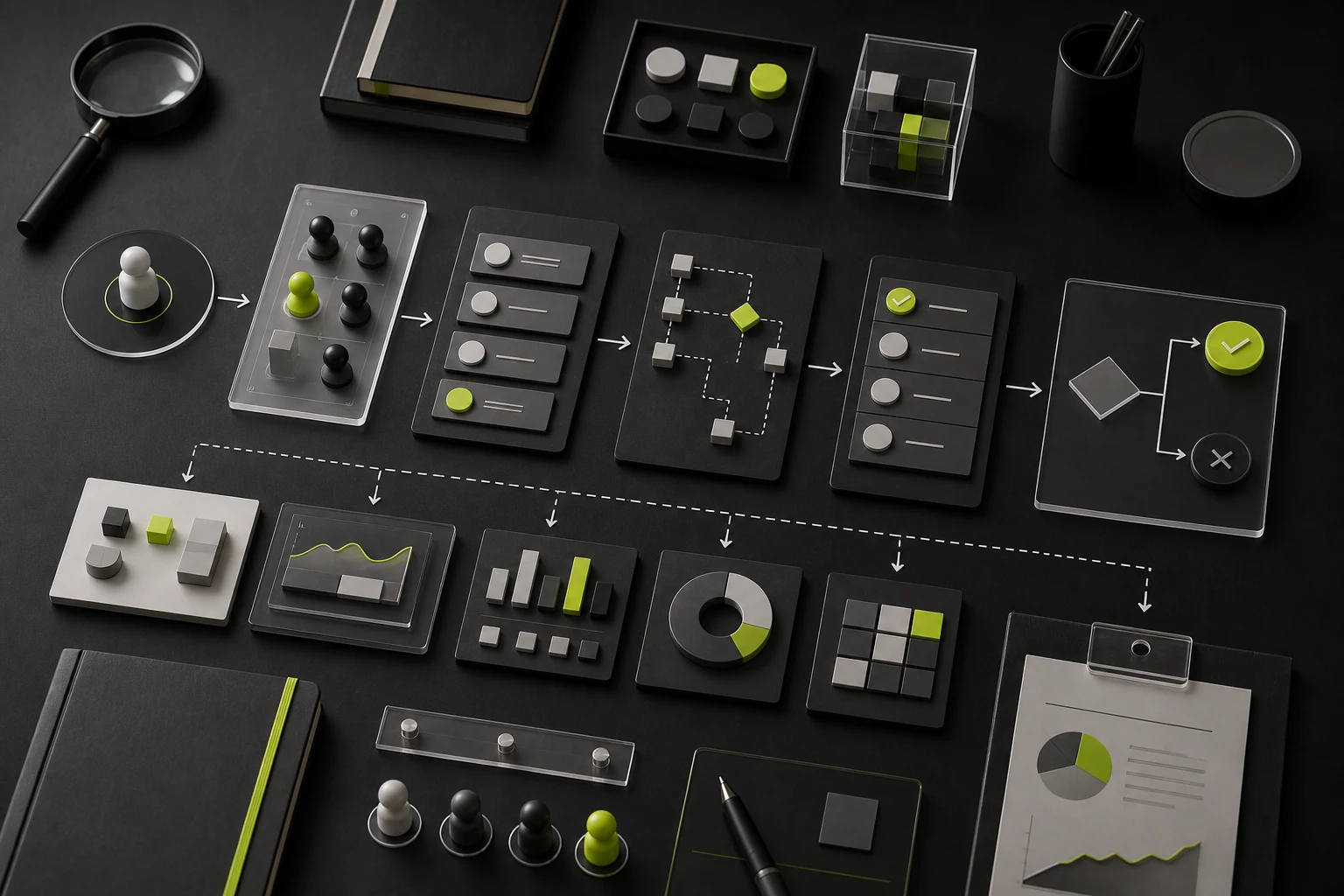
1. What four types of decision-makers look for on a website
| Decision-making role | Main task when visiting the website | Key pages to review | Essential supporting evidence |
|---|---|---|---|
| Executives and business owners | Assess return on investment (ROI) and fit with their industry | Homepage hero, customer case studies, About Us | Endorsements from reference customers, quantified business improvements, company scale, and long-term service capability |
| Business department leaders | Confirm whether the product solves specific departmental problems and is easy for the team to use | Industry solutions and core feature pages | Breakdowns of actual business workflows, real product screenshots, and explanations of onboarding training and migration costs |
| IT and information security teams | Assess integration complexity, data security, and deployment options | Technical architecture, API documentation entry points, security and compliance | Private and cloud deployment details, ERP/OA integration interfaces, MLPS Level 3 and ISO27001 certifications |
| Procurement and legal teams | Verify supplier qualifications, pricing terms, and service guarantees | Pricing or edition comparisons, service agreements, contact page | A clear feature matrix by edition, SLA commitments, company credentials, and the contracting process |
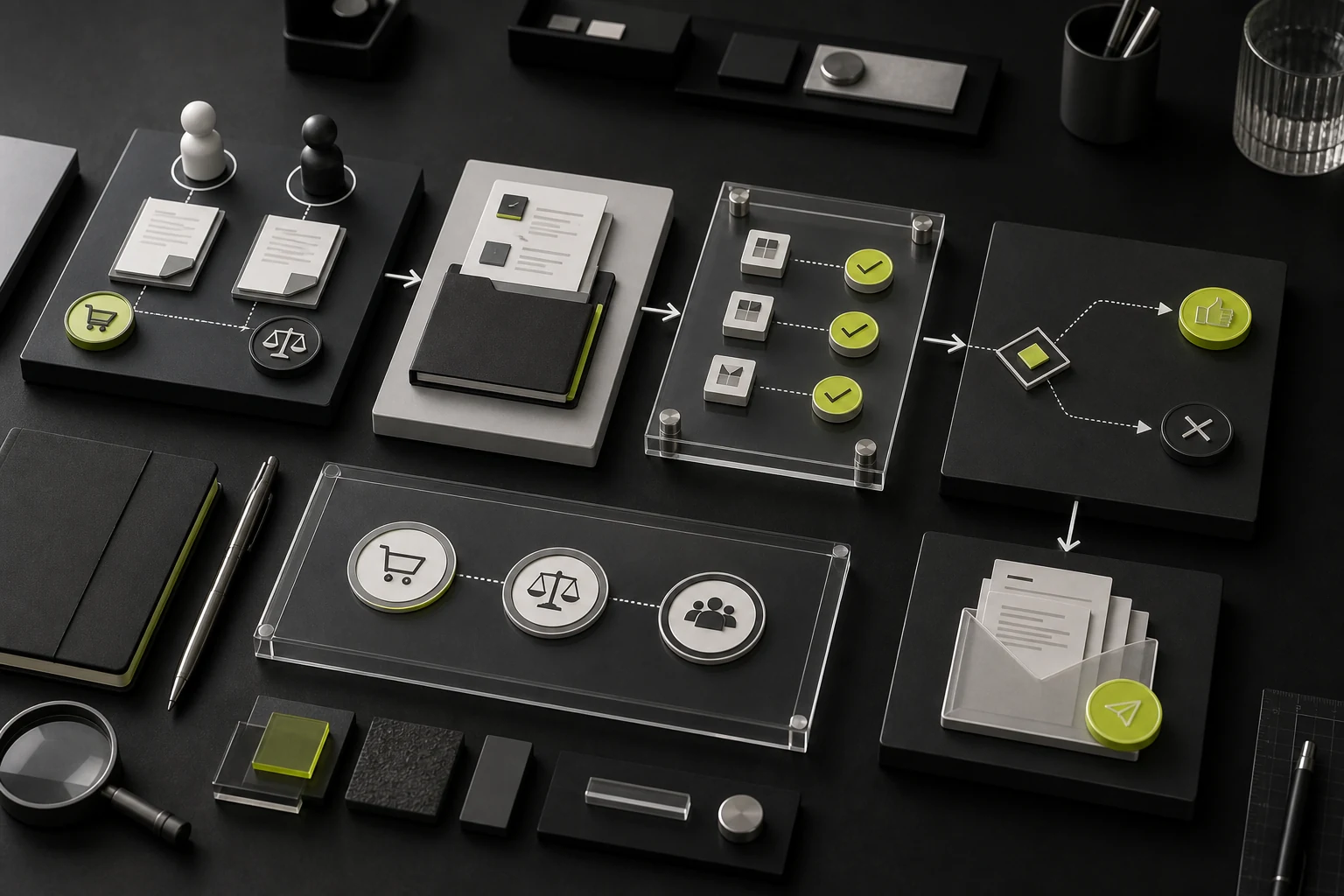
2. Build shared understanding with a five-section homepage
- Section one: value proposition and target audience: Explain in one sentence which businesses you serve, which business problem you solve, and what result you deliver. Pair it with a real screenshot of the core product with sensitive information removed, rather than an abstract 3D illustration that conveys no information. Provide two levels of action: “Book a Demo” for high-intent visitors and “View the Solution/Video” for those with medium or low intent.
- Section two: business scenarios and corresponding problems: Organize modules by the customer's department or stage in an industry workflow. Explain where the product fits into real processes so business leaders can recognize their own situation.
- Section three: core capabilities and workflow demonstration: Use interactive tabs or step-by-step text and images to show the complete process from data ingestion and collaborative processing to report generation.
- Section four: security, compliance, and integrations: Present the third-party systems already connected, such as WeCom, Feishu, SAP, and Yonyou, alongside data encryption standards to address IT concerns early.
- Section five: testimonials and quantified case studies from the same industry: Replace a generic logo wall with three-part cards covering the customer's challenge → the deployed solution → changes in results after launch.

3. Design for sharing to make internal reporting easier
In B2B procurement, a common pattern is for a business contact to visit the website first, then forward links or documents to their manager, IT, and procurement. Each core solution page should therefore have a clear, meaningful URL and offer a Product Solutions and Selection Comparison PDF that can be accessed without registration or with only a short contact form. This helps your contact make the case for you in their company's internal review meeting.

















