
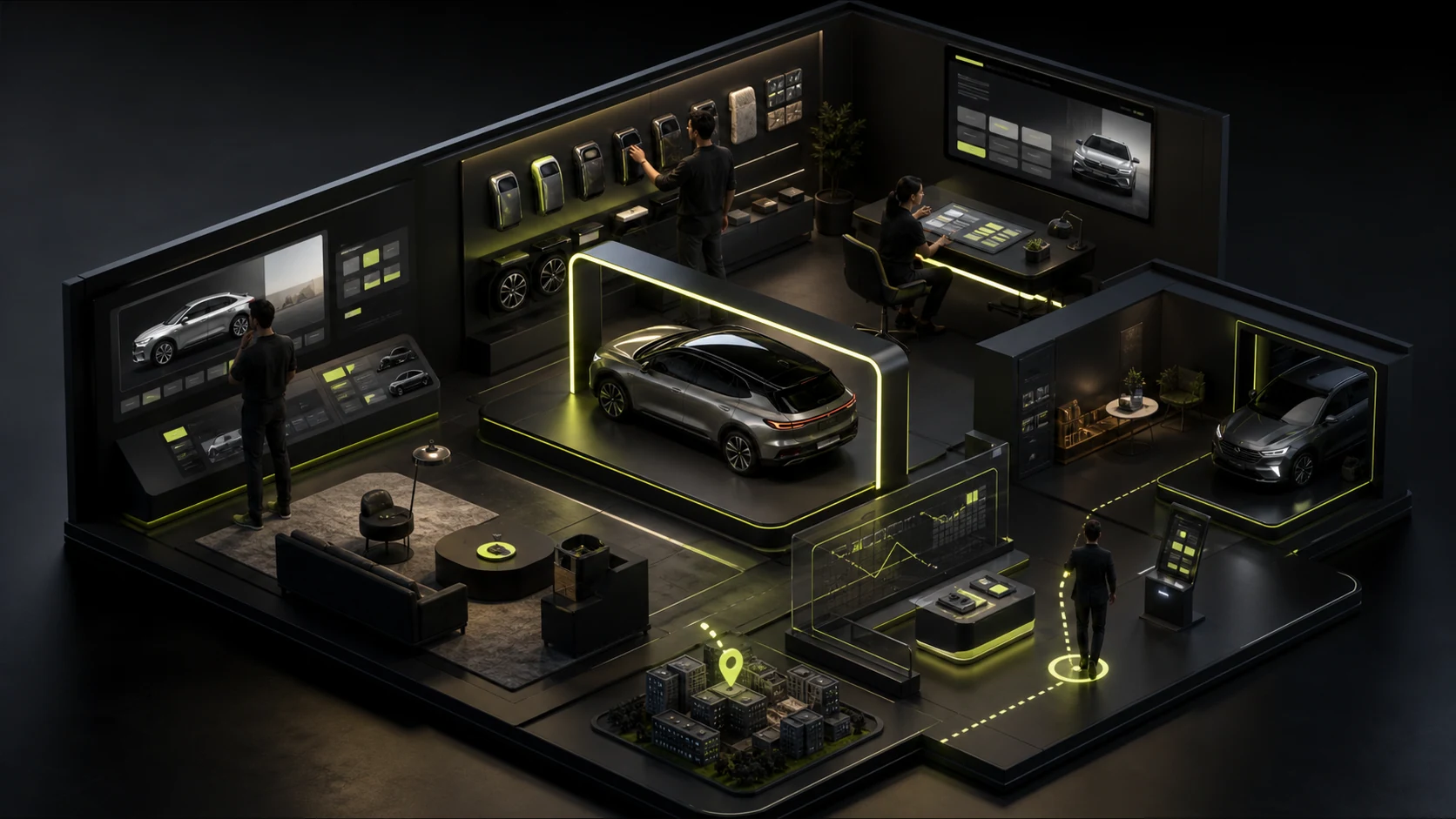
For new energy vehicle and premium mobility brand websites, 3D vehicle viewing and car configurators built with WebGL / Three.js have become almost standard. Yet actual paid-traffic conversion data shows that many automakers see bounce rates above 60% on their 3D showroom pages. The reason is straightforward: users open the page on a mobile network and encounter a black-screen progress bar that needs to download 40MB of assets and sits at Loading 23% for more than ten seconds. They lose patience before even seeing the car. Or they spend time spinning the 3D model, then cannot find a clear table when they want to compare the specifications and monthly payment plans of two versions.
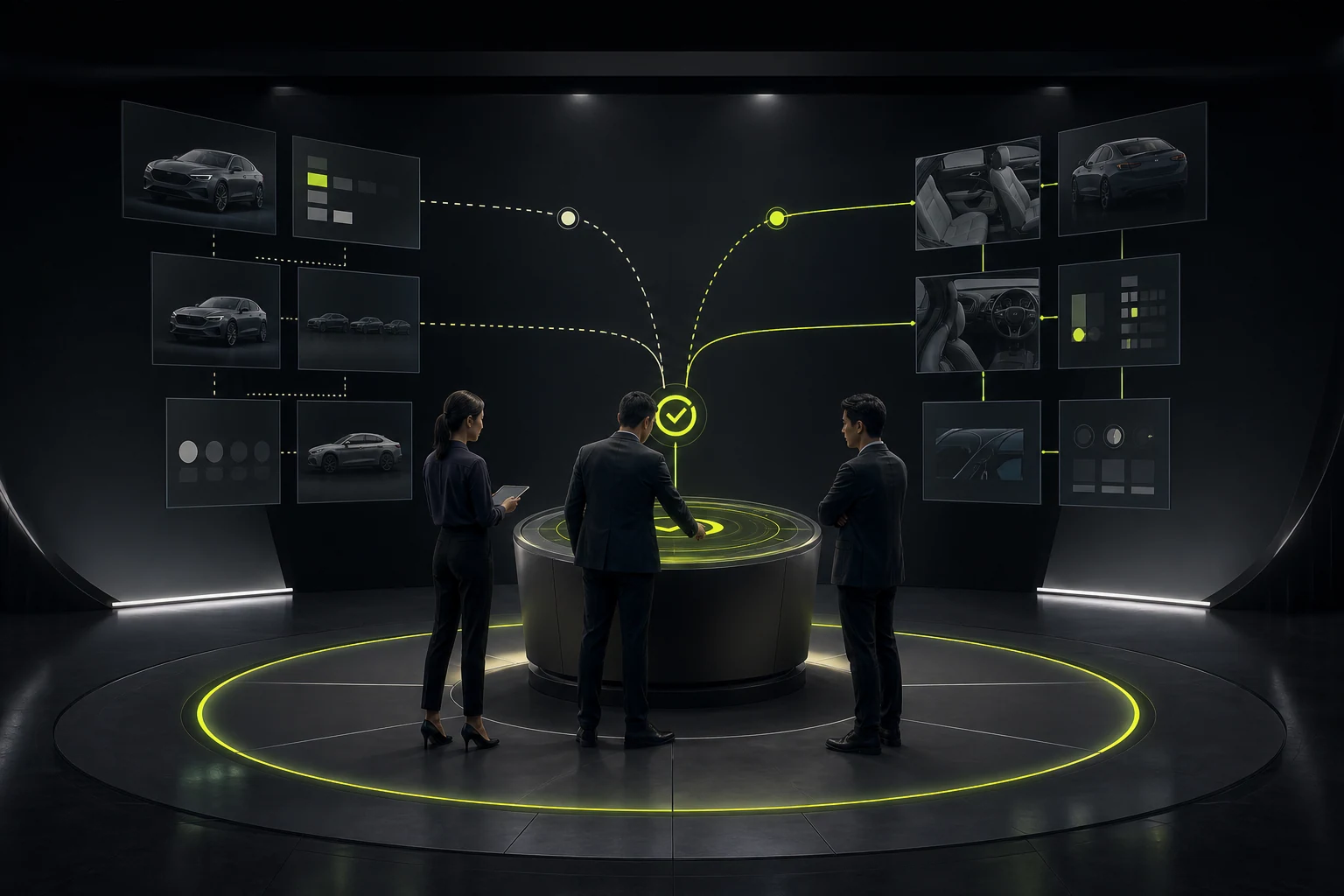
1. Progressive Visual Loading: Retain Visitors with High-Resolution Photographic Frames in the First 2 Seconds
A good digital showroom never makes users sit idle while the 3D engine initializes. Coordinated UI/UX and front-end design should follow a strategy of showing high-quality static image sequences first while silently loading the 3D model in the background:
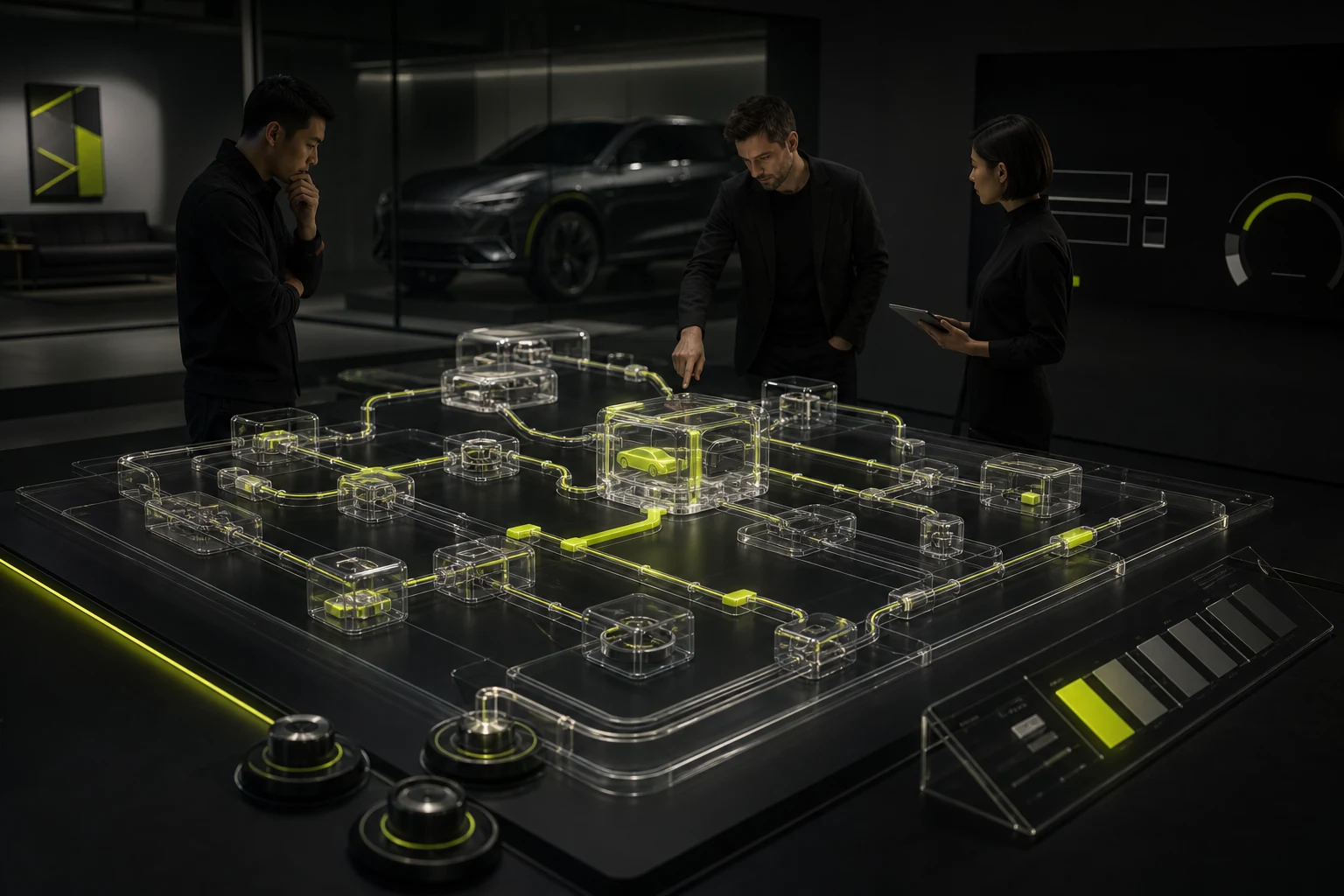
- In the first second after the page opens, immediately show a pre-rendered, high-resolution vehicle hero image and core performance figures: 0–100 km/h acceleration, CLTC range, and starting price. Users can immediately switch paint colors and wheel styles, with millisecond-level responses achieved by swapping pre-rendered layers.
- When users explicitly click “Free 360° Rotation / Enter Interior View,” seamlessly activate the real-time interactive 3D canvas that has already finished loading in the background.
2. Beyond 3D Visuals: Three Key Elements That Drive Test-Drive Inquiries
- A “Show Differences Only” toggle for comparing versions: Consumers deciding between standard-range, long-range, and all-wheel-drive performance versions do not need to read 100 identical standard features. The configuration panel must clearly show price differences and summarize the key upgrades, such as “+¥20,000: Upgrade to Dual-Motor All-Wheel Drive + Advanced LiDAR-Assisted Driving Package.”
- A finance payment and trade-in estimator that updates in real time: As users select different option packages, the bottom price bar should update not just the total price but also “Estimated Monthly Payment of ¥X,XXX with a 15% Down Payment,” reducing the psychological barrier of a high overall price.
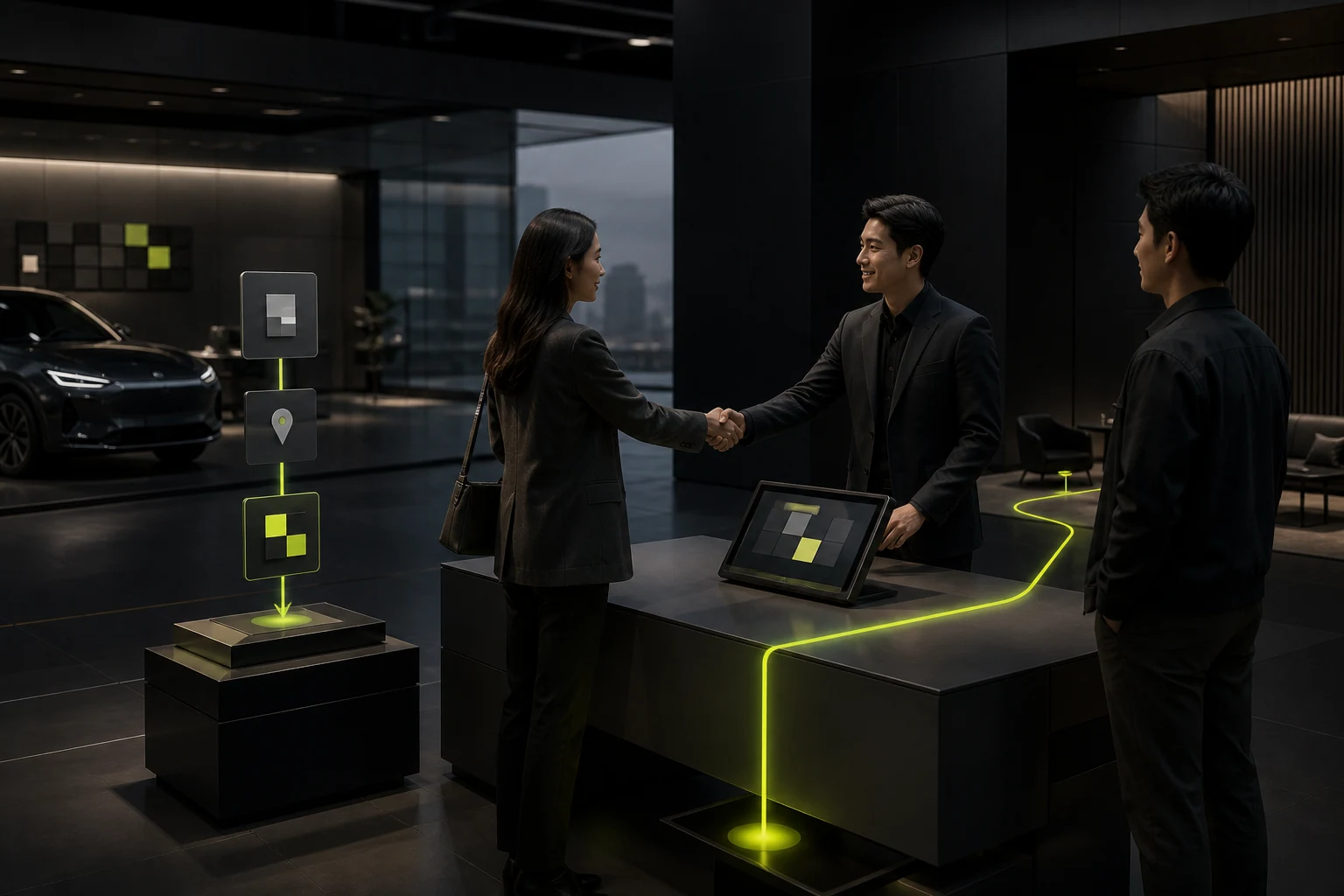
- Book a test drive at the nearest store with the chosen configuration: When users click “Book a Test Drive,” the system automatically locates a showroom in their city's commercial area and sends their selected paint, interior, and version configuration to the store's experience advisor, creating a seamless handoff from the online digital showroom to an in-person vehicle experience.

















