
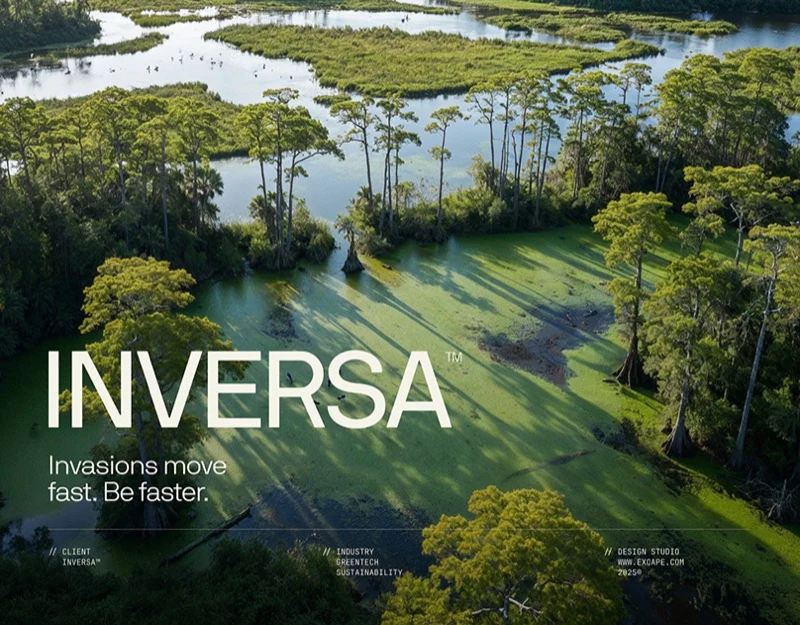
Inversa combines coastal imagery, scan-like terrain and low-brightness maps. Ecological technology website content design can build interest through nature while giving technical expression explicit subjects and scope. The images attempt to connect emotional environmental impressions with information entries for further questions.
Nature and technical diagrams offer two viewing modes
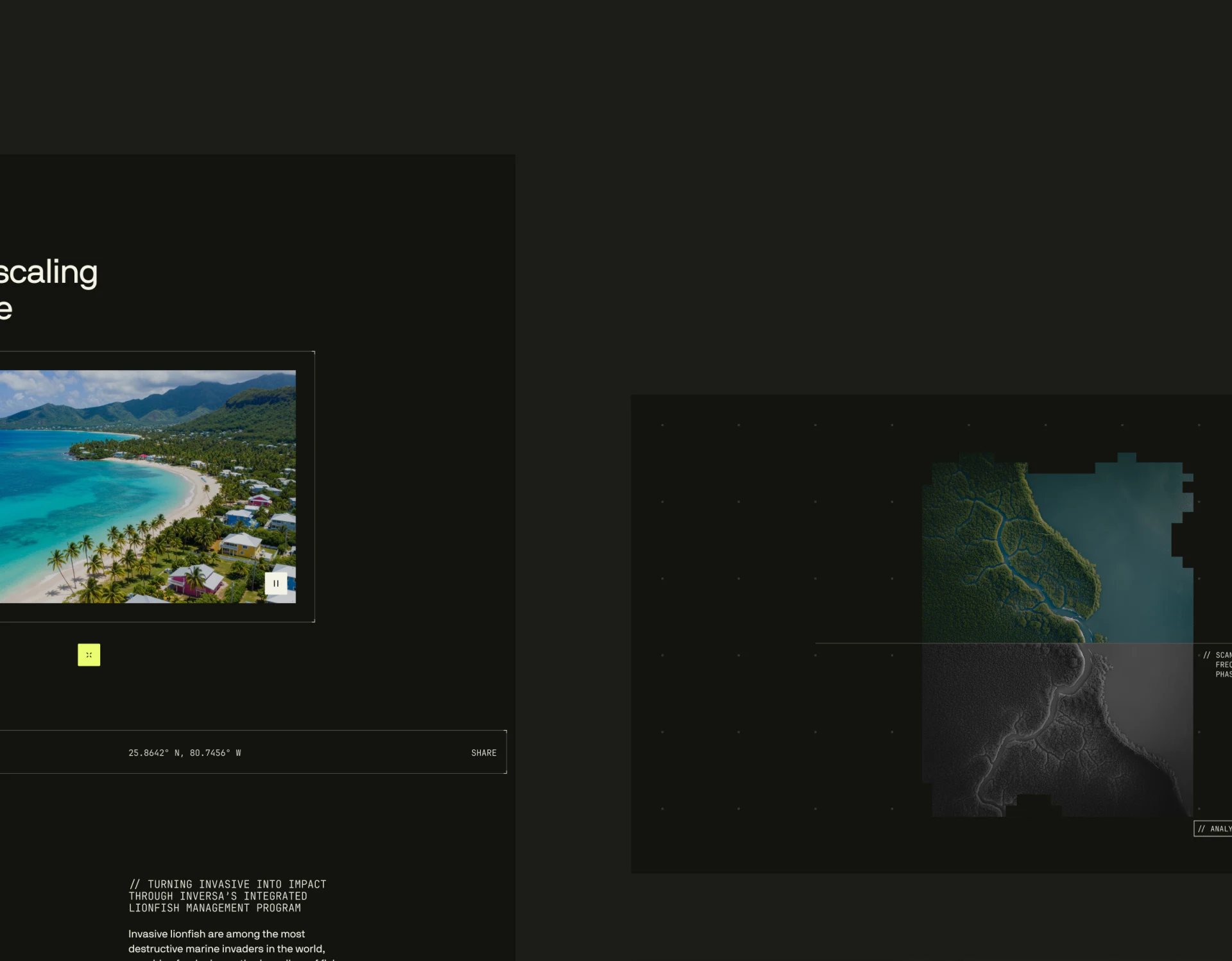
Coastal imagery retains blue water, shoreline and buildings, with pause lower right and coordinates and Share below. Terrain beside it has colored and gray parts cut by right-angle edges, dotted grids and small technical type. One shows environment first, the other shifts into observation and analysis.
Restrained frames, monochrome small type and coordinates make natural color central. Scan forms establish technical recognition beside explanation. Nearby place, date and image identity would clarify relationships beyond remembered effects.
Color and grayscale can mean different observations without implying before/after intervention. JVDS favors naming the data type in technical diagrams so differences have explanations, particularly for environmental changes or detection.
Prominent map points need explicit meanings
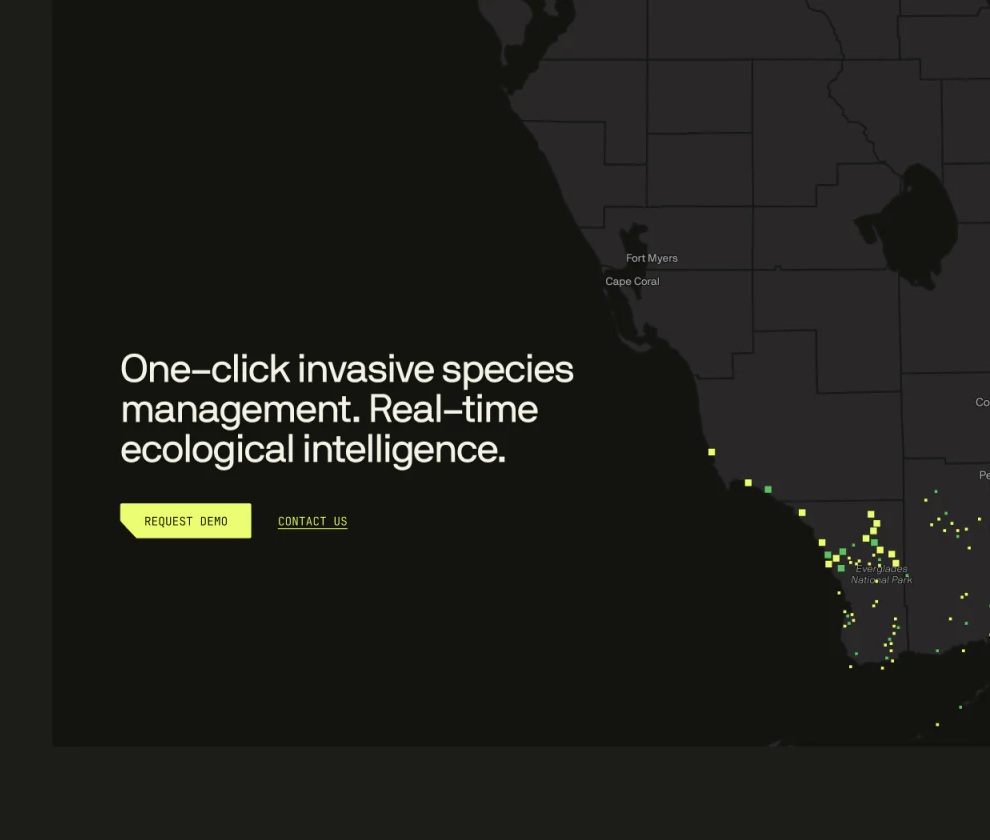
Dark land and borders underlie yellow-green squares clustered in regions. Bright-yellow Request Demo and underlined Contact us sit beside the heading. Points and buttons share brightness for a clear attention route.
Map persuasiveness also depends on information. No legend appears in this crop; meanings, coverage and update time can sit nearby, with selected summaries retaining the same object. Discussion can then concern a specific region or record.
Demo requests and general contact have different purposes. A demo can state what will be shown and required background, while contact handles existing questions. Parallel paths are useful if subsequent information follows each purpose beyond button style.
Organization grids need individual correspondence
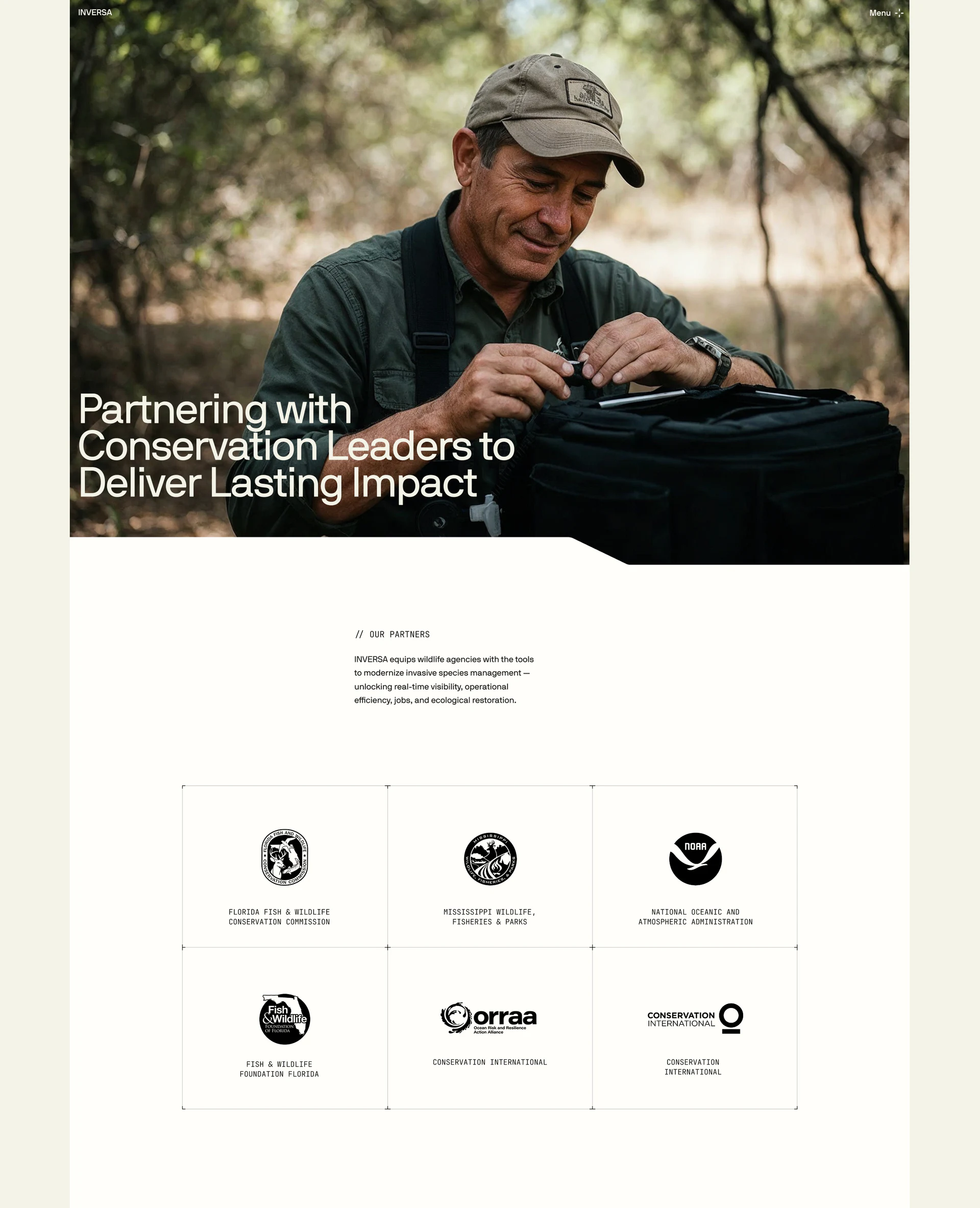
The partnership page changes to pale backgrounds, showing field workers and a large heading before overview and six logo cells. Fine frames, similar logo sizes and monochrome full names give varied forms one reading order. Nature shows work context; organizations identify relationships.
The lower-middle ORRAA logo says Conservation International beneath it, repeating the right-hand name. Check each mark, full name and relationship, retaining cell association after long names wrap.
Fields or information roles for partnerships can explain why the wall appears. Credible ecological technology presentation comes from images, maps and relationship data each defining their content before page structure connects them.
Connect environmental visuals to understandable information
If your ecological or technical brand needs maps, imagery, partnerships and demo entries, plan explanations and access routes together so visuals support specific discussion.
JVDS provides UI/UX design and website design and development, helping plan technical showcases, map information layers and demo/contact flows.

















