
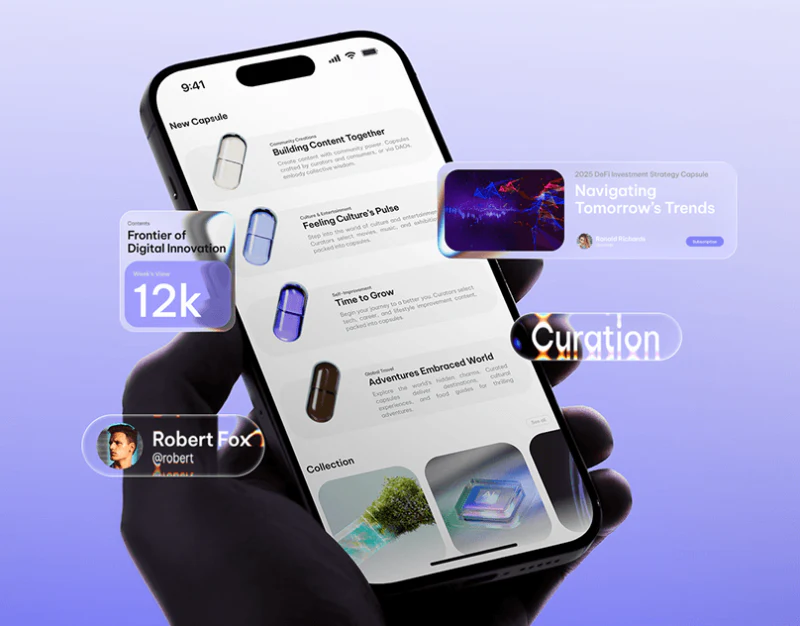
When designing a content aggregation platform, an online knowledge base, a university campus portal (such as the EDUCARE university brand and campus portal website designed by our team), or a large industry media website, the central design challenge comes down to one word: “order”.
These websites publish dozens of updates every day across different sections: articles, event notices, podcast episodes, and research reports. If the page contains nothing but rows of cold, plain-text title links, users experience visual fatigue after just three lines. But if every section uses its own elaborate illustrated background, the entire homepage becomes as chaotic as a utility pole covered in small advertisements.
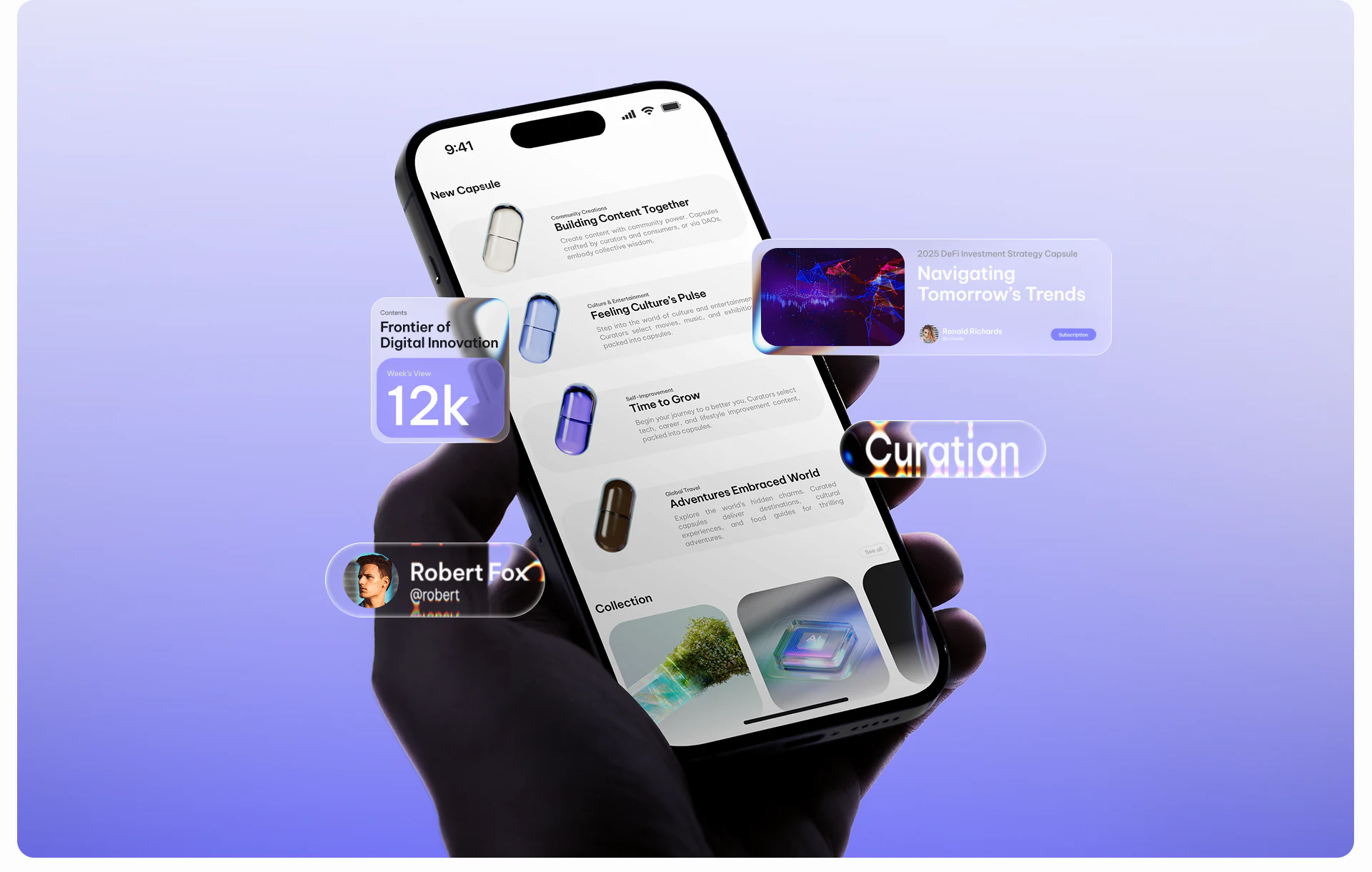
In recent years, more and more excellent digital content platforms have adopted a visual brand system that pairs a “distinctive pill/capsule container motif” with category text labels. It preserves a lively, recognizable brand while organizing a vast content catalog clearly.
1. Why are capsule-shaped containers naturally suited to serving as visual anchors for content platforms?
In interface layouts, rectangular cards hold long blocks of text and cover images, while a capsule shape with fully rounded ends (border-radius: 9999px) naturally suggests “labels, entry points, pills, and distilled essentials” to the human eye:
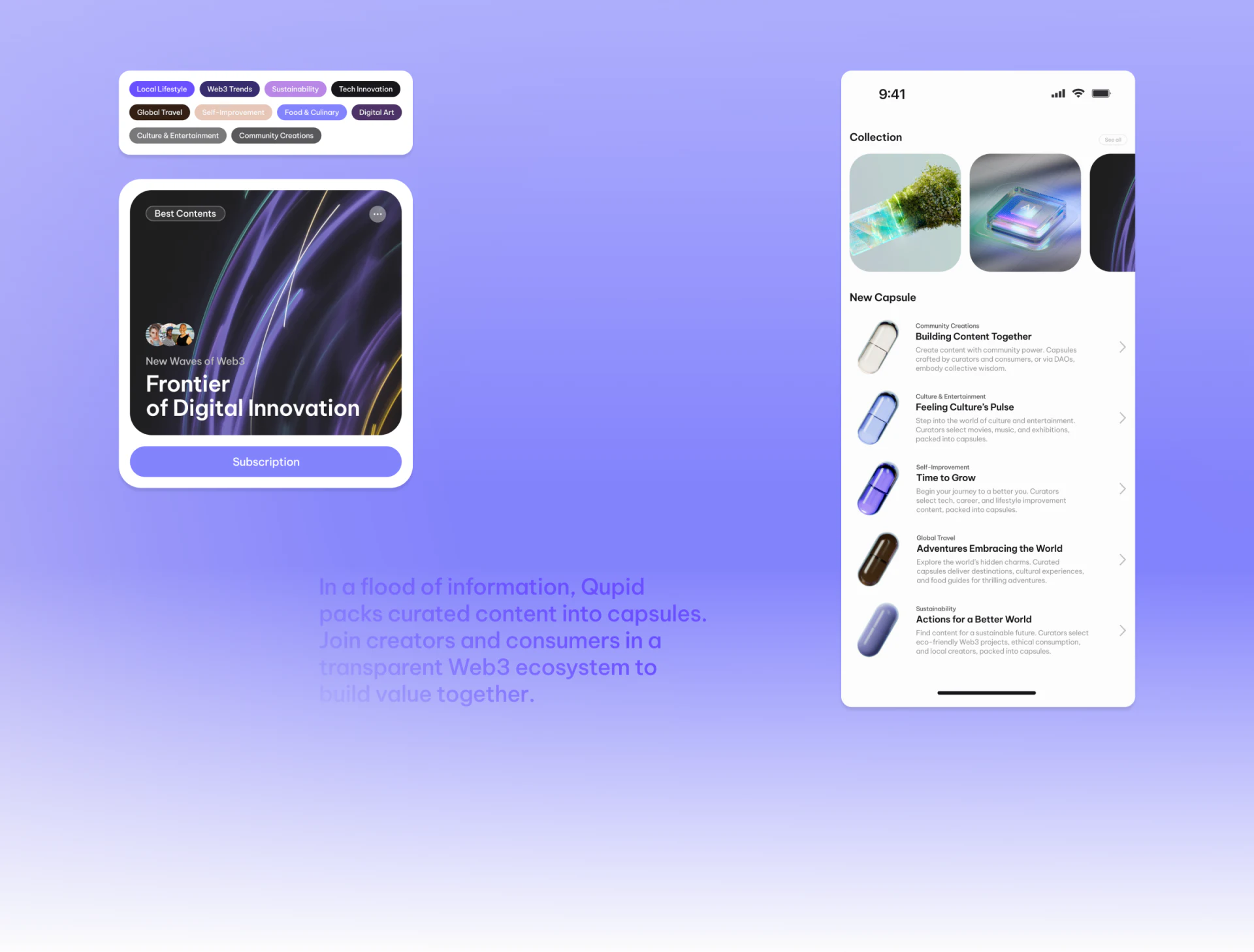
- It can stitch an “image” and “category text” together in the same row: For example, next to an “In-Depth Business Insights” section, a small capsule-shaped cutout of a person or an abstract sculpture sits on the left, immediately followed on the right by a colored capsule text label of the same height:
[Business Insights · 12 min read]. - It scales up or down with great flexibility: Enlarged above the fold on a channel page, the capsule container can serve as a memorable brand frame holding a featured-topic poster. Reduced to
24pxtall in the top-left corner of an article card, it becomes a neat, direct category badge.
2. Color coding must be firmly tied to category text; colors cannot wander between categories

Many content websites randomly color their list-page labels red, yellow, blue, green, or purple. Today, “Industry Reports” is blue; tomorrow, “Upcoming Events” is blue too. This does not help navigation—it creates distraction.
The right approach is to establish a strict “category-to-color mapping table” in the brand's visual identity and UI guidelines:
- For example, consistently use Klein blue capsules for
[Technical Breakdowns], warm amber capsules for[Practical Case Studies], and turquoise capsules for[Industry White Papers]; - At the same time, carefully calibrate the contrast between the capsule background and its category text, avoiding combinations such as white text on pale yellow that are difficult to read. After regular readers have visited your site twice, they will not even need to read the label: simply catching the capsule color and accompanying graphic in their peripheral vision can let them pick out the section that interests them most within a second.

















