

When startup teams begin planning sports community apps for outdoor cycling, hiking, arranging ball games, or urban running, many want to include everything from the outset: a social feed, an equipment store, national rankings, short-video editing, direct messages, and group chats. After spending more than six months on development and launching, users open the app to find a quiet feed filled with reposted official content. When they actually want to organize a weekend activity, they still fall back on WeChat groups to share sign-up lists and payment QR codes.
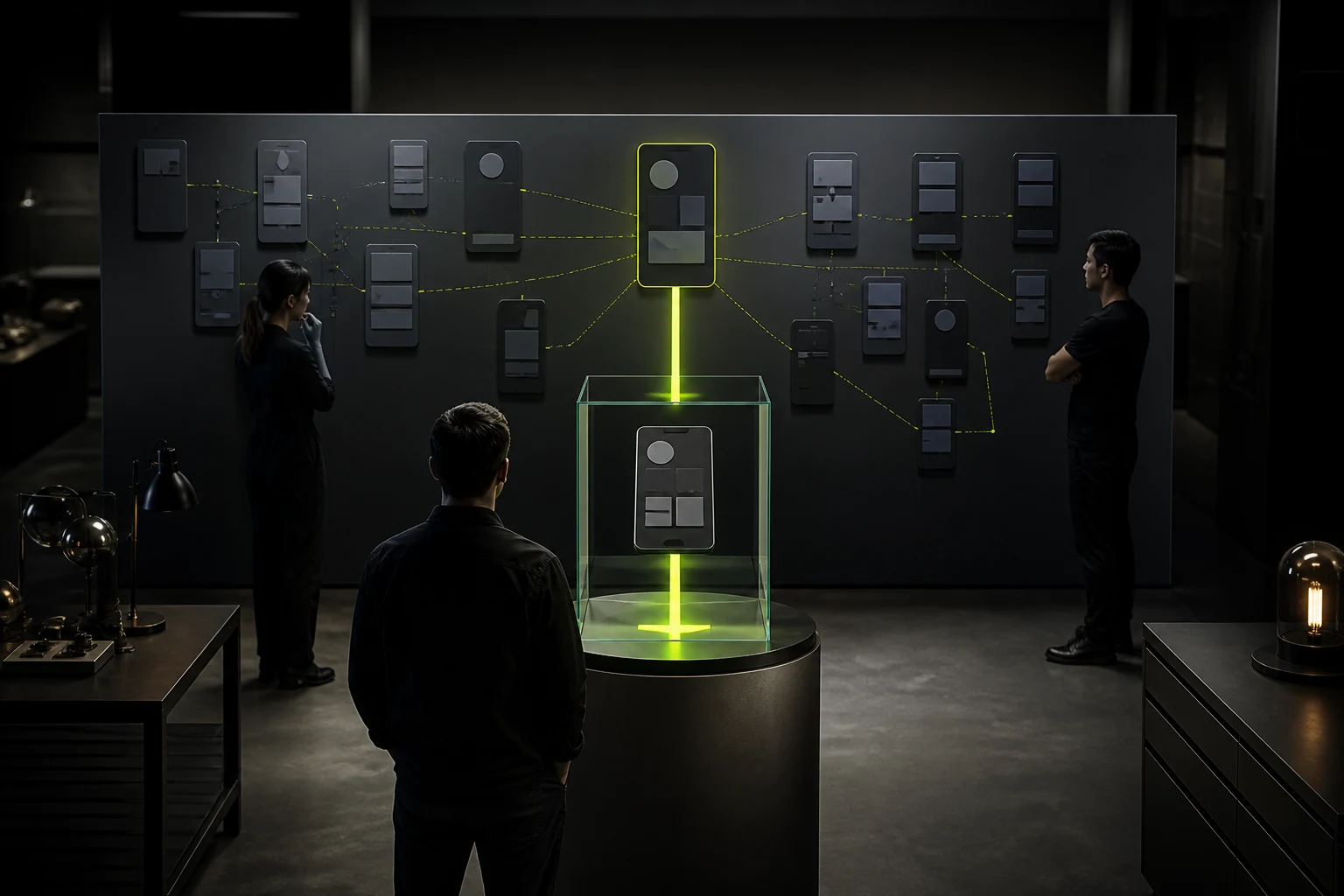
In JVDS's experience building minimum viable products (MVPs) for startups, there is one key to gaining traction with a sports community app: first remove peripheral general-purpose social features, and deliver an outstanding experience across the complete lifecycle of a single in-person sports activity.
1. Why Are WeChat Group Sign-Up Lists Insufficient for Frequent Sports Communities?
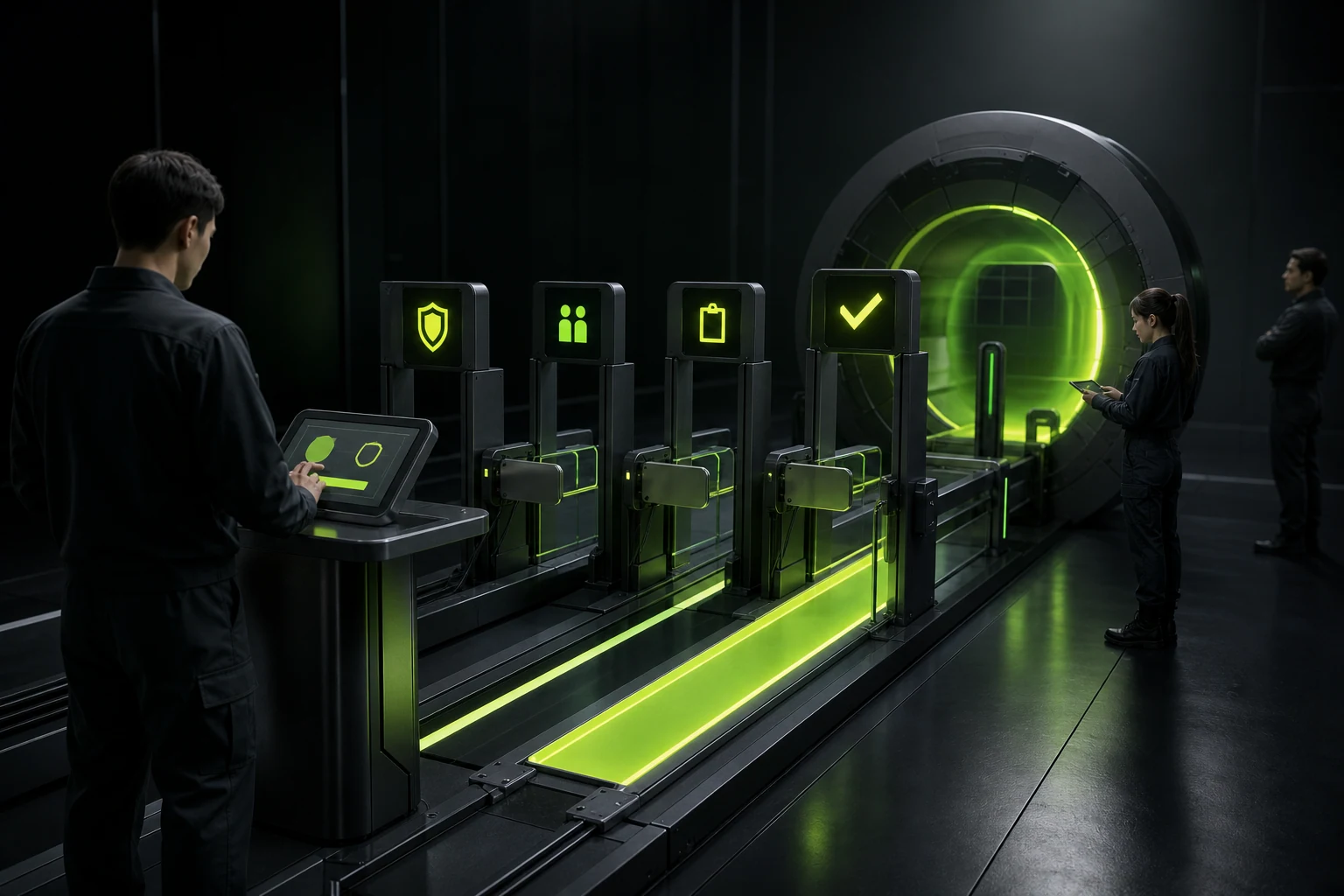
WeChat group sign-up lists have four major shortcomings for groups that regularly organize sports activities: they cannot automatically validate skill levels, so beginners can mistakenly join advanced sessions and have a poor experience; last-minute cancellations do not automatically promote people from a waitlist; refunds and changes for split costs or tiered fees create confusing accounts; and high-resolution photos and videos expire after the event. The app's interface design must directly address these four pain points.

2. A Four-Step Interface Workflow for Completing an In-Person Activity
- Activity detail card: put participation requirements and venue conditions on the first screen
In addition to the time, location with one-tap navigation, and remaining places, prominent visual badges must show intensity levels, such as
Casual Session 3.0versusCompetitive Session 4.5+, equipment requirements, what the fee includes, and the deadline for free cancellation, reducing repeated questions in the group. - Registration and an intelligent waitlist interface When an activity fills up, the button automatically switches seamlessly to “Join Waitlist (Currently 2nd in Line).” If someone cancels before the deadline, the system automatically promotes the next person in order and sends a prominent notification, freeing organizers from manually recruiting replacements.
- On the day: a minimal check-in code and a group matchup board Two hours before the activity starts, the app's home screen automatically surfaces a quick-access pass for the current event, including an on-site check-in QR code, one-tap calling to the group leader, changing-room and parking directions, and a live group matchup schedule.
- After the event: retain event albums organized by face or bib number After the activity, photographers upload images to its dedicated album. Participants receive a statistics poster bearing the event watermark, with pace, distance, and tags for fellow players, which they can share to social platforms in one tap, naturally generating referrals and attracting new users.

















