
Key takeaway (TL;DR)
The cathedral effect describes a deep relationship between physical space and cognition: tall, open environments tend to encourage abstract, divergent thinking and exploration of broad visions, while compact, enclosed environments strongly encourage attention to local details and logical verification. Applied to digital media, viewport height, the extent of whitespace, and the camera's viewing angle shape the breadth of users' thinking. JVDS advocates dynamically separating panoramic views from focused workspaces in corporate website development and product interaction. Give brand communication ample space, then narrow the view for calculation and conversion to guide the user's cognitive journey.
1. Spatial height and information processing: the psychology of priming
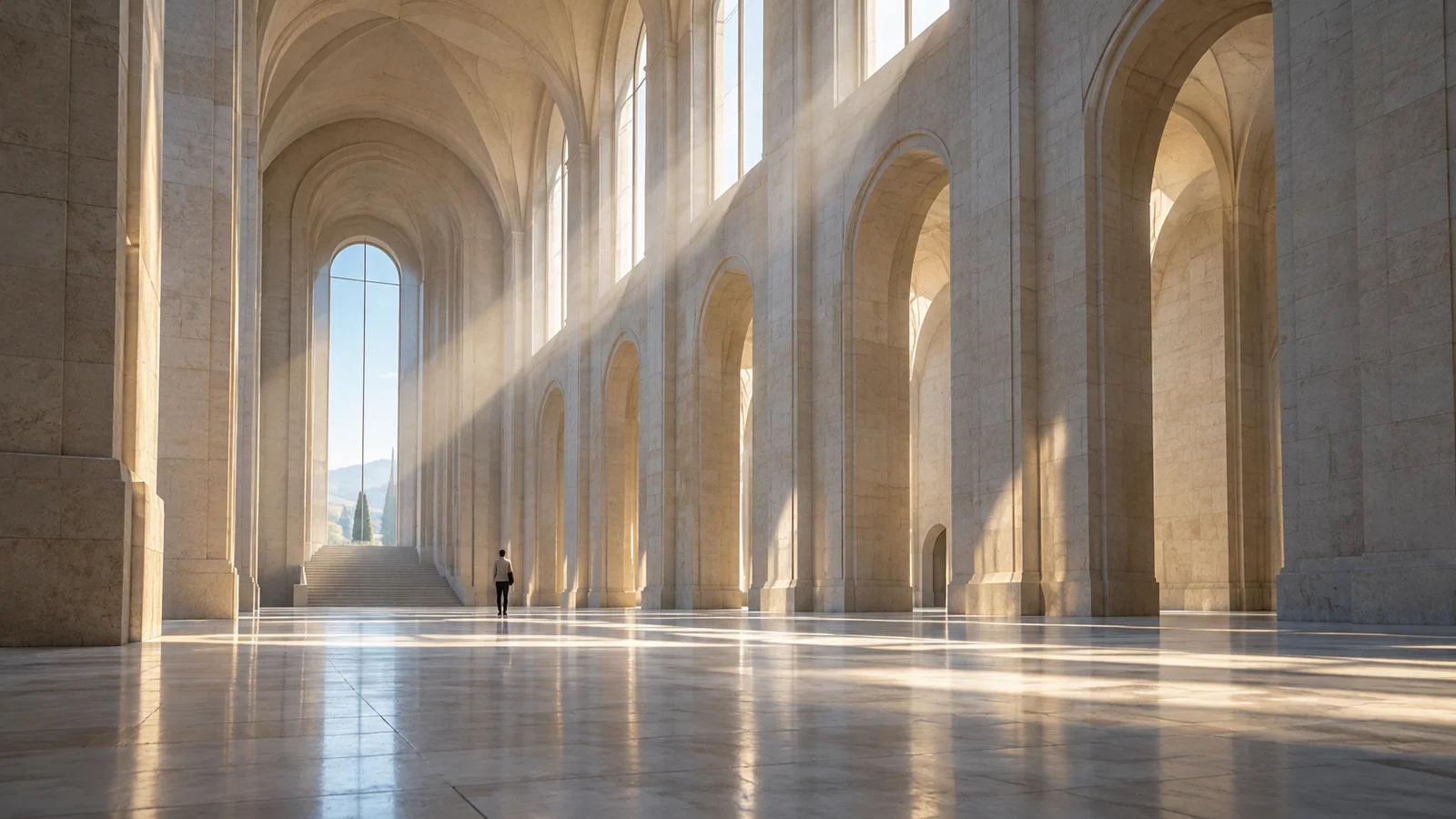
Inside a European Gothic cathedral with a vault tens of meters high and light pouring through tall windows, most people instinctively feel awe, transcendence, and imaginative possibility. In a cramped basement accounting room with a low ceiling, attention immediately contracts toward the ledgers and figures at hand.
1.1 Meyers-Levy's pioneering cognitive research
A landmark empirical study published in 2007 by University of Minnesota professor Joan Meyers-Levy and Rui Zhu confirmed this mechanism:
- High-ceiling group, approximately 3.0 meters or above: participants were more sensitive to broad concepts such as freedom, the universe, and infinity in word-association tests. When evaluating products, they showed an integrative preference, focusing on the overall design idea, ecosystem relationships, and future possibilities.
- Low-ceiling group, approximately 2.4 meters or below: participants focused more on words such as boundaries, rigor, and constraints. Presented with the same products, they adopted a detail-oriented perspective, scrutinizing edge finishing, button feel, individual specifications, and price differences.
The experiment reveals environmental priming: perceiving the scale of a physical environment unconsciously establishes the cognitive frame through which the brain processes information.
2. From physical space to digital views: height and scale on the web
Computer and phone screens do not provide physical ceiling height. Yet visual cues in UI/UX create a clear perception of virtual spatial height:
2.1 Generous hero whitespace and parallax: the cathedral hero
Consider a corporate website that uses a full 100vh viewport above the fold, generous letter and line spacing, a concise, reflective headline, and a deep, expansive parallax brand background:
- The interface immediately evokes the spacious field of a cathedral vault.
- Instead of rushing to ask about price or identify functional flaws, users become absorbed in the company's mission and its role as a challenger to established technology, giving the brand a substantial intangible premium.
2.2 Dense cards and compact data workspaces: the micro-office workshop
By contrast, when users enter transaction lists, code editors, or permission-management areas:
- The interface contracts into compact 32px cells, precise dividers, and high-contrast text.
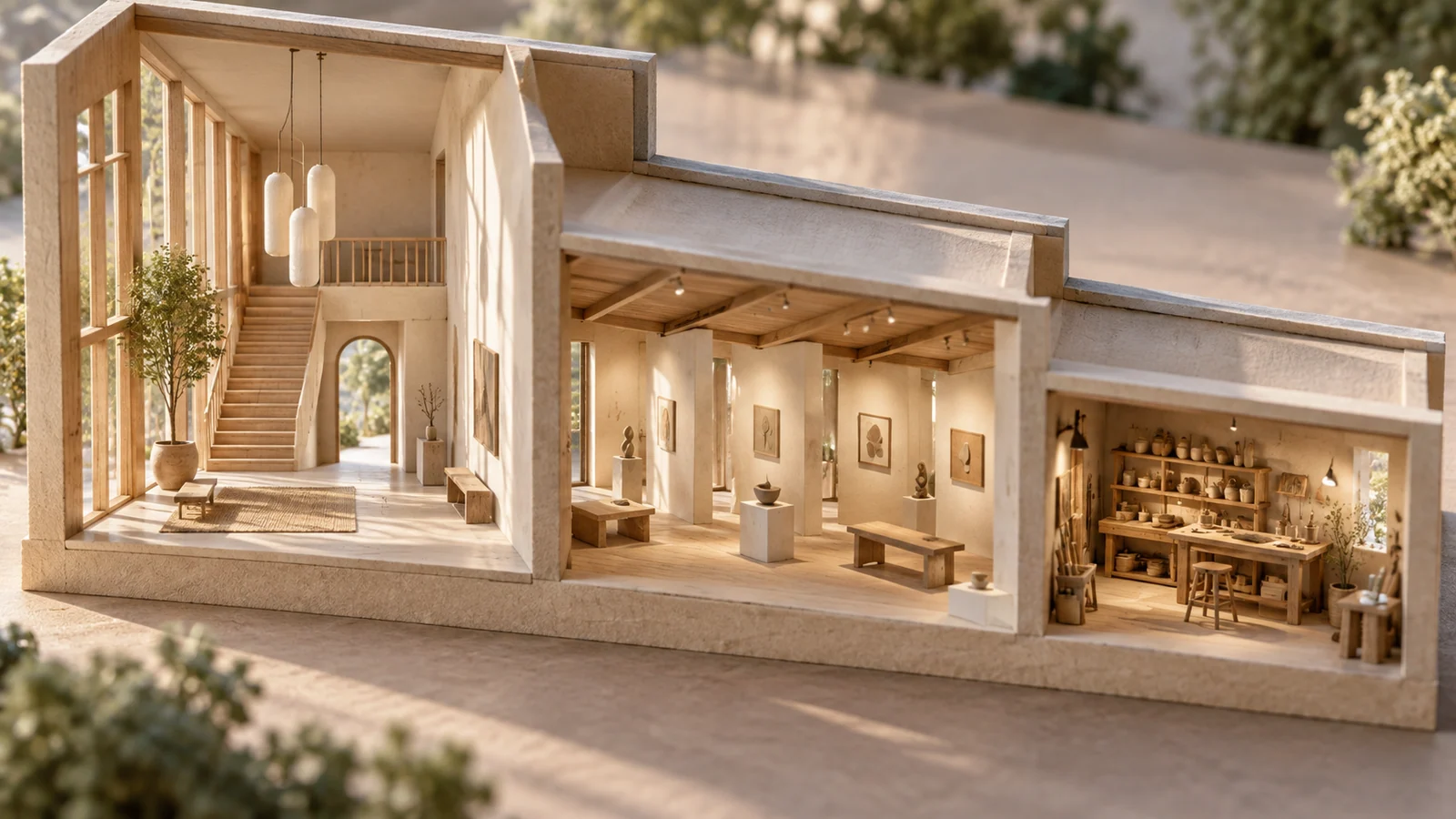
- This close-range view evokes a low-ceilinged workshop, encouraging operators to set aside open-ended imagination and enter a meticulous, rational mode aimed at avoiding errors.
2.3 Spatial cues from camera angles: looking up and looking down
Camera angles in product rendering and photography influence the same effect:
- Low-angle shots: looking upward at industrial hardware, with its silhouette rising into the sky, evokes awe and a sense of leadership.
- Top-down perspectives: a bird's-eye view of the overall layout communicates control and the connections between modules.

3. A comparison matrix for interface spatial scale
Digital experience redesign should not assume that greater openness is always better or that compactness is always more practical. The following table clarifies how broad and close-range spaces work together:
| Spatial scale | Visual and layout characteristics | Core business stages and applications | Common mistakes and risks |
|---|---|---|---|
| Expansive, divergent space Cathedral mode | • Immersive 90–100vh hero sections. • A single-line headline occupying a large viewport through fluid typography. • Extensive negative space with margins of at least 120px. • Conceptual brand statements and vision storytelling. | Corporate homepages, brand-value statements, flagship product launches, and strategy-announcement pages. Encourage identification and emotional value. | Rigidly applying panoramic layouts to urgent troubleshooting or rapid purchasing, forcing impatient users to scroll repeatedly in search of an entry point. |
| Compact, convergent workspace Workshop mode | • Structured slide-over panels. • Tightly aligned specification comparisons and configuration lists. • Dense dashboard widgets. • Precise fixed headers and multistep form controls. | Comparing pricing plans and technical specifications, checkout summaries, and administration settings. Encourage rational analysis and error-free decisions. | Turning a product-launch homepage into an impenetrable spreadsheet of specifications, immediately suppressing the customer's imagination of a premium technology brand. |
| Unbalanced spatial mismatch Conflicting scales | • Filling a large hero image with twenty small-print promotions. • Inserting an unskippable floating 3D tour into a checkout page that should be compact. • Abruptly changing spatial levels and grid widths without contextual logic. | Create cognitive disconnection: details repel customers when they need to understand the brand, while large images obstruct them when they need to calculate. | Teams lack a shared information architecture and assemble page scales according to each business unit's preferences. |
4. JVDS methodology for spatial cognition and interaction layers
For premium corporate websites and complex digital-product redesign, JVDS proposes a dynamic spatial architecture: establish atmosphere at the broad scale and execute precisely at the small scale.
[JVDS Spatial Scale Ladder]
Establish a broad vision → Reveal the structural blueprint → Focus the workspace for conversion → Adapt scale across devices
- Vertical emotional descent. A single-page corporate website should move progressively from cathedral to workshop. The first screen uses generous 100vh space to establish industry leadership. The second introduces large modular solution cards to build a systematic understanding. The third narrows smoothly into concise specifications and delivery lists, providing rational evidence. A clear, focused CTA at the end connects emotional interest with a considered decision.
- Responsive spatial dynamics. JVDS binds spatial parameters dynamically in the design system. In browsing and exploration mode, components use large spacing, such as L/XL padding. When the user enters configuration mode, the interface transitions smoothly into compact S/XS spacing. Small animated transitions help users shift from divergent thinking to focused operation.
- A viewport floor protocol. Set minimum-height fallback logic for different laptops and monitors. Do not force unlimited full-screen sections that crop useful information. At the bottom of large sections, leave a small part of the following module visible—a peeking effect—to show that further content exists and prevent users from mistaking the current screen for the end of the page.
5. Frequently asked questions
Q1: Can the cathedral effect work on a small mobile screen?
Yes. On mobile, perceived scale comes from the relative proportion of screen area, not its absolute physical size. On a 6.1-inch phone, a section containing only a minimal large headline and a deep background, with 80px of space above and below, can still feel expansive as the user scrolls. Packing the same screen with five dense rows of text and images plus three badges can immediately produce a cramped, defensive impression.
Q2: How can SaaS or administration interfaces balance clients' demands to show as much data as possible on one screen?
Use visual triage. “As much as possible” usually means “do not let me miss an important abnormal metric.” Reserve the upper 30% of the screen for a spacious overview of overall system health, providing a high-level view that confirms the system is operating normally. Use the lower 70% for a compact table with dense collapsible rows and inline filtering. Avoid turning the entire page into a lifeless wall of text.
Q3: How can a team distinguish sophisticated cathedral-like whitespace from simple emptiness?
Check whether the empty area is supported by visual tension and weight. Refined cathedral-like spacing is framed by carefully chosen alignment lines, precise golden-ratio type scales, and strictly balanced visual centers. While looking through the empty space, the viewer still feels the pull of the main image and text. If removing the text leaves the page scattered and structurally incoherent, the result is careless emptiness rather than a cathedral effect. Explore the JVDS design portfolio for applications of expansive typography and precise engineering.

















