
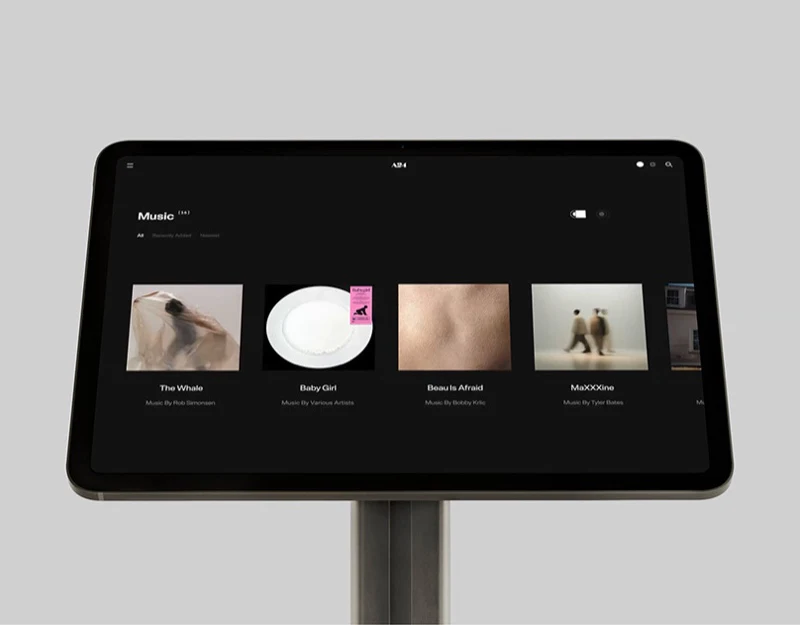
These A24-themed pages connect film filters, full-image details, and record-style music in one visual language. White catalogs support finding, scenes introduce works, and black players focus on albums. Appearance can change atmosphere while identity and playback remain confirmable.
Key takeaways
- Catalog conditions have distinct layers, while details retain work identity.
- Record appearances can switch with continuous tracks and playback states.
The catalog separates category from order
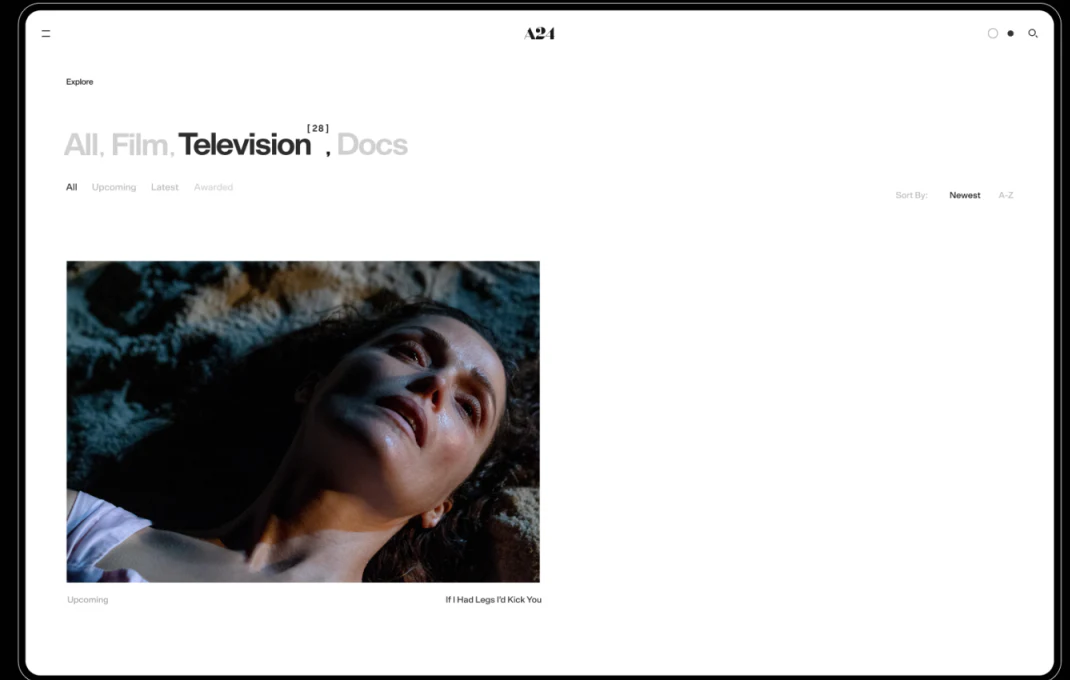
All, Film, Television, and Docs define types, with Television dark and others pale. Status sits below, with Newest and A-Z on the right. These answer what, which stage, and how to arrange.
Images retain names and status instead of becoming unlabeled posters. Counts should identify full-catalog or filtered scope, and all labels need readability so alternatives remain discoverable.
JVDS prefers condition summaries near results rather than revealing type only in details. Returning should retain sorting and position, reconnecting inspection with finding.
Types, status, and detail names should share catalog information. Ended or removed content can keep informational entries with explicit access scope rather than letting poster status define availability.
Full scenes still retain work identity
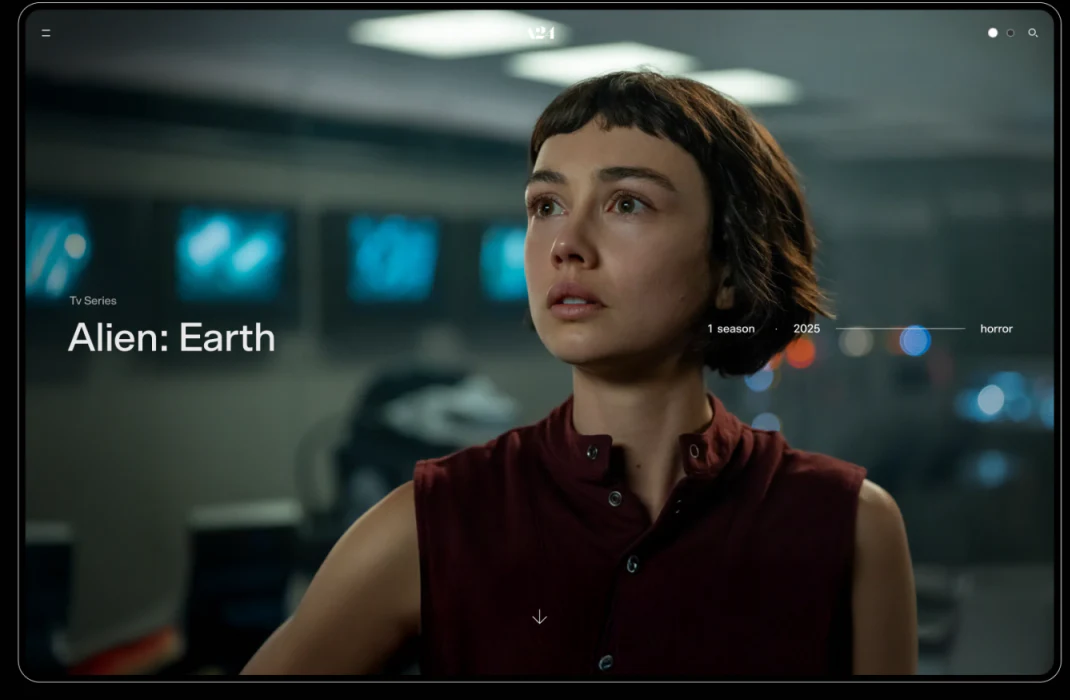
Alien: Earth fills the view with a character scene, name near lower left, season/year/type across the right, and arrows below. The scene builds atmosphere while words support further reading.
Overlay text faces changing brightness across photos. Stable positions and supporting backgrounds can preserve readability without putting text over the brightest area.
Arrows indicate more content without specifying story, people, or soundtrack. Clear module names should follow, retaining film or album identity and a discoverable return route into music.
Full images suit short information; longer content needs stable reading areas. Image extent creates immersion and titles/sections support finding, with both adapting through page depth.
Record shapes do not replace playback information
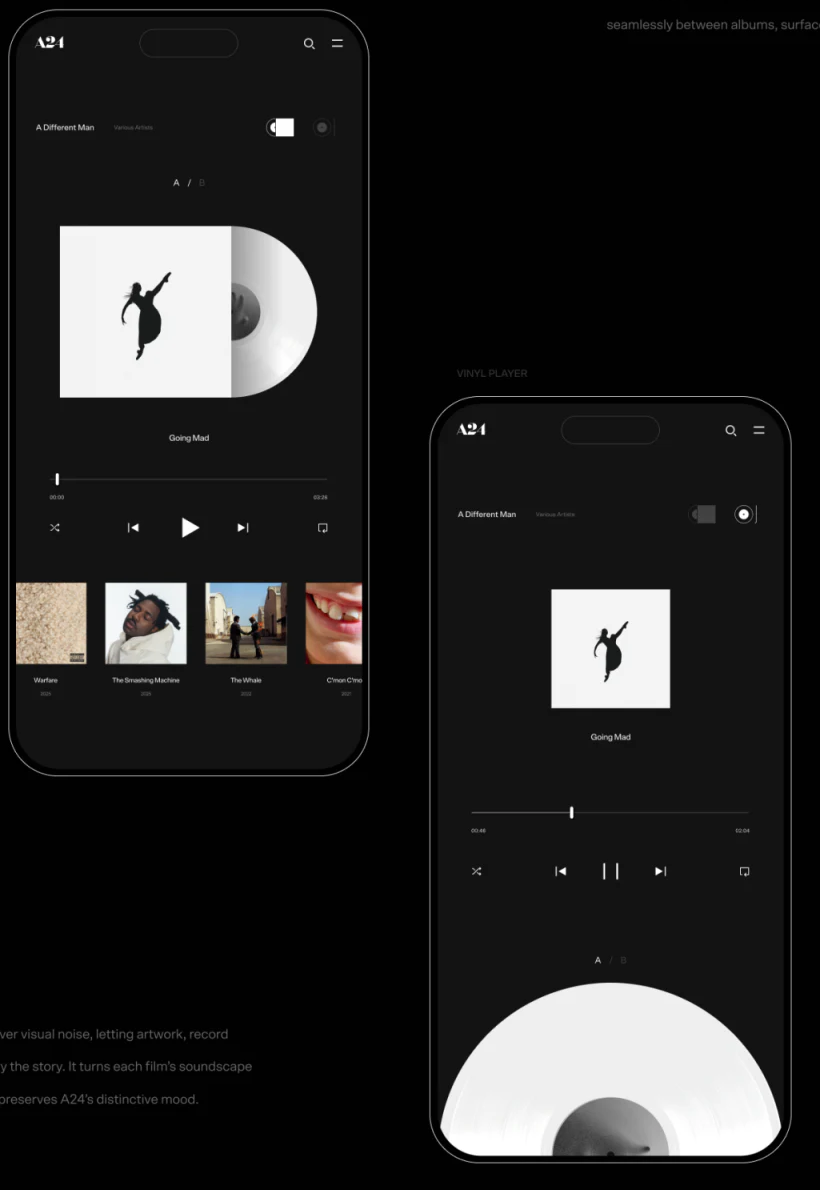
One mobile version pairs artwork with a white record; another reduces artwork and puts a large record below. Both retain album, track, progress, and controls, so the theme does not displace operation.
Appearance changes should retain track, version, progress, and explicit playing/paused state. Different recording versions should be named rather than inferred from duration changes.
A/B can echo record sides, but whether it changes lists or visuals needs explanation. Controls, especially pause and previous, should share positions instead of moving to suit a rotating record.
Recommended covers support browsing while current playback anchors identity. A current track can stay visible during another album’s exploration, separating discovery from listening.
Frequently asked questions
Are a large record and play button enough?
Album, track, progress, and status are also needed. Shapes establish atmosphere; words confirm what is playing.
Does record A/B necessarily switch tracks?
Its definition should state whether it changes sides or visuals. Traditional record experience cannot automatically establish the action result.
Design review checklist
- Name category, status, and sorting separately.
- Check overlay text across brightness variations.
- Retain track, version, and progress across appearance changes.
Connect film browsing and soundtrack finding
Film and music websites can align work, album, and track identifiers before filters, details, and player appearances.
JVDS Design Studio provides UI/UX design, website design, and development services to help organize page content, interface structure, and implementation needs.

















