
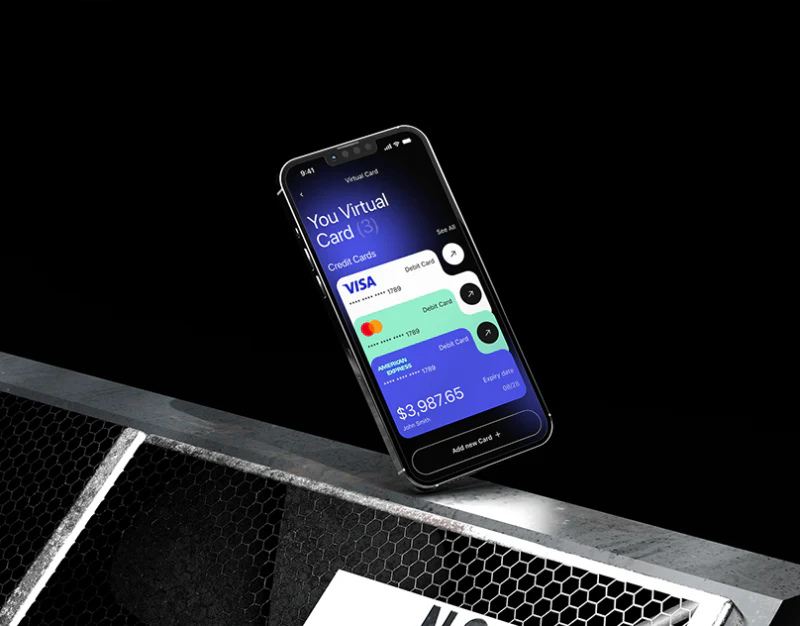
AIVA combines black, purple glows, and large white text without centering every page on one balance. History emphasizes review, cards emphasize object selection, and the assistant emphasizes input state. Shared visual language can unify a finance app while task-specific hierarchy changes.
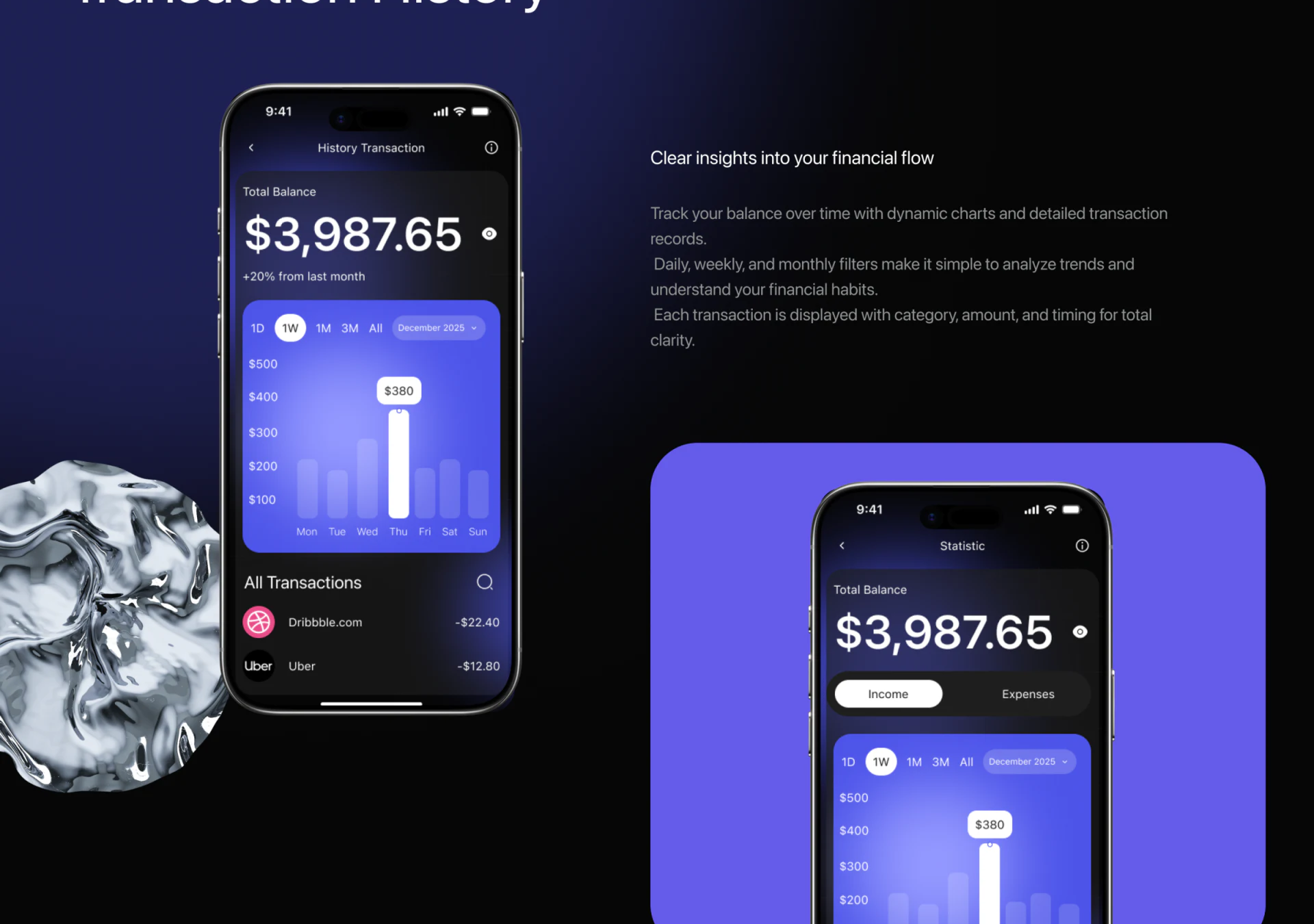
History leads from charts into records
History moves from total balance to weekly bars and merchant transactions. 1W is selected, Thursday is white with an amount, and other bars are pale. Charts locate changes; merchant names and amounts offer specific checks in a direct vertical hierarchy.
Total balance, daily amounts, and individual records are different objects. Monthly changes, chart months, and weekly scope need separate explanations, and Thursday needs a complete date. Whether All Transactions follows chart filters is unclear and should be stated through list headings or scope cues.
Selected dates should lead into relevant records. An amount bubble identifies emphasis; record identity explains it. Connecting both supports continuing review.
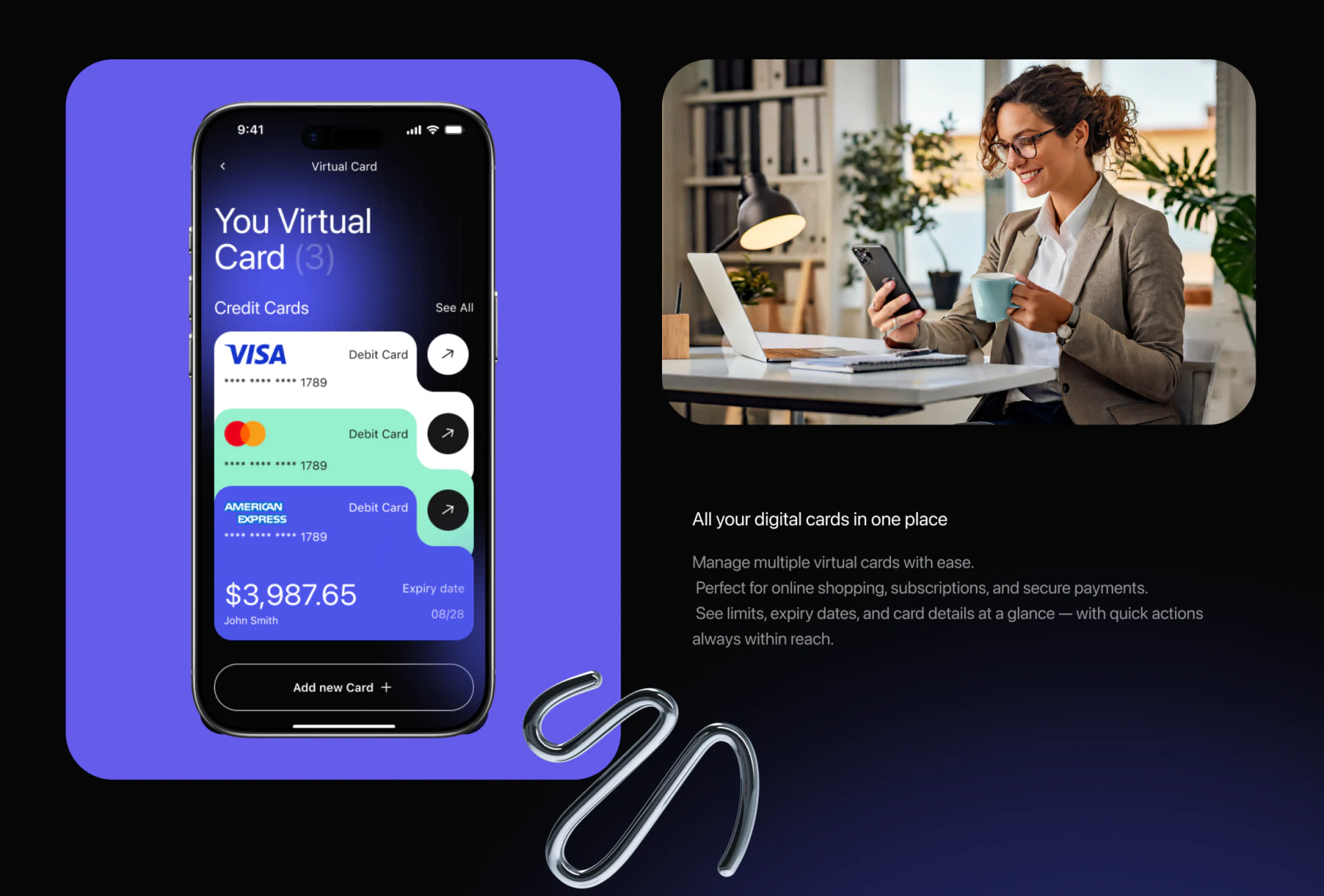
Stacked cards still need readable identities
White, green, and purple cards reveal organization marks, endings, and arrows, with Add new Card below. Varied outlines retain similar action positions, connecting presentation variety with consistency.
Stacks suit limited objects if key identities remain visible. All three examples share an ending; Credit Cards above conflicts with Debit Card on each. Check words and numbers first. Colors and marks assist but cannot replace names and types.
JVDS Design Studio recommends retaining card name and ending in detail so balance, expiry, and subsequent actions have clear ownership. Simpler screens should not depend on remembered colors from the previous view.
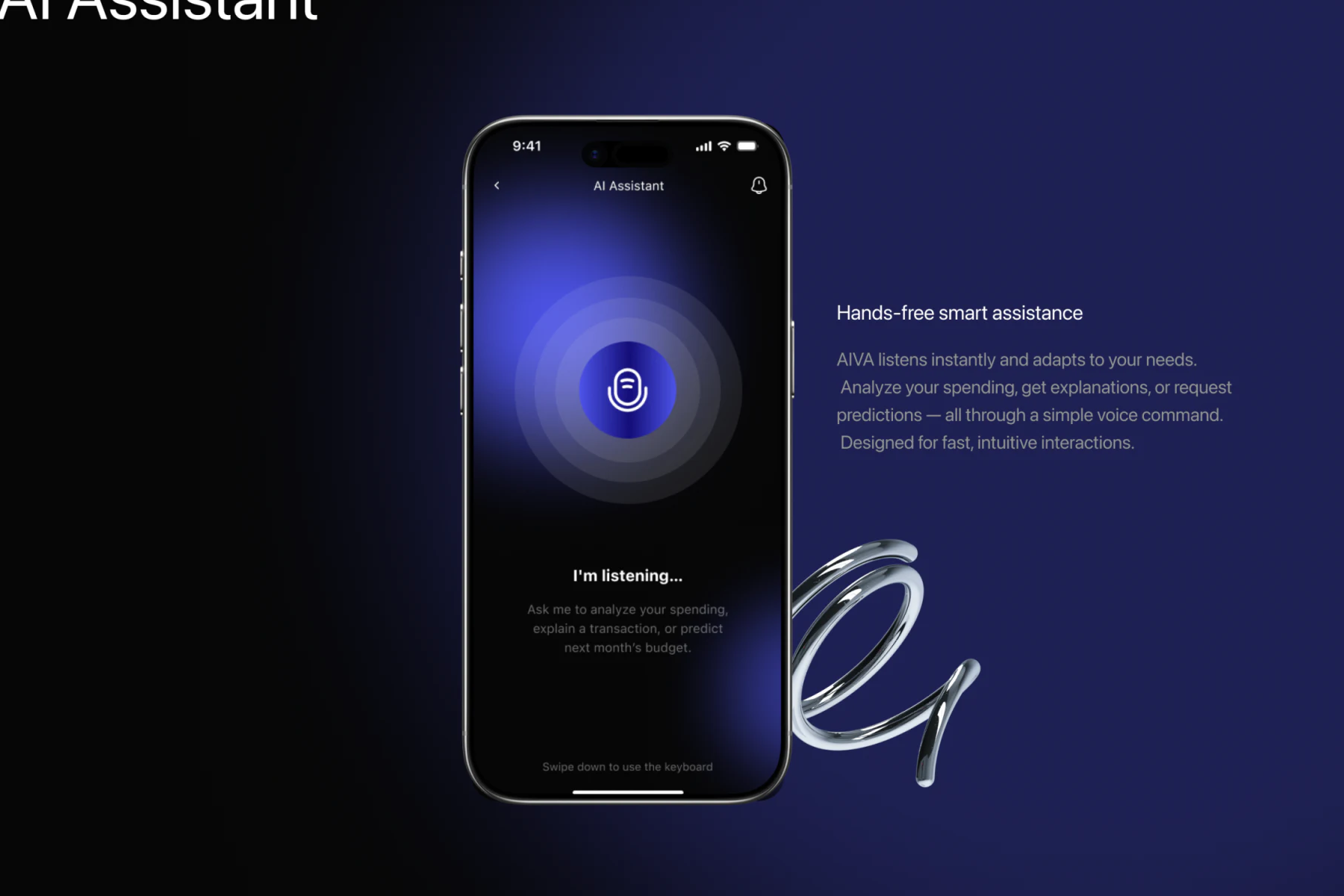
Listening first states what is happening
A microphone and concentric rings sit centrally with I’m listening and example question directions below. Input does not carry extensive history, focusing clearly on receiving expression.
Dark text below suggests swiping down for keyboard. This alternative should be more discoverable when speaking is inconvenient; a visible button is clearer than a gesture alone. Switching should retain unsent content within the same question.
Answers should show recognized words and referenced record scope. Listening, understanding, generating, and executing need distinct stages. AIVA changes focus by task while keeping dates, card identity, and input states stable, letting style support specific actions.
Let shared visuals serve different tasks
Personal accounts, transactions, and assistants can define review, object choice, and expression before giving each distinct information and feedback.
JVDS Design Studio provides UI/UX design, website design, and development services for transaction records, card management, and assistant interactions.

















