
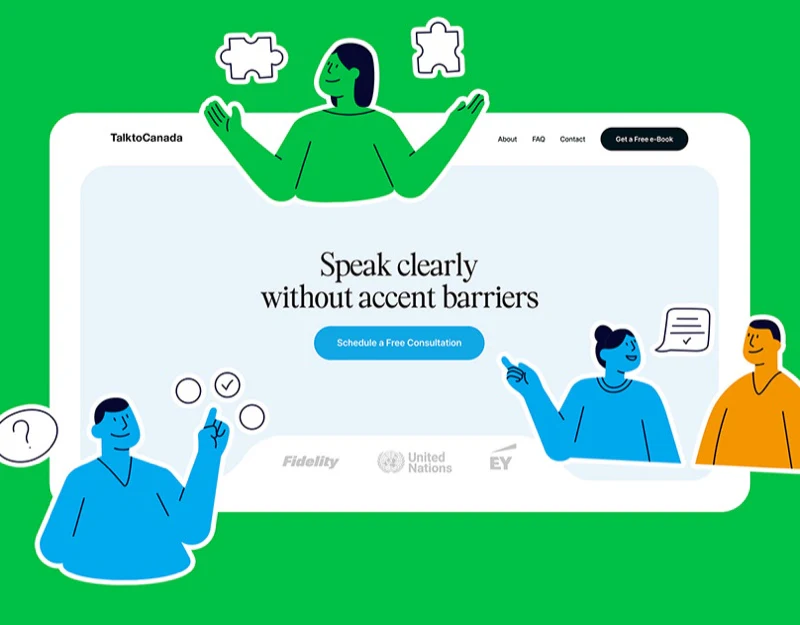
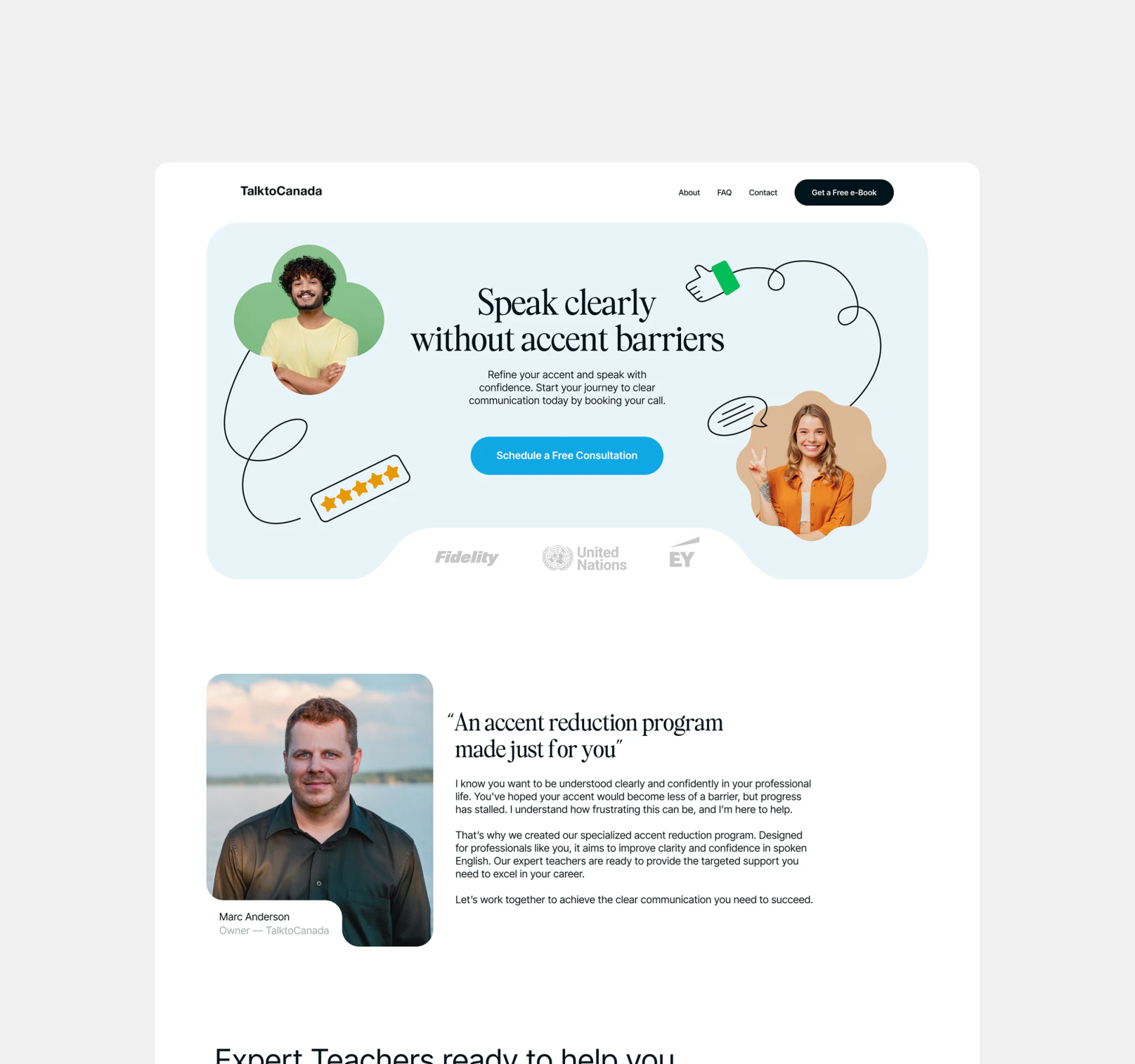
TalktoCanada introduces language training with pale-blue rounded areas, portraits, and line illustrations. An approachable first impression can lead into methods, teachers, and questions that support choice. The priority is turning visual conversation into actual explanation.
The main consultation entry has a clear reading order
Speak clearly without accent barriers sits above short text and a blue free-consultation button. People at either side have green and orange shapes, with drawn conversation, gestures, and stars around them. Heading, explanation, and action form layers while peripheral decoration leaves central reading intact.
About, FAQ, Contact, and ebook entries support reading first. The consultation verb is clear; nearby text could explain whether discussion covers goals or course arrangements and what follows booking. A leader portrait and signature below identify the service, with later teaching content able to state specialties and scope.
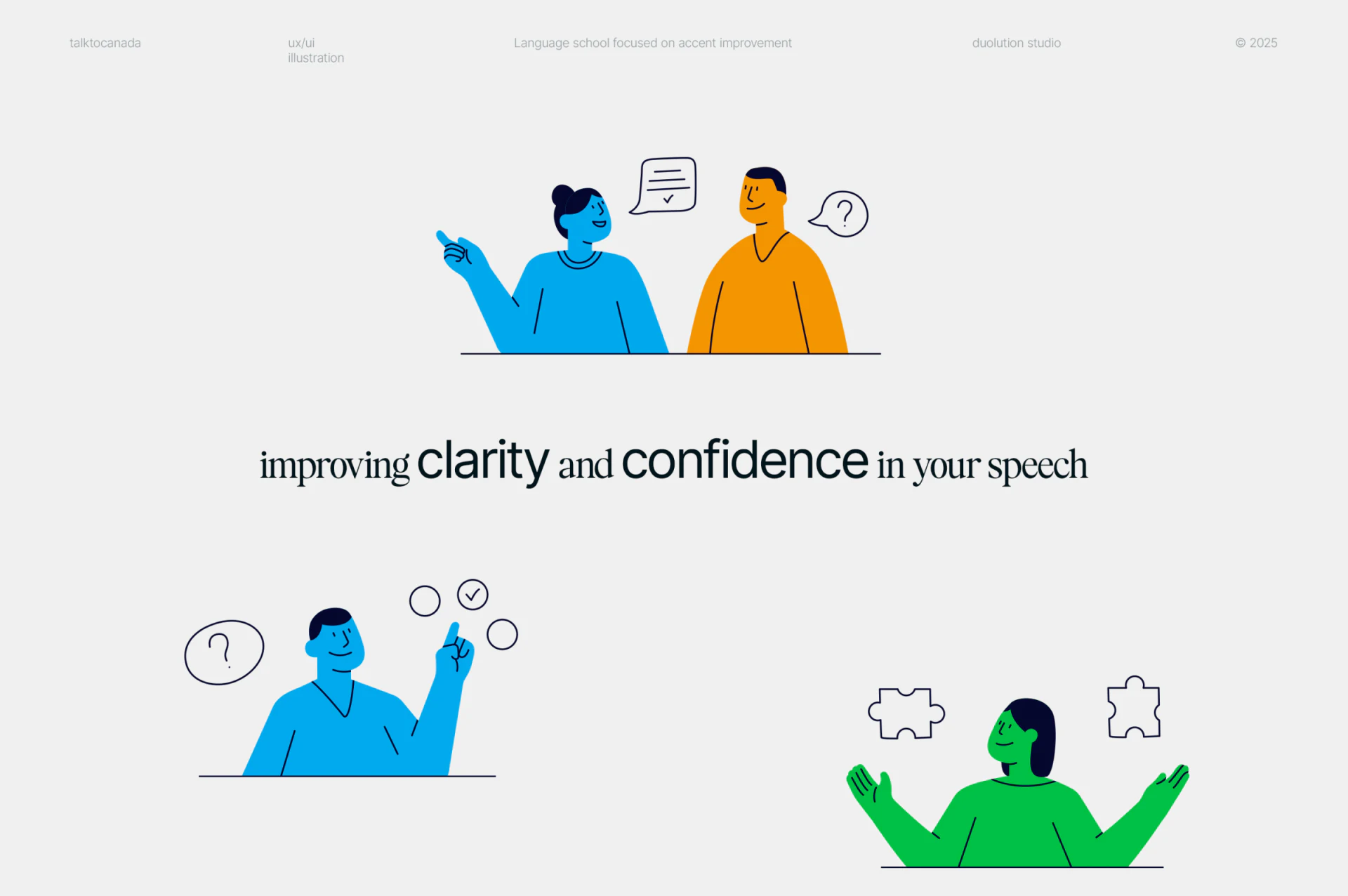
Activity illustrations identify learning methods
Shared outlines and black hair unify illustrations: blue-orange figures converse, blue faces questions and checks, and green meets a puzzle. Simple expressions and actions feel light, while distinct graphics locate activities in modules.
Images suggest discussion, tests, or games without explaining how courses run. JVDS prefers each group connected to a task and feedback method: what practice requires and how learners identify areas to adjust. Graphics identify; precise short text explains, turning atmosphere into information.
Portraits and organization marks likewise need identities. Who teaches and which materials can be read first are separate questions from friendliness and need their own support.
Ebooks and questions offer lighter steps before consultation
A dark ebook area pairs cover, introduction, and name/email fields, with a white download distinct from the blue consultation. Questions below cover focus, teachers, results, structure, schedules, support, and beginning. The teacher answer expands; others retain plus signs.
Downloads suit exploration, while consultation discusses personal goals; the actions need not merge. Explain where the file is obtained, retain name/email labels after entry, and place errors near fields to clarify input-to-material relationships.
Questions reflect actual decisions, with answers needing understandable arrangements and conditions, particularly busy schedules and expected results. Hero attracts, illustrations identify activities, and questions/materials support depth, giving consultation a content-based reason.

Connect course introductions to suitable conversations
If your education or language-service website presents methods, teachers, and downloads, organize pre-consultation information before booking and reading paths.
JVDS Design Studio provides UI/UX design, website design, and development services for course-service pages, questions, and booking/download flows.

















