
Key takeaway (TL;DR)
Orientation sensitivity describes differences in how accurately human vision processes geometric directions. People are especially sensitive to deviations from horizontal and vertical, while estimating oblique angles is less precise, a phenomenon known as the oblique effect. JVDS emphasizes that visualization, industrial controls and dense status displays should not require users to distinguish rotations of only 5–15 degrees to recognize a critical condition. Orthogonal reference axes, strong visual contrast and explicit scale marks make system states easier to interpret.
1. The oblique effect and visual pop-out
Simple cells in the primary visual cortex, V1, are selective for the orientation of visual stimuli, but the resources devoted to different orientations are not distributed equally.
In a field of complex spatial cues, orientation sensitivity can be understood through four characteristics:
- The oblique effect: vision is highly sensitive to angular deviations around horizontal, at 0 or 180 degrees, and vertical, at 90 or 270 degrees. Estimation errors grow much more rapidly for oblique orientations.
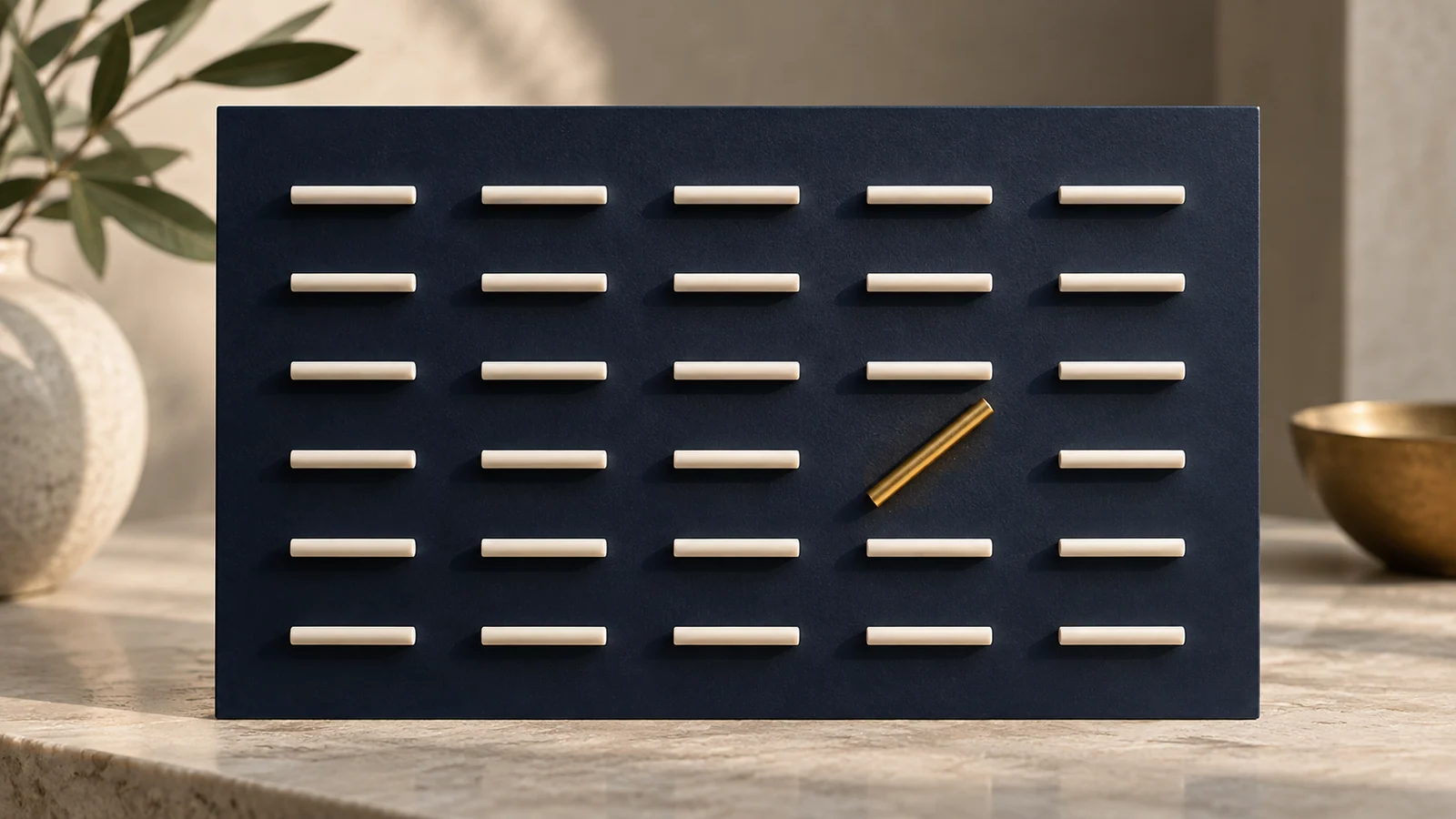
- Orientation-based pop-out: a tilted line must differ from the directional regularity of its background to attract immediate preattentive attention. Its prominence depends on the contrast with the surrounding orientations.
- Stable orthogonal reference axes: horizontal and vertical structures provide a stable visual framework and a familiar reference for gravity.
- Scale anchoring instead of estimation: circular instruments need clear scale marks, using intervals such as thirty degrees, rather than relying on unaided estimates of small 5–15-degree differences.
- The oblique effect in more detail: research from early psychophysics to modern brain imaging has associated horizontal and vertical orientations with stronger cortical representation than 45- or 135-degree obliques. In a world structured by gravity, the horizon and vertical provide familiar references. A viewer may detect a half-degree departure from vertical more easily than distinguish whether an oblique line is at 43 or 48 degrees.
- Visual pop-out in search: a 45-degree line among parallel horizontal lines can be detected in approximately fifty milliseconds without deliberate sequential scanning. Put the same line among many randomly oriented lines, and the pop-out advantage disappears. Prominence depends on contrast with the background, not on the target's absolute angle.
- Twelve-hour versus twenty-four-hour dials: adjacent hour marks on a twelve-hour clock are thirty degrees apart; on a twenty-four-hour dial they are fifteen degrees apart. Research described in this comparison reports nearly three times as many reading errors under low light or pilot fatigue, attributing the difference to the difficulty of quickly estimating small oblique angles.
2. Common orientation blind spots in dashboards and UI
Data dashboards, status indicators and visualizations can fall into misleading uses of direction:
2.1 Expressing important states through barely visible arrow rotations
A team might use one small arrow to represent four states: rightward for normal, fifteen degrees upward for a minor warning, thirty degrees for a moderate warning and vertical for a critical condition. At 16 × 16 pixels on a mobile display, antialiasing can blur the difference between fifteen and thirty degrees. An operator should not need prolonged close inspection to discover that a warning has appeared.
2.2 Radar displays without reference marks
Some large-screen displays remove all scale marks and thirty- or sixty-degree radial guides in pursuit of a futuristic appearance. Only an empty circle and rotating green pointer remain. When a target appears at a 45-degree oblique angle, the operator cannot reliably estimate its bearing. The display loses practical value as a monitoring instrument.

3. A four-dimensional comparison for orientation in interfaces
The following matrix helps teams use directional perception to reduce misinterpretation:
| Evaluation dimension | Core functions or practices | Occasional supporting functions | Ambiguity or superficial visual novelty |
|---|---|---|---|
| Granularity of directional states | Use clear ninety-degree changes for discrete states, such as right for collapsed, down for expanded and left for back. | Use larger thirty- or forty-five-degree steps for multidirectional compasses or valve positions. | Try to express many distinct business states through rotations of only five to fifteen degrees. |
| References on circular instruments | Provide clear main marks every thirty or forty-five degrees and obvious vertical reference axes. | Support precise readings with a numeric display or value tooltip. | Leave a pointer moving in an empty circular face with no angular reference. |
| Chart axes and trends | Anchor time-series charts to horizontal time and vertical value axes, supported by subtle grid lines. | Use sparklines for broad trends, not as a substitute for exact readings. | Tilt chart axes by fifteen degrees to simulate 3D perspective, distorting value comparisons. |
| Layout structure and reading direction | Use a stable orthogonal grid for the main page framework. | Limit angled typography, such as a ten- to fifteen-degree treatment, to isolated display elements in marketing banners. | Rotate cards, inputs and long passages of text throughout the page, creating discomfort. |
4. Orthogonal anchoring in JVDS practice
In large navigation-radar displays, precision industrial consoles and modern interaction design, JVDS uses principles of visual perception to guide spatial organization:
- Use multiple coordinated state cues: do not communicate a state through rotation alone. Couple rotation with changes in shape, semantic color and explicit text. For example, when a tree table expands, a right-facing arrow rotates downward, its outline becomes a filled shape and “Expand details” changes to “Collapse.” Multiple cues reduce ambiguity.
- Use a thirty-degree reference grid: circular instruments receive a crosshair at 0, 90, 180 and 270 degrees, evenly spaced main marks and dynamic numeric bearing support for oblique regions. The approach aims to let operators make precise directional judgments in 0.05 seconds. Explore our design work for examples of structured industrial visualization.
- Test directional legibility at reduced size: before handoff, directional icons are reduced from 64 × 64 to 14 × 14 pixels and reviewed with a 50% blur treatment. The proposed acceptance criterion requires an operator to distinguish direction and meaning from one meter away through strong silhouette contrast.

5. Frequently asked questions
Q1: Why do mobile accordion controls often use a downward chevron?
The direction maps to the expected movement of the content. An accordion expands downward, so a down-facing chevron matches that spatial expectation. Left and right arrows more often suggest moving between peer items or navigating to another page, which can conflict with vertical expansion.
Q2: Are forty-five-degree axis labels a good choice in charts?
They are a compromise when horizontal space is insufficient. Angled text requires less natural scanning and can reduce reading speed by more than 40%. JVDS prioritizes horizontal bar charts, where labels can remain fully horizontal and left-aligned. If vertical columns are necessary, sample the displayed labels or reveal complete labels through tooltips rather than packing the axis with dense angled text.
Q3: Why can Mondrian's red, yellow and blue compositions create such strong visual tension using only horizontal and vertical lines?
Orthogonal tension combines stability with contrast. Horizontal lines suggest ground and calm, while verticals suggest gravity and resistance. Their ninety-degree intersections create a balanced framework. Removing competing diagonals and distributing the perceptual weight of primary colors within that structure exemplifies modernist design's use of rational geometry to create composure.

















