
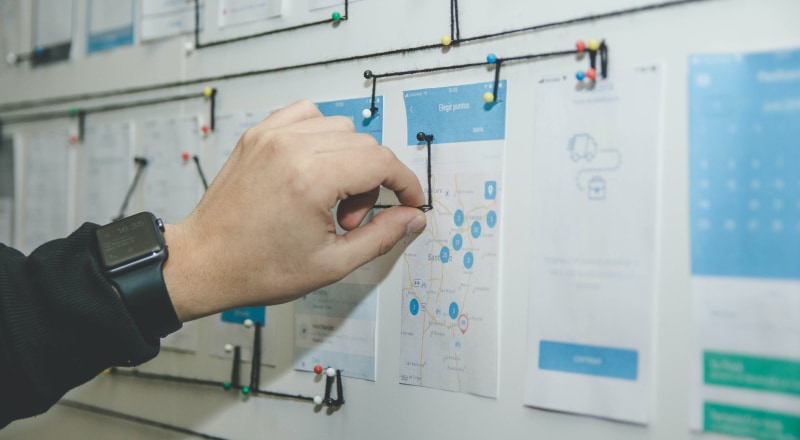
Many businesses purchasing design services for the first time mistakenly think “user experience design just means having a designer open some software and draw a few pages.” Yet skipping early business analysis and logical exploration to jump straight into high-fidelity visuals often means discovering by page 10 that the flow does not work and half the fields are missing, forcing a complete restart.
A standard UX design process that truly keeps a project on schedule for launch and achieves business conversion goals includes the following 5 interconnected core stages:
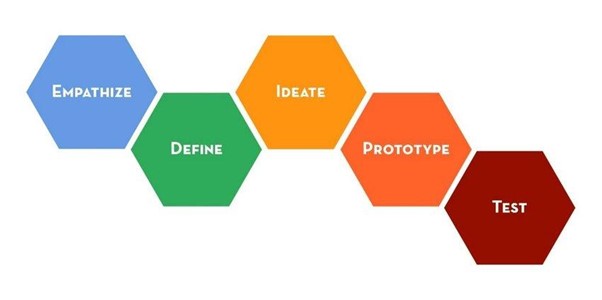
1. Stage one: align business needs and diagnose user tasks (Discover & Define)
Before drawing a single line, align with the company's business stakeholders and sales team on three questions: What core metric will define success after this product/website launches? What are the 3 most urgent tasks target users need to complete in real use situations? Where do users get stuck most often in the existing version or competing products? Produce a Project Scope and Core User Tasks document.
2. Stage two: build the information architecture (IA) and core interaction flows (Structure)
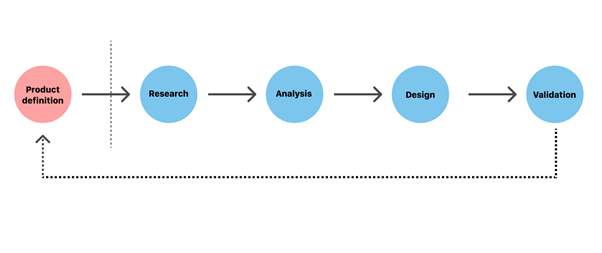
Organize scattered features and content into a clear logical framework:
- Draw a topological sitemap for the entire website or product and a role-permission matrix;
- Map the user flow for the core conversion journey (such as “arrive from search → filter specifications → compare models → submit an inquiry” or “register → create the first project → invite the team”), removing every unnecessary navigation step.
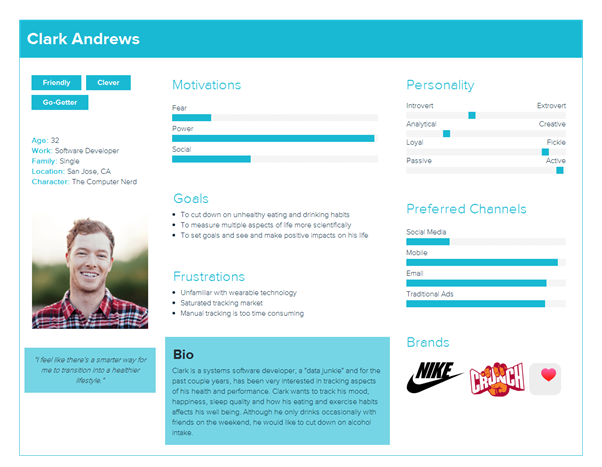
3. Stage three: low/high-fidelity interaction prototypes and exploration of edge states (Wireframe & Prototype)
Build interactive wireframes in Figma with visual distractions removed. Alongside the pages for the normal main flow, professional UX designers must address five major edge cases at this stage: loading, empty data, form errors and exceptions, extremely long text overflow, and restricted access for different user roles.
4. Stage four: establish the UI visual direction and component guidelines (Visual & Design System)
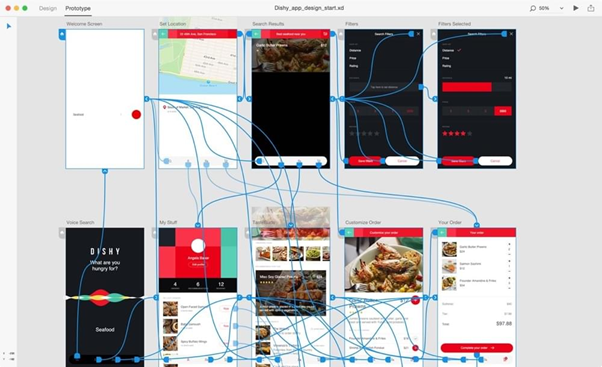
After confirming the interaction prototypes, introduce the brand's visual identity (color system, typography hierarchy, and grid guidelines), produce a complete set of high-fidelity desktop and mobile designs, and extract a standardized library of reusable buttons, forms, navigation elements, and modals (see UI/UX product design services).
5. Stage five: collaborate on development handoff and review the launch experience (Handoff & QA Audit)
Hand over design source files with complete dimensions, spacing, animation parameters, and responsive breakpoint explanations to the development team. Once the staging site is available, designers personally conduct a UI/UX fidelity review (Design QA), checking viewport behavior on real devices and interaction feedback item by item, so the product that ultimately reaches users matches the original design intent precisely.

















