In day-to-day corporate content operations, whenever the marketing team publishes a major article, announces a livestream, or launches a new product, it often needs to distribute the content simultaneously across 5 or more channels with different aspect ratios: website news covers (16:9 or 16:10), lead article cover images for WeChat Official Accounts (2.35:1 ultrawide banners), WeChat Moments/Xiaohongshu images (3:4 portrait), WeChat Channels/Douyin covers (9:16 vertical), and secondary article thumbnails (1:1 square).
If the brand's visual identity guidelines provide only a standard A4 portrait poster template, content staff trying to save time may simply squeeze the portrait image into a landscape frame, cropping away half the top and bottom, or use software to stretch it horizontally and distort it, seriously undermining the brand's professional image.
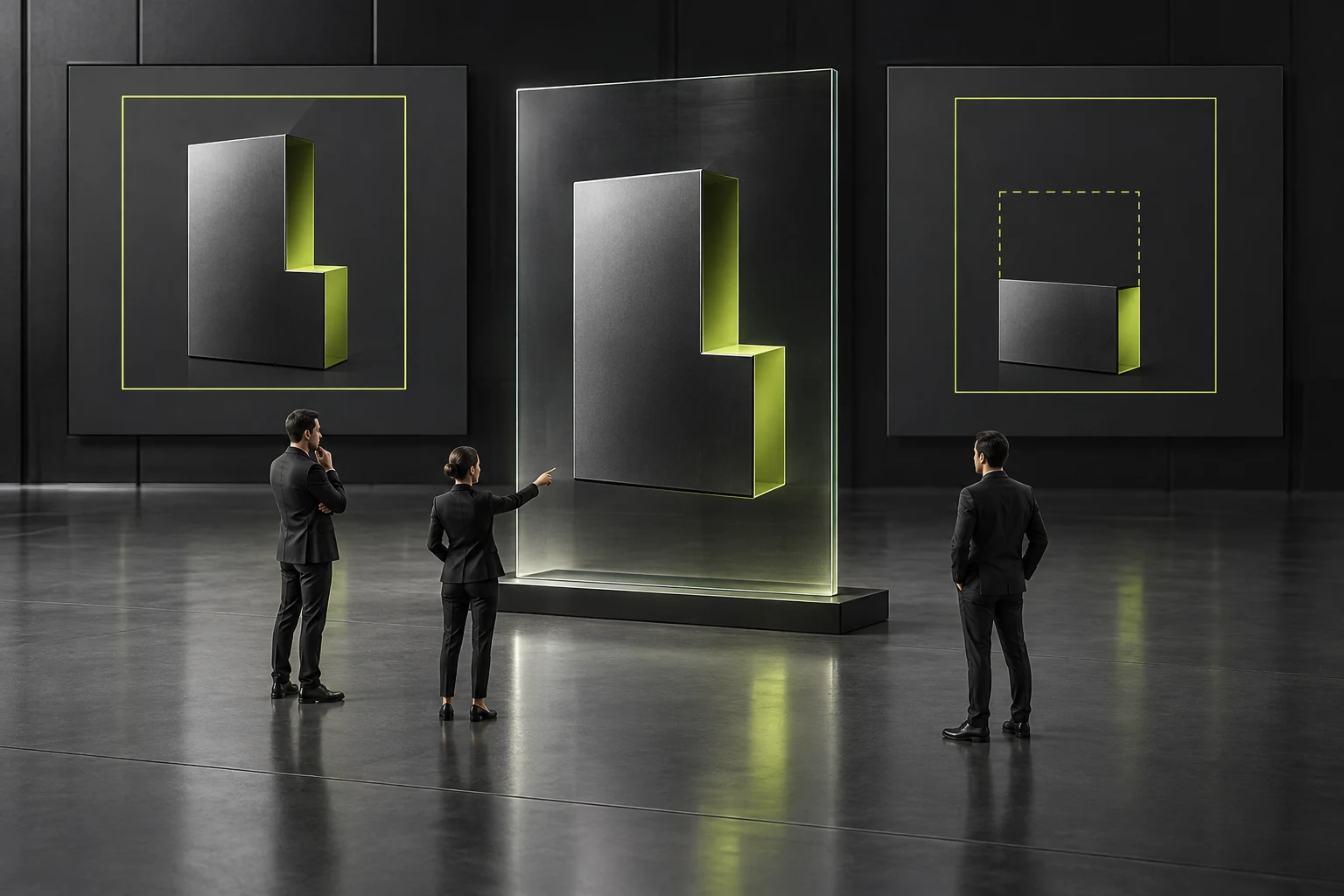
1. Build a brand visual master with a “core safe zone + 3 standard aspect-ratio grids”
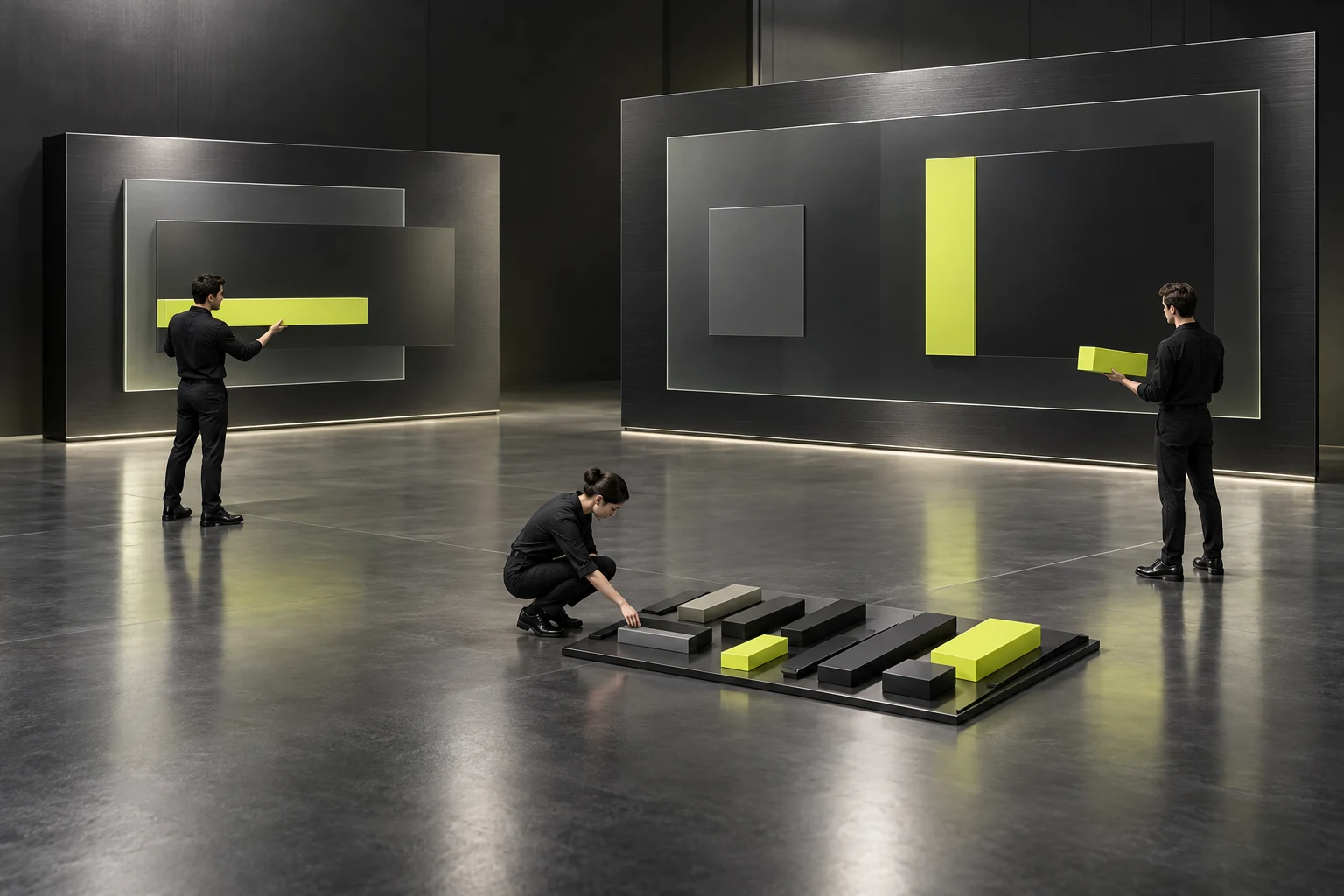
When JVDS builds visual component libraries for companies' everyday promotional content, we do not require them to redesign 5 images for every article. Instead, we use the following two systematic methods to achieve “high-quality adaptation across channels in 5 minutes”:
- Method 1: A safe-zone design for multiple crops of one image (Safe-Zone Master Layout)
Address the particularly unusual behavior of WeChat Official Account lead images: they appear at 2.35:1 in the subscription message list but are automatically center-cropped to a 1:1 square when shared in a friend's chat or on Moments:
- Draw a centered, nested
1:1 core safe framedirectly in the Figma / PS master; - Keep the main headline and key visual subject strictly within the central 1:1 area, using the extended areas on the left and right only for supporting brand textures or environmental backgrounds. You then need to export just one
900×383pxcover image to display the full headline in both the list view and shared cards, without cropping even part of a character.
- Draw a centered, nested
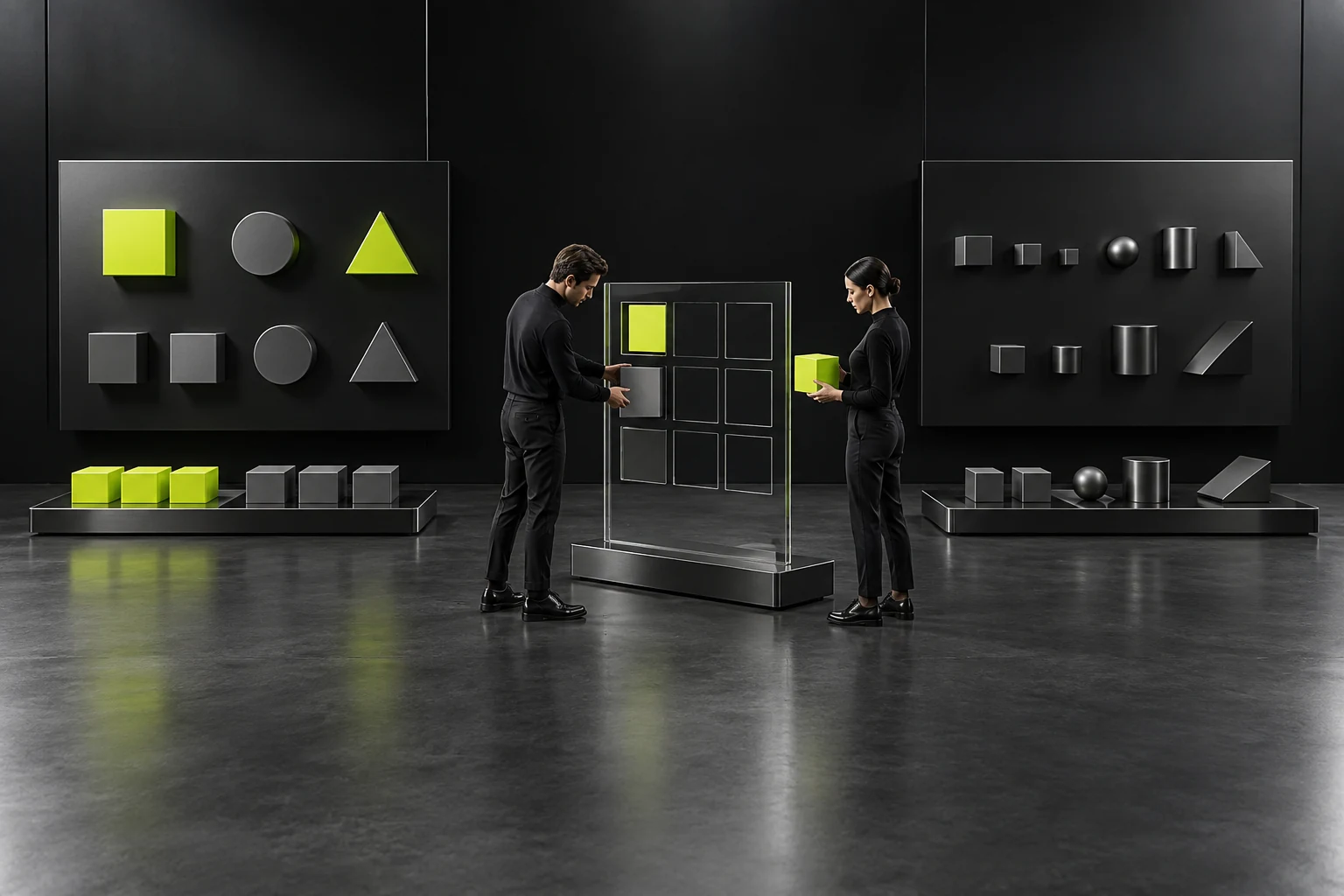
- Method 2: Component-based masters in three ratios (16:9 landscape / 3:4 portrait / 2.35:1 ultrawide)
Break the layout into 4 independent modules:
[Brand corner mark],[Category pill + headline/subheadline group],[Main illustration/photo], and[Bottom date/guest information strip]. Use a two-column “text on the left, image on the right” structure for landscape layouts, automatically switching to a vertical “text above, image below” stack for portrait layouts. With type size ratios and margins preset in the masters, content staff only need to replace the text and main image to batch-export a complete set of covers in multiple sizes with one click.