

On 3D model resource websites, building component libraries, industrial standard-part download platforms, and creative digital asset websites, user browsing behavior has a clear “Browse & Grab” pattern. If a website separates its visual gallery and file download area into two unrelated levels, the experience suffers: a user spots a model they like in an impressive gallery, clicks through, and scrolls through three screens of text without finding a download button or an explanation of file formats.
1. Why Must Viewing, Understanding, and Downloading Stay Within the Same Visual Unit?
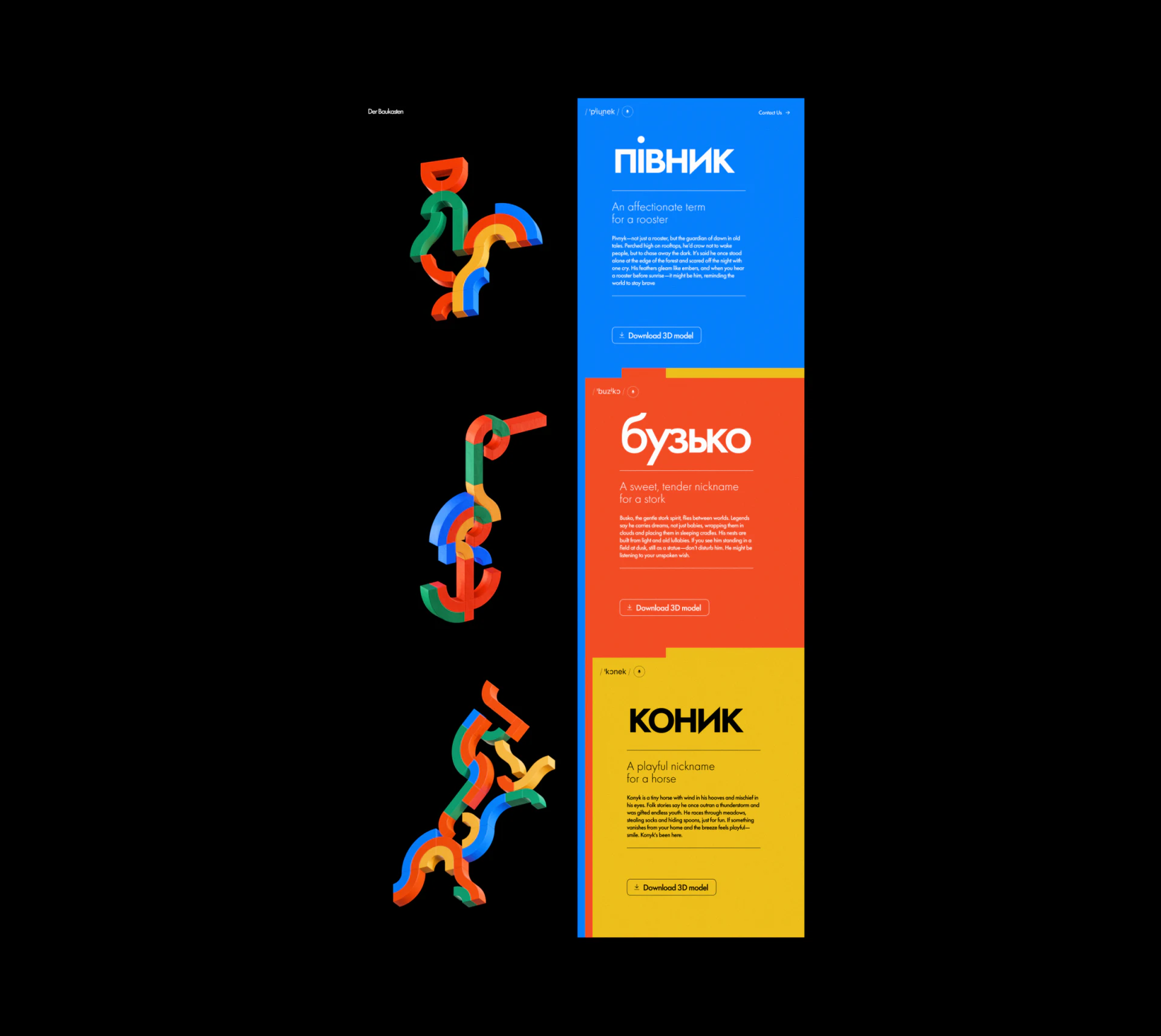
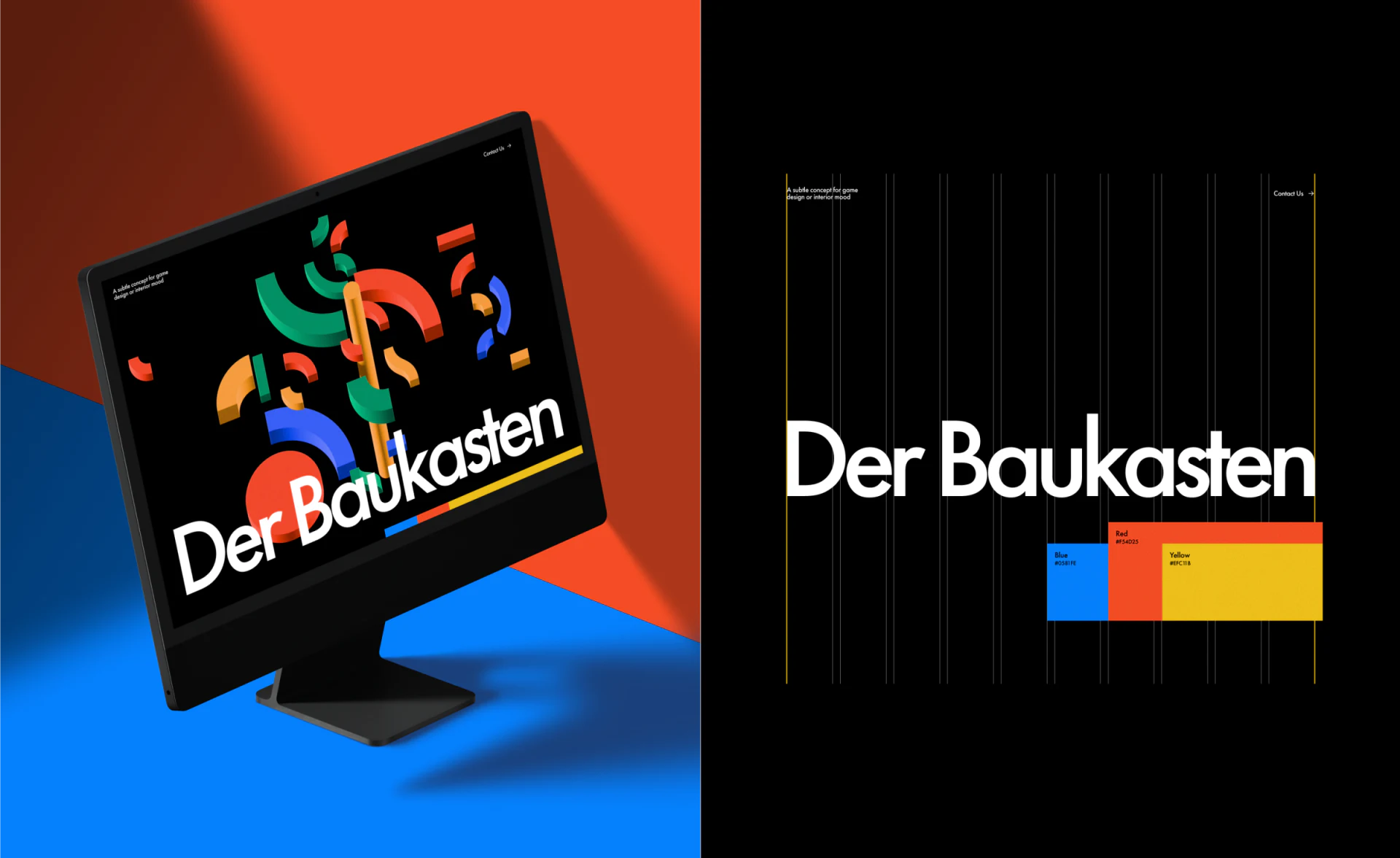
Take the 3D portfolio website of Germany's Der Baukasten. Its interface uses a dark background with highly saturated blue, red-orange, and yellow panels to bring out the expressive qualities of the 3D forms, yet its information architecture is exceptionally restrained and practical:
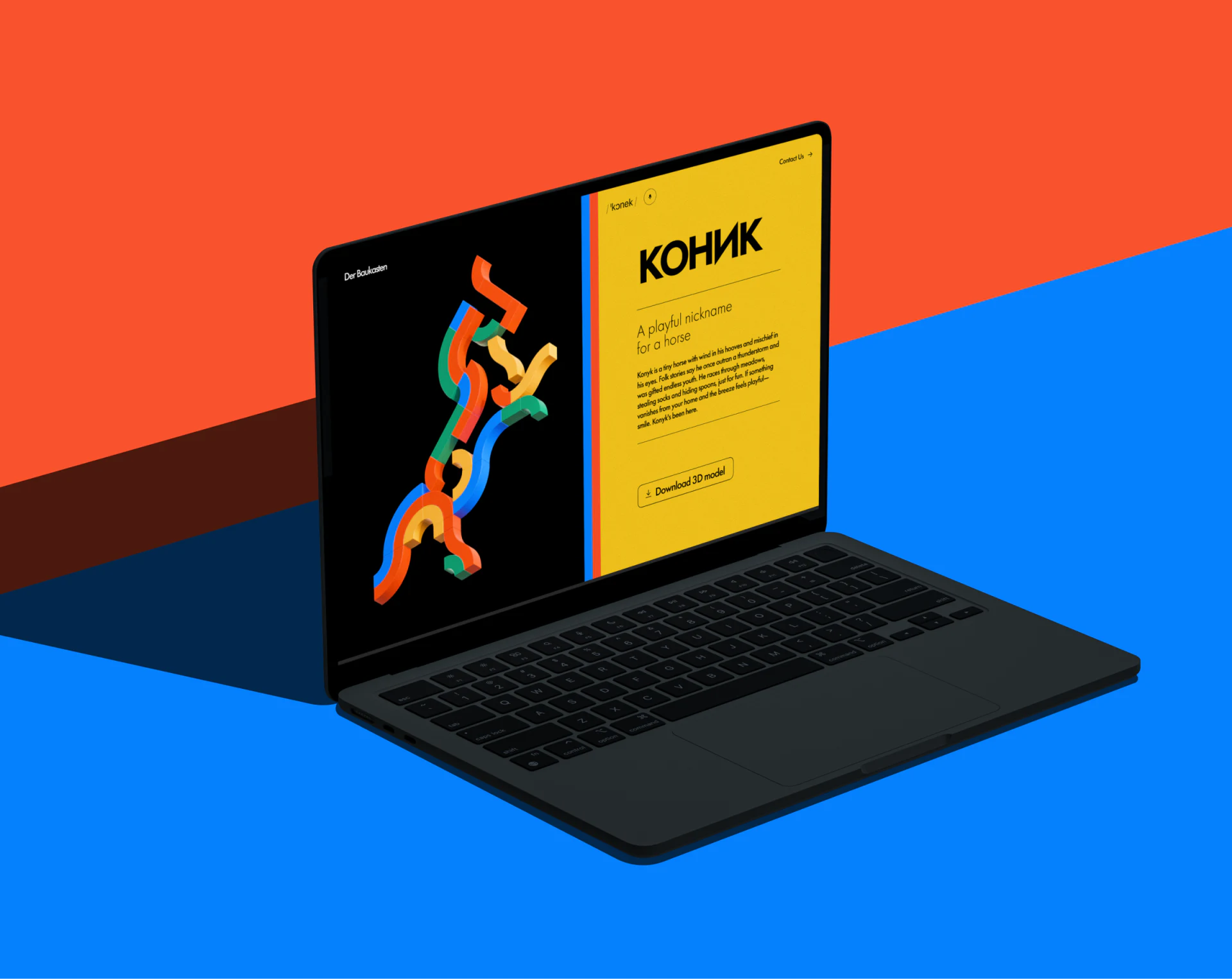
- A complete journey within one card: Within each display unit, the left side or top is consistently occupied by a high-quality 3D render preview, or a WebGL viewport that users can drag to rotate. The colored panel on the right tightly groups ① the work's name and number + ② a brief explanation of its construction background or dimensions + ③ a clear
Download 3D Modelbutton, labeled with formats such as.obj/.stl/.stepand the file size. - Colored panels serve as visual boundaries: When several complex 3D forms are arranged vertically, information panels in different hues do more than decorate the page. They become natural visual dividers, keeping adjacent works from blending together and becoming confused against the dark background.
2. Design Lessons That Industrial and B2B Component Websites Can Apply Directly
This pattern of pairing presentation with access is also highly suitable for industrial components, furniture and building materials—for example, when designers need to download a sofa's SketchUp or 3ds Max model for an interior rendering—and open-source software and hardware websites. In corporate website design, placing the 3D model downloads, CAD drawings, and dimensional specifications that designers and engineers need most directly inside product cards can greatly improve retention and goodwill among professional audiences.

















