
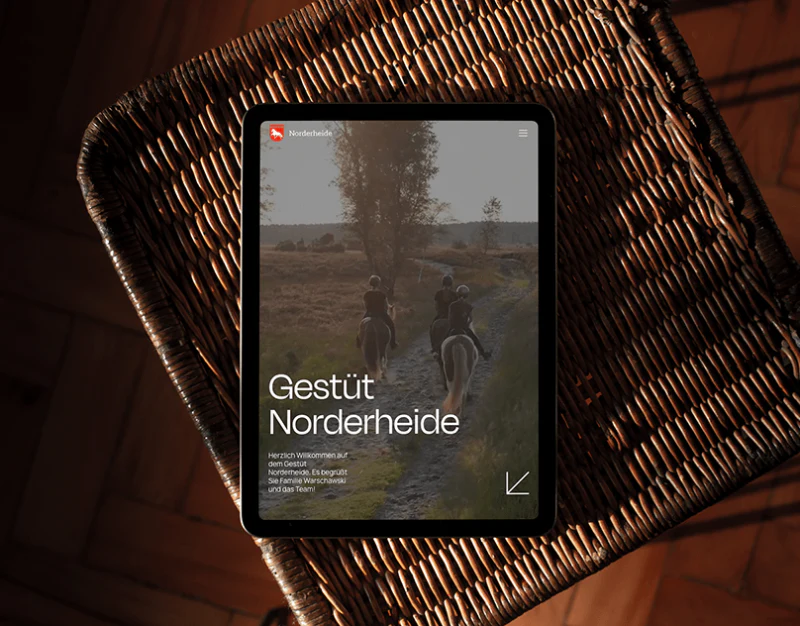
Brand websites for equestrian clubs, premium wellness centers, boutique country retreats, and other physical venues often have excellent on-location photography. Yet many of these websites fall into one of two extremes. They either become pure photography portfolios, leaving visitors admiring beautiful landscapes and horses without knowing what services are available, how pricing works, or whether beginners can book; or they crowd the first screen with price lists and promotional pop-ups like a group-buying website, instantly destroying the tranquility and refinement expected of a premium venue.
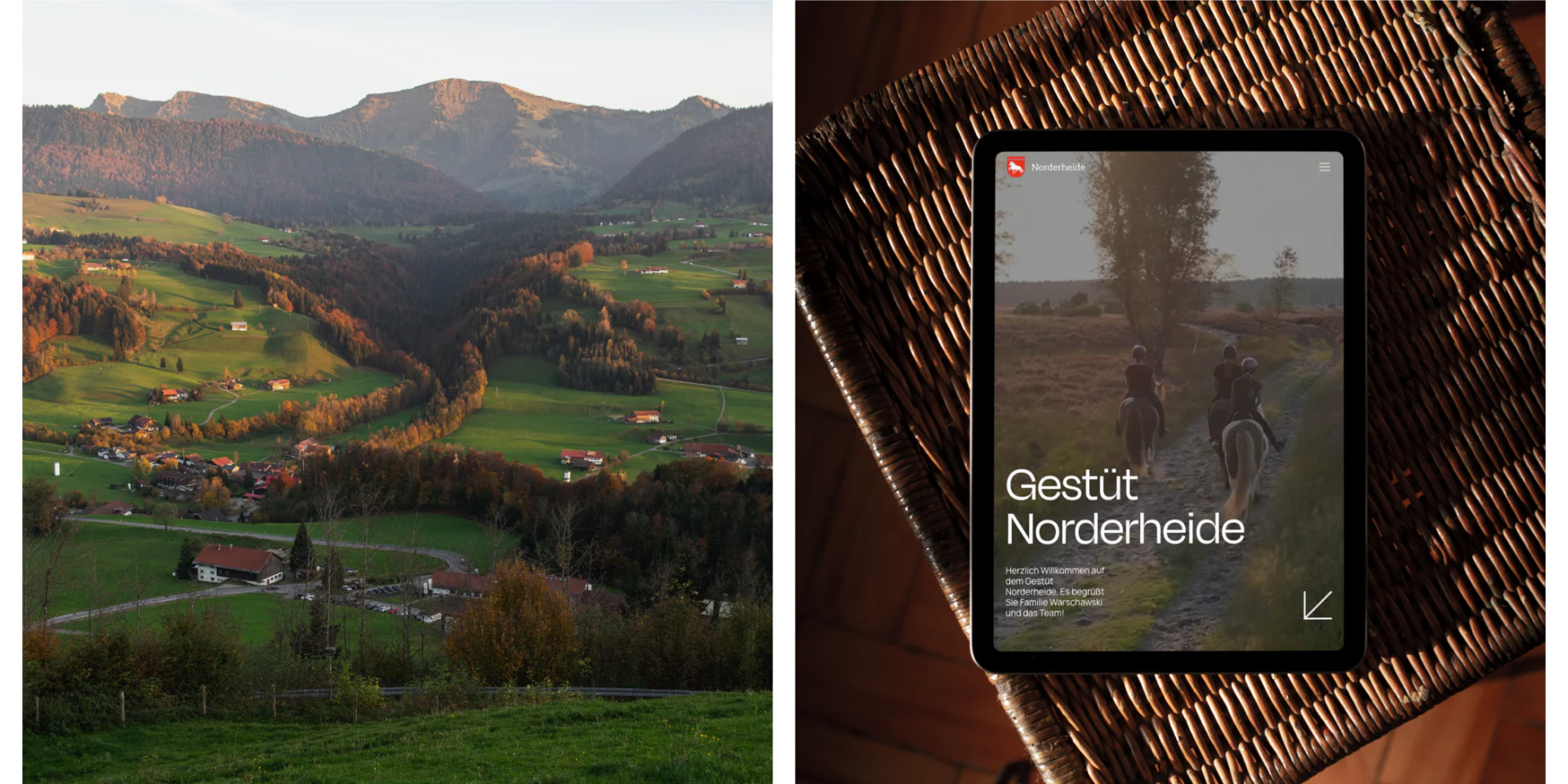
Both the website for Germany's Gestüt Norderheide stud farm and the website that JVDS created for the British wellness brand Chanle Wellness follow a three-stage browsing rhythm: first, use natural settings to evoke a desire to visit; then explain participation requirements through restrained groups separated by fine lines; finally, move smoothly into specific booking inquiries:
1. Color and White Space: Make Environmental Photography the Undisputed Focus
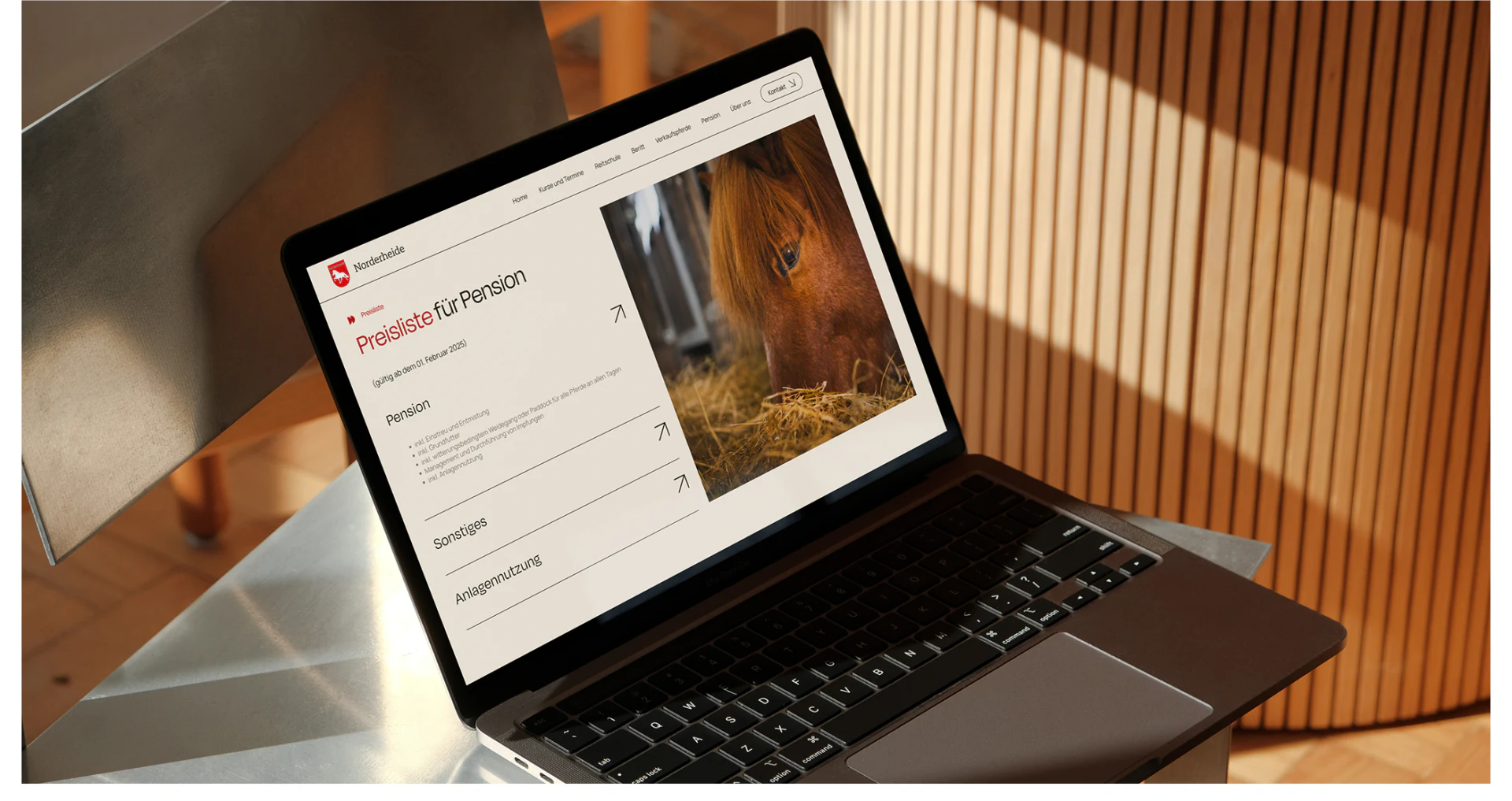
- Warm earth tones and an off-white base: Replace glaring pure white (
#FFFFFF) and stark pure black with off-white and warm-gray backgrounds that evoke natural paper. Use very small amounts of a brand accent color, such as the deep red of leather tack or natural moss green, throughout fine-line dividers and subheading numbers. - Alternate image formats to create rhythm: Use immersive, full-width images in the hero section and transitions to convey the character of the venue. In sections explaining specific services, shift to an orderly two-column layout of images and text, giving the copy plenty of breathing room.
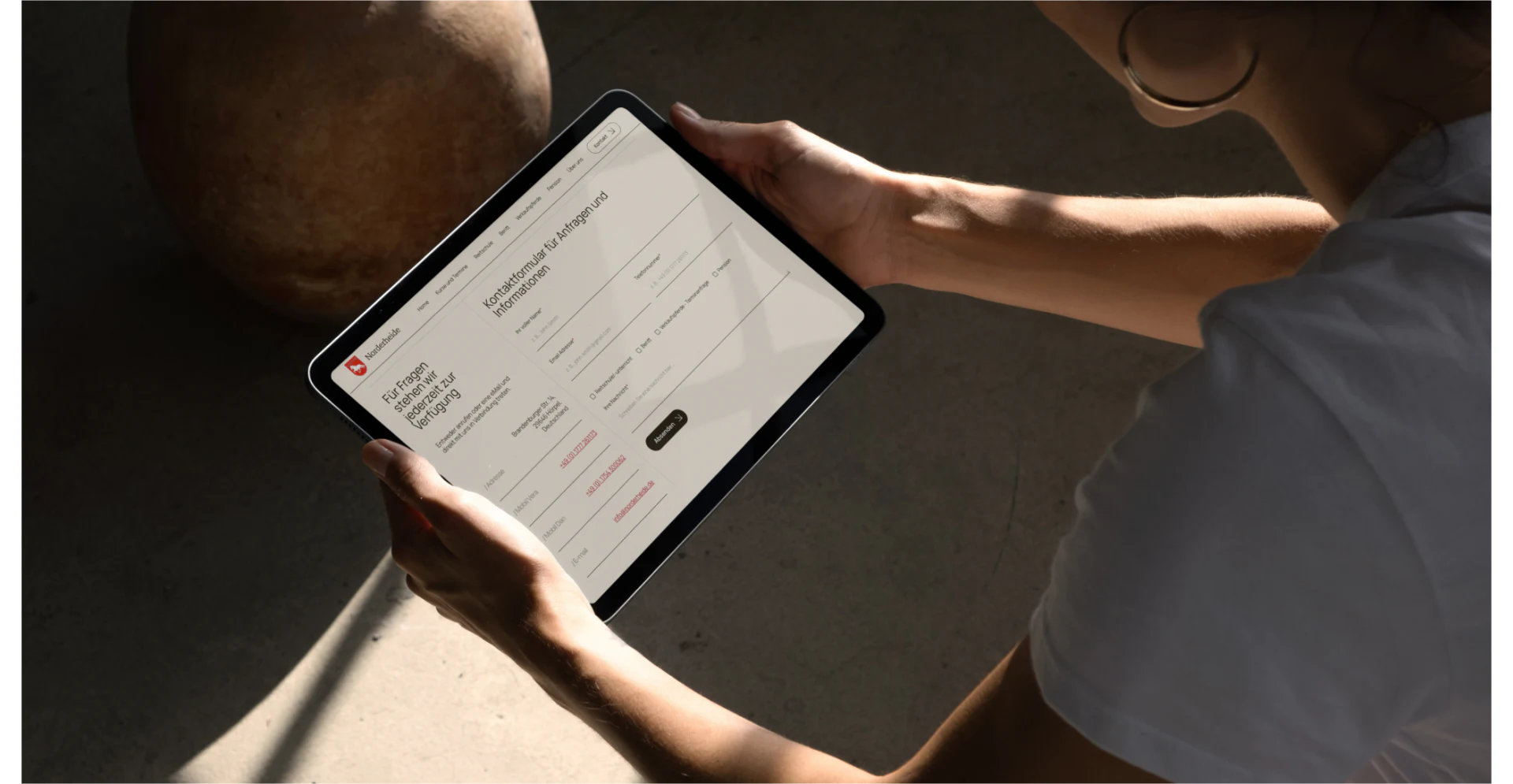
2. Supply the Key Decision Details Between an Appealing Photograph and a Booking Submission
Prospective clients of premium in-person services often have specific concerns before making an inquiry. For example, what feed and care does horse boarding include? Can adults with no experience attend weekend riding lessons? How far in advance must they book? On the service page, use clear, fine-line tables or accordions to openly explain who each service is for, what is included, opening times, venue facilities, and how pricing works. Then place a “Book a Venue Visit / Ask About Availability” entry point in the lower-right corner of each service unit, automatically linked to that service. This can smoothly turn an emotional response to the imagery into a high-intent visit to the venue.

















