

Websites for AI tools, agent development frameworks, and large language model infrastructure face a substantial explanatory burden in their information architecture. On one hand, the underlying technology may be highly advanced and abstract, involving multi-agent orchestration, connector protocols, vector retrieval, and more. On the other, their visitors include both hands-on algorithm and full-stack engineers and business managers seeking AI solutions to cut costs and improve efficiency.
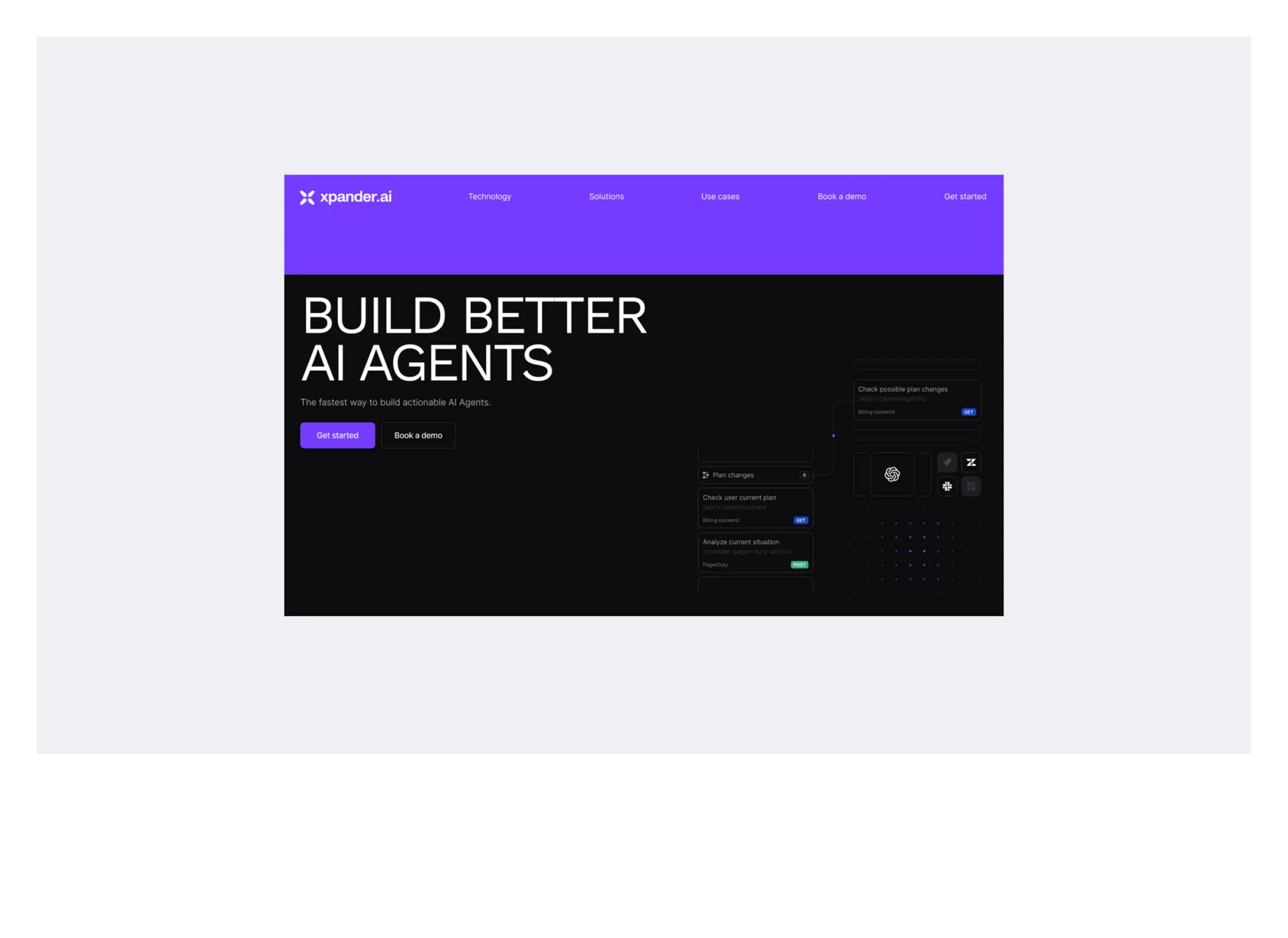
Strong AI tool websites such as Xpander.ai lower the barrier to understanding technical products through a three-step sequence: a minimal positioning statement in the hero section, two navigation directories in an expanded menu, and an interactive live demo:
1. Why Split the Navigation Menu into Two Directories?
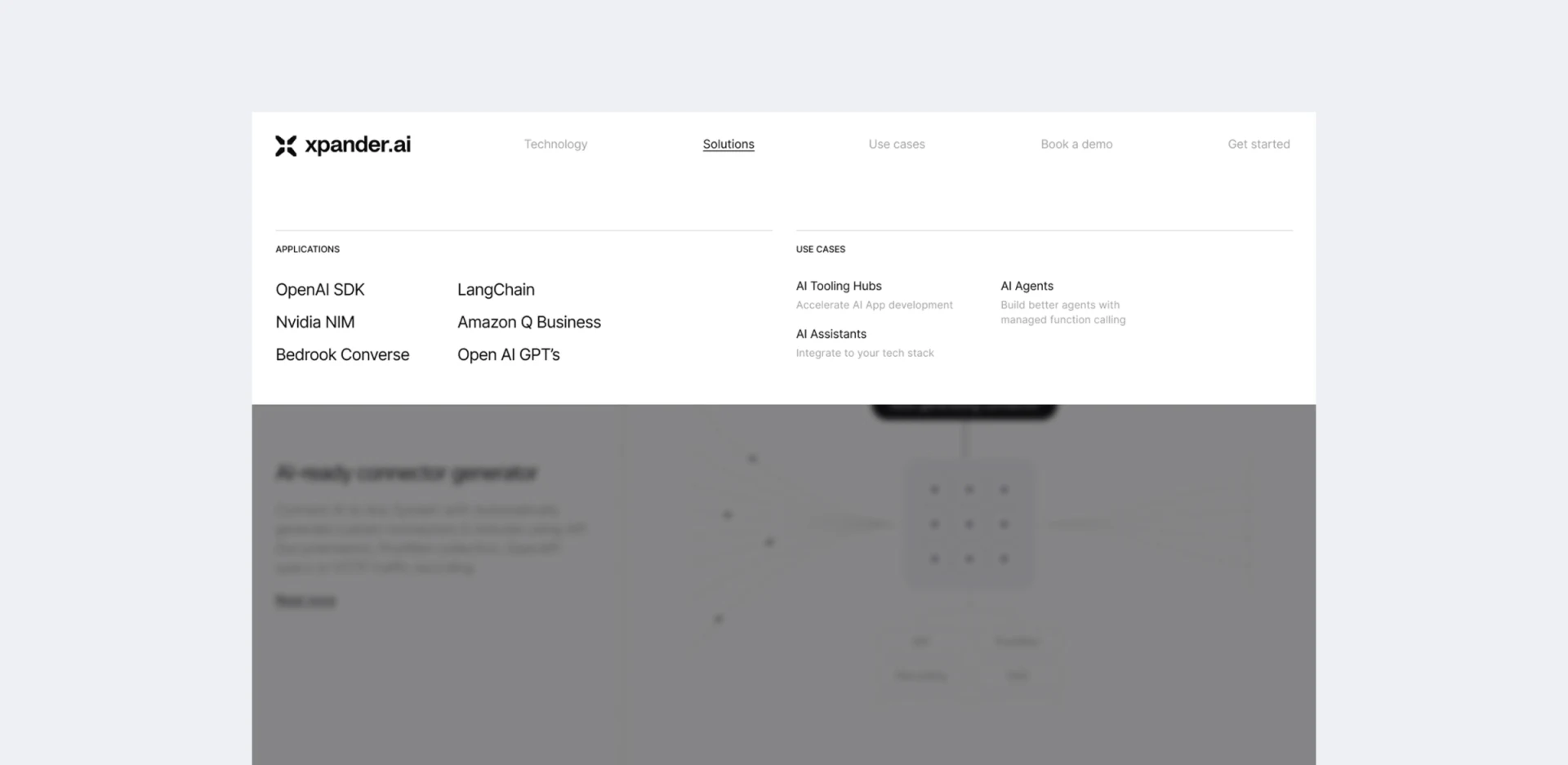
When a user clicks to expand the mega menu in the top bar, the interface first shifts from the hero section's high-contrast, technological black-and-purple palette to a quiet, highly readable white panel, with navigation clearly divided into two groups:
- The first directory: technical components and feature names (Products / Capabilities). This directly lists core technical modules, such as the AI agent runtime, multi-source connectors, memory state management, and safety guardrails. A single line of precise technical language beneath each item explains its inputs and outputs, specifically serving developers with a clear technology selection task.
- The second directory: business use cases and roles (Use Cases / Solutions). This lists specific business tasks such as automating customer support tickets, assisting with engineering code reviews, and synchronizing sales leads across systems. It serves business decision-makers who care less about underlying protocols than about what work the product can do for them.
2. Replace Abstract Promotional Claims with Clickable Real Prompts and Demonstrations of Results
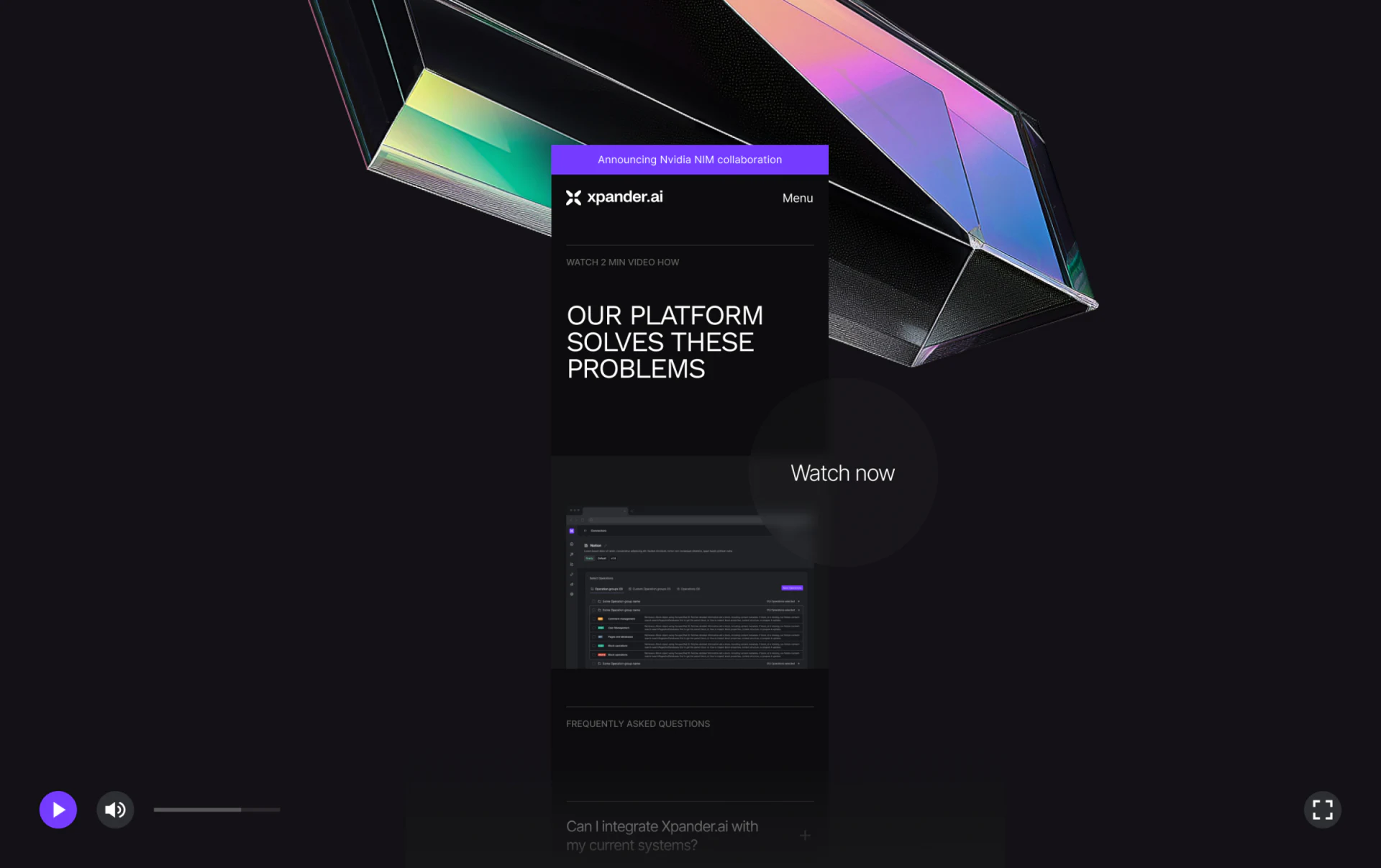
An AI website should avoid filling the screen with glowing brains or particle globes without showing a single line of actual input and output. Embed a lightweight interactive sandbox or step-by-step demo directly in the lower part of the hero section. Let visitors click three preset commands representing typical industry tasks and see how the system calls APIs and returns structured results. This is the strongest catalyst for getting visitors to click “Get an API Key” or “Book a Demo.”

















