
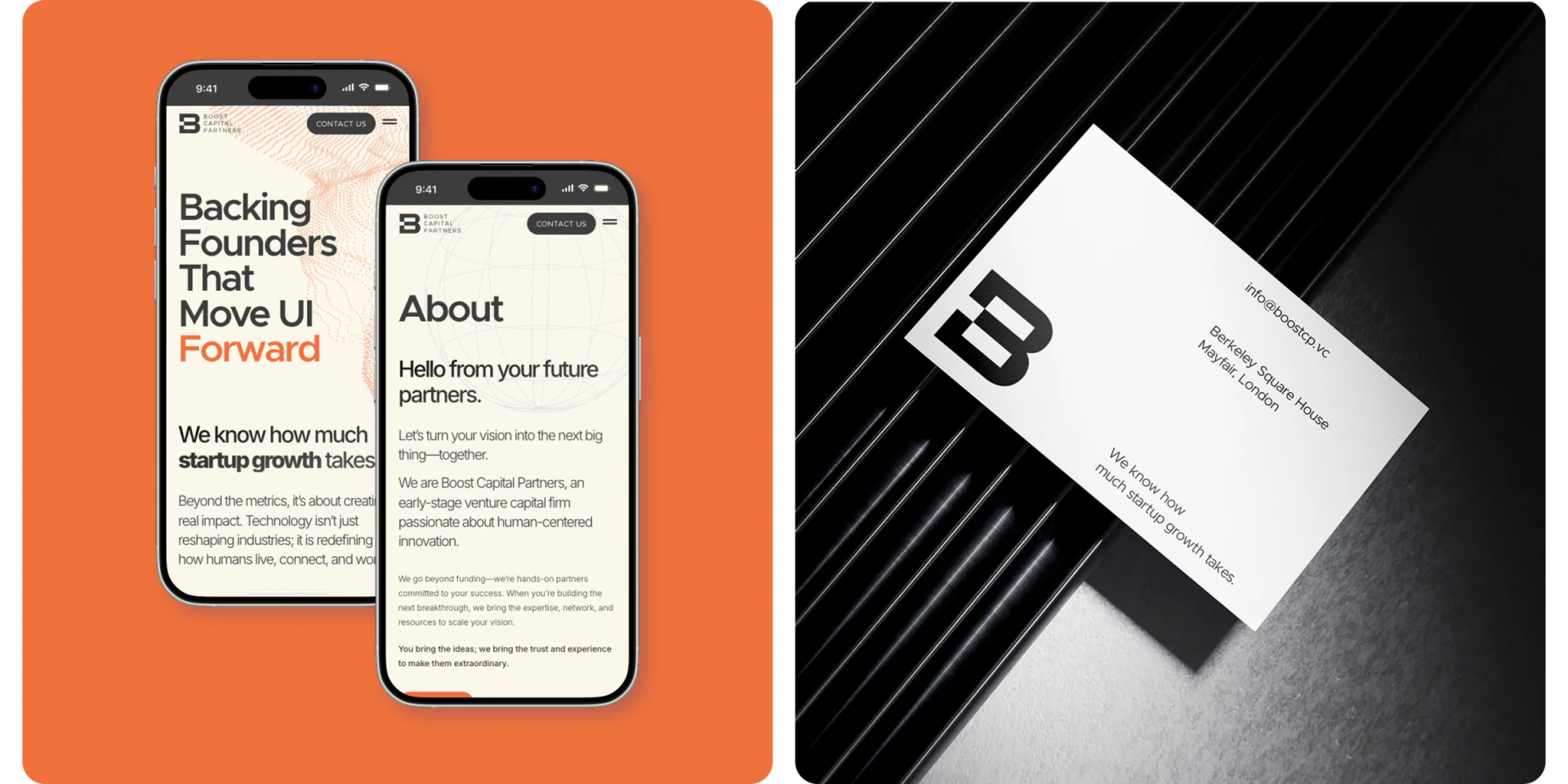
Boost Capital’s venture capital website design uses warm white, dark gray, pale blue and limited orange, keeping People, project grids and contact cards in clear regions. Rather than one full-screen slogan explaining every relationship, it introduces people, names projects and then distinguishes reasons to get in touch.
Key takeaways
- Team responsibilities and project names give institutional information stable objects.
- Contact cards separate purposes, with color and channel names still needing precise explanations.
Responsibilities stay close to names after team context
People begins with a short team introduction, then Meet the team leads into member photographs, full names and orange responsibilities. Pale-blue network lines enter the background on the right while text remains left, keeping decoration restrained.
This team page moves from overall understanding to specific roles. Photographs identify people; responsibilities explain their institutional relationship. JVDS values continuous fields: roles, focus and current responsibilities are easier to compare than unexplained portraits.
Only part of the member area appears in the mockup, insufficient to verify full profiles. Further review should check long-name wrapping and small-text contrast so identity does not become decoration. Orange highlights roles without defining them.
Names are worth repeating below project marks
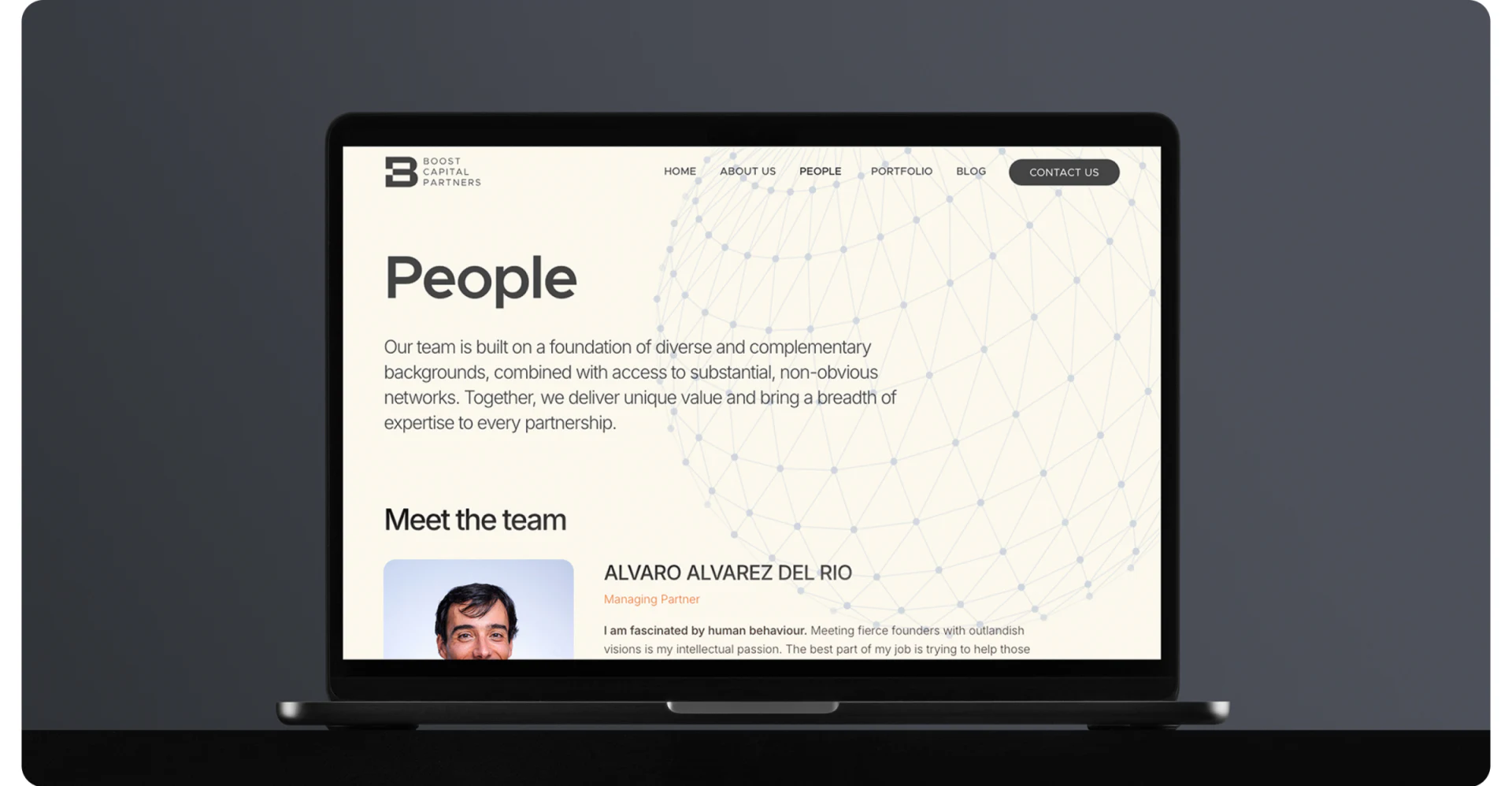
The tablet project page places six dark-gray cards in two rows, each mark above a written project name, with SEE MORE below. Uniform backgrounds make white marks stand out, while words provide another recognition method.
Names help visitors unfamiliar with marks retain a stable identity into details and back to the directory. The grid should also explain current holdings, historical projects or another relationship; appearing on an institution’s site does not establish a particular partnership.
JVDS recommends brief relationship summaries, with further viewing continuing the current project. Repeated names can be useful without repeated generic praise; accurate short information better answers visitors’ questions.
Two contact cards first distinguish what visitors want to do
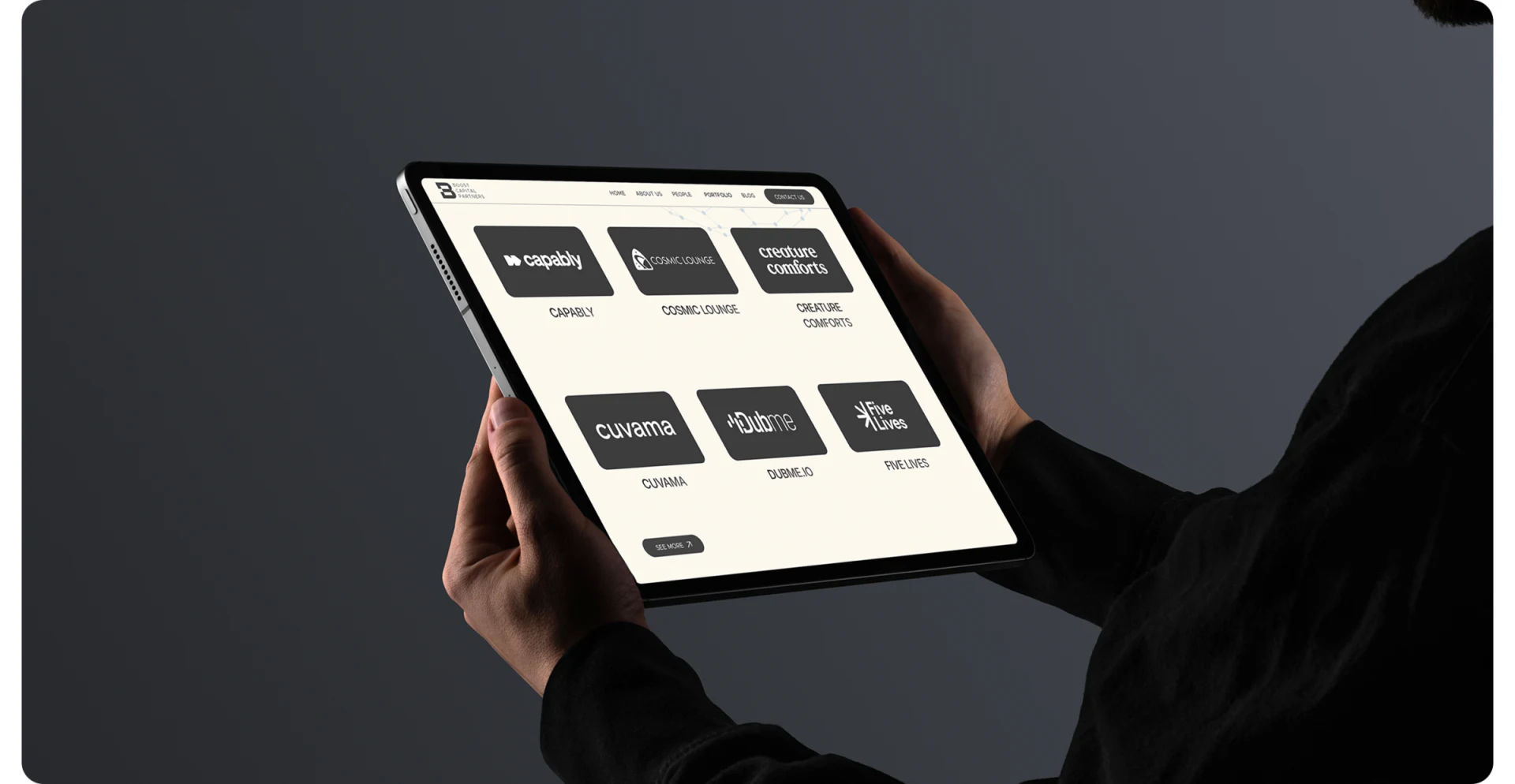
The left dark-gray card says Interested in working with us; the right pale-blue card says Anything else to discuss. Orange and dark buttons name channels. Color separates the cards, while words establish purposes.
Work-related contact is relatively clear; other discussions could add short guidance so project inquiries and other visitors know what to prepare. Channel names should not replace behavior descriptions: opening email or other information needs to match actual results.
JVDS would trace project names and roles into these cards to check continuity of purpose. Jobs and inquiries should not be ranked through button brightness; visitors need to read the matter they choose. Channel names remain plain text here, without original-site links.

Frequently asked questions
Is an email address enough on an institutional contact page?
Keep email access while briefly explaining suitable purposes and preparation. Different visitor tasks should be understandable independently.
Design review checklist
- State the relationship scope in project cards.
- Add specific other-inquiry purposes and preparation prompts.
Connect institutional introductions to suitable conversations
If your investment or professional website needs team, projects and contacts organized, bring its information inventory and visitor purposes to discuss.
JVDS provides UI/UX design and website design and development. We can work through page content, interface structure and implementation needs together.

















