
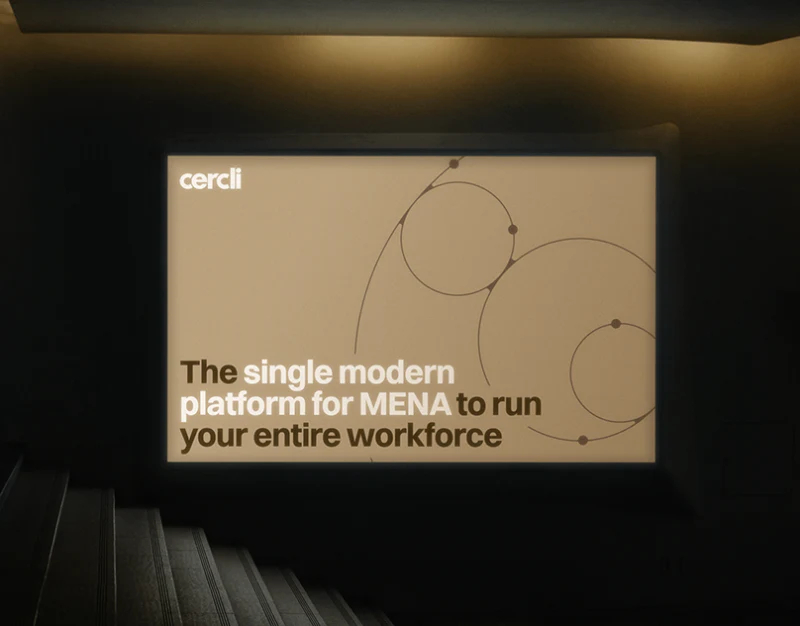
Cercli uses pale-cyan curves for interconnected systems, a website blueprint for positioning, graphics, partnerships and solutions, and a watch for compressed wording. These materials raise one question: connections can establish brand memory, while actual tasks still need explicit objects and actions.
Key takeaways
- Connection graphics suit brand concepts; task examples explain the product.
- Websites and small screens both need clear action objects and results.
Curves make interconnection memorable
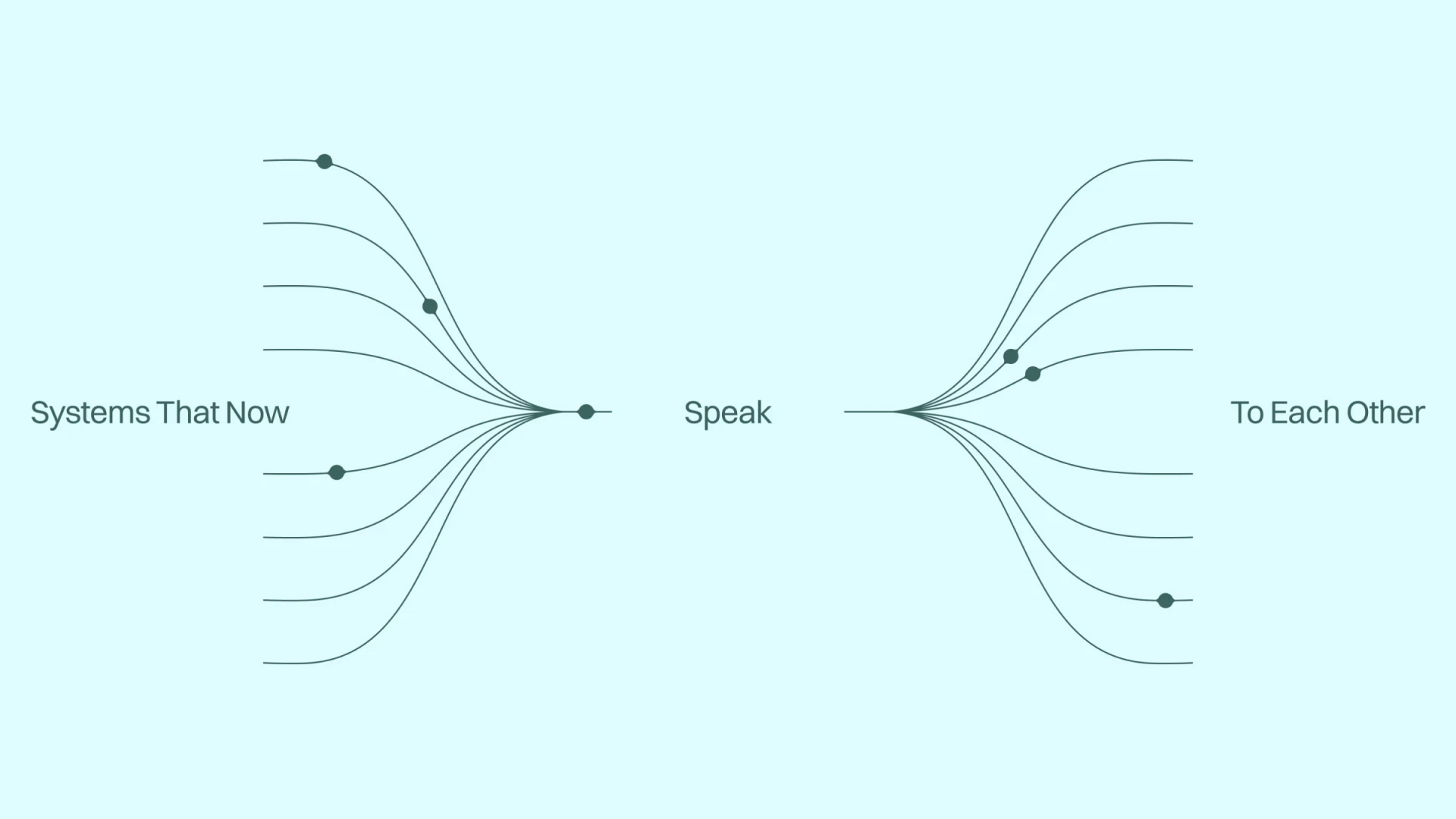
Lines gather and spread on both sides, with points at different locations and Systems That Now, Speak and To Each Other forming a phrase. Graphic and language express connection, while cyan leaves room for fine lines.
This is a brand concept rather than a module map. Later explanations should state connected objects, input roles and result viewers, then name the lines correspondingly.
JVDS favors dividing concept graphics and task examples. Curves support memory; roles and information support judgments, letting imagery continue across branding without forcing it to explain every function.
The blueprint assigns positions before answers
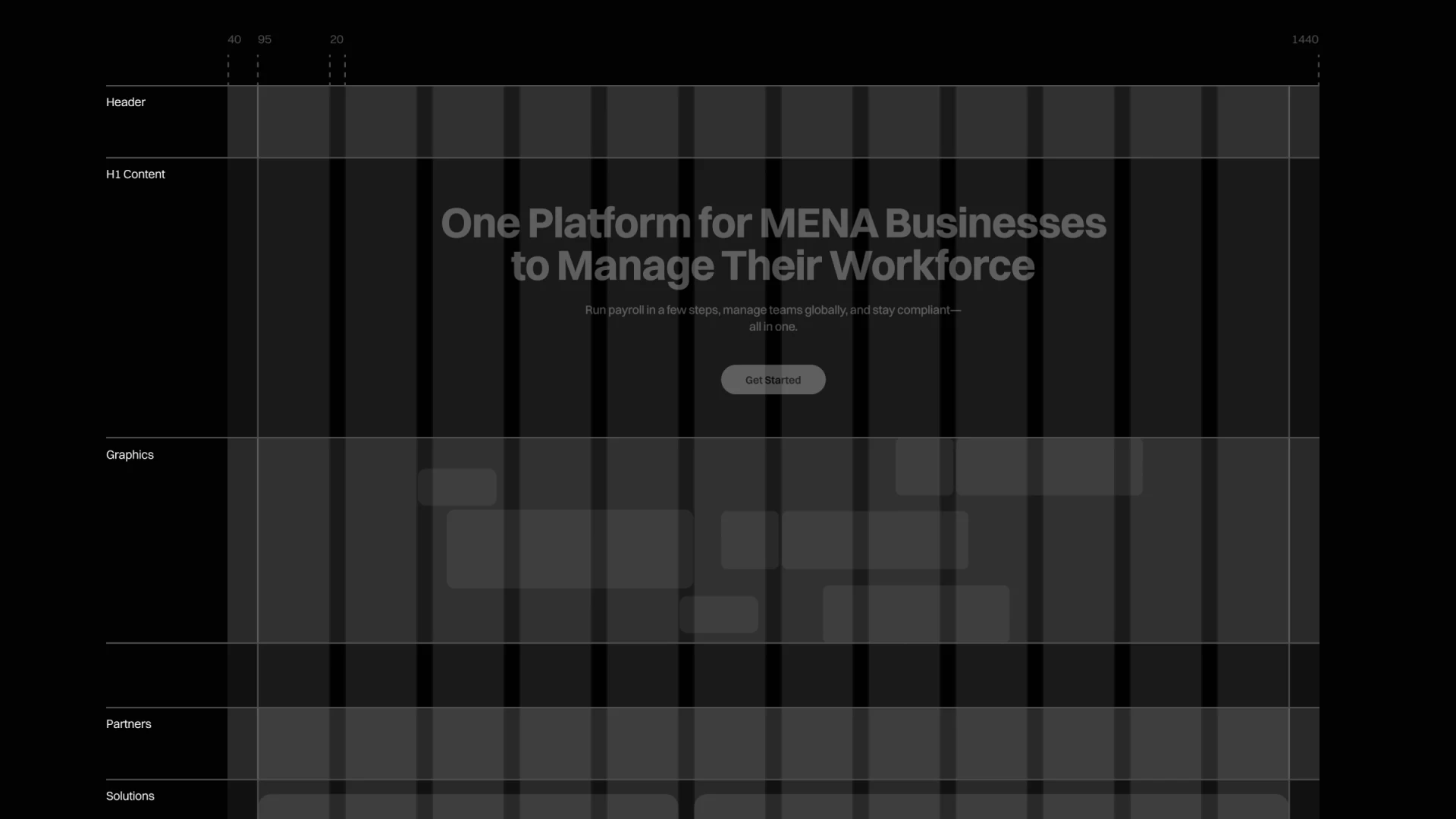
A dark grid labels Header, H1 Content, Graphics, Partners and Solutions. The main title identifies people management, with buttons beneath explanations. Positioning, graphics, relationships and solutions have visible order.
Completed regions still need answers. Get Started should identify demo, signup or trial; partnerships need accurate relationships and solutions concrete tasks. Placeholders cannot replace content checks.
Remove graphics temporarily and read headings, descriptions and actions to judge whether audience and next steps are clear before allocating visual space. Adequate procurement information helps brand visuals remain simple.
Small-screen notifications retain task and result
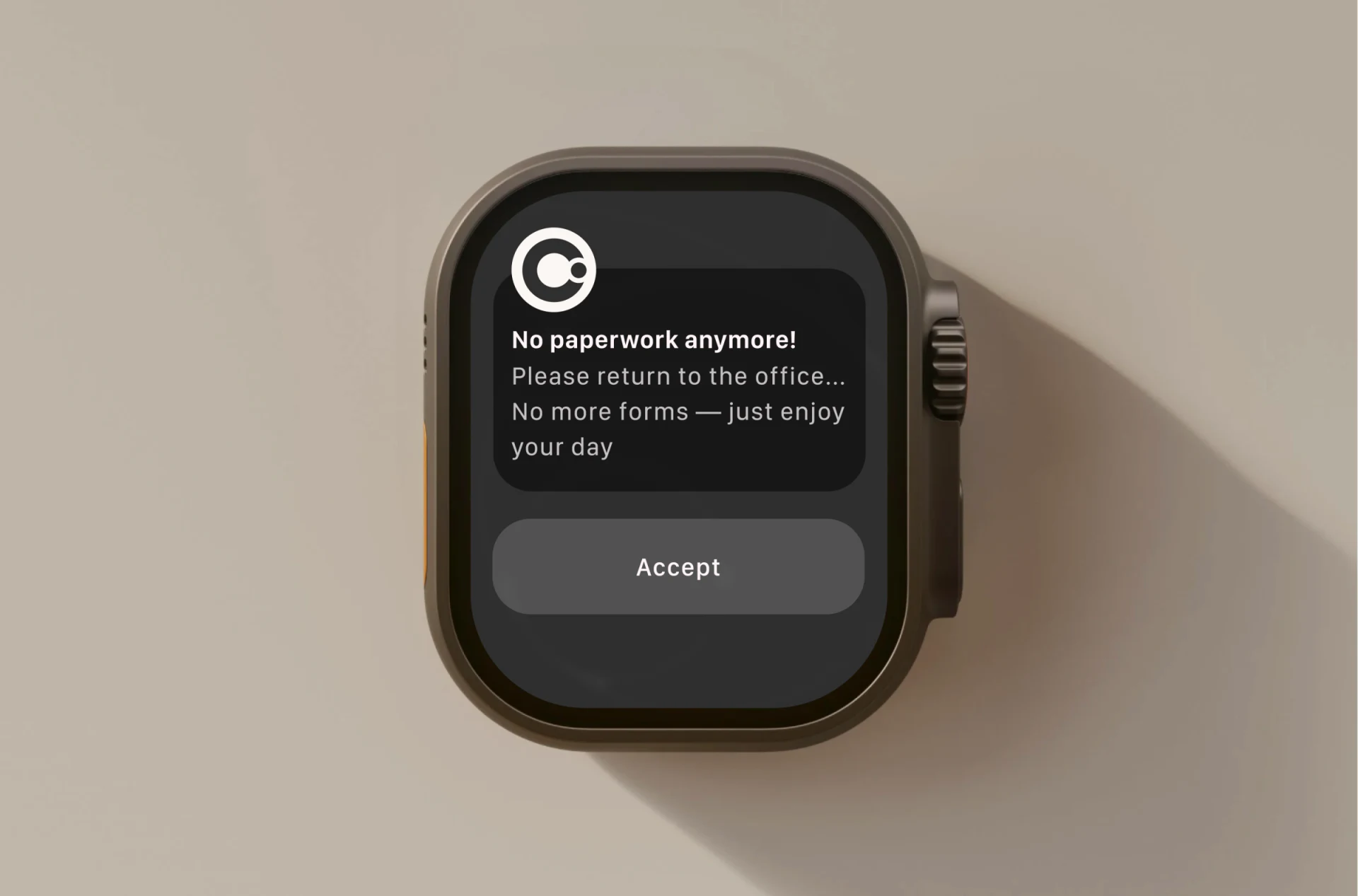
The watch places paperless wording, return-to-office prompts and encouragement beneath a small mark, with only Accept below. These sentences do not adequately establish whether they concern one matter or several.
Accept needs an object: accepting an arrangement, acknowledging a notification and other actions need separate names. Retain matter, initiator and result summary with detail access; encouragement should not precede critical requirements.
Websites explain scope; small screens keep information needed for the present response. Across screens, colors and marks can continue, while task names and key results need continuity even more.
Frequently asked questions
Does a system connection graphic explain actual integration?
It also needs modules, data and permissions. Concept lines do not establish implemented structure.
Is Accept enough on a watch?
First specify the matter and result. Small screens retain critical objects, with detail access for longer explanations.
Design review checklist
- Follow concepts with concrete task content.
- State the type of outcome for getting started.
- Clarify notification matters and acceptance results.
Connect enterprise branding and cross-screen tasks
Enterprise software can organize roles, modules and key actions before extending brand language to websites and small-screen notifications.
JVDS provides UI/UX design and website design and development. We can work through page content, interface structure and implementation needs together.

















