
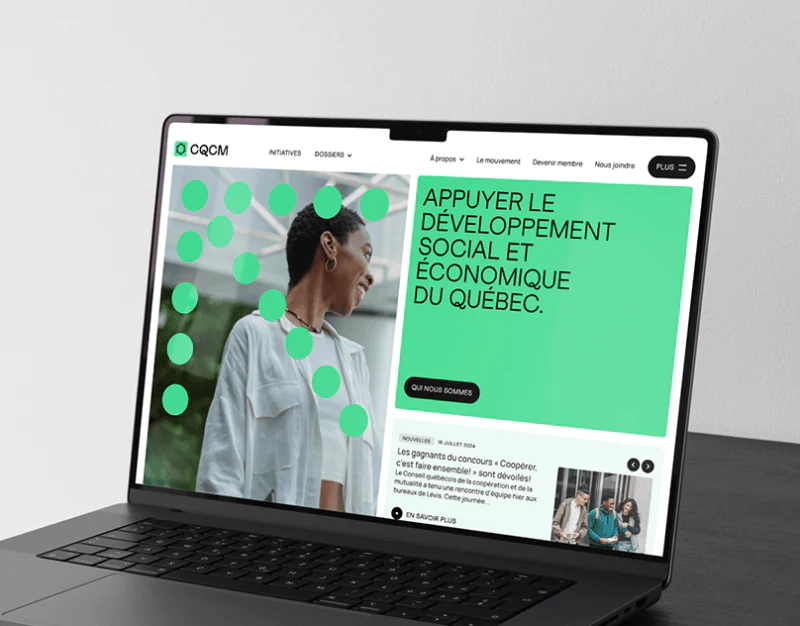
CQCM’s association resource website design uses blue, green, coral and circular photographs to create a friendly identity. Initiative labels sit beside topics, actions and news have their own cards, and the resource page adds search and filters. Despite the variety of content types, a topic can remain a useful thread for finding material across these pages.
Key takeaways
- Topic and initiative labels sit together, while actions, news and resources retain their own content types.
- Applying and closing filters need clear meanings, and search counts should reflect the current topic and conditions.
Keeping topics and initiatives close makes their relationship visible
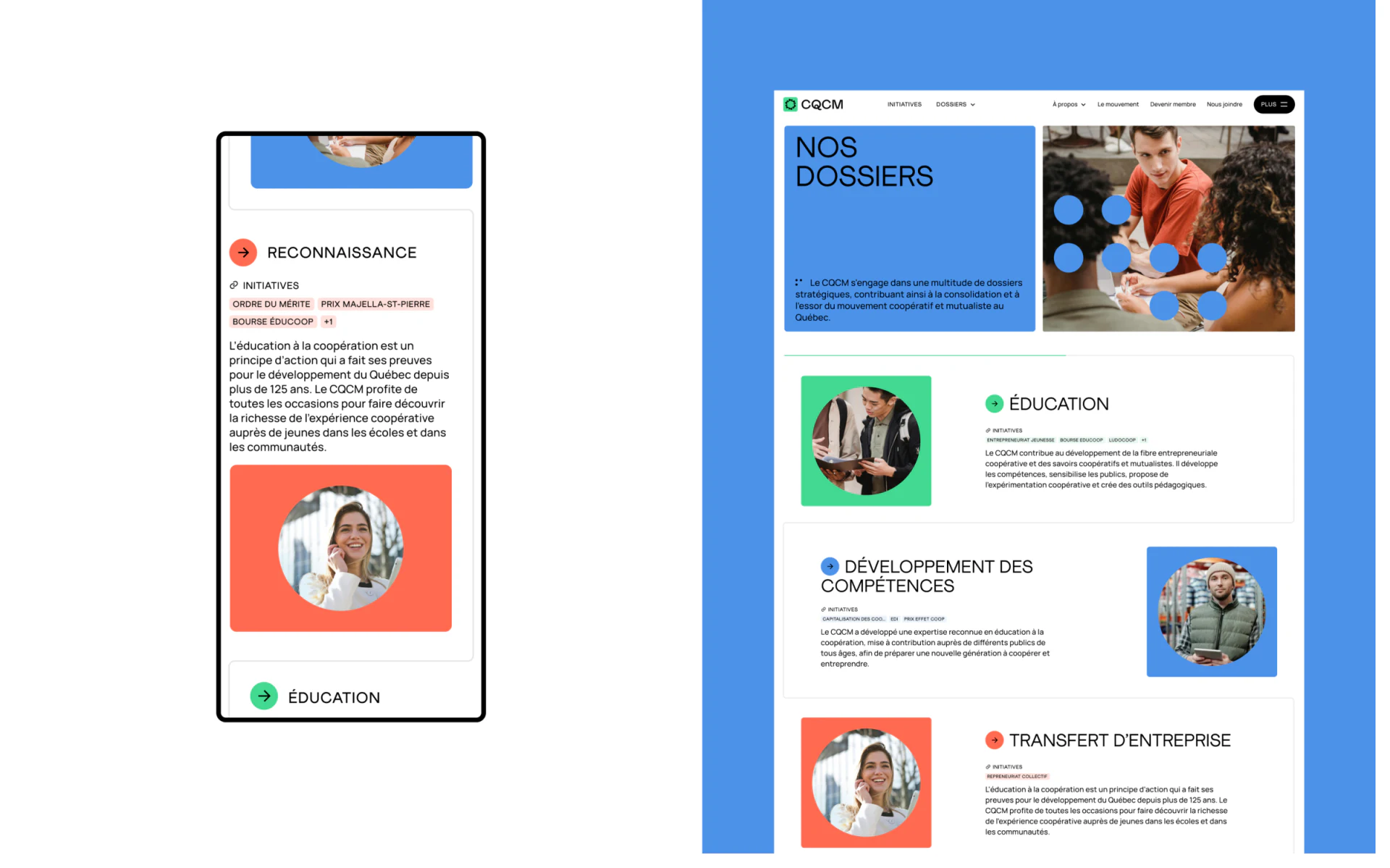
After the blue Nos Dossiers opening, education, skills development and business transfer appear as separate groups. Circular photographs sit near INITIATIVES labels that identify related material. Desktop groups and the vertical mobile list share colors and short headings.
A topic is a continuing area of interest; an initiative is a specific action. Placing them near each other explains more than putting everything into a date-ordered feed. Photographs set the scene, labels show the relationship, and the text still needs to explain the topic itself.
JVDS would first make the names and labels consistent, so education remains the same subject after a visitor enters another section. Colors can establish a series, but changing the image or color should not silently create a new category. On a website that keeps accumulating resources, maintaining those relationships matters more than continually inventing card styles.
Action categories and news dates carry different meanings
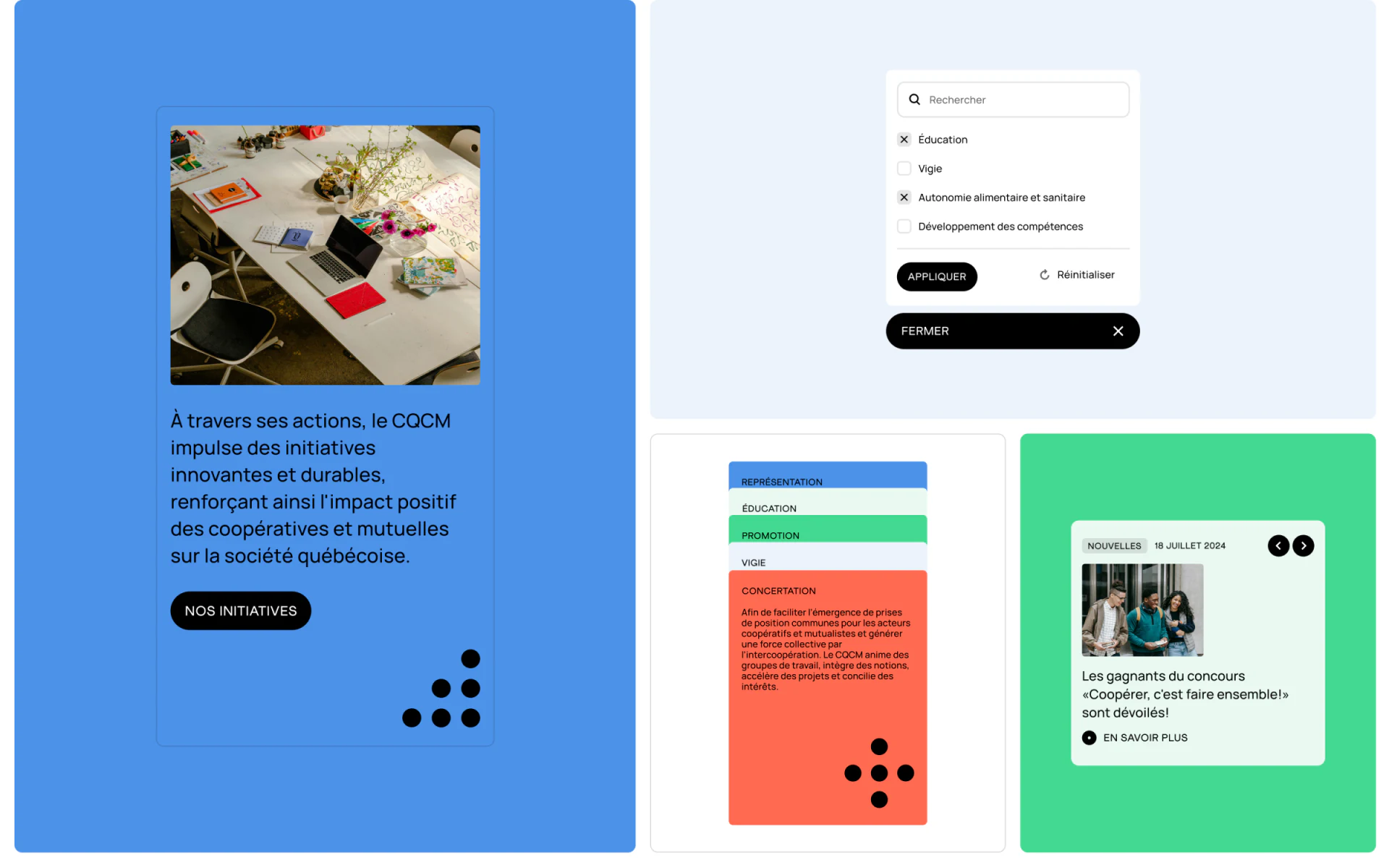
Another image places Nos Initiatives beside stacked colored category blocks. Nearby news cards include Nouvelles, dates, photographs and detail actions. Shared colors maintain recognition, while the words distinguish the content types.
An initiative page can explain its scope and related resources; a news page can describe a particular update. Category names should stay consistent with the topics, and viewing actions should retain the content type rather than opening a generic grid without that context.
The filter panel includes Appliquer, reset and Fermer actions. Pending selections need to be distinguished from the filters already affecting results, and closing the panel should clearly preserve or discard edits. JVDS would show the active conditions beside the results, so readers do not have to reopen the panel to guess what has taken effect.
Search, filters and counts meet at the resource entry
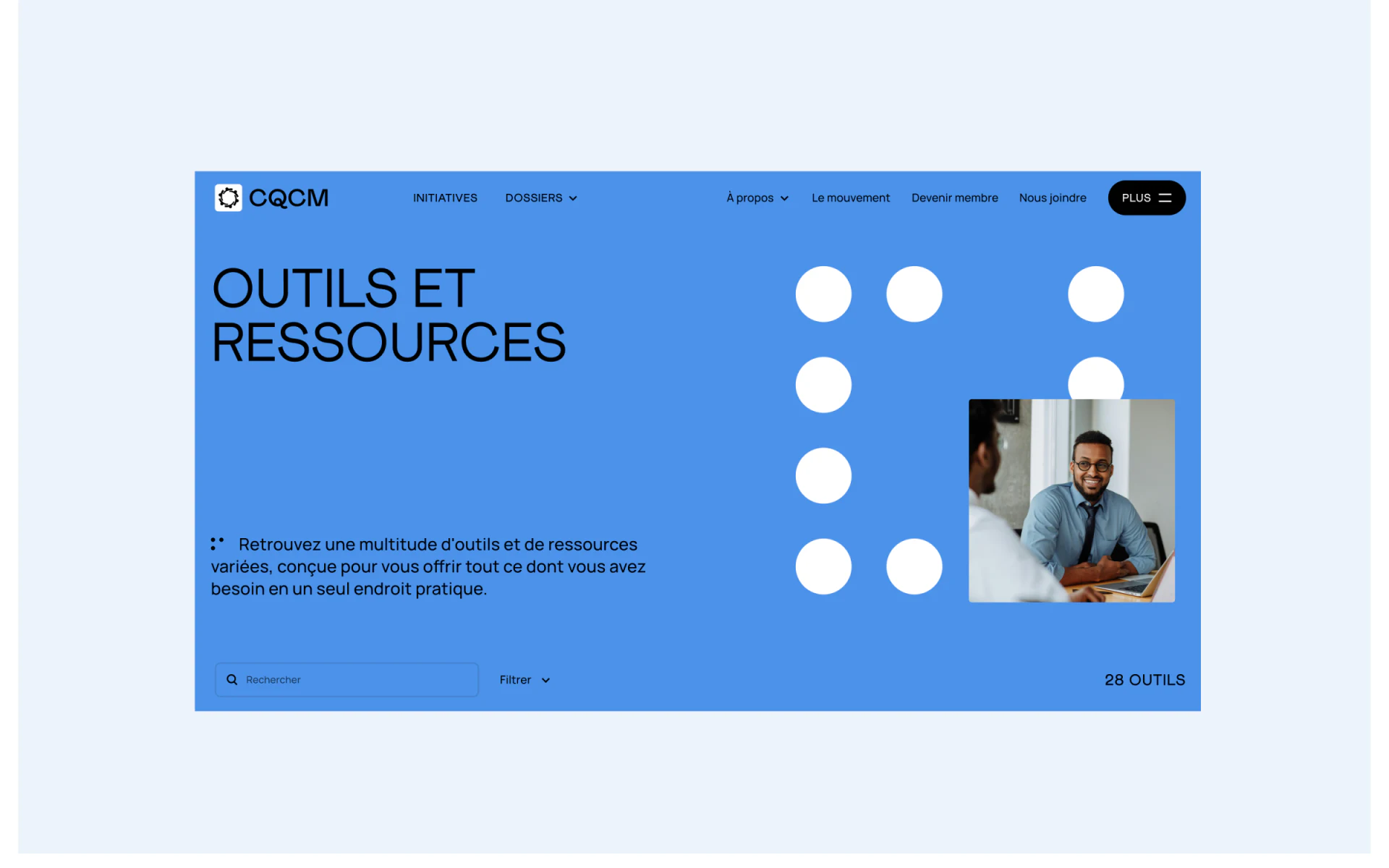
The Outils et Ressources opening uses a large blue area with a heading, a person’s photograph and white circles. Below it, Rechercher, Filtrer and the tool count share one horizontal strip. Organizational information does not push the lookup controls aside; the entry is direct.
After filters are applied, the count should say whether it represents the whole collection or the current results, and it should update with the list. A no-results view can retain the current conditions and an action to clear them. Topics, tool types and search terms should also be adjustable independently.
JVDS would review a route from an education topic to resources, adding a search term, opening an item and returning. The topic and query position should remain available. As content grows, maintaining those relationships lets the bold color blocks mark a meaningful scope.
Frequently asked questions
Should a resource count show the whole collection or filtered results?
Either can work if its label is explicit and it updates with the current conditions. Readers should be able to tell which collection the number describes.
Design review checklist
- Explain what closing the filter panel does to unapplied changes.
- Preserve the topic and search term when returning to the resource list.
Organize topics and resource lookup
If your association or institution needs a website for continuing topics, initiatives, news and a tool directory, bring the category list into the design discussion.
JVDS Design Studio offers UI/UX design, website design and development. We can help organize page content, interface structure and implementation requirements.

















