

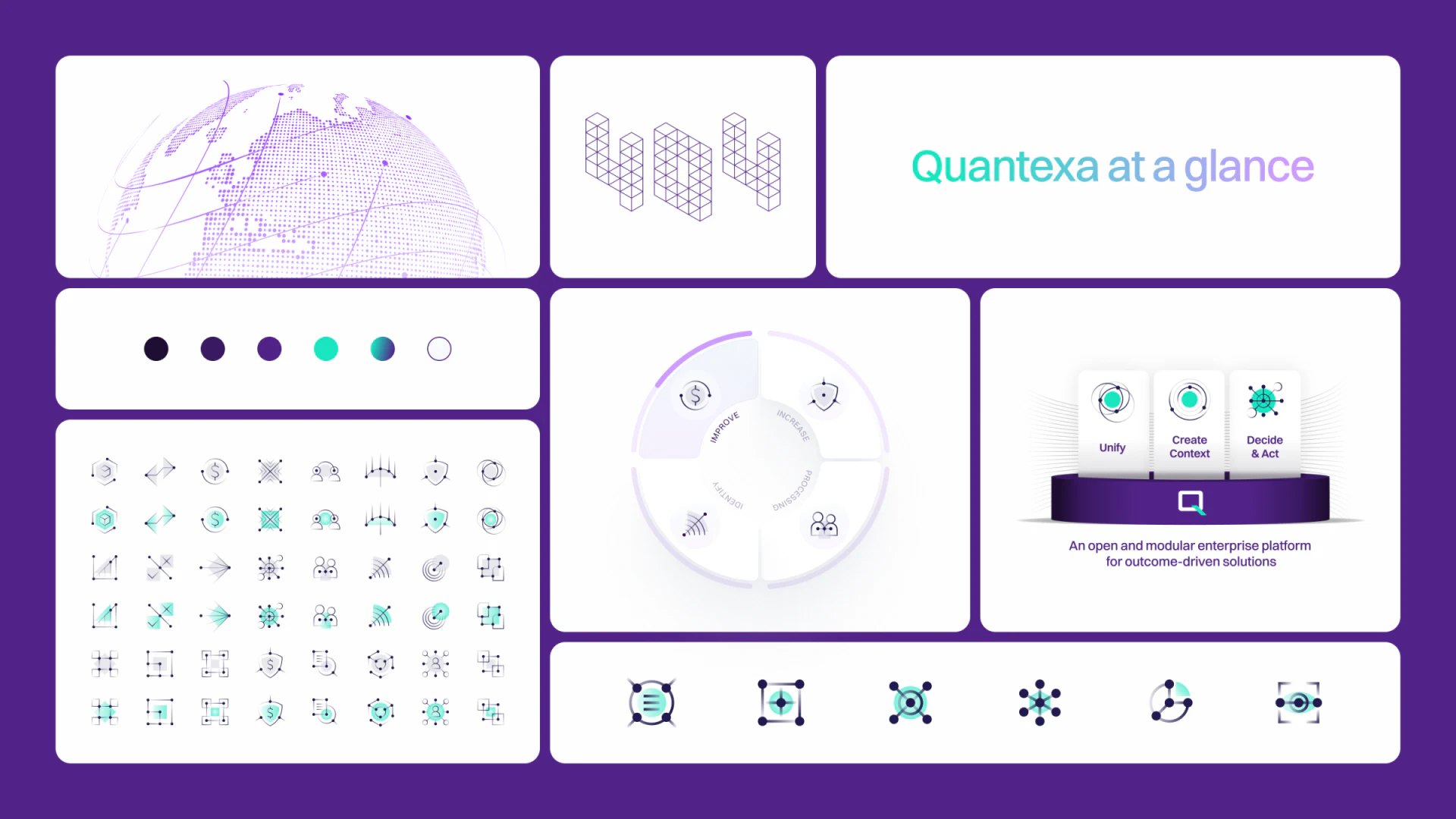
Quantexa organizes its platform explanation around purple and teal colors and node diagrams. Unify, Create Context, and Decide and Act form three steps that are easy to repeat; capability accordions and a benefits section add detail, followed by a demo form. The diagrams become more useful when each step connects to specific information and a tangible result.
Key takeaways
- Three steps establish an order; a task example explains the information and results within it.
- Capability definitions, benefit conditions and demo topics each need a concrete explanation.
Three steps establish a reading order
Three dimensional modules sit on a shared base, each carrying a node symbol. Their labels move from Unify to Create Context to Decide and Act. Spheres, grids and ring structures elsewhere repeat related shapes, giving the visual language continuity.
Once the order is clear, the inputs and outputs need definition. A single, tightly scoped example could show what information is collected in the first step, what relationships emerge in the second, and who uses the result for which task.
JVDS would favor a task example visitors can retell over an expanding collection of abstract spheres. The diagrams can retain their visual style, while specific information names help visitors recognize whether the platform addresses their problem.
The module diagram suits an overview. More detailed content can identify the objects, results and necessary limits. Connected shapes do not explain technical capabilities by themselves; defining the scope also gives a later demo a consistent topic.
Capability explanations and benefit conditions have different jobs
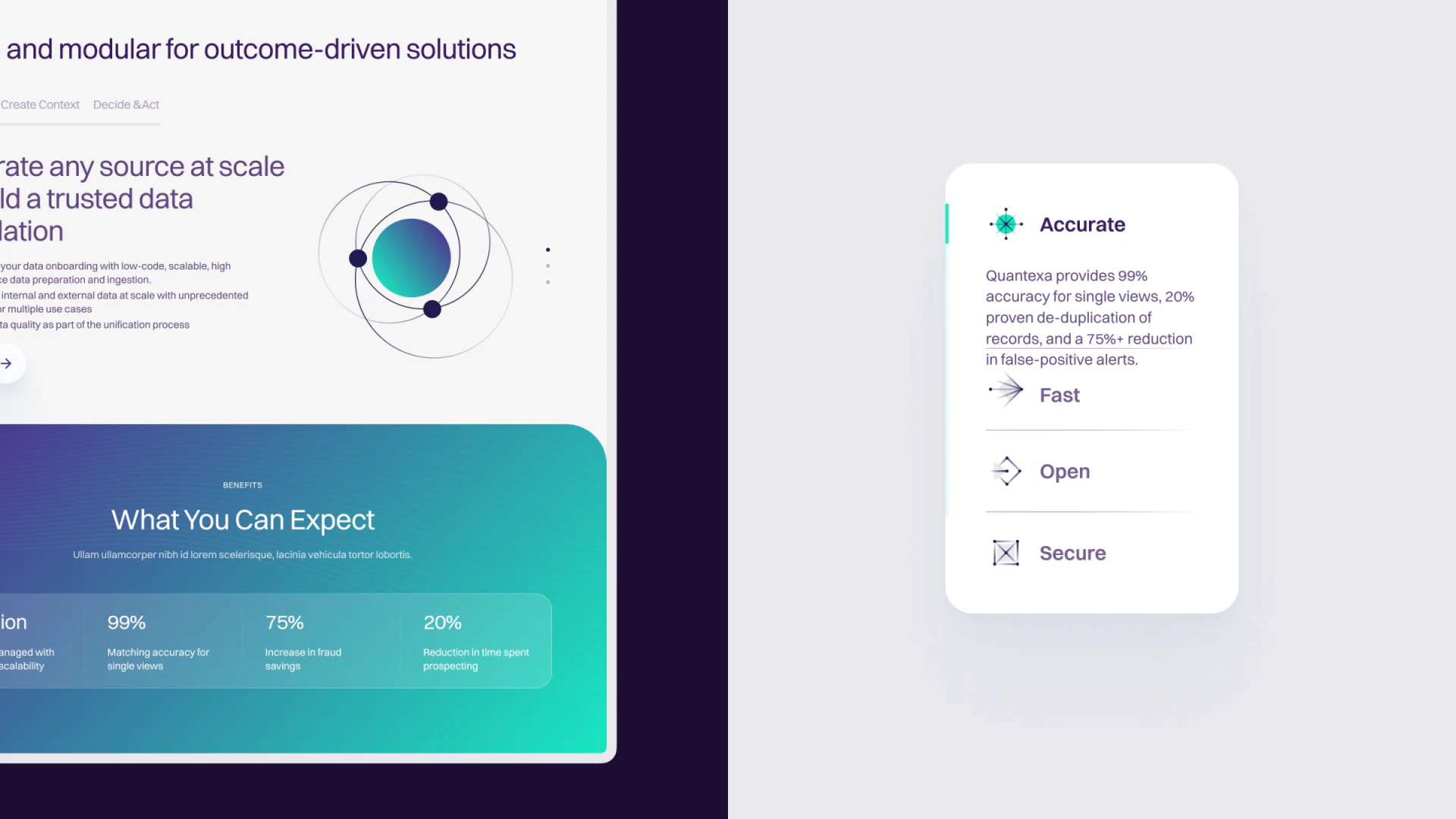
Accurate, Fast, Open, and Secure appear in a vertical accordion, with text in the expanded item. A separate gradient section titled What You Can Expect displays several percentages. Separating capabilities from results lets readers understand the terms before examining the benefits.
Each capability word needs an explanation: which records accuracy refers to, which integrations openness covers, and what falls within the security scope. An accordion can shorten a page, but the most important definitions deserve a readable summary before expansion.
Benefit percentages need a baseline, period and subject. Identical numbers do not make two statements the same evidence. Where a percentage appears in different descriptions, each metric needs its own name so visitors do not mistake similar figures for corroboration.
Accordion text and metric explanations can use the same vocabulary. Readers then move from a capability to its benefits without learning a new set of objects. Numbers can stand out while their conditions remain easy to find.
The demo form should carry a specific question forward
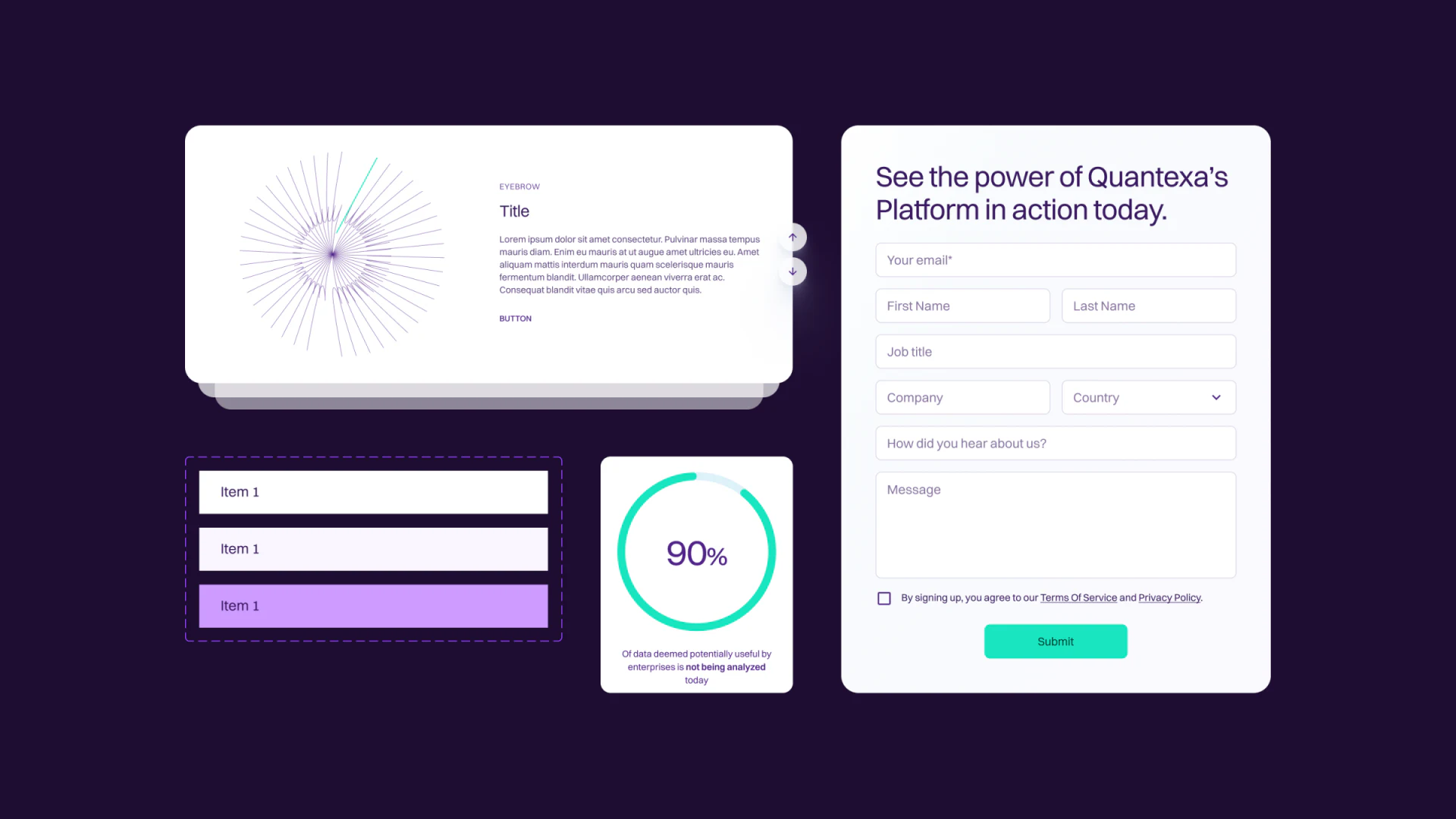
The demo form on the right lists email, name, job title, company, country and message fields, with a teal submit button at the bottom. Its aligned fields can collect an enterprise visitor’s context, but the topic of the demo and what happens next should be clear before anyone starts filling it in.
Stacked cards on the left still contain placeholders such as Title and Item 1. The component styling is established; the content needs to become a case or task explanation. The 90% ring also needs a defined subject before it can support a capability claim.
A visitor could choose a topic from the module they have just read and carry it into an editable form. The page can then explain whether submission leads to scheduling or a later contact. That would connect the inquiry to the three steps and capability explanations above.
Personal and company fields can be marked as required according to what the conversation actually needs, followed by clear submission feedback. The effort involved in requesting an enterprise demo depends on whether visitors understand what they will discuss as well as the number of fields.
Frequently asked questions
Are three steps enough to explain a data platform?
Each step also needs an input, output and intended user. One example with a consistent scope can make the overall sequence easier to understand.
How should benefit percentages connect to capabilities?
Define each metric’s subject, baseline and period, then connect it to the relevant task. Matching numbers cannot automatically be treated as the same evidence.
Design review checklist
- Give each step a specific input and output.
- Define capability terms and benefit metrics.
- Make the demo topic and post-submission outcome predictable.
Connect platform capabilities to enterprise questions
For a data platform website, start with a three-step task example and metric definitions, then organize capability details and demo inquiries.
JVDS Design Studio offers UI/UX design, website design and development. We can help organize page content, interface structure and implementation requirements.

















