

1:30 Studio shows objects, interfaces, wordmarks and app visuals in a mixed grid on black, then carries its lively character into a pink testimonial section and team portraits with graphic overlays. Varied covers preserve the breadth of the work. Service explanations still need to connect those images to specific tasks, helping visitors move from interest to a choice.
Key takeaways
- Covers can retain differences in medium, while task and responsibility labels provide a common basis for comparison.
- Testimonials, team introductions and inquiries should connect to a specific service scope.
A mixed grid preserves the character of each project
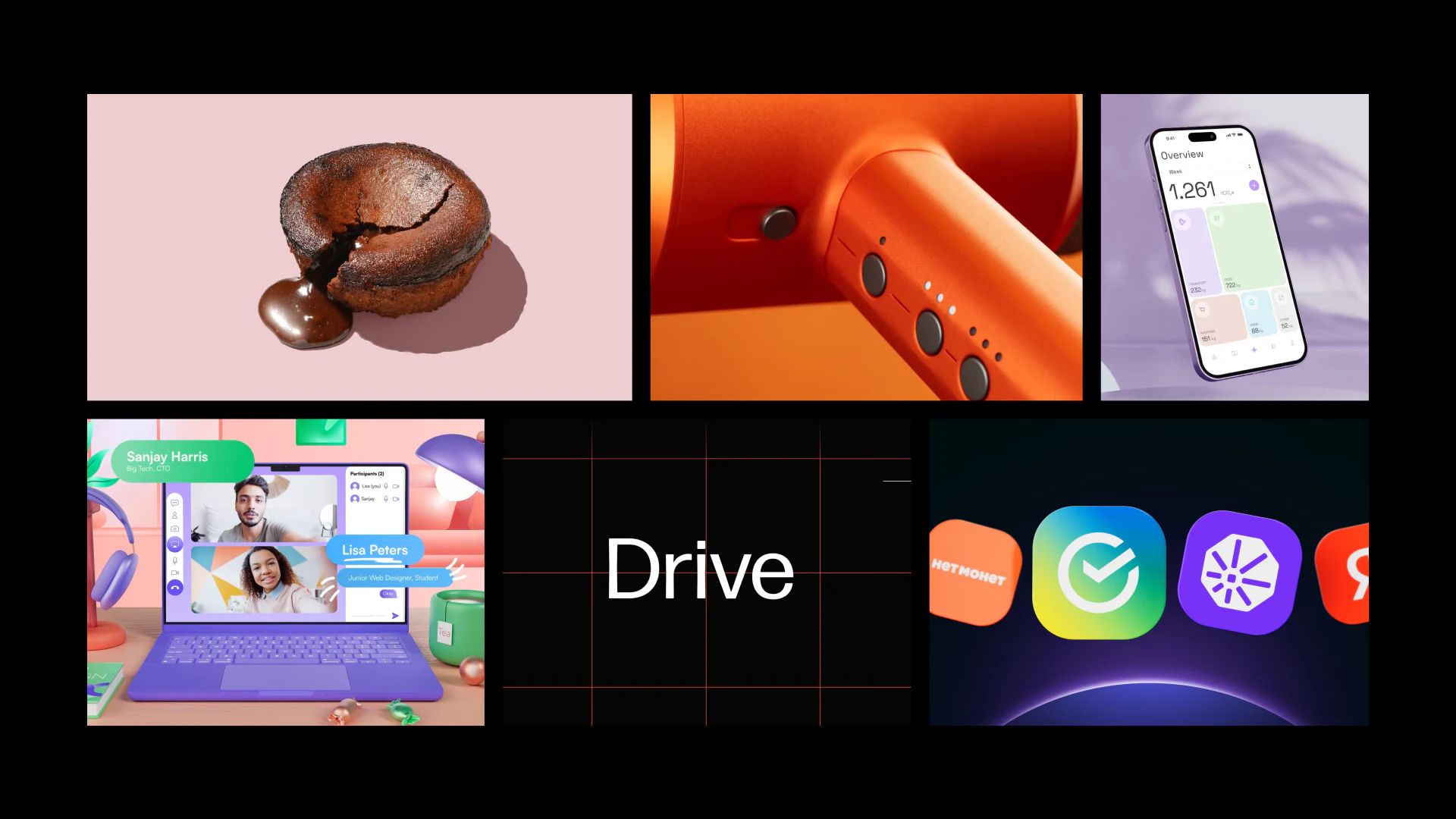
A cake, an orange controller, phones, a video-call computer scene, the Drive wordmark and app icons occupy different areas of the grid. Changes in color, proportion and medium create a browsing rhythm, without forcing every project into the same full-interface screenshot.
A cover can show what matters in a project, while explanatory fields remain consistent: task, responsibility and what the detail page contains. A photograph of an object does not automatically establish that the studio designed the product, and a phone mockup does not establish responsibility for the whole interface.
JVDS would keep the differences between covers and add short task labels as a common basis for judging the work. Visitors could understand whether a project resembles their needs without first guessing its medium.
Names and output types should remain visible in the detail view, with the position preserved when returning to the grid. Visual exploration can then deepen gradually, without a click forcing visitors to find their original point of interest again.
Testimonial cards need identities and a corresponding scope
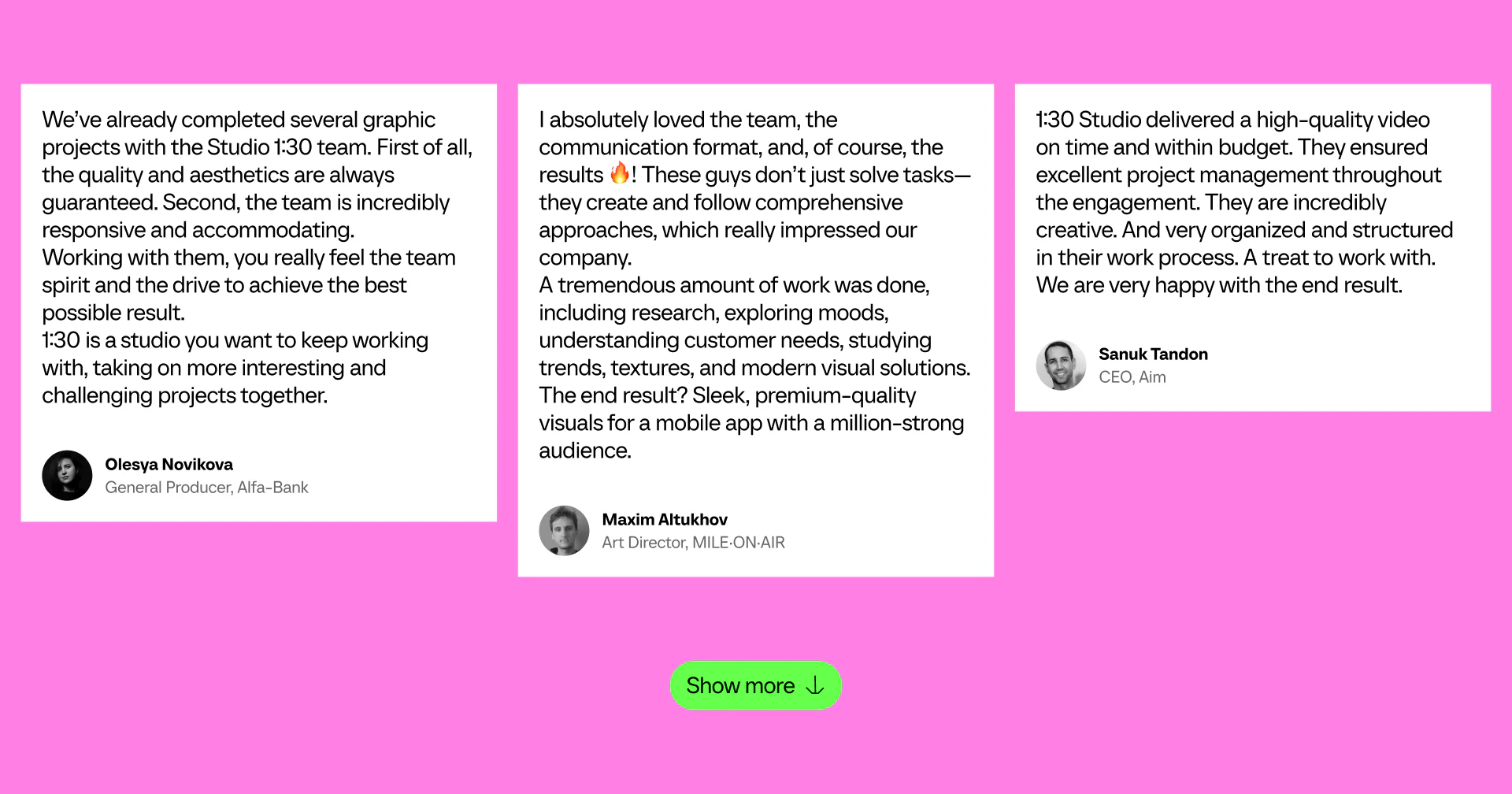
Three white cards align at the top on a pink background. Their text lengths determine the heights; names and roles sit below, and a green Show more action appears at the bottom of the section. Card boundaries separate longer passages, while predictable identity positions help readers locate the speakers.
Long testimonials could start with a short summary and offer the full text afterward. Where a quote discusses graphics, mobile visuals or video, a connection to the relevant case would identify what the comment concerns.
Show more should clarify whether it reveals additional testimonials or extends the current card. Loading or expanding content should preserve the reader’s position instead of suddenly returning them to the top of the section.
Quotes require accurate sources and an appropriate permission scope. Statements about satisfaction or outcomes need actual supporting material. Testimonials can supplement a case, but they should not replace responsibilities and deliverables; the original studio’s material cannot become a claim about JVDS’s results.
Brand expression and core services should tell a consistent story
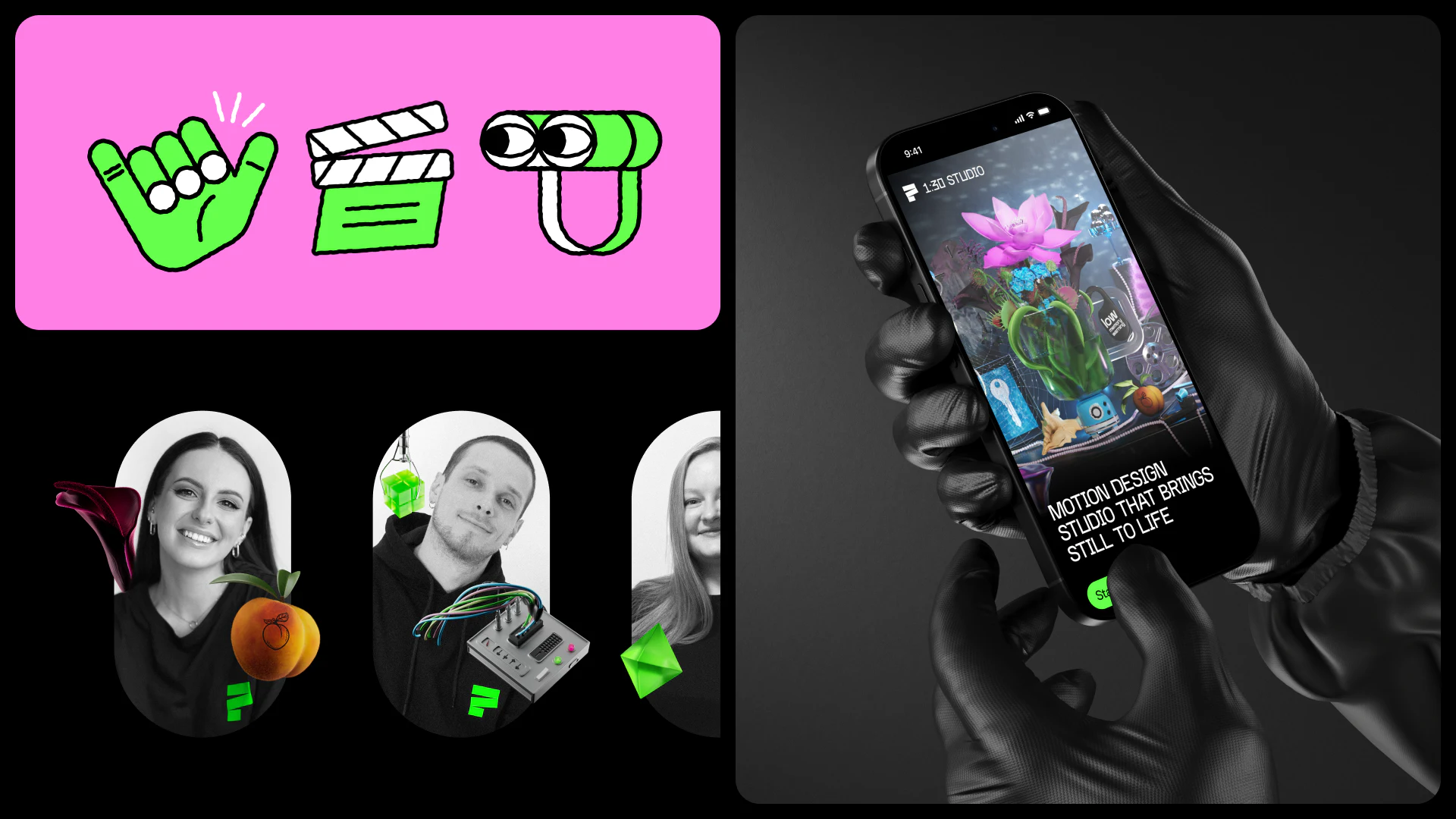
Black-and-white portraits overlap with small colored objects. Pink gestures, a clapperboard and graphics create a distinct identity; a phone presentation states Motion Design Studio and shows complex visuals. Project and team touchpoints share colors and graphic elements.
Even with varied media in the grid, text needs to define the core services. Interface images may demonstrate motion; a wordmark may appear as part of animated brand visuals. Task names explain why these images belong in one portfolio, without implying that every service suggested by them is available.
Team introductions can add individual responsibilities, and inquiry routes can name the outputs and materials needed. A visitor arriving from an app-launch visual case could then distinguish interface design, animation and promotional assets, making the discussion more specific.
The hand-held phone mockup is a presentation composition. Actual page controls need checking in a normal view. Visual character can be bold while names, tasks and clear actions keep the selection route stable.
Frequently asked questions
Do portfolio covers have to be the same size?
Sizes can vary according to the visual emphasis. Consistent names, task labels and responsibility fields provide a common basis for browsing the work.
Why should testimonials connect back to cases?
They identify the work a comment concerns and help explain the deliverable. Testimonials do not replace case responsibilities or independently establish business results.
Design review checklist
- Place task and responsibility clues beside covers.
- Give testimonials a speaker identity and corresponding work scope.
- Make the core services and case types explain one another.
Connect creative work to specific inquiries
A creative studio can first align case tasks, outputs and responsibilities, then plan the mixed grid, testimonials and contact routes.
JVDS Design Studio offers UI/UX design, website design and development. We can help organize page content, interface structure and implementation requirements.

















