
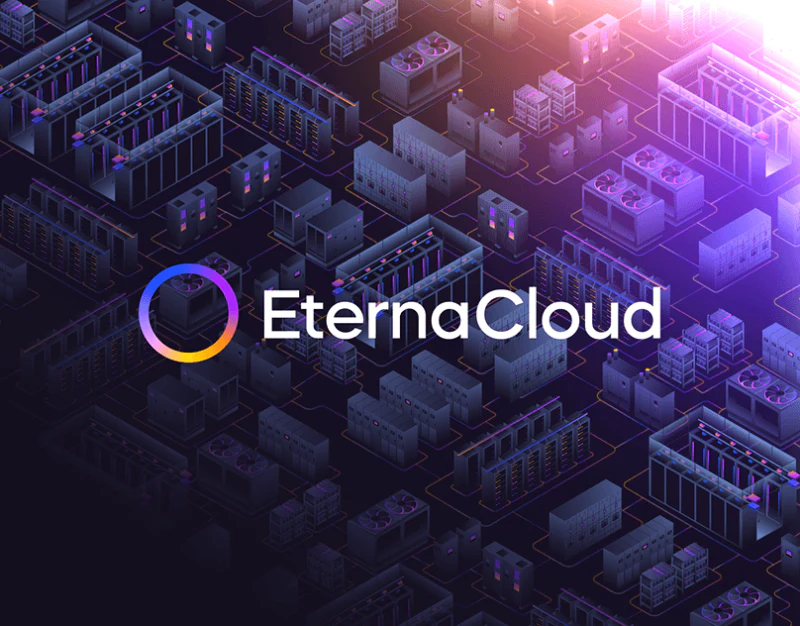
EternaCloud conveys technical services through equipment scenes, glowing gradients and fine lines. Technical services website design has to connect that impression to a scope clients can discuss: when the provider gets involved, which information the parties work on, and what is delivered. The two sets of stages and the process objects shown here offer different ways into that explanation.
Project stages help visitors locate their starting point
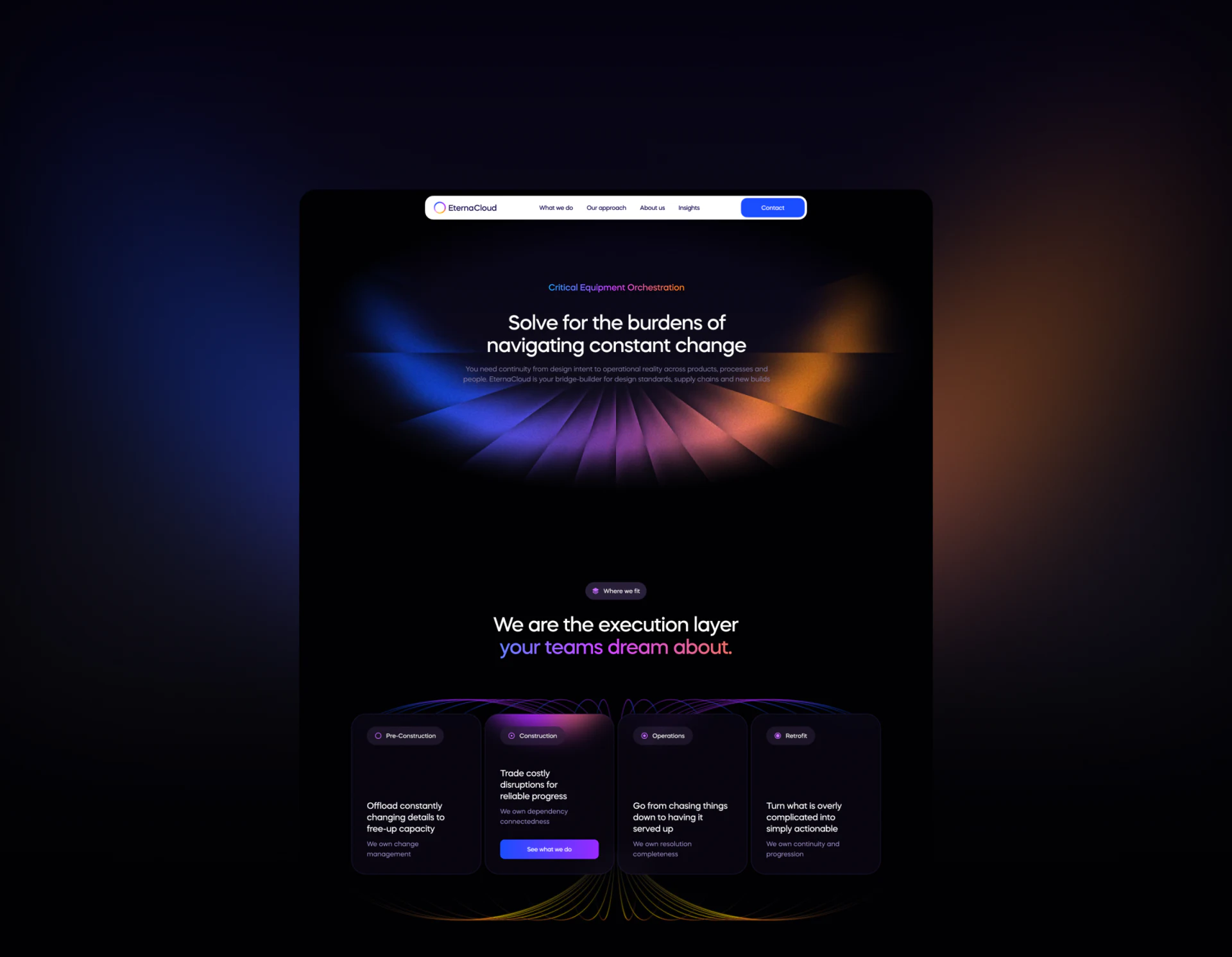
The dark homepage moves from a statement and radiating gradient into Where we fit, then four cards: Pre-Construction, Construction, Operations, and Retrofit. Consistent label positions and card sizes, joined by colored curves behind them, suggest services spanning different project stages.
The top of the Construction card lights up and displays See what we do, giving the selected state a clear focal point. Short descriptions address changes, dependencies, operations and retrofits, helping visitors initially locate their situation. Further content could explain the conditions, information to prepare and work outputs, so the stage names continue to serve as navigation.
JVDS would favor carrying the current problem from the stage entry into the detail or contact page, giving the inquiry a specific starting point. The generic See what we do could also name the selected stage more explicitly, helping readers anticipate the next page.
The objects following each process verb give collaboration substance
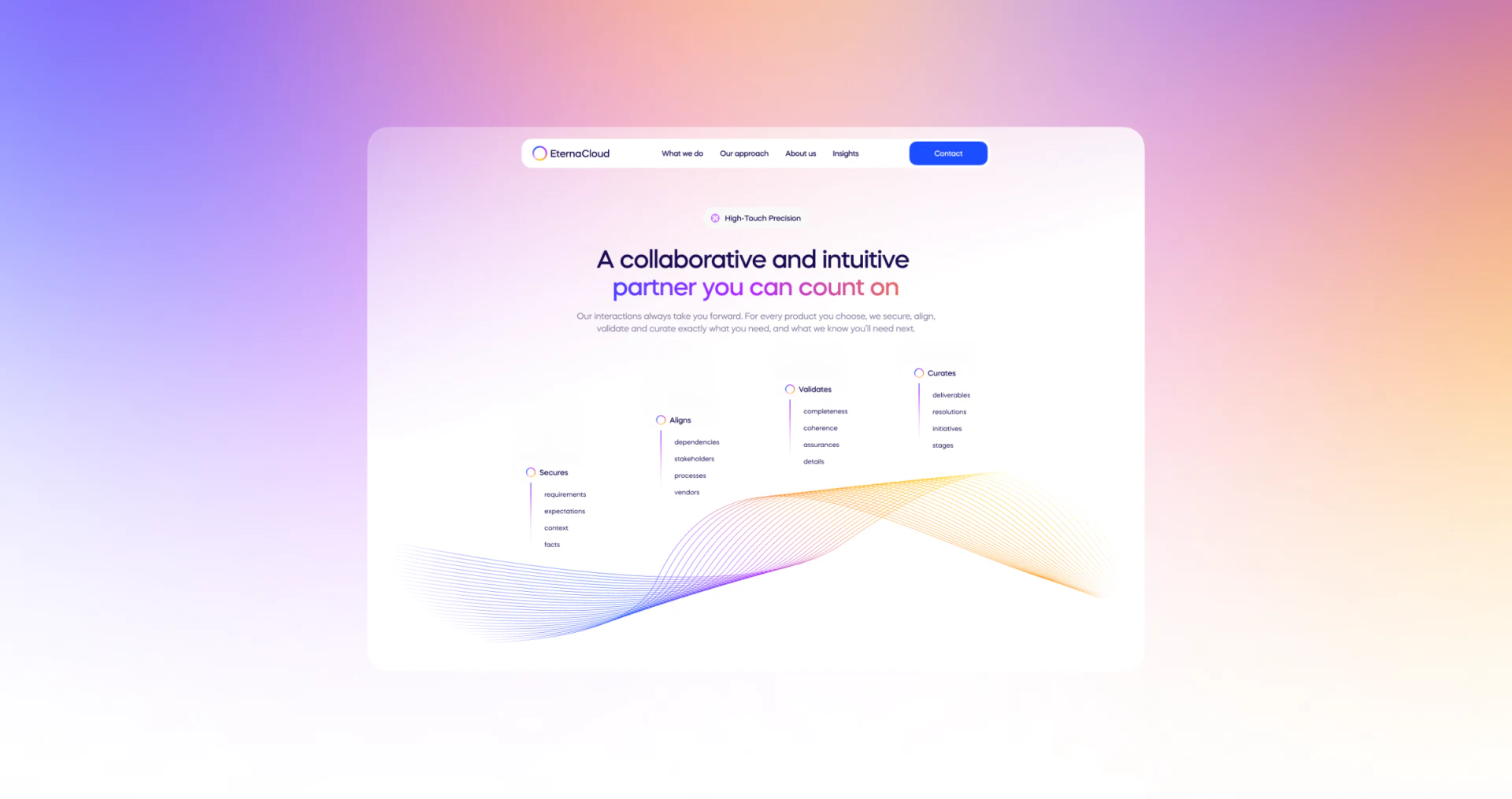
A light process page raises four verbs step by step—Secures, Aligns, Validates, and Curates—with objects such as requirements, stakeholders, details and deliverables underneath. Dots, vertical lines and a gradient curve provide continuity. The wording turns abstract collaboration into specific materials and areas of work that readers can examine.
The verbs summarize a direction; the object lists add content. Showing both explains more than enlarging process names alone. The page could go further by identifying what the client supplies, what the provider organizes, and which stages require confirmation from both sides. Those list items would then become practical conversation points.
The curve and four columns leave space for each other, and the light background suits close reading. On a narrower page, keeping each verb attached to its objects matters more than copying the rising desktop composition.
Service stages and comparisons need to stay connected
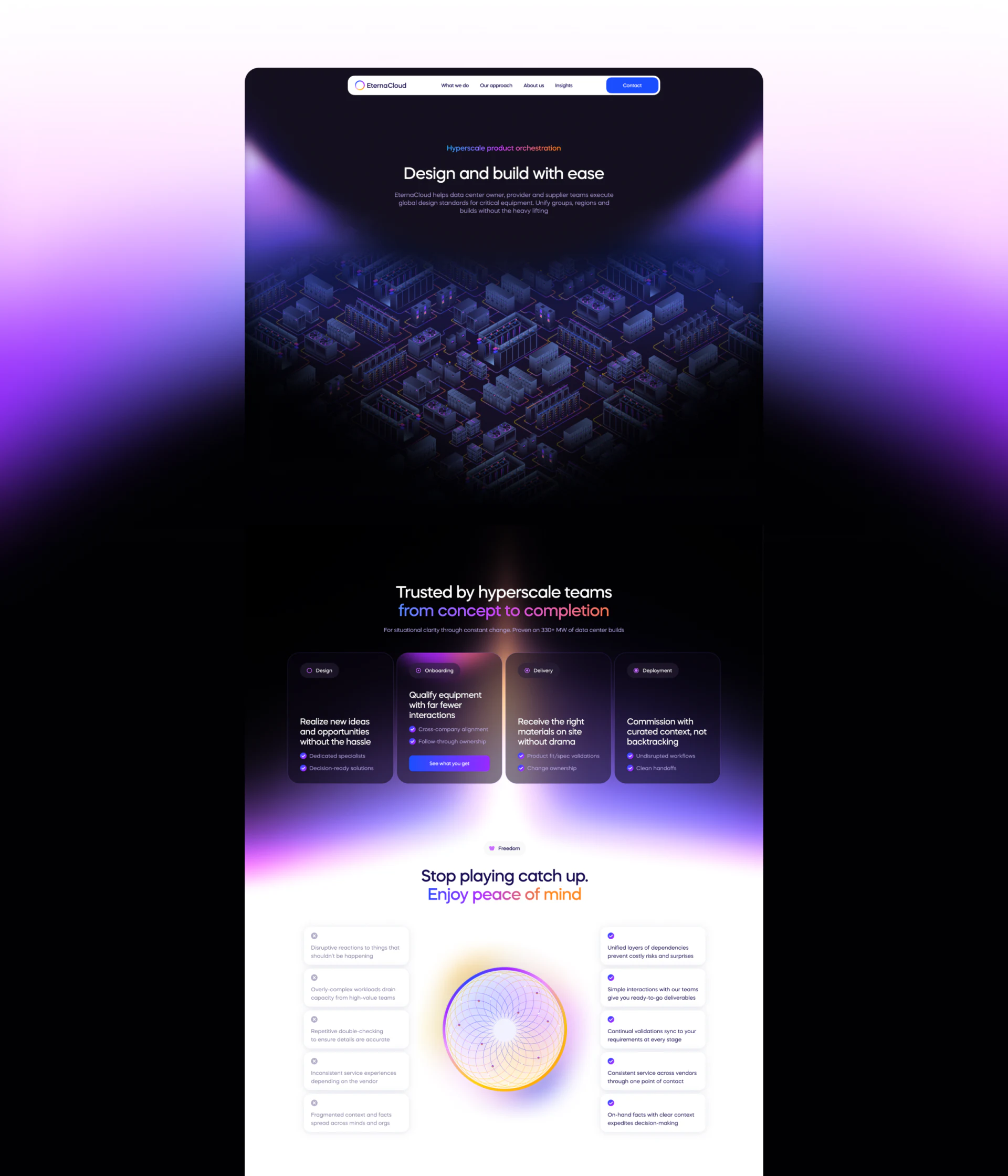
The service page establishes the work context with an equipment model, then introduces Design, Onboarding, Delivery, and Deployment. Onboarding highlights See what you get. These labels describe service activities more directly than the homepage’s project stages; explaining how the two groups relate would let readers keep following the same business.
Below, the page shifts from dark to light. Cards marked with gray crosses and purple checks flank a gradient circle. Comparisons include scattered versus contextualized information and repeated checks versus continuing confirmation of requirements. They can help clients recognize the difficulties a service addresses. Matching the same objects on both sides and explaining the actual work would give the expected state a basis for discussion.
The strength of these pages is the alternation between technical imagery and areas for close reading. Gradients and models establish identity; stages, objects and their relationships explain cooperation. Together they can support the task of choosing a service.
Make the scope of technical services easier to compare and discuss
If your technical brand needs to explain services across stages, collaboration methods and deliverables, organize entry points around the client’s stage, then connect the work objects to details and inquiry routes.
JVDS Design Studio offers UI/UX design, website design and development. We can help plan technical services websites, business explanations and project inquiry pages.

















