
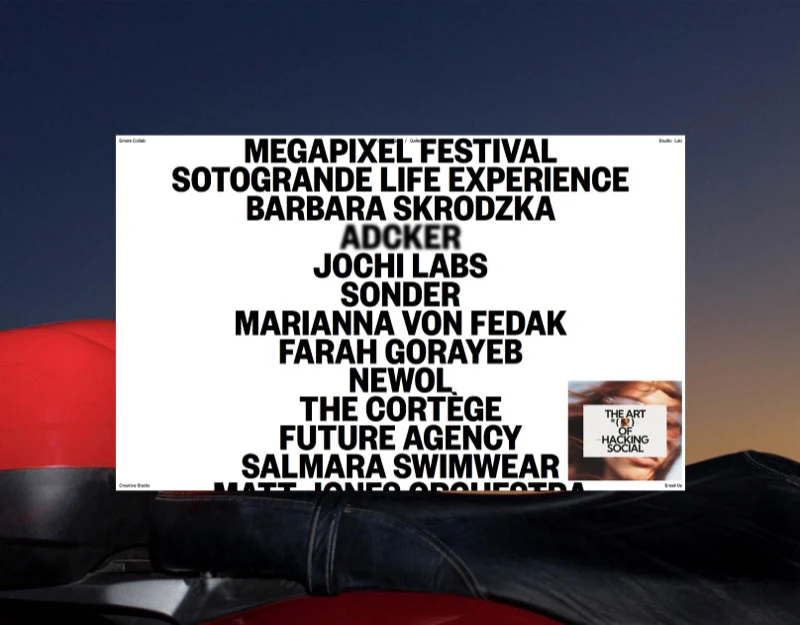
Emele Collab offers several ways to browse its portfolio: oversized project names, case cards and a numbered gallery. Black text on white emphasises names, while small previews retain visual interest. The value of these views lies in their connection to the same project information.
Key takeaways
- Names, service types and images support different ways of finding work.
- Multiple views need a shared project identity and current position.
Large names turn the list into the main composition
Project names stack tightly in the centre, with studio identity and contact entries in the corners and a separate preview at the bottom right. The typography forms the composition. Someone familiar with a name can find it directly, while the page communicates a distinct studio character.
For a first-time visitor, a name may not explain the service. A type and short task description beside the preview could identify a website, brand or other work. The current project should have a clear correspondence so that visitors need not guess the relevant row from its image.
JVDS prefers visual previews accompanied by project names and scope. After an image catches attention, the reader has a route to understanding the work and a specific subject to refer to when making contact.
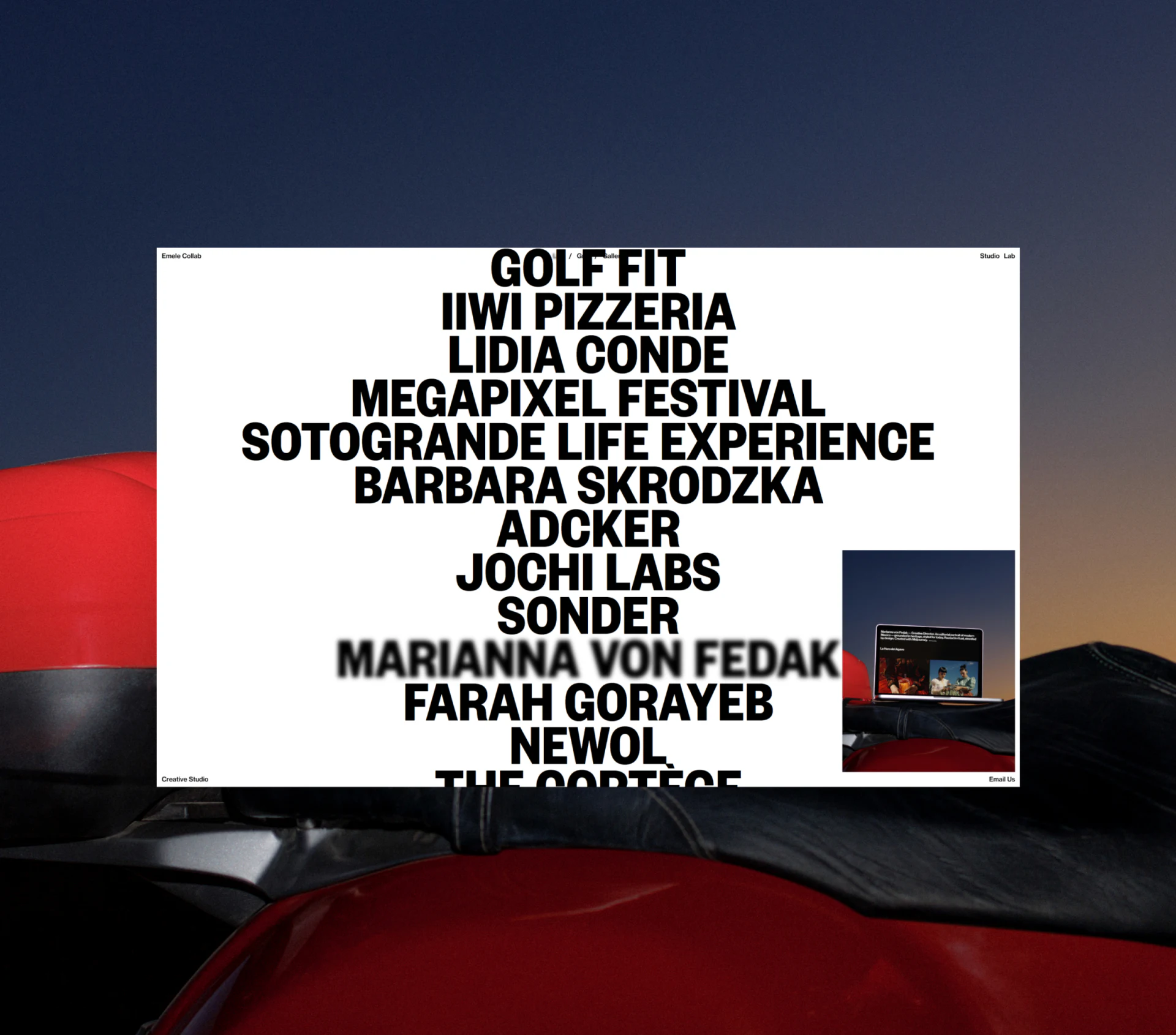
Cards add the scope of the work
The card view lists types such as Web, Branding and Branding + Web beside images, with All, Web and Branding entries below. It adds information beyond the name list and supports browsing by service scope.
Combined types need a stable classification rule. A project involving both Web and Branding can appear in both groups, with details explaining each part. Current filters and result counts would make image changes easier to interpret after switching.
The phone displays name lists, cards and numbered images at different densities. View changes should retain the current project and position. Previews should be dismissible and avoid covering names: the visual layout can change while orientation remains available.
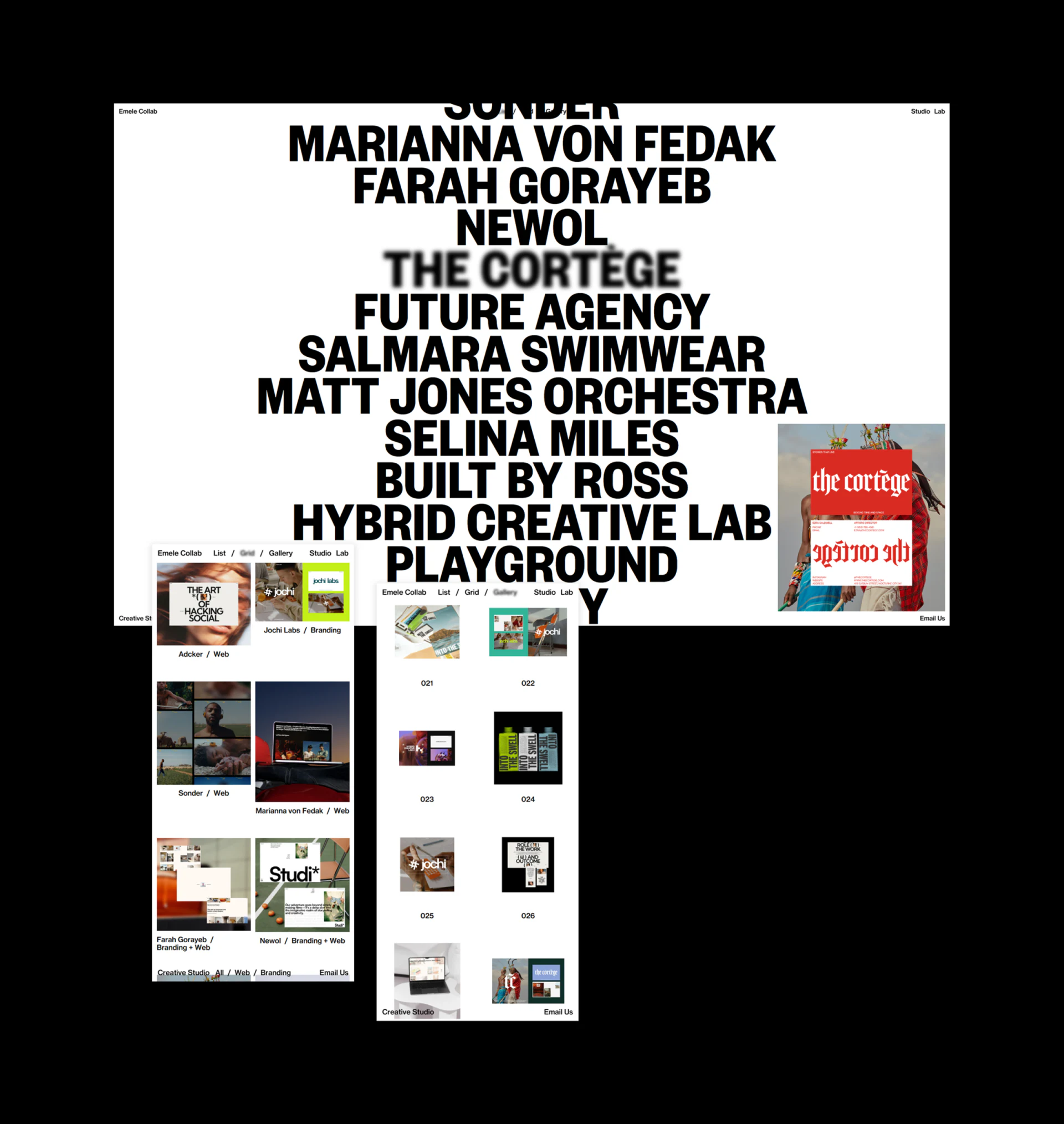
Image numbers need project ownership
Gallery places varied images in a regular grid, with numbers 031 to 054 underneath. Numbers make an individual image easy to identify, while different proportions remain visible for browsing by visual interest.
An image is not necessarily an independent project. Its number should lead to a project name and details. When several images belong together, explain their relationship so that visitors do not mistake every screenshot for a different client.
Moving from Gallery to Grid or List can retain the selected project instead of returning to the top. Richer views call for more consistent fields: names, types, numbers and the subject referred to during an inquiry should correspond.
Frequently asked questions
Do three portfolio views automatically make browsing better?
Each needs a clear task. Name lookup, service comparison and visual browsing can complement each other, provided switching retains the same project and position.
Can an image number serve as a case name?
A number locates an image but should still connect with a project name and work scope. This matters particularly when one project has several images.
Design review checklist
- Match previews with the current project name.
- Use a consistent rule for combined service categories.
- Let gallery numbers lead back to project details.
Bring specific work into the inquiry
A portfolio can establish project fields before planning transitions between name lists, cards and galleries, including how visitors refer to work when contacting the studio.
JVDS Design Studio provides UI/UX design, website design and development, helping organise page content, interface structure and implementation requirements.

















