
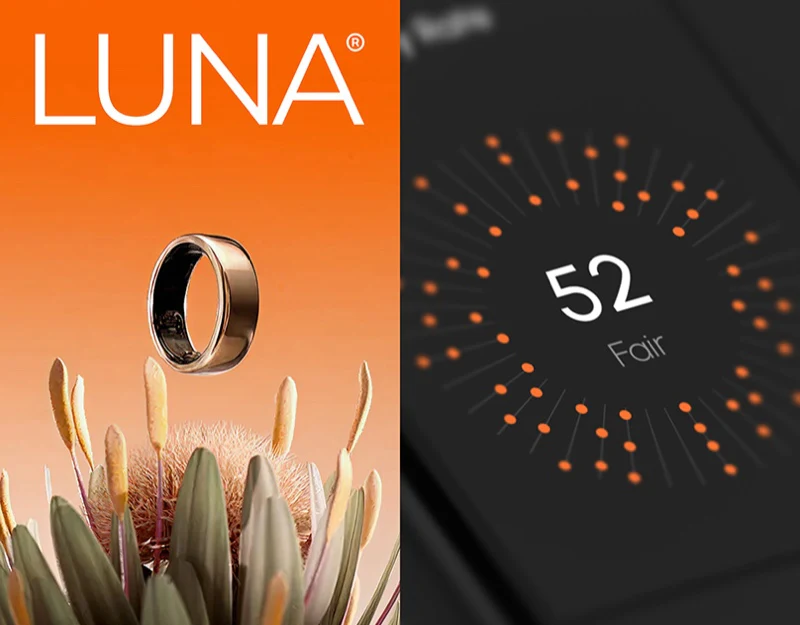
For screenless or tiny-screen wearables such as smart rings and fitness bands, almost all core interactions take place in the companion mobile app. Every minute, sensors collect more than a dozen physiological metrics, including heart rate variability (HRV), blood oxygen saturation, deviations in skin temperature, deep and light sleep stages, and resting heart rate. If an app's first screen presents a dozen brightly colored line charts at once like a hospital monitor, ordinary users may not only struggle to understand them but also develop health anxiety.
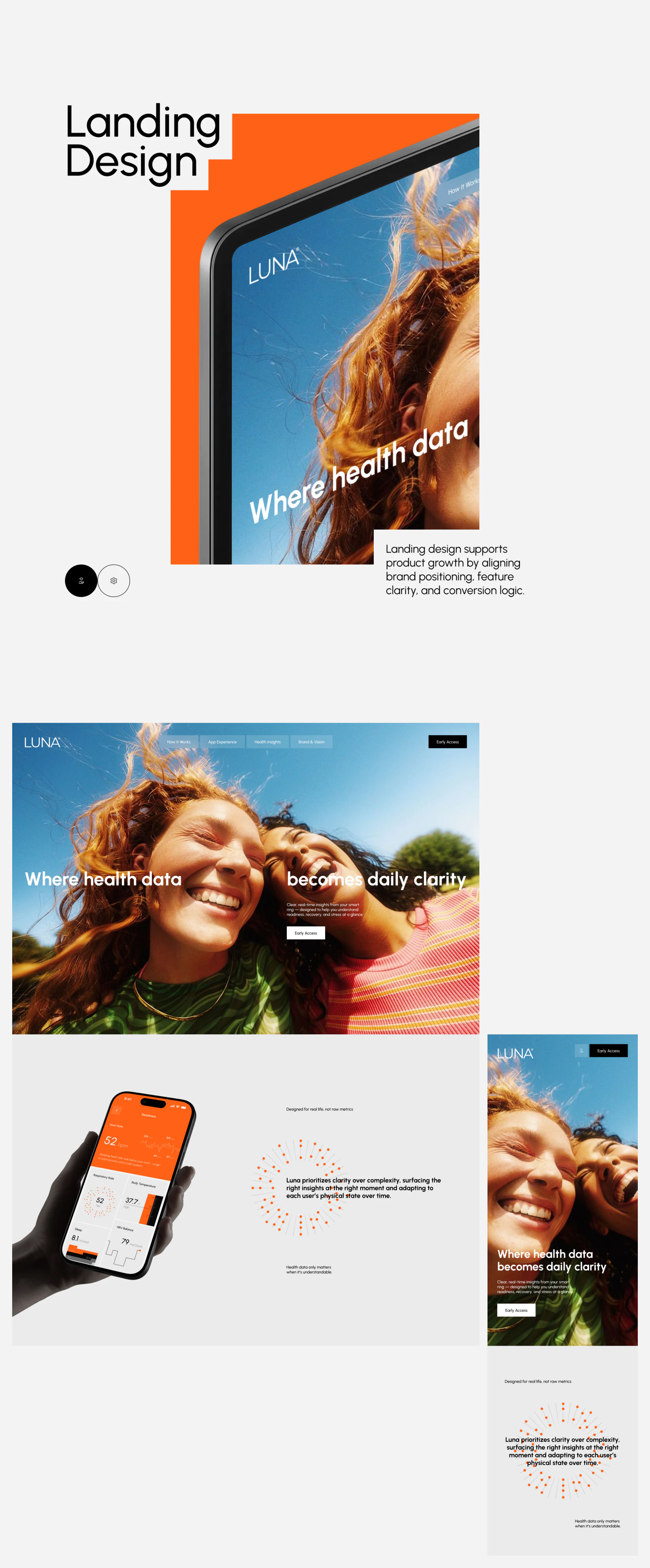
1. Why Do Leading Wearable Apps Use a Single Accent Color and Lead with an Overall Conclusion?
- Give an actionable conclusion for today before revealing the underlying physiological metrics
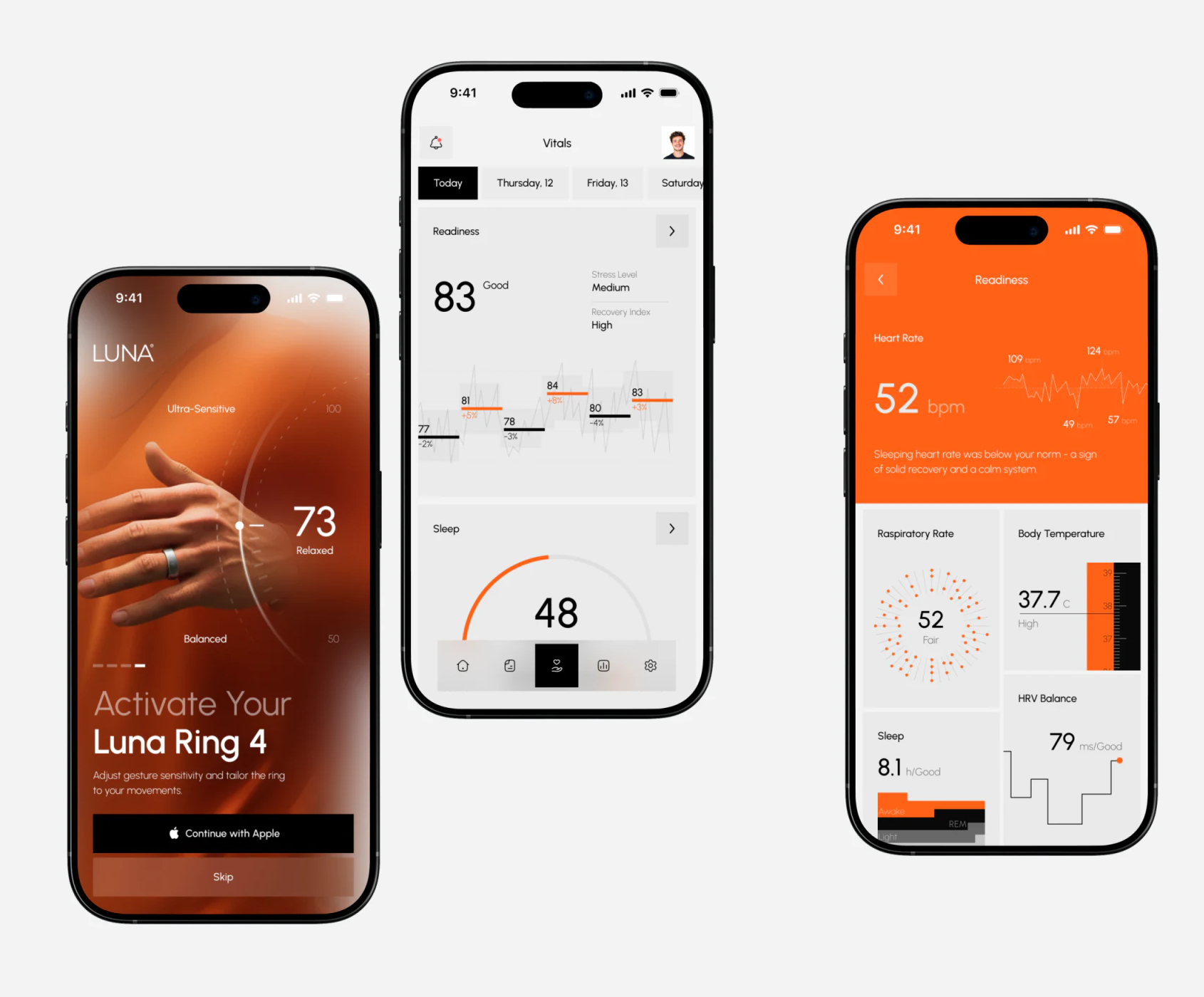
When users open a smart ring app after waking up, their main concern is not whether last night's HRV was 52ms or 58ms, but “How well has my body recovered today? Am I ready for intense training, or should I rest more?” Therefore, the first visual focus on the opening screen should be a highly distilled overall recovery or readiness score for today, such as
86 / Excellent Condition, accompanied by a plain-language recommendation. - Use a single accent color, such as warm orange, sparingly to focus attention on key deviations or goals When a page contains modules for sleep, activity, stress levels, and more, avoid giving every module its own highly saturated rainbow color. Keep large background areas and routine data that meets targets in calm, neutral light or dark gray. Use only one brand accent color, such as vibrant orange, to highlight the active activity-goal ring or a particular metric that deviates from baseline and needs the user's attention today. This restraint—a touch of orange amid gray—helps users focus on the key point within one second.
2. Replace Comparisons of Absolute Values with a Personal Historical Baseline Range
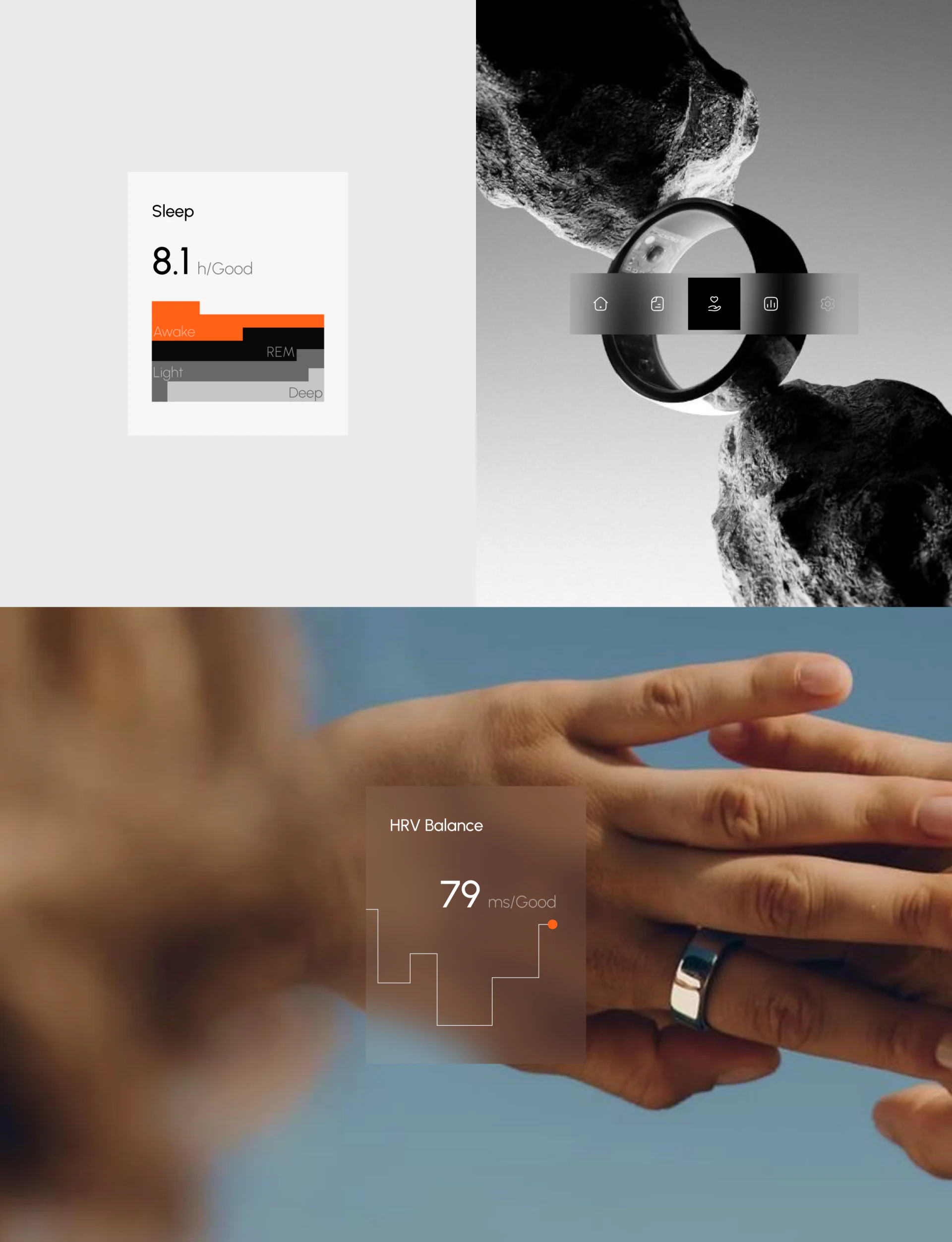
Everyone's baseline heart rate and body temperature differ naturally. When designing a detail card for a specific metric, do not simply show an isolated 56 bpm. Instead, draw a shaded band representing the user's normal personal fluctuations over the past 30 days (Baseline Range) on the progress bar. This lets users immediately see whether today's reading falls within their normal band or differs significantly from their usual level.

















