

Many businesses developing industry-specific AI assistants, copilots, or agents directly copy the plain-text chat bubble interfaces of general-purpose large language models. Yet in business settings with clearly defined physical spaces and assets—such as smart agriculture, water infrastructure inspections like Smart Reservoir Manager, and factory equipment maintenance—plain-text responses often cannot directly guide work in the field.
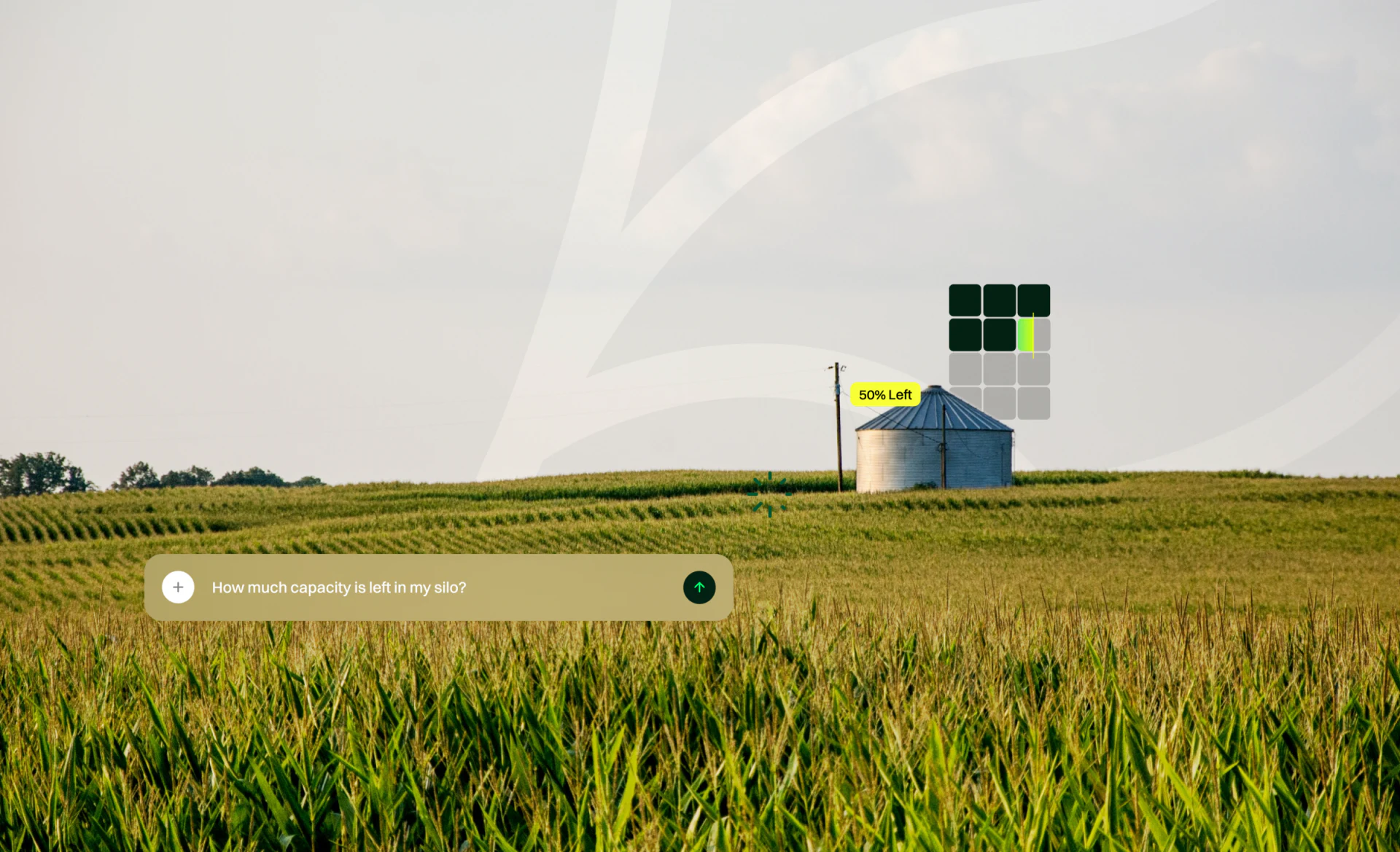
Imagine a farm manager asking AI, “Which plot needs water most urgently today?” If the AI replies only with a long paragraph—“Prioritize irrigation for Greenhouse 3 and the eastern orchard…”—the manager still has to leave the conversation and search maps and sensor lists to find Greenhouse 3, check its current soil moisture, and locate the page with the valve controls.
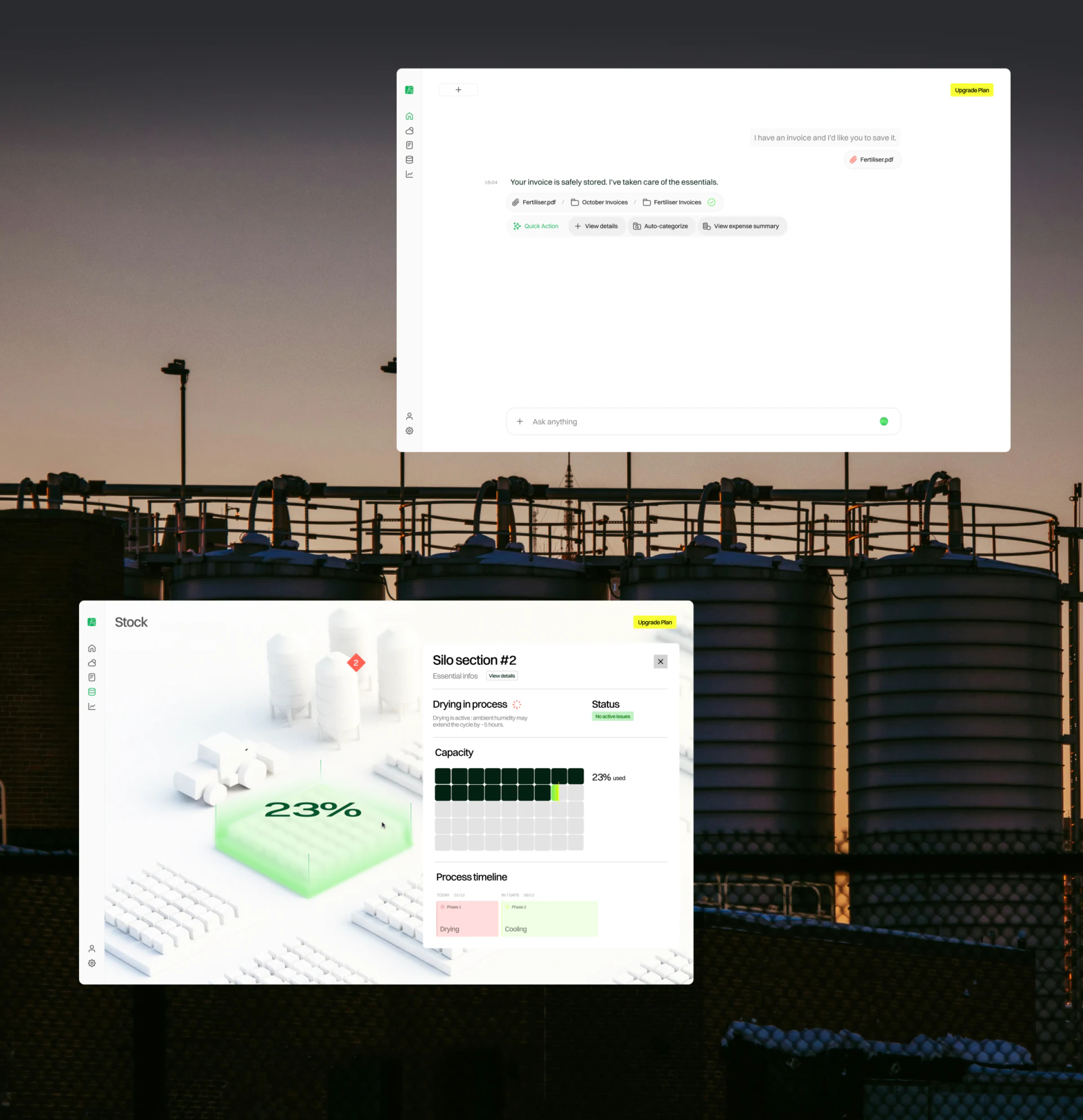
1. A Core Principle for Industry AI Interfaces: Responses Must Include Entity Cards and Spatial Coordinates
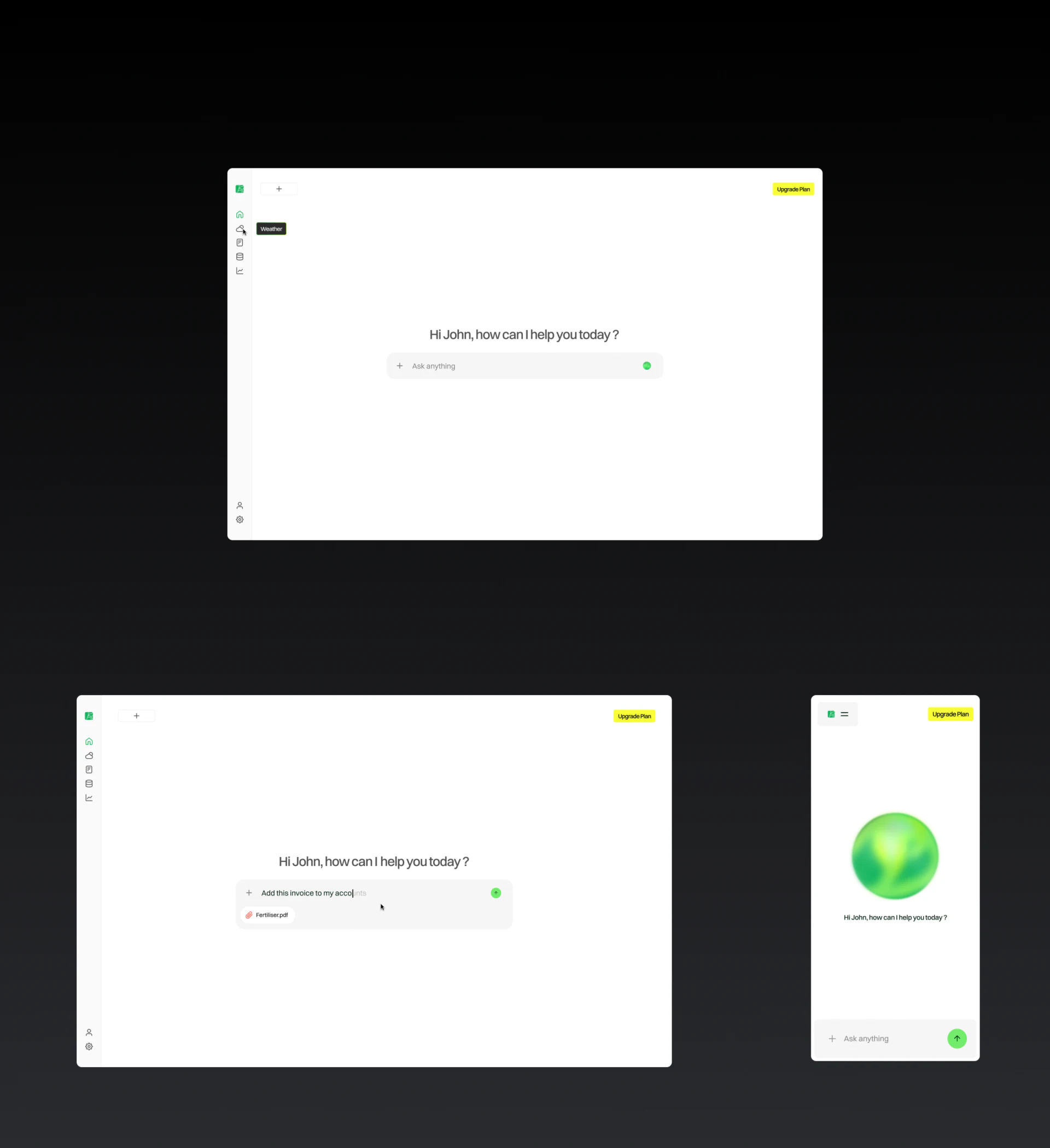
Truly useful vertical-industry AI interfaces employ structured, rich-media generative UI:
- A natural-language conclusion plus interactive spatial anchors: Keep the AI's written response concise. When it mentions a specific plot, greenhouse, or piece of equipment, directly embed a miniature map card or plot tile with a real-time status badge, such as
[A-03 Blueberry Greenhouse · Soil Moisture 28% — Low]. - Transparent, traceable evidence sources: Beneath the recommendation, list its supporting evidence in compact data pills, such as “Basis: sensor #S-104 shows increased evaporation over the past 6 hours + no rainfall forecast for the next 24 hours.” This gives frontline workers confidence to act on the AI's recommendations.
- Action buttons inside the chat bubble complete the workflow: At the bottom of each named plot's entity card, directly include buttons such as “Open Drip Irrigation Valve (Estimated 45 Minutes)” or “Dispatch Inspection Work Order.” Users can complete the entire journey from asking a diagnostic question to issuing an instruction without leaving the current interface.

















