
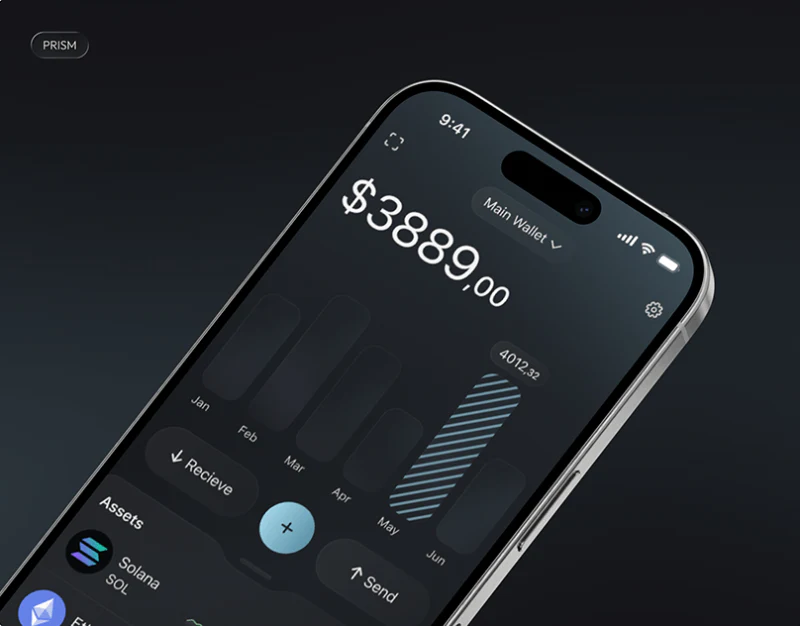
In multi-currency collection wallets for cross-border e-commerce, corporate treasury management systems, and digital asset wallets such as PRISM, nearly 80% of the screen content consists of numbers: total valuation, balances in each currency, converted values, 24-hour profit-and-loss percentages, frozen margin, transfer fees, and transaction histories. Without a strict visual hierarchy for these numbers, users can easily read the wrong row when making transfers or reconciling accounts, or even mistake the total valuation for the balance currently available to withdraw.
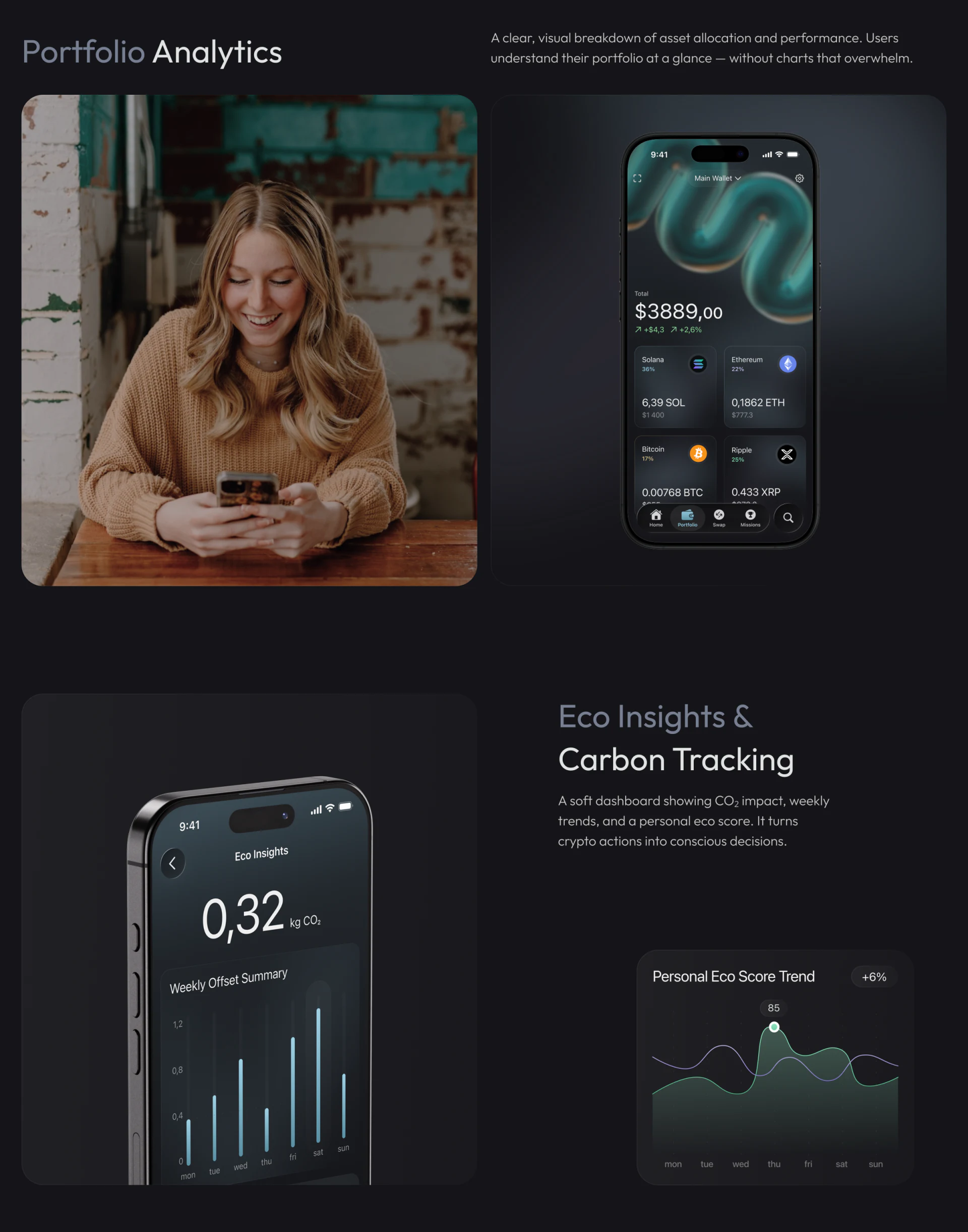
1. A Four-Level System of Numerical Roles in a Wallet Interface
In JVDS's standards for financial and enterprise products, we strictly divide wallet interface numbers into four visual levels:

| Numerical level | Business meaning | Recommended font size and weight | Color and supporting symbol rules |
|---|---|---|---|
| L1 Primary headline figures | Total account net value / Available balance of the currently selected currency | The largest type on the screen (32px–40px Bold), with tabular-nums enabled for equal-width alignment |
High-contrast pure black or white as the primary color; the two decimal places may use a slightly smaller font to reduce visual noise |
| L2 Status and change figures | Daily gains and losses, rate of return, pending or frozen amounts | Medium-sized type (14px–16px Medium), directly below the L1 figure or in a pill to its right |
Use semantic colors for gains and losses, always accompanied by + / - or ↑ / ↓ arrows to accommodate users with color vision deficiencies |
| L3 Main transaction amounts in lists | Individual incoming or outgoing transfer amounts and itemized subaccount balances | Main list text size (16px Semi-Bold), right-aligned to keep decimal points vertically aligned |
Highlight incoming transfers and receipts with a + sign; keep routine outgoing transfers in the standard primary text color |
| L4 Supporting conversion figures | Fiat-currency valuation corresponding to the original currency, such as USD converted to CNY, plus fees and timestamps | Small supporting text (12px–13px Regular), immediately below the L3 main amount |
Neutral light gray with a contrast ratio between 4.5:1 and 5.5:1, never competing for attention with the main amount |
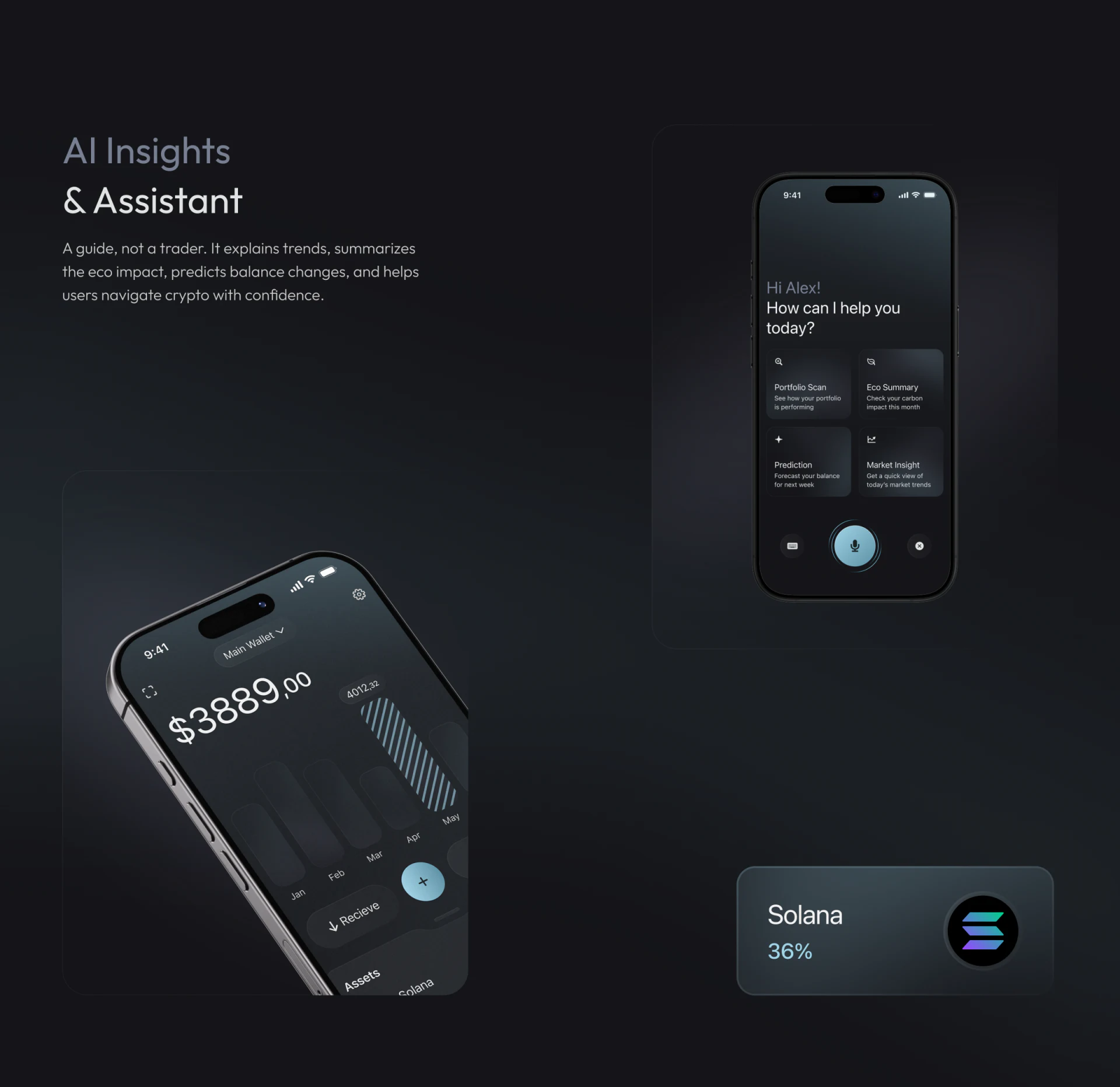
2. Separate Frequent Action Buttons Spatially from Asset Cards
Avoid cramming four small buttons—Deposit, Withdraw, Exchange, and Transfer—onto the right side of every currency row. Consolidate core operations into 3–4 global primary action buttons beneath total assets on the first screen. After a click, automatically carry over the currently selected currency as context, allowing the asset list to return to its clear, uncluttered role of reading and reconciliation.

















