
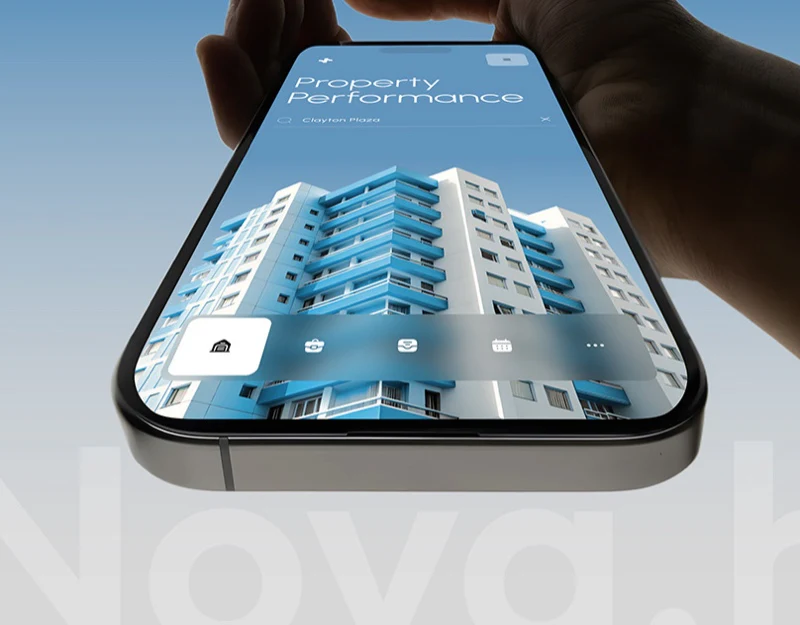
Nova presents property search, income and use, similar properties, and product features together. Blue search and yellow-green cards are prominent, but reading asks more specific questions: which property a value belongs to, which period it covers, and what can be compared. Visual hierarchy needs those definitions.
Key takeaways
- Property names, reporting periods, and calculation definitions should accompany metrics.
- Similar-property comparisons need consistent fields, units, and periods.
- Feature words and plans should map to identifiable capabilities.
Search results identify the object behind values
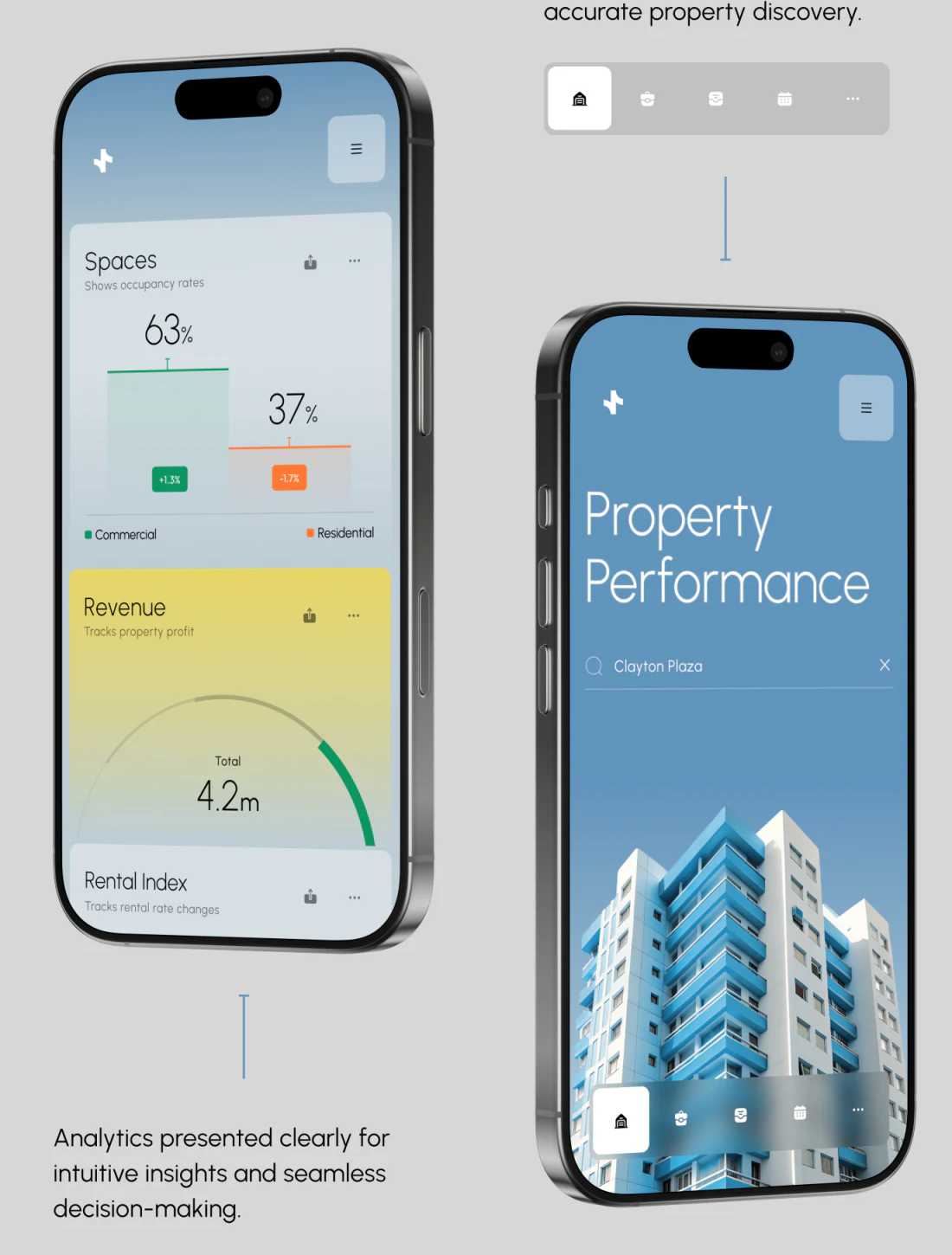
Blue Property Performance retains Clayton Plaza in search alongside a building photo, with translucent navigation below. Name and image identify ownership more clearly than generic city architecture.
Another phone shows green 63% and orange 37% with changes, then yellow Total 4.2m. Blocks distinguish information and emphasize totals. Labels describe occupancy, not area composition merely because percentages sum to 100. Revenue needs currency and period, with comparison baselines beside changes.
Similar properties need comparable fields
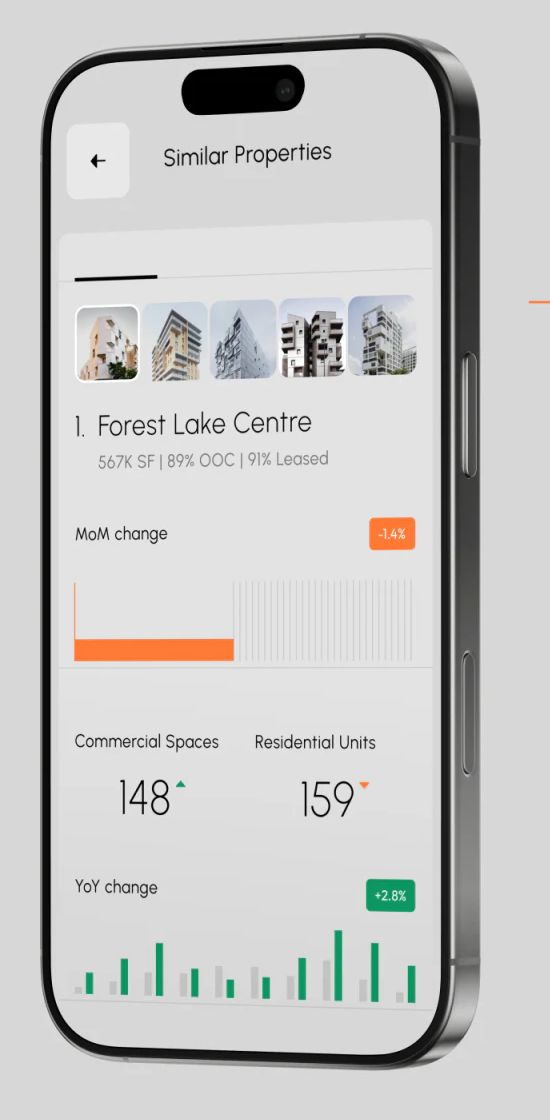
Five building thumbnails form a horizontal selector, with an outlined current item above Forest Lake Centre. Area and two percentages follow the name, concentrating comparison near the heading for scanning.
MoM and YoY have changes and bars, followed by commercial-space and residential-unit counts with colors and arrows. Period labels help, but mixed periods and units should not be directly ranked. OOC also needs checking and expansion so a small abbreviation does not distort the whole interpretation.
JVDS Design Studio prefers name, period, and calculation definitions alongside key metrics. Switching buildings or expanding cards should retain object and boundaries, with color assisting direction.
Features and plans need concrete capabilities
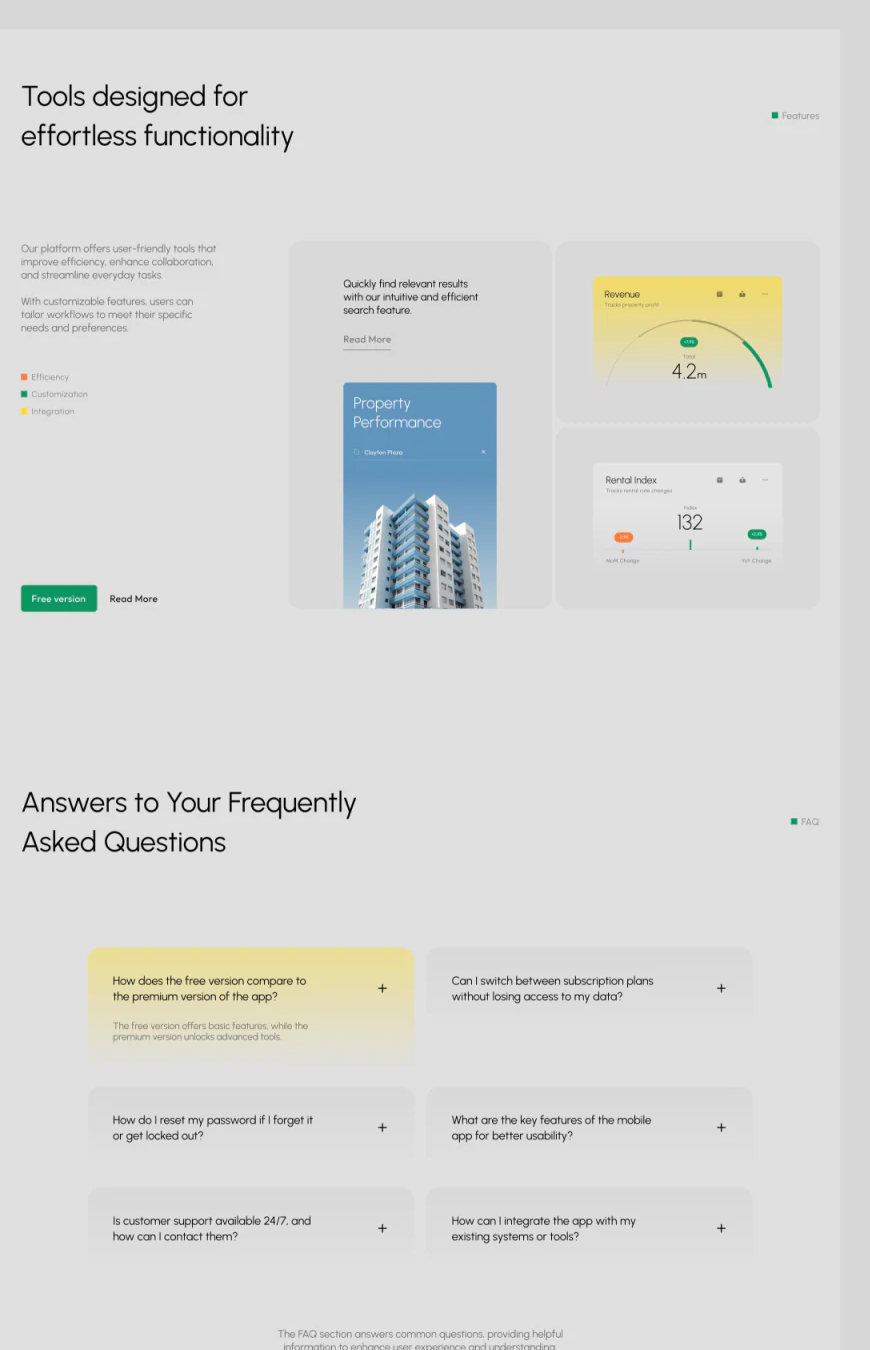
Efficiency, Customization, and Integration sit separately beside search, revenue, and leasing cards. Abstract capability paired with examples is more understandable than feature words alone. Green Free version makes a separate entry.
The first yellow FAQ explains free versus premium, while other cards cover plan switching, passwords, mobile, support, and integrations. They address common needs, but “basic” and “advanced” are broad. Specific functions, data scope, and limits would support choice and explain the effect of changes on existing materials.
Organize metrics before arranging data interfaces
Property and operations products need search objects, definitions, comparison periods, and permissions organized together. Clear relationships give colors, cards, and charts a meaningful reading sequence.
JVDS Design Studio provides UI/UX design, website design, and development services for analysis apps and companion websites around fields, property comparisons, and product explanations.

















