
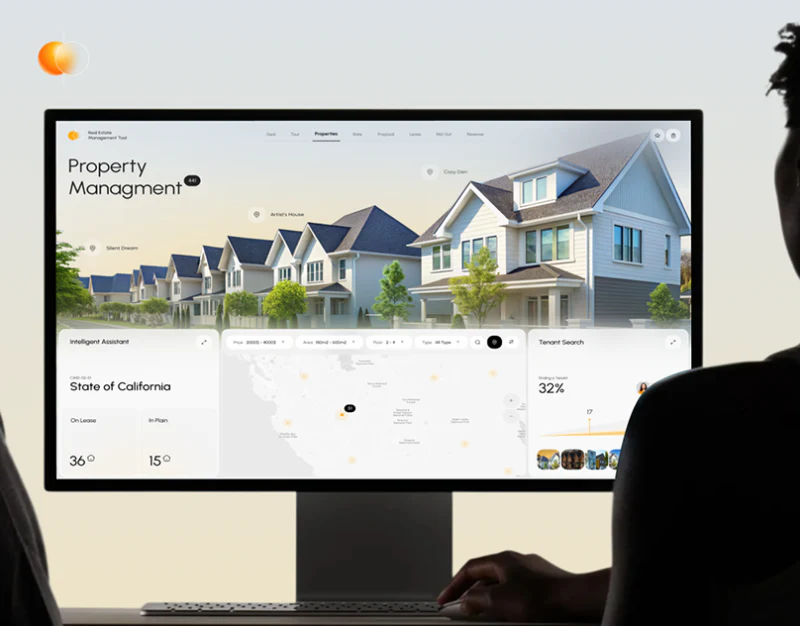
This Property Management concept places residential photographs, regional summaries, maps and tenant search in a pale workspace. Images identify the industry, while regions give different information room. Numbers and progress beside maps become useful when the page explains which property group each area concerns.
Key takeaways
- Maps, summaries and tenant tasks sit together for cross-reference.
- Filters and progress need explicit scope, units and objects.
Sections show locations and objects together
A large residence photograph tops the desktop, with regional summary left, map center and Tenant Search right below. These stable columns support checking location, property state and people together.
Every module should name its scope, explaining what follows region changes and what remains global. Adjacent cards do not automatically establish business relationships; property identifiers and task objects need words.
JVDS favors sizing areas around frequent tasks: everyday management can put pending work first and keep a residence image as an identity cue, while property presentation gives imagery more space. Proportions should follow use.
Selecting a map position could repeat its name or identifier in a property card and explain whether tenants concern that property or the whole region. Clearing selection should restore explicit regional scope. Modules need not all change color, but titles should explain changes.
Mobile filters give results context
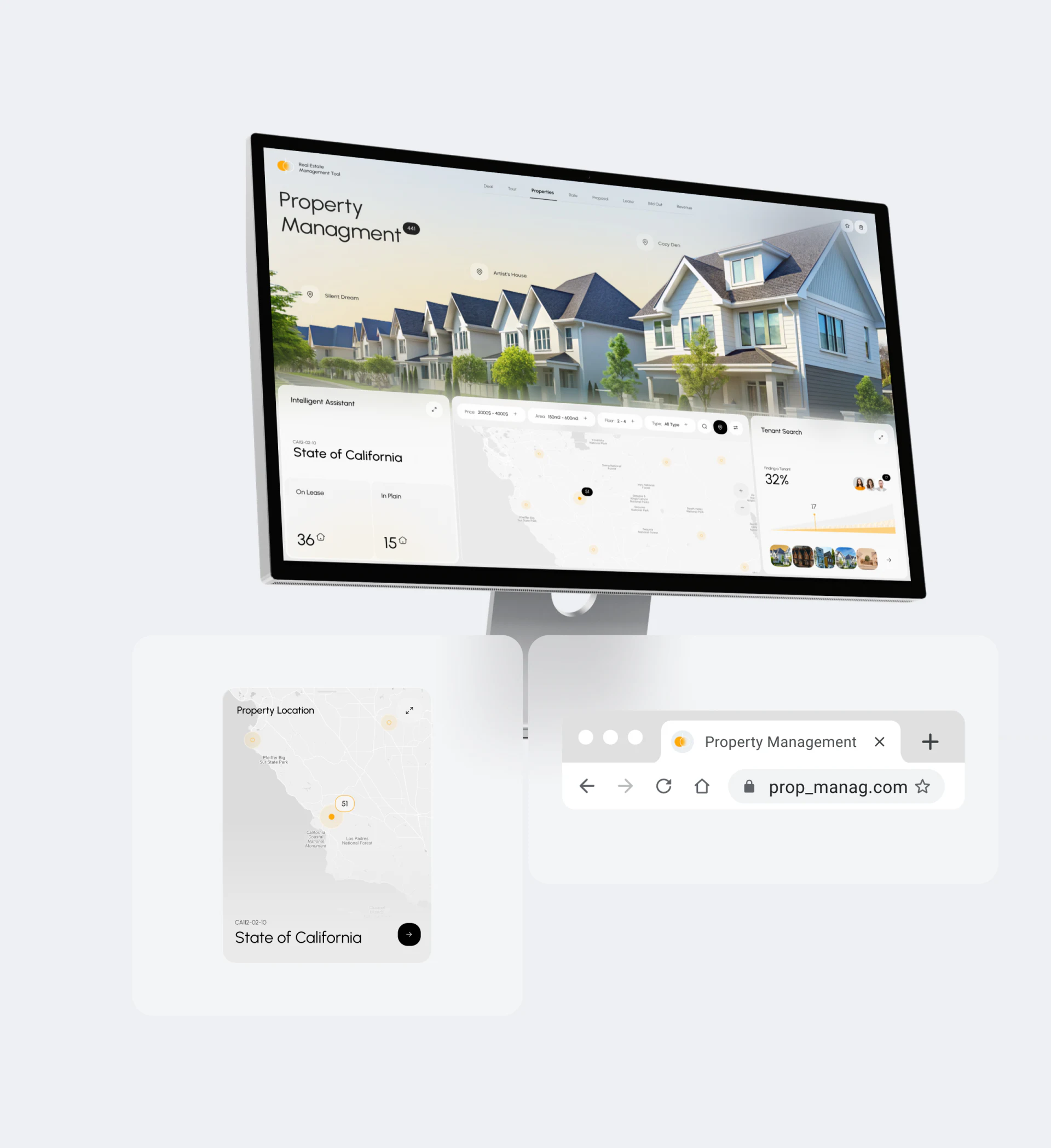
State of California, area and price-style conditions remain above Family House and Available near its image. Region, object and state share the screen, more understandable than a residence photograph alone.
Price ranges need currency and rental or sale period, and areas need units. Selected conditions, result count and clearing should remain visible, with cards or maps showing changed results.
An enlarged property card outside the phone is a component presentation. Actual readability needs the density inside the phone checked. Returning to lists should retain conditions and position for comparison within the same scope.
Tenant progress first needs a percentage definition
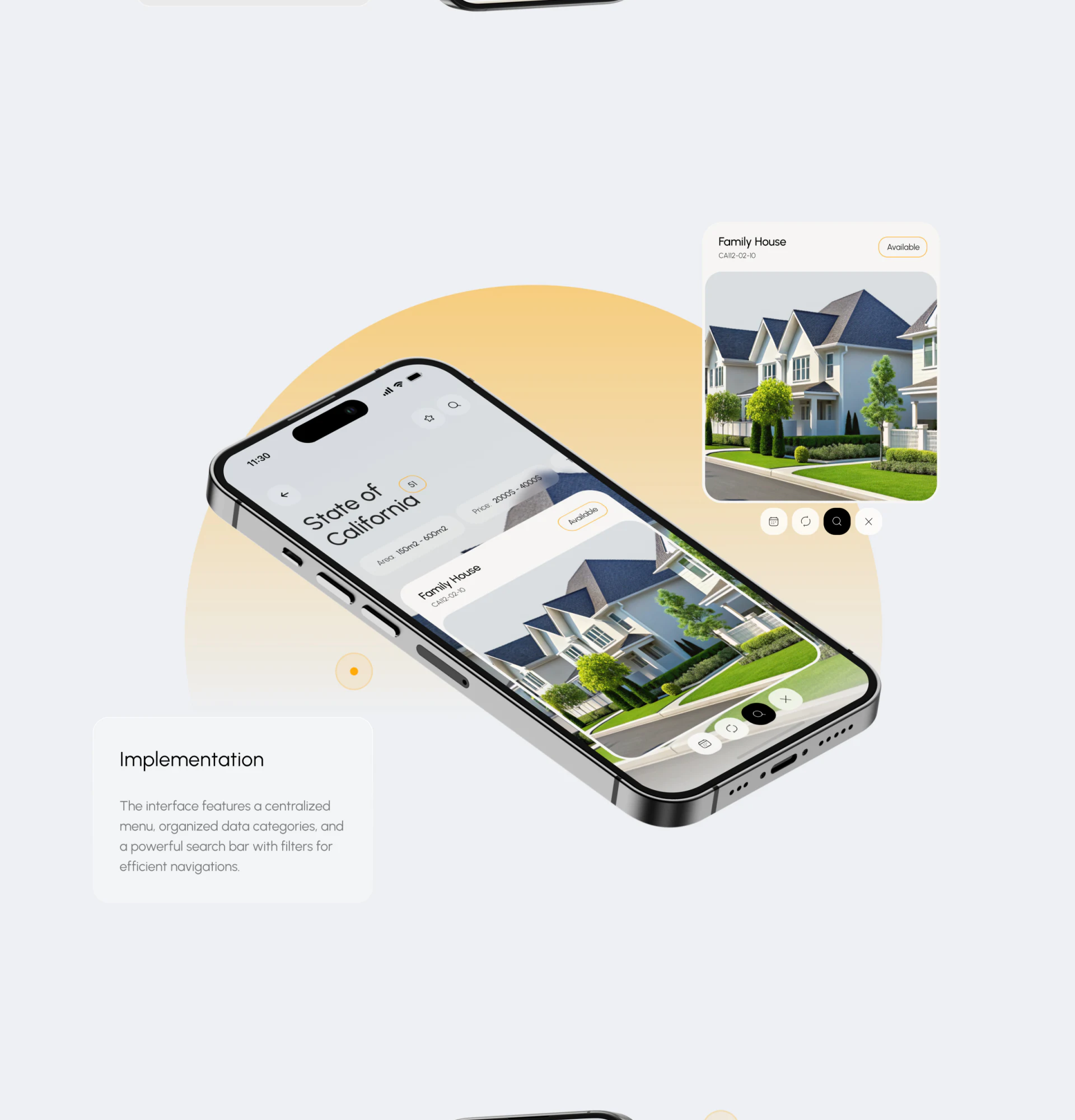
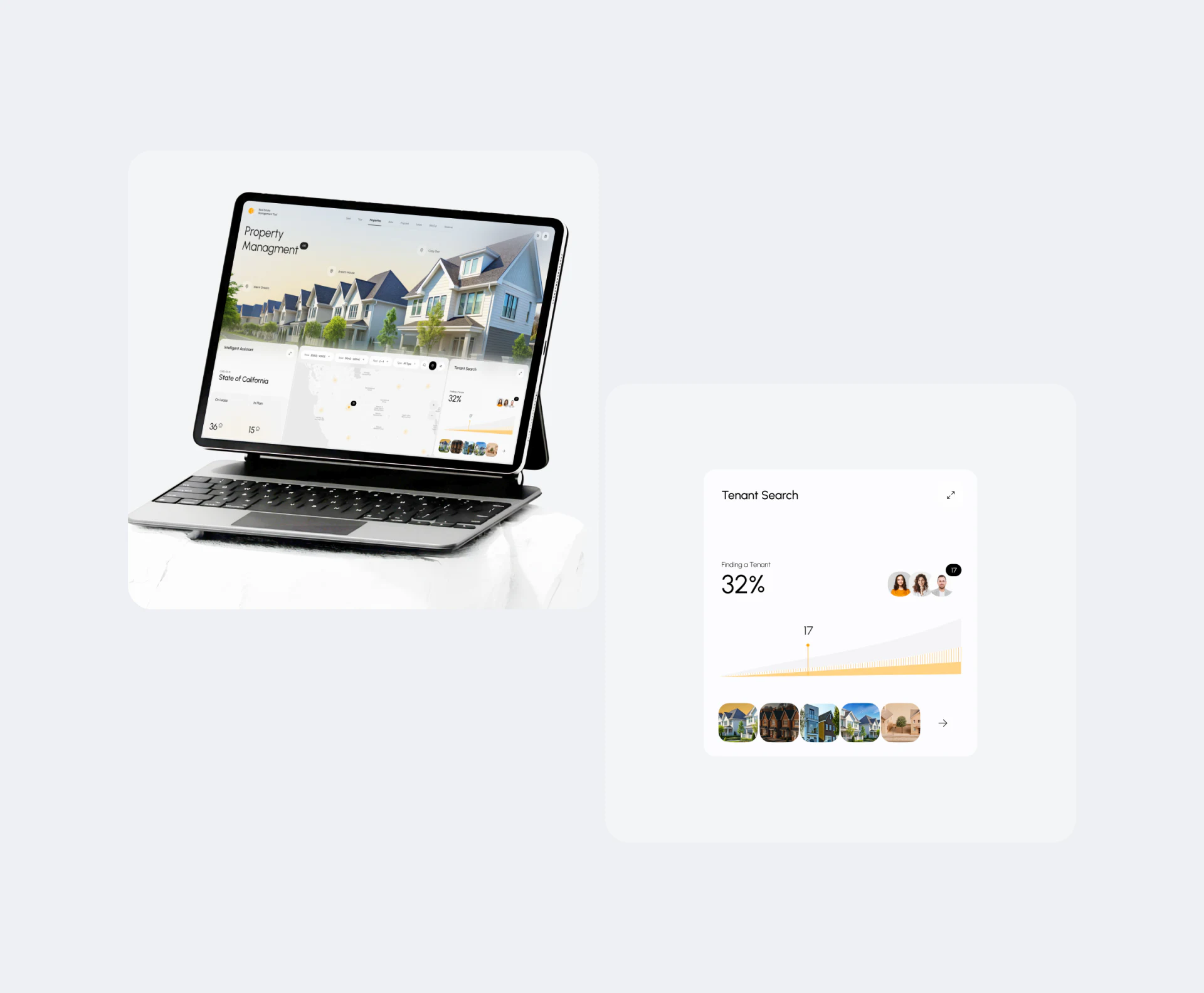
Tenant Search has a large 32% beside avatars, with a yellow trend shape and small property images below. People and properties identify search work but do not directly explain the percentage.
32% could mean a stage, match ratio or other statistic, needing its actual definition, stage and update time. The 17 below also needs a unit so size and trend do not imply established results.
Progress can link to a next task while retaining property, tenant or task identity. Administrators arriving from a map then know which location they continue handling instead of merely seeing another large number.
If avatars are responsible people, distinguish them from prospective tenants. If thumbnails represent several properties, offer an expandable list. Percentage, people and homes then have separate meanings without implying successful matching from adjacency.
Frequently asked questions
Should property management home pages use large photographs?
They help present properties, while frequent processing can prioritize pending tasks and objects. Allocate area by primary use.
What should tenant-search percentages explain?
Definition, object, stage or scope and update time, plus access to the next task. Trend shapes alone cannot explain them.
Design review checklist
- Clarify module scope after region changes.
- Give prices and areas units and conditions.
- Connect progress to specific task objects.
Align property search and management tasks
Property software can establish shared region, property and tenant-task identifiers before arranging maps, filters and overviews.
JVDS provides UI/UX design and website design and development. We can work through page content, interface structure and implementation needs together.

















