
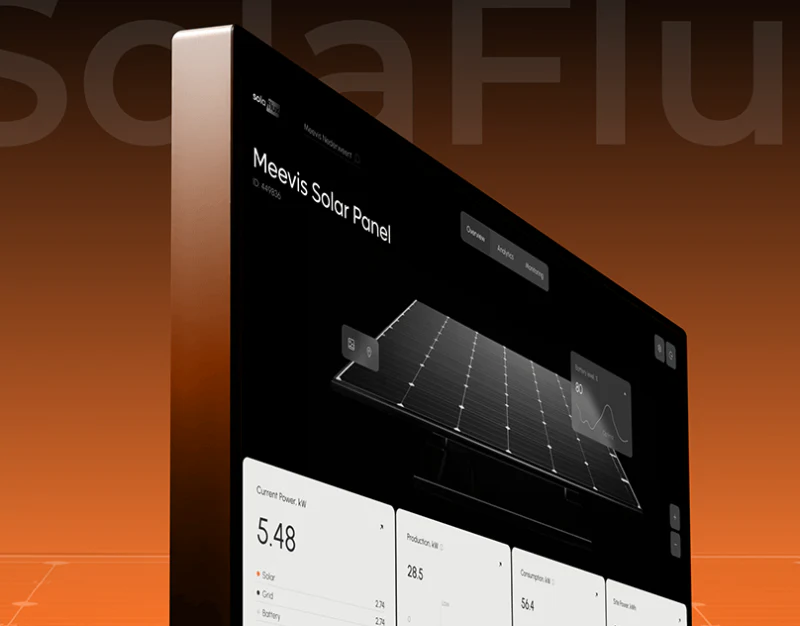
In industrial Internet of Things (IIoT) projects involving photovoltaic plants, energy-storage arrays, smart factories, and projects delivered by our team such as the Smart Reservoir Manager | Visual Data Management Center, clients often want striking 3D equipment models on monitoring displays and mobile dashboards. Yet during inspections and troubleshooting, frontline engineers commonly complain: “There are 20 identical-looking 3D inverter or pump models on the screen. I cannot tell which physical device is triggering the alarm!”
1. Why are equipment IDs and spatial positions more important than rendered lighting?
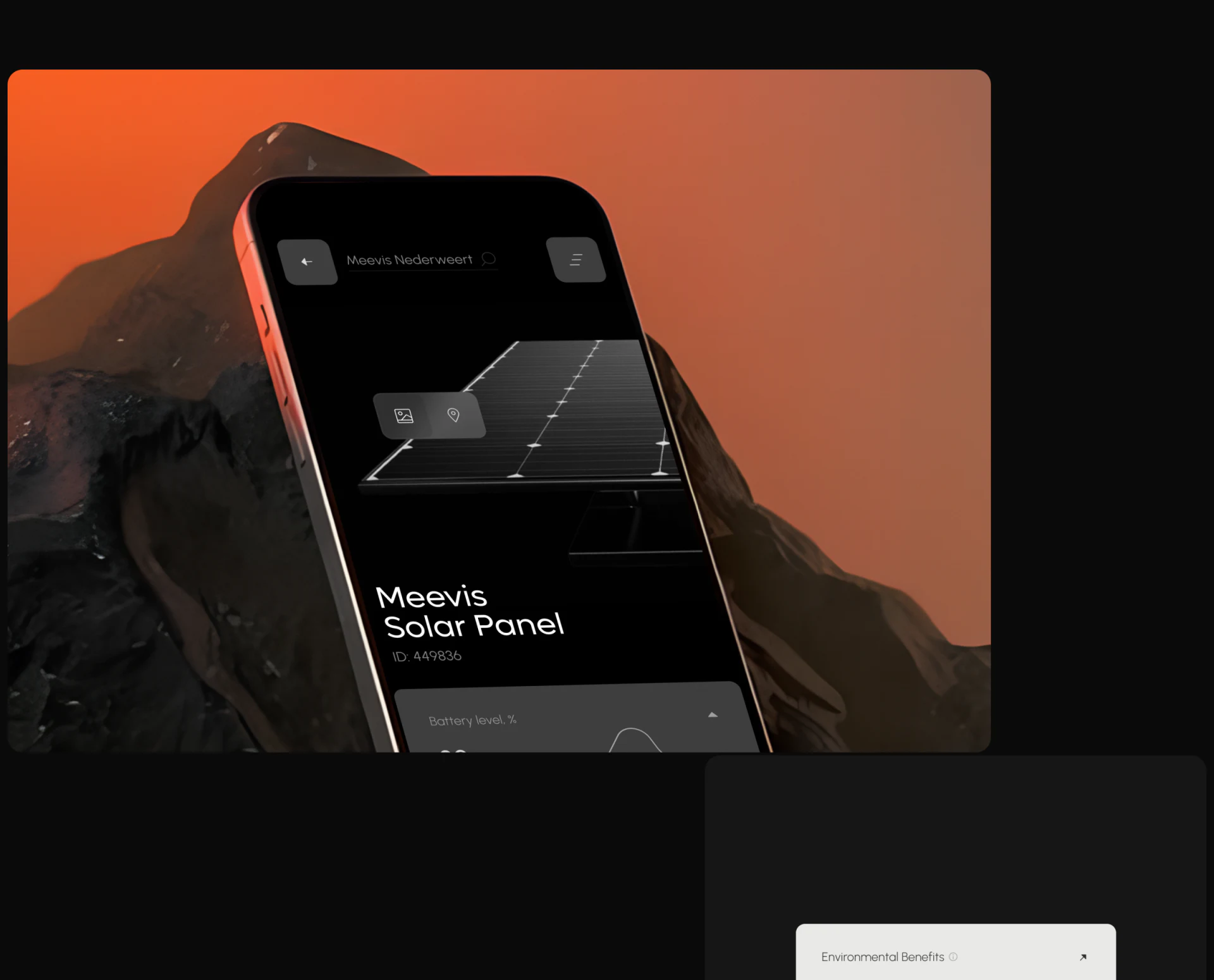
In industrial monitoring, a 3D model helps operators understand physical conditions intuitively, such as blade rotation, whether a battery cabinet door is open or closed, or an array's orientation. But the unique reference used to issue work orders, carry out on-site maintenance, and retrieve historical data is the equipment identity: its Asset ID, serial number, or position code:
- Keep a high-contrast identification label beside the model's base: On both large desktop displays and mobile inspection interfaces, consistently show
[Equipment area name] + [Unique equipment ID, such as INV-B04-02] + [Current operating status badge]directly beneath the 3D model or at a floating anchor point. - Keep alarm colors separate from normal operating states: During normal operation, use restrained dark-gray or carbon-black backgrounds and models, with limited theme colors such as amber orange or technology blue to indicate energy flow. When a device triggers an overheating or offline alarm, highlight and flash only that device's ID label and relevant components. Avoid filling the whole screen with red and causing visual fatigue.
2. Separate motion in the 3D display from stable 2D data reading
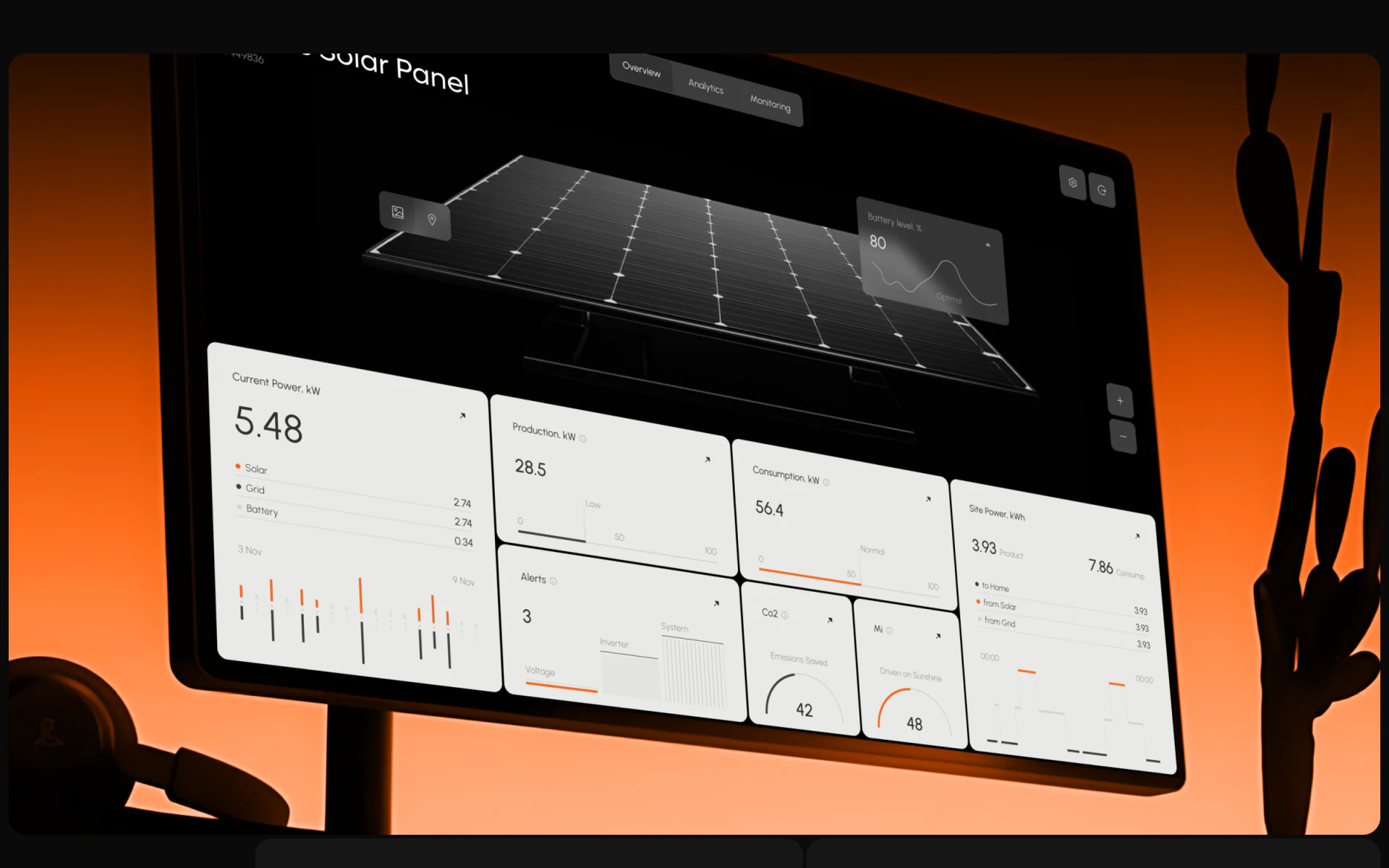
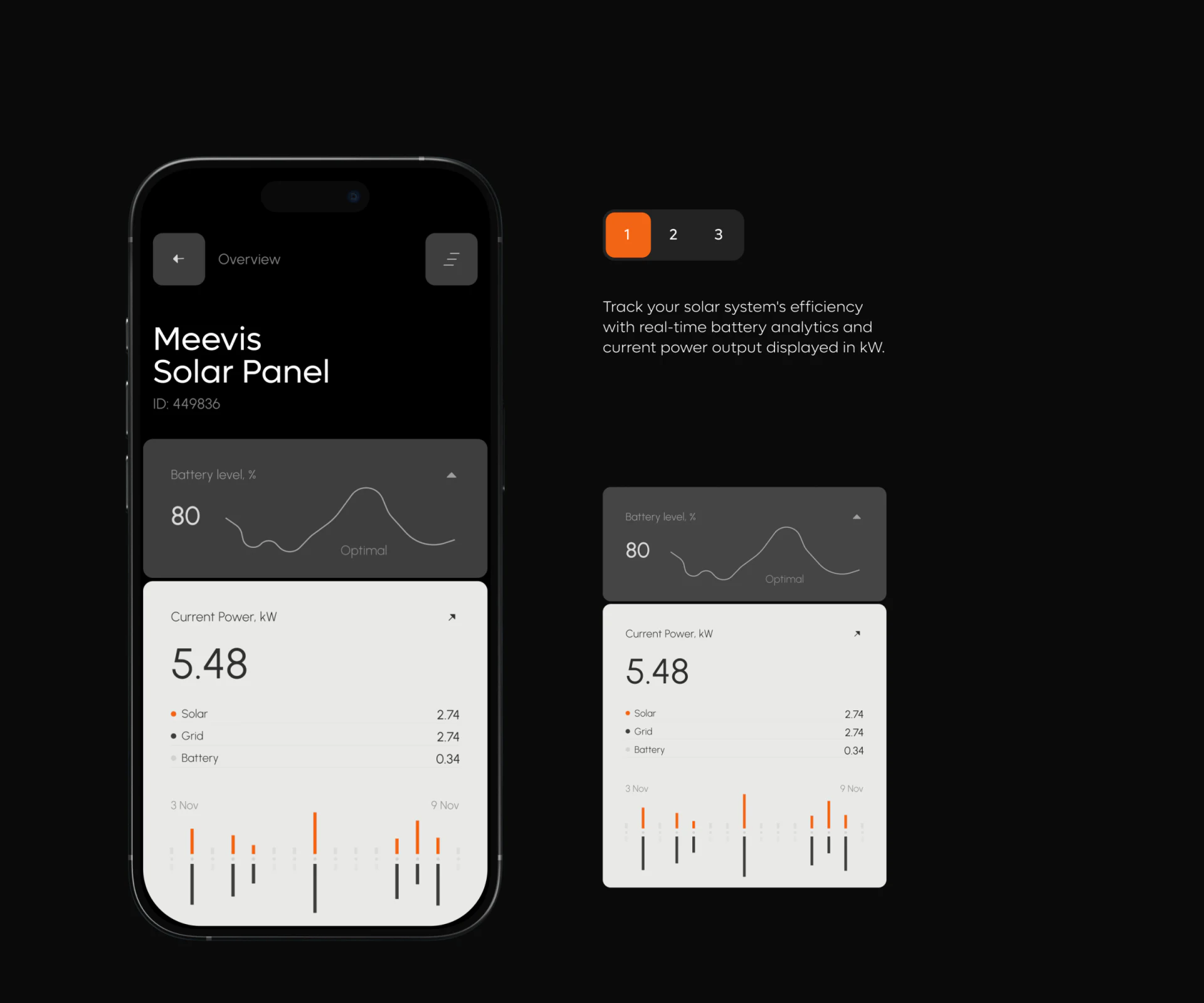
Do not put power output, voltage, current, or historical line charts on translucent angled panels floating above rotating 3D models. Perspective distortion seriously interferes with reading numbers. A properly structured industrial dashboard uses a split layout: a 3D status area on the left or in the center, and high-contrast flat white-gray metric cards on the right. The 3D model establishes location and condition; orthogonally aligned cards support precise readings and trend comparisons.

















