
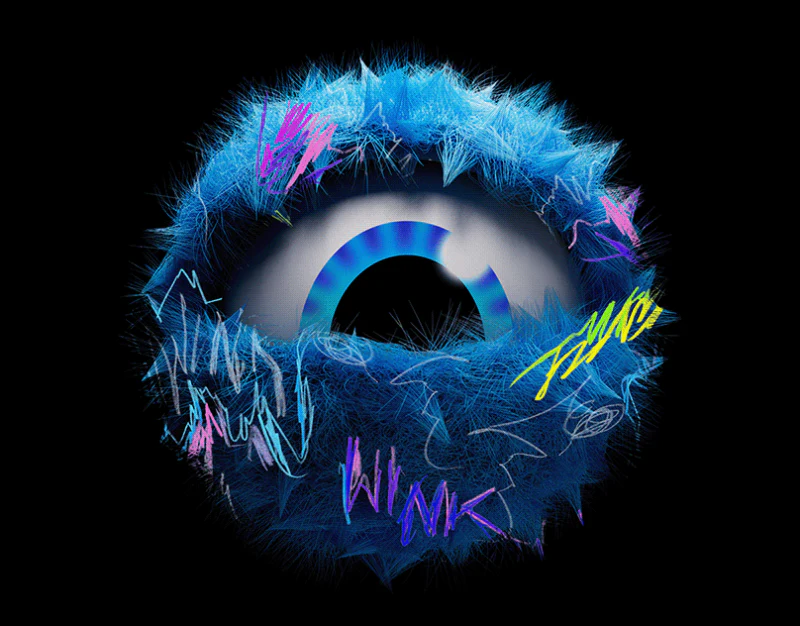
When starting the design of a new app or mini program, many businesses want to maximize the sense of their brand. They ask designers to make the home-screen app icon highly complex, then fill every in-app page background, navigation icon, empty state, and loading animation with three-dimensional gradient brand logos. Once the product launches, the whole interface looks cluttered and overworked, and users struggle to find its core features.
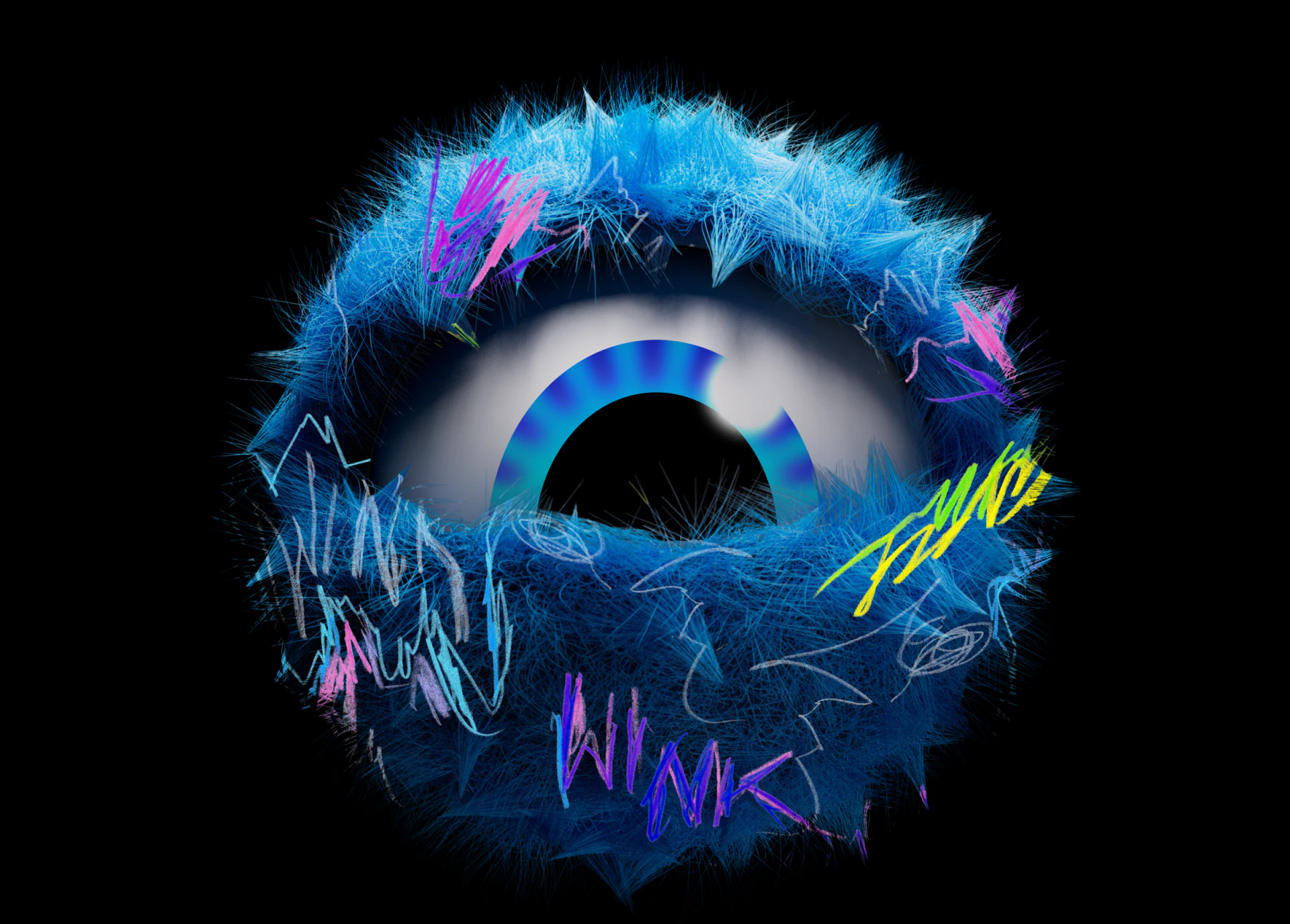
In mature integrated brand visual and UI/UX design, different types of brand assets follow strict principles for where they belong and how their complexity should be restrained:
1. The Responsibilities of Four Types of App Brand Assets
| Brand asset type | Touchpoints where it appears | User dwell time | Core visual strategy and complexity control |
|---|---|---|---|
| Home-screen app icon | Phone home screen and App Store search results | 0.5–1 second to locate the app quickly | Recognition through a minimal silhouette: Remove all tiny text and unnecessary lines. Ensure that the brand color and core shape remain immediately recognizable when reduced to 29×29pt in the notification bar |
| Key visuals for store promotion and onboarding (KV) | App store screenshots, first-install onboarding screens, and marketing landing pages | 3–10 seconds to build anticipation | Expressive brand storytelling: Rich 3D materials, brand illustrations, or composited scenes can quickly communicate the product's core value and sense of quality |
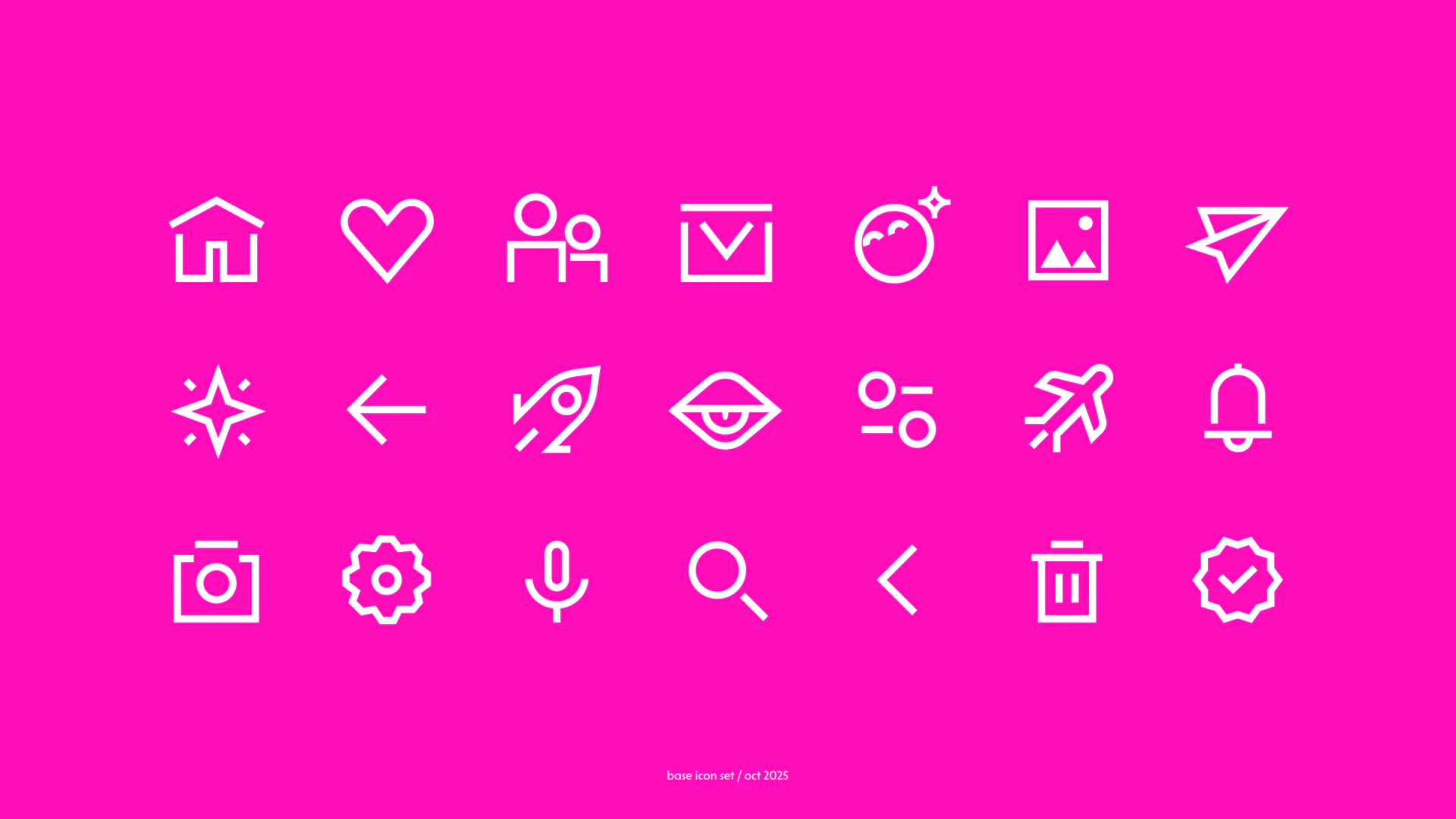
| In-product functional icons (System Icons) | Bottom tab bars, toolbars, and settings lists | Frequent everyday interactions | Highly legible functional tools: Strictly follow consistent stroke widths, such as 1.75px/2px, and grid specifications. Introduce only small amounts of the primary brand color in the selected state of bottom tabs |
| Microinteractions and empty-state illustrations | Pull-to-refresh interactions, task completion screens, and no-data pages | 1–3 seconds of emotional respite | Lightweight brand surprises: Without interrupting the interaction flow, use restrained graphics that echo the brand's tone to relieve the tedium of waiting or encountering errors |
2. Follow the Rule: The Closer to Frequent Actions, the Less Brand Decoration
On login screens, membership purchase pages, or annual report sharing screens, the brand's key visual can occupy more than 50% of the screen. Once users enter an editor, data table, or chat window they use frequently, brand visuals should deliberately recede to 10% accent color—for example, the primary action button or selected-state indicator—so users can read the content itself efficiently.

















