
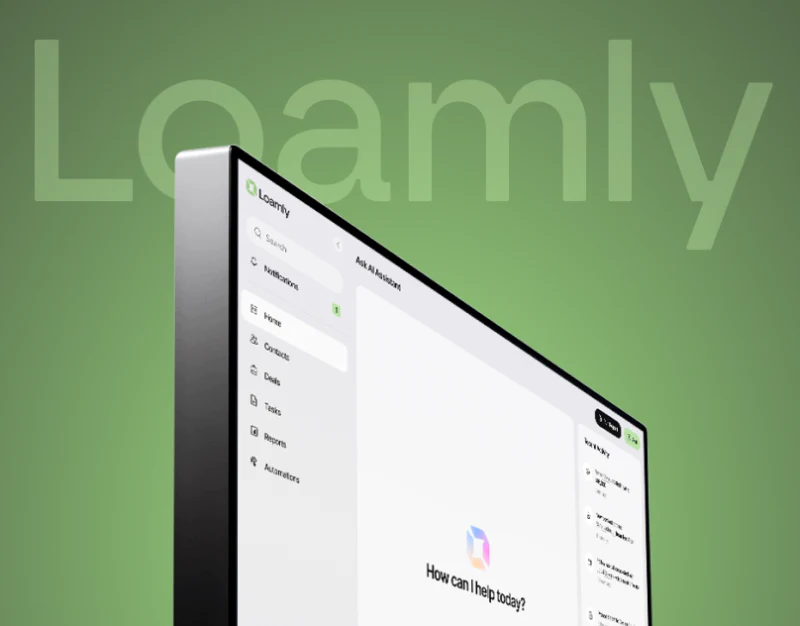
Loamly brings a contact table, detail sidebar, suggestions, files and deal schedules into one light interface. Details are available without leaving the list, while other modules supply material for further work. The important relationship is whether all of this leads back to the correct contact and deal.
Key takeaways
- The table and sidebar share a contact identity, while suggestions need a defined execution scope.
- File versions and deal schedules each retain their objects and states.
The table and sidebar establish identity together
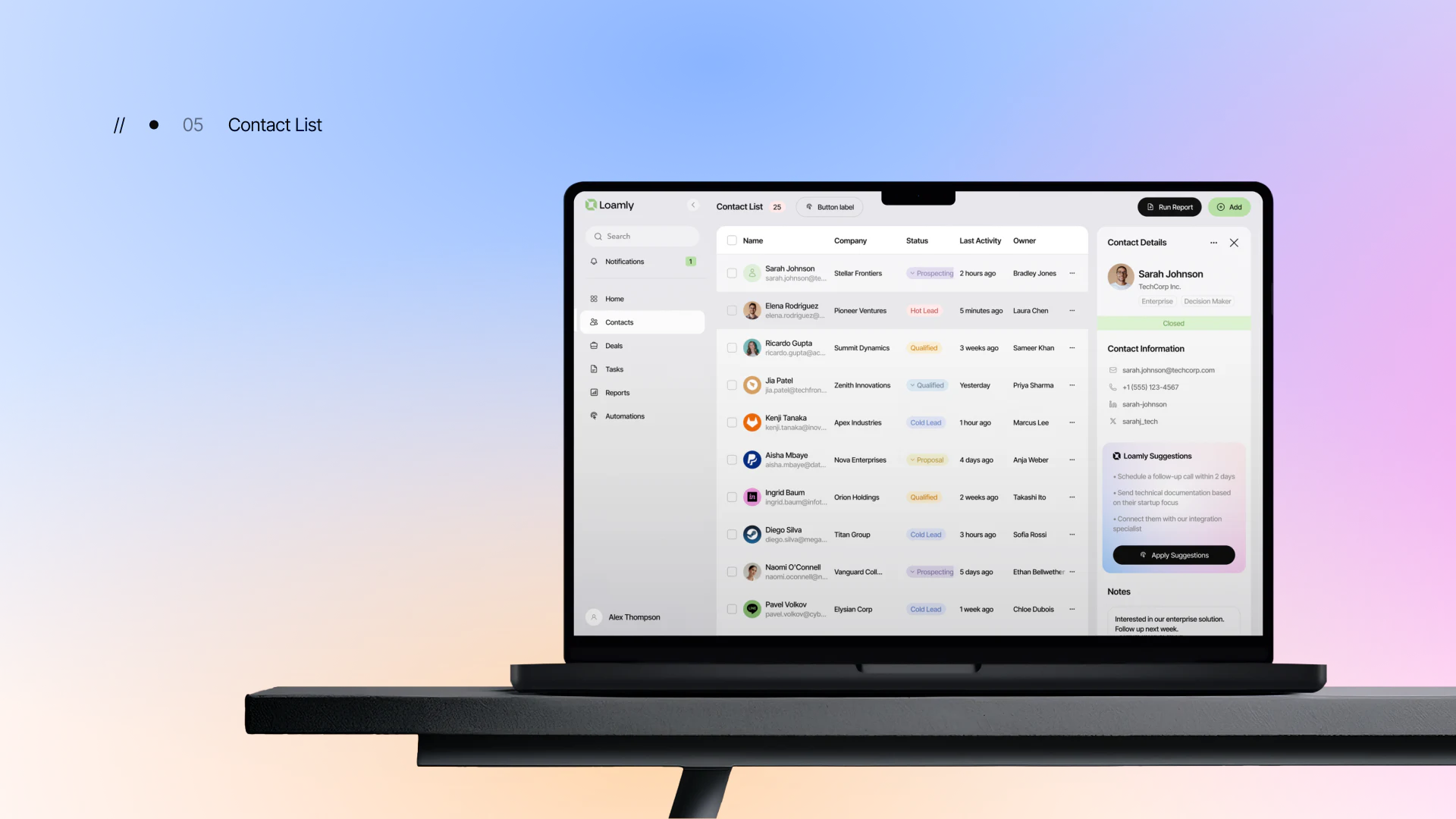
The contact table arranges name, company, status, latest activity and owner. The detail area adds contact information, suggestions and notes. Their information densities have different purposes: the table supports comparison, the sidebar a closer look at one person.
The current row should retain a stable selection cue, and the sidebar title a name, company or record identifier. Shared names, company changes or multiple deals can make position alone insufficient. Key identity fields should be consistent on both sides.
JVDS prefers establishing the selected person before acting on suggestions. Switching contacts should have an explicit outcome for unsaved notes; an unchanged sidebar shape should not obscure that its content now concerns someone else.
Suggestion cards can explain a basis and next step, but Apply Suggestions needs a clear scope. Creating an internal task, preparing material and sending something externally have different results. A confirmation area should let users inspect and revise them individually.
File cards need types and versions
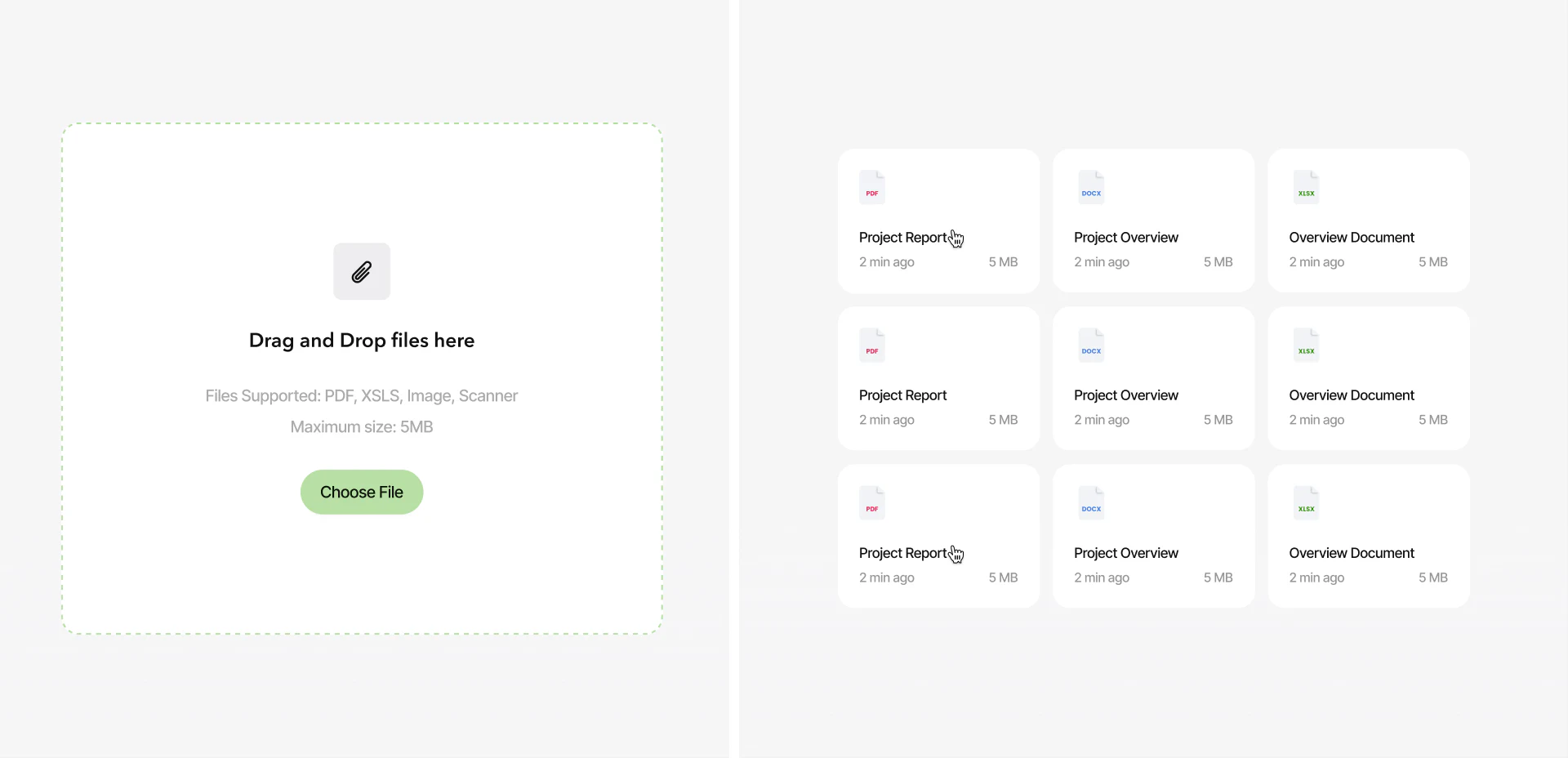
The upload area retains drag-and-drop and Choose File on the left, with nine file cards arranged regularly on the right. Name, time and size occupy consistent positions. The repeated frame supports scanning, while type icons provide an initial distinction.
Repeated names such as Project Report and Project Overview make dates and versions more useful. Associated deals, uploaders or version identifiers can clarify which file is being selected. Icon colour alone is insufficient.
Supported types should agree with the actual cards, and upload restrictions should be clear before the action. Success, failure and processing can report in a consistent place, so that the appearance of a card is not mistaken for a usable file.
Opening or linking a document should preserve contact or deal identity and explain the work it belongs to. File management concerns the scope and version of each document as well as the number of files.
Schedules and deal stages need separate meanings
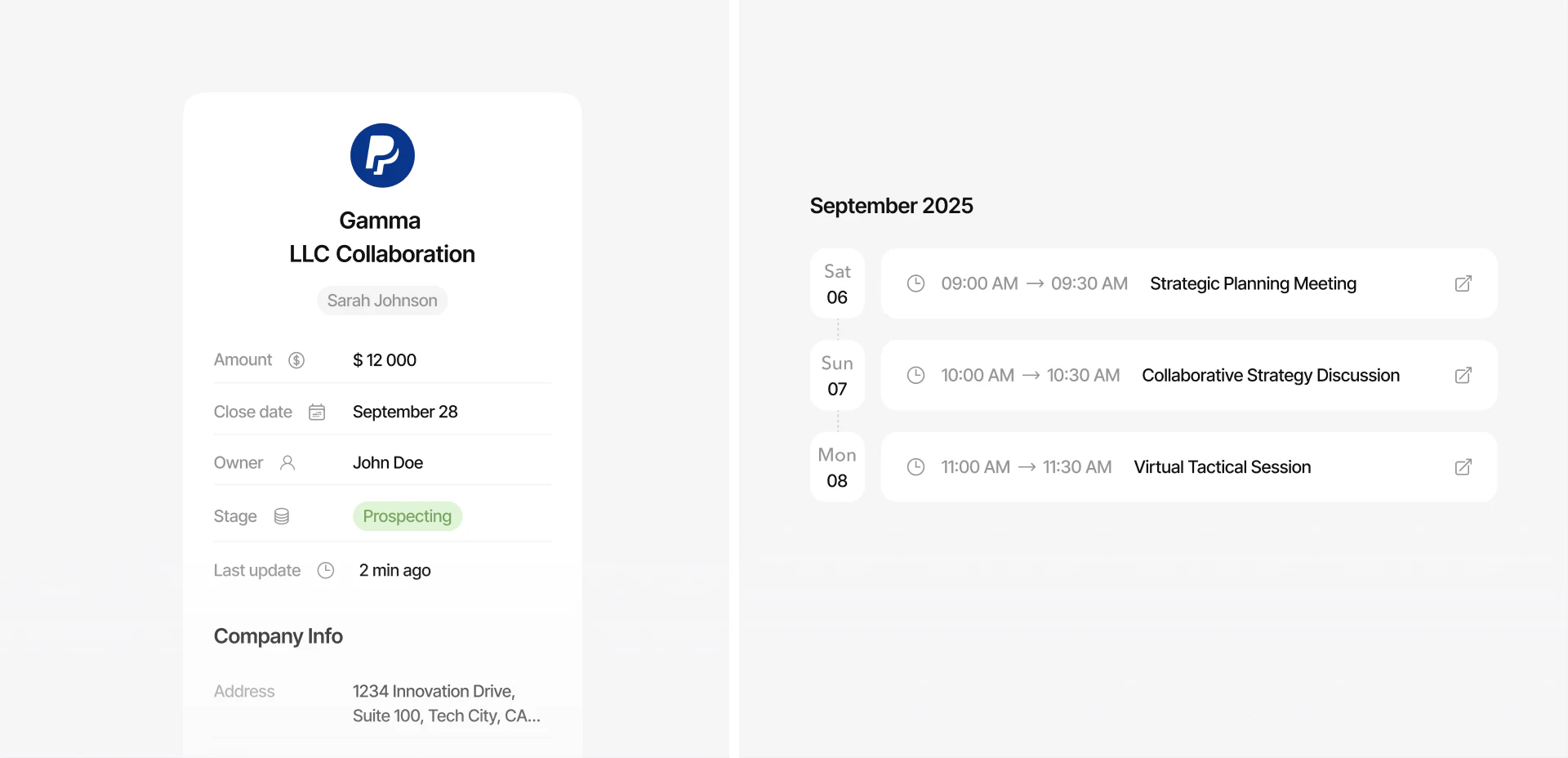
Deal details list amount, Close date, Owner, Stage and update time on the left. Meetings appear by date on the right. Fields beside appointments provide background without requiring a search across pages.
A close date may be a target and does not automatically mean completion. Stage describes the current phase, while a meeting describes an arrangement. Name these states separately so that changing a meeting does not imply a changed deal stage.
Meeting entries would benefit from participants, time zones and relevant material. Further scheduling should repeat the deal and object identity. A related suggestion should also explain whether it creates a meeting, task or invitation.
Returning from a contact to a deal and then to the list can retain selection and original filters for continued follow-up. A stable identifier connects tables, files, suggestions and schedules, making the workspace checkable.
Frequently asked questions
Should CRM suggestions all execute with one click?
Suggestions affect different objects, so expose their scope and editable content first. Internal tasks and external actions particularly need separate explanations.
Does a close date mean the deal is complete?
Interpret it alongside the field definition and current Stage. A target date and completed state should be separate, and meetings cannot substitute for stage changes.
Design review checklist
- Keep current-row and sidebar identity consistent.
- Make file types, versions and ownership clear.
- Explain the objects and outcomes of suggestions and meetings.
Connect contacts, documents and follow-up
A CRM can establish stable identity and deal relationships before planning sidebar suggestions, file versions and meetings.
JVDS Design Studio provides UI/UX design, website design and development, helping organise page content, interface structure and implementation requirements.

















